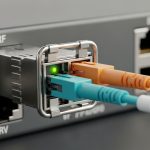
When an uplink stays dark or link flaps after a transceiver swap, the culprit is often not the fiber, but the Meraki switch optics you installed. This guide helps network engineers and field technicians choose the right SFP for Meraki MX appliances, verify electrical and optical compatibility, and deploy with repeatable confidence. You will learn selection criteria, a deployment-ready checklist, and troubleshooting steps grounded in real operations. Update date: 2026-04-30.
Prerequisites before you touch Meraki MX SFPs
Before ordering or inserting modules, gather the facts that actually predict compatibility: the MX model, the interface type, and the optical budget needs. Meraki MX appliances typically use SFP or SFP+ cages depending on the platform; mixing module families can work electrically but fail optically or at the optics diagnostics layer. Confirm your current link speed (10G vs 1G) and whether you need single-mode or multi-mode reach. Also ensure you can read DOM data (Digital Optical Monitoring) if your workflow depends on it.
What to collect on site
- MX appliance model number and port label (for example, “WAN SFP” or “LAN SFP” naming on the chassis).
- Fiber type and patching: OS2 single-mode or OM3/OM4 multi-mode; connector type (LC is most common).
- Target distance in meters and expected fiber attenuation (dB/km) if you have it.
- Current transceiver part number and vendor markings if the port previously worked.
- Access to the Meraki dashboard to confirm link state after insertion.
Expected outcome: You can map each physical port to the correct optical standard and avoid “guess-and-pray” module selection.
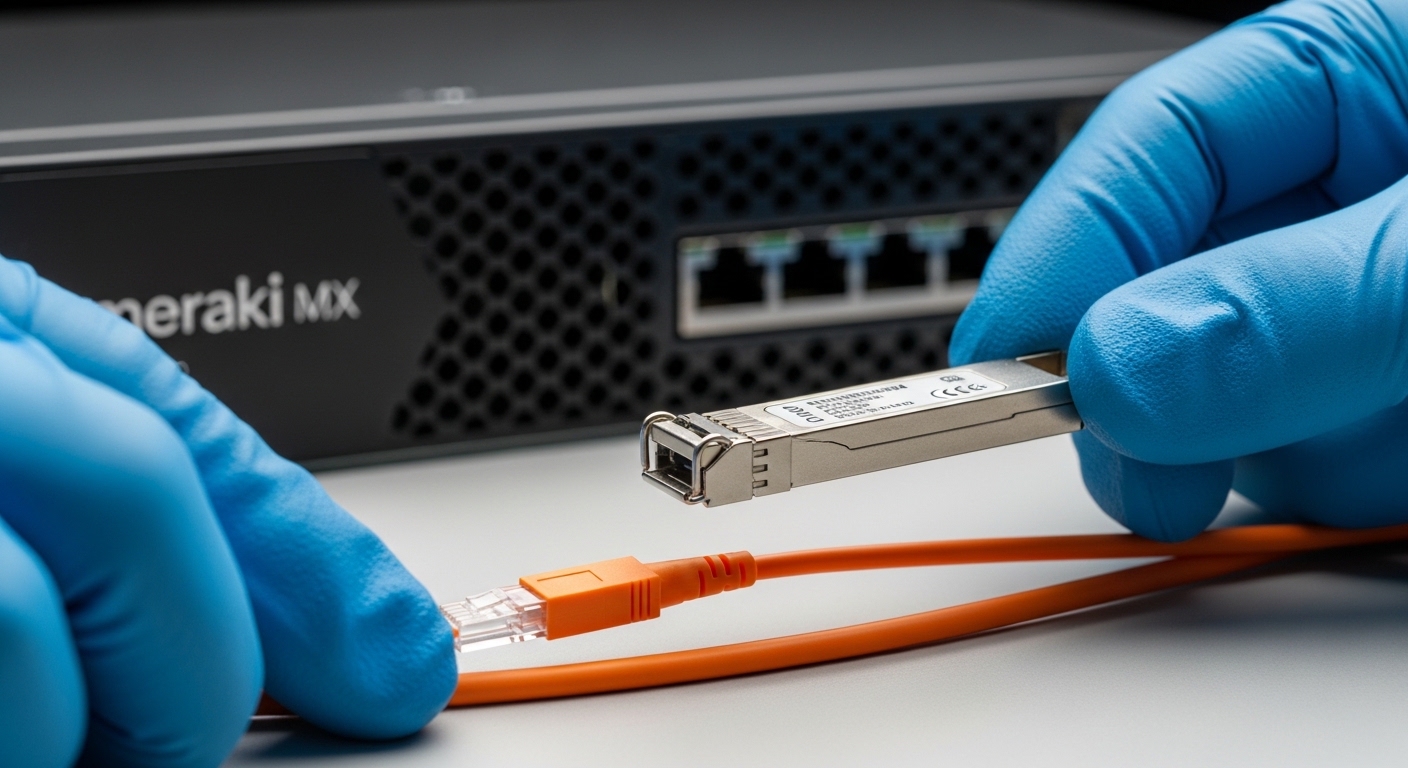
Step-by-step: match SFP electrical signaling and optical standard
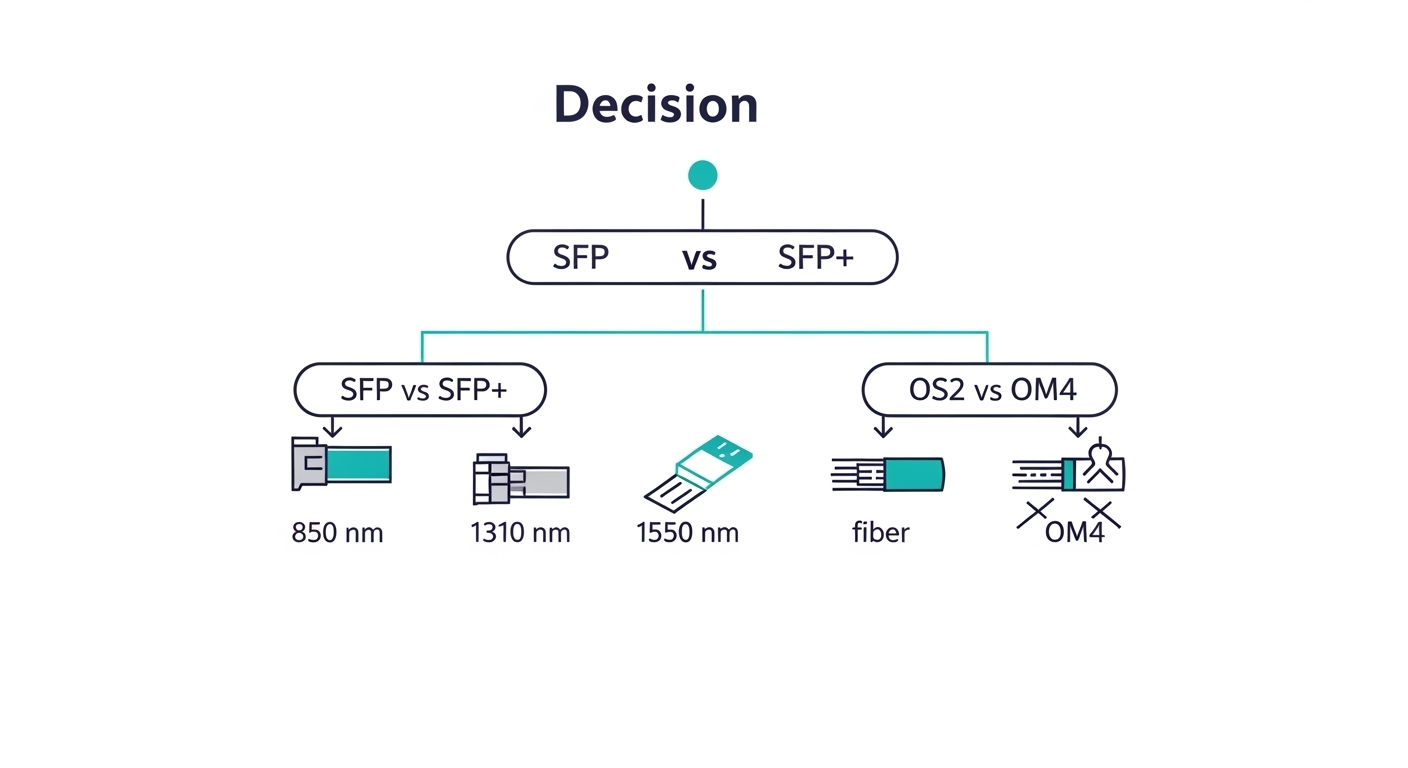
Meraki MX appliance SFP behavior is governed by standard optics interfaces (electrical lane rate and optical wavelength), plus vendor-specific implementation details like EEPROM layout and DOM support. Your first decision is whether the port is expecting 1G SFP or 10G SFP+ optics. Next, pick wavelength and fiber type: 850 nm for short-reach multi-mode, 1310 nm for longer multi-mode or many single-mode scenarios, and 1550 nm for extended single-mode reach.
determine the port speed and cage type
On the Meraki dashboard, check the interface speed and status for the affected port. If the port is provisioned for 10G, installing a 1G SFP will either fail to negotiate or will lock at an unintended mode depending on the platform. If you are unsure, remove the module and inspect the cage marking (SFP vs SFP+ is usually visible on the chassis and on the module form factor).
Expected outcome: You prevent a speed mismatch before you even evaluate optical reach.
compute reach with a safety margin
Use a simple budget: link loss (dB) = fiber attenuation + connector/splice loss + patching loss. For example, if your single-mode fiber is 1.5 km at 0.35 dB/km, fiber loss is about 0.525 dB. Add conservative patch and splice loss, say 1.0 to 2.0 dB total, and ensure your transceiver budget is not just “barely enough.” Field practice favors leaving at least 3 dB margin for aging, dirty connectors, and occasional higher loss during maintenance.
Expected outcome: Your selected optics will meet power budget under real-world cleanliness and aging.
verify DOM and EEPROM behavior
Many SFPs provide DOM via I2C-accessible EEPROM fields; when the platform reads DOM, it can use diagnostics to validate type, wavelength, and receive power thresholds. Even if a module “lights up,” mismatched DOM expectations can cause monitoring gaps or warnings. Prefer modules that explicitly state DOM compatibility and provide accurate diagnostics fields (vendor datasheets are your best evidence).
Expected outcome: You get stable link behavior plus actionable telemetry in operations.
Compatible SFP options: what to compare before you buy
Compatibility is not only about wavelength and reach; it is also about electrical compliance, connector style, and temperature grade. The tables below summarize common SFP optics categories engineers consider for Meraki MX appliance deployments. Use them as a comparison lens, then validate against vendor datasheets and any Meraki guidance available for your specific MX model.
| Module type | Wavelength | Typical reach | Data rate | Connector | Power/DOM | Operating temp |
|---|---|---|---|---|---|---|
| SFP (1G) SX | 850 nm | ~300 m (OM3) / ~400 m (OM4) | 1.25G | LC | DOM often available | -5 to 70 C (typical) |
| SFP+ (10G) SR | 850 nm | ~300 m (OM3) / ~400 m (OM4) | 10.3125G | LC | DOM recommended | -5 to 70 C (typical) |
| SFP+ (10G) LR | 1310 nm | ~10 km (OS2) | 10.3125G | LC | DOM recommended | -5 to 70 C (typical) |
| SFP+ (10G) ER | 1550 nm | ~40 km (OS2) | 10.3125G | LC | DOM recommended | -5 to 70 C (typical) |
Standards and references: SFP/SFP+ optical behavior aligns with Ethernet physical layer requirements in IEEE 802.3 and vendor module specifications; consult vendor datasheets for exact optical budgets and DOM fields. [Source: IEEE 802.3] [Source: Cisco SFP and optics documentation] [Source: Finisar optics datasheets]
Concrete module examples you may see in the field
Depending on your MX port requirements, engineers commonly evaluate modules like Cisco SFP-10G-SR, Finisar FTLX8571D3BCL, or third-party equivalents such as FS.com SFP-10GSR-85. Always treat “it’s the right wavelength” as necessary but not sufficient; confirm form factor (SFP vs SFP+), data rate, and DOM support. Compatibility can vary by MX model and firmware.
Expected outcome: You shortlist optics that match the port’s speed and your fiber type before you install.
Deployment scenario: 10G uplinks in a leaf-spine campus
In a 3-tier data center leaf-spine topology with 48-port 10G ToR switches feeding a pair of MX appliances for routing and security, engineers often run two 10G SFP+ uplinks from each MX to aggregation. In one deployment, the site used OM4 fiber with ~120 m runs to a patch panel, and the team swapped from an older SR module to a current SR option to standardize spares. After inserting the new optics, they validated link state in the Meraki dashboard and confirmed DOM receive power thresholds within the vendor’s recommended window, then cleared dust with dry wipes and re-terminated one connector that showed intermittent RX power drops. Result: stable links with no flap events over a 72-hour monitoring window.
Expected outcome: A repeatable process that combines dashboard validation, DOM telemetry, and physical hygiene.
Pro Tip: If a link “comes up” but later flaps, check connector cleanliness and measure received optical power rather than replacing more optics. Many field failures trace back to marginal RX power caused by micro-scratches or dust, which can slip past basic “lights on” checks.
Selection checklist engineers actually use
- Distance and fiber type: OS2 vs OM3/OM4; validate the transceiver’s optical budget for your actual loss.
- Data rate and form factor: ensure SFP vs SFP+ and 1G vs 10G alignment with the MX port.
- Wavelength and optics standard: 850 nm SR for short multi-mode, 1310 nm LR for single-mode, 1550 nm ER for long haul.
- Connector and patching: LC/UPC vs other variants; confirm polarity and correct TX/RX mapping.
- DOM support: choose modules with accurate diagnostics and known behavior under DOM reads.
- Operating temperature: verify that the module’s range fits your rack environment; avoid consumer-grade optics in hot aisles.
- Vendor lock-in risk: weigh OEM modules against third-party modules by checking compatibility history and warranty terms.
Expected outcome: You can justify module choice to both engineering and procurement with measurable criteria.
Common mistakes and troubleshooting tips for Meraki MX optics
Even careful selection can fail if installation details drift. Below are the top field failure modes, their root causes, and what to do next.
Failure point 1: Speed mismatch (SFP vs SFP+ or 1G vs 10G)
Root cause: Installing the wrong form factor or lane rate; the port may not negotiate reliably or may remain down. Solution: Confirm port speed on the Meraki dashboard, then swap to the correct 10G SFP+ or 1G SFP module. Inspect the physical cage and module label before re-insertion.
Failure point 2: Wrong fiber type or polarity/connector mapping
Root cause: Using OS2 optics on multi-mode fiber (or vice versa), or reversing TX/RX during patching. Solution: Verify fiber type at the patch panel, confirm LC polarity, and re-map jumpers if receive power is near the threshold or link never comes up.
Failure point 3: Dirty connectors leading to low RX power and flaps
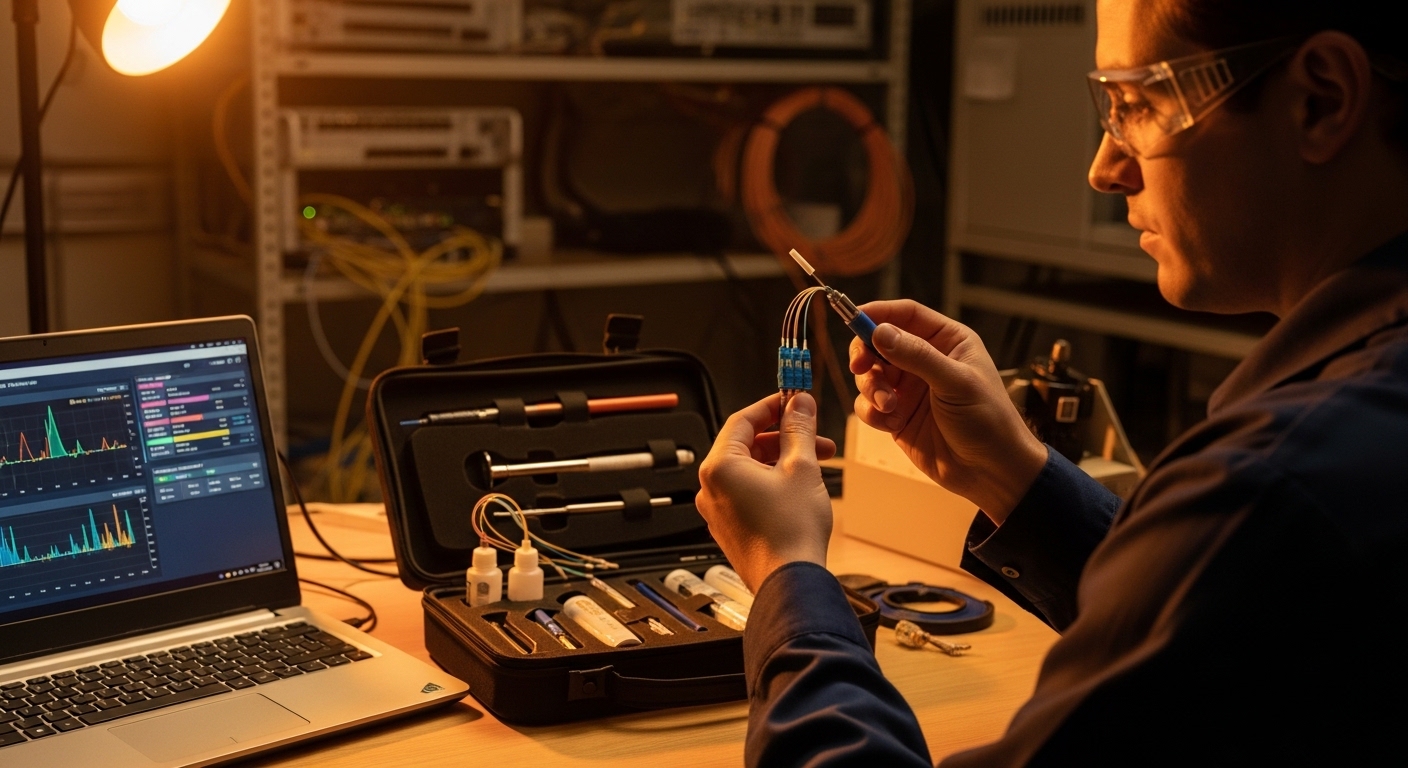
Root cause: Dust or micro-scratches causing attenuation swings; the link can appear healthy during initial insertion. Solution: Clean LC connectors with approved fiber cleaning tools, re-seat the transceiver, and check DOM receive power after cleaning. If you have a light meter or OTDR workflow, use it to confirm loss patterns.
Expected outcome: You reduce downtime by isolating the failure quickly instead of cycling hardware blindly.
Cost and ROI note: OEM vs third-party optics for MX deployments
In practice, pricing varies widely by vendor and temperature grade. OEM optics often cost more (commonly in the $100 to $250 per SFP/SFP+ unit range for many 10G options), while reputable third-party modules may be lower (often $40 to $120 depending on reach and DOM quality). The ROI question is TCO: include failure rate, warranty replacement turnaround, and the labor time spent troubleshooting marginal optics. If your environment has tight maintenance windows or you rely on consistent DOM telemetry for operations, the higher upfront cost of OEM can pay back in reduced incident handling.
Expected outcome: You make a procurement decision that matches operational risk, not just unit price.
FAQ: Meraki MX SFP compatibility and optics questions
Which Meraki switch optics are supported for my MX model?
Support depends on the MX appliance model and the specific port speed and cage type. Start by matching the form factor (SFP vs SFP+) and the data rate (1G vs 10G), then match wavelength to your fiber type. For final confirmation, validate behavior in the Meraki dashboard and rely on vendor datasheets for optical budget and DOM details.
Can I use third-party SFP modules instead of OEM?
Often you can, but compatibility is not guaranteed solely by wavelength and reach. Differences in EEPROM/DOM implementation and optical power calibration can affect link stability or monitoring. Choose third-party modules with clear DOM support, reputable datasheets, and a known track record in similar deployments.
What DOM data should I watch after inserting optics?
Focus on receive power levels and any threshold or diagnostic warnings provided by the platform or module DOM. If receive power is consistently near the lower boundary, you may see flaps after cleaning or temperature changes. Always compare values against the vendor’s recommended operating ranges.
Why does my link come up then flap within hours?
Common causes include dirty connectors, marginal optical power, or a fiber patching/polarity issue that only partially passes during initial insertion. Clean connectors, verify polarity, and re-check DOM receive power after the system stabilizes