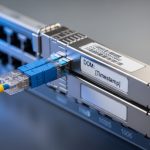
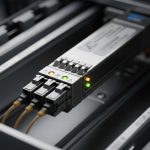
In modern leaf-spine data centers and campus core networks, optical links are fast enough that attackers can focus on traffic capture and replay. This article helps network engineers and field teams deploy a MACsec transceiver so encryption is enforced at the link level, not just in higher-layer VPN overlays. You will learn how to validate switch and transceiver compatibility, plan fiber paths, and operationalize monitoring and failure recovery.
Step-by-step prerequisites for a MACsec transceiver secure link
Before you install any MACsec transceiver, confirm that encryption capability exists end-to-end: both the optics and the attached switch ASIC must support MACsec on the same interface type. Layer 1 security via encrypted link frames still relies on correct physical optics, correct link rate, and correct key management state. Plan the change window because MACsec can force link renegotiation when policies mismatch.
Prerequisites checklist
- Switch support: Verify the platform supports IEEE 802.1AE MACsec on the exact port type (for example, 10G/25G/100G Ethernet). Reference the vendor release notes for MACsec feature support per line card.
- Transceiver MACsec capability: Some optics implement MACsec offload; others rely on the switch to perform MACsec while optics only provide physical connectivity. Confirm whether the module is truly a MACsec-capable transceiver or an optics-only module.
- IEEE alignment: Ensure the network uses MACsec in accordance with IEEE 802.1AE, and understand how your switch maps policies to ports (MKA key agreement versus static keys).
- Fiber and optics budget: Confirm fiber type (OM3/OM4/OS2), expected link reach, and power levels. Use vendor link budgets and measure with an OTDR and optical power meter where possible.
- Operational monitoring: Confirm telemetry visibility for link state, MACsec counters (secure, unsecured, replay protection drops), and optics diagnostics (DOM).
Expected outcome: You have a documented, vendor-validated path from switch port to transceiver that supports MACsec and provides operational telemetry.
Implementation steps: install, provision, and validate MACsec at Layer 1
This section is written as an execution guide. You will install optics, bring up the physical link, then enable MACsec policies and verify counters. The key is to separate physical-layer problems (optics, fiber, rate mismatch) from MACsec policy mismatches (key agreement, secure association state).
Inventory and match optics to switch ports
Collect the exact part numbers for both ends. For example, on a 10G SR Ethernet link you might use optics such as Cisco SFP-10G-SR or compatible equivalents (check vendor compatibility matrix). For 25G SR, optics like Finisar FTLX8571D3BCL or FS.com SFP-25G-SR variants may be used depending on platform support. Record transceiver type, wavelength (nominal), connector type (LC), and DOM feature set.
Expected outcome: A matched optics pair with known DOM fields and confirmed MACsec support behavior per vendor guidance.
Confirm physical layer parameters before enabling MACsec
Bring up the link without MACsec first, or with a “listen-only” policy if your platform supports it. Verify link speed, FEC mode (if applicable), and optical levels. For SR links, confirm receive power stays inside the vendor recommended range and that link errors are near zero before encryption is enforced.
Expected outcome: A stable optical link with clean interface counters so any MACsec failures are not caused by degraded optics.
Enable MACsec policy and key agreement (MKA)
Configure MACsec on both ends consistently. If your switch supports MKA, use the same security policy name, same key server behavior, and matching replay protection settings. If you use static keys, ensure both peers share identical key material and SCI configuration. After policy activation, wait for secure association establishment and confirm that traffic transitions from “unsecured” to “secured” state.
Expected outcome: MACsec secure association established with verified replay protection and encryption counters incrementing.
Validate MACsec counters and traffic behavior
Verify counters for secure frames, unsecured frames, dropped frames due to replay, and integrity check failures. Then validate application traffic end-to-end using a controlled flow (for example, a single VLAN or VRF) to ensure no silent misconfiguration. If you see unsecured frames, check policy direction, VLAN-to-SCI mapping, and whether the switch is tagging frames consistently under encryption.
Expected outcome: Secure traffic counters increment normally and no integrity failures appear during steady-state traffic.
Operational hardening and rollback plan
Document a rollback that preserves physical connectivity: disable MACsec policy on both ends simultaneously to avoid one-sided encryption. Set alert thresholds for MACsec integrity failures and optics DOM anomalies. Keep spare optics available because a failing module can look like an encryption problem when link stability collapses.
Expected outcome: A safe operational model with clear rollback and alerting for MACsec and optics health.
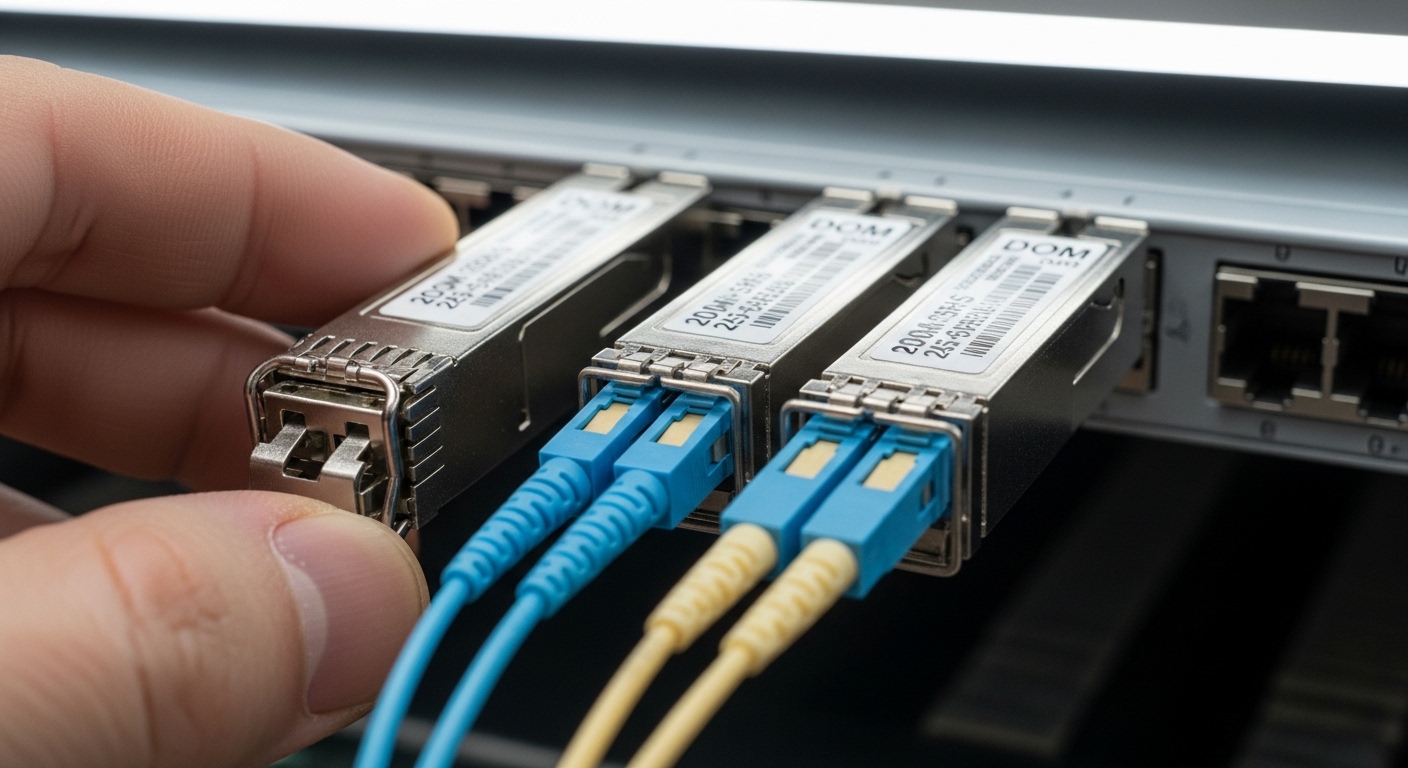
MACsec transceiver specs that matter: reach, wavelengths, power, and temperature
Even when encryption is the goal, physical-layer specs determine whether MACsec will run reliably. The table below compares common Ethernet optical transceiver parameters that engineers verify before enabling MACsec. Always cross-check the vendor datasheet for the exact module you plan to deploy and ensure the switch supports that exact optic.
| Parameter | 10G SR (Typical SFP+ SR) | 25G SR (Typical SFP28/SFP25 SR) | 100G SR4 (Typical QSFP28 SR4) |
|---|---|---|---|
| Nominal wavelength | 850 nm VCSEL | 850 nm VCSEL | 850 nm multi-lane |
| Connector | LC duplex | LC duplex | LC duplex (4 lanes) |
| Typical reach | ~300 m on OM3, ~400 m on OM4 | ~100 m on OM3, ~150 m on OM4 | ~100 m on OM4 (varies by vendor) |
| Data rate | 10.3125 Gb/s | 25.78125 Gb/s | 103.125 Gb/s (aggregate) |
| Operating temperature | Commercial: ~0 to 70 C (module dependent) | Commercial: ~0 to 70 C (module dependent) | Commercial or extended (module dependent) |
| DOM support | Usually yes (I2C diagnostics) | Usually yes (RX/TX power, temp, bias) | Usually yes (per lane) |
| MACsec capability | Depends: some modules offload, others require switch MACsec | Depends on module design and switch support | Depends on platform and optics integration |
Expected outcome: You can translate module datasheet parameters into a physical-layer readiness plan for MACsec stability.
Pro Tip: Field teams often focus on “secure counters,” but the fastest way to isolate MACsec issues is to first confirm optical health and lane stability using DOM fields (RX power, temperature, bias current). If those drift or fluctuate, MACsec integrity failures will rise even though the encryption configuration is correct.
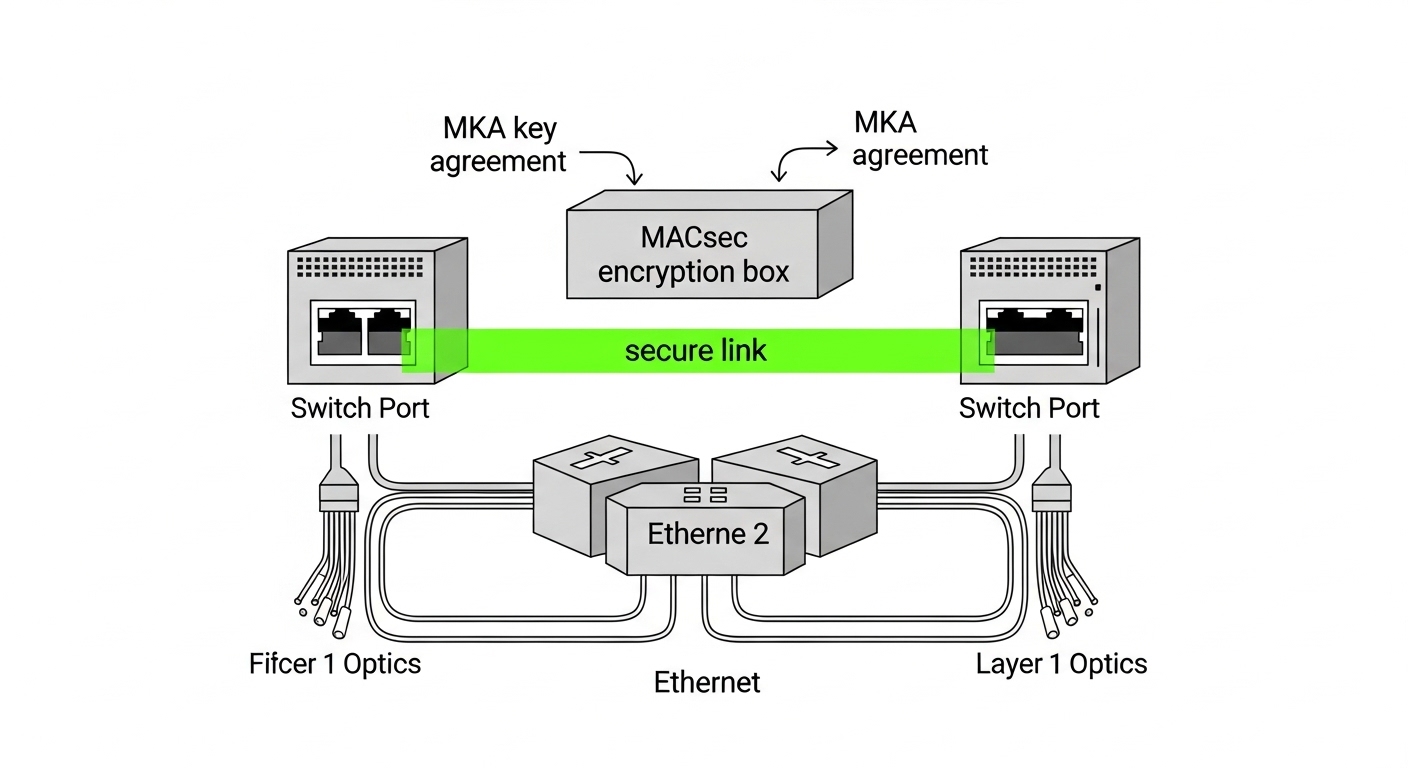
Selection criteria: choosing the right MACsec transceiver for your link
Choosing a MACsec transceiver is not only about encryption; it is a compatibility and reliability decision. Engineers weigh distance and budget, but also the operational details that prevent outages: switch firmware alignment, DOM behavior, and how the platform handles MACsec policy mismatches.
Decision checklist (ordered)
- Distance and fiber class: Confirm OM3/OM4/OS2 and measured insertion loss. Ensure the expected reach meets your actual patching and connector losses.
- Switch compatibility: Use the vendor optics compatibility matrix for the exact switch model and port type. MACsec-capable behavior can differ even among optics with the same form factor.
- Data rate and FEC/Fault handling: Match speed settings and confirm whether the platform uses FEC on that interface type.
- DOM support and alerting: Ensure the module exposes the same DOM fields your monitoring stack expects. This affects your ability to detect optics degradation before encryption fails.
- MACsec operational mode: Determine whether the module offloads MACsec or the switch does. Confirm how VLAN tagging and SCI/SA mapping are handled.
- Operating temperature and airflow: Validate the chassis thermal profile. A module operating near the upper temperature limit can cause intermittent RX power drops that look like MACsec integrity issues.
- Vendor lock-in risk: Compare OEM optics versus third-party with documented compatibility. Lock-in risk is not just price; it is also firmware validation and support boundaries.
Expected outcome: A defensible selection decision that reduces both security misconfiguration and physical-layer instability.
Common mistakes and troubleshooting for MACsec transceiver deployments
Below are the top failure modes seen during secure optical link rollouts. Each includes a likely root cause and a concrete resolution path. The patterns matter because teams often misdiagnose MACsec errors as fiber issues or vice versa.
Troubleshooting failure point 1: “MACsec integrity failures” with healthy optics
Root cause: MKA policy mismatch or incorrect SCI/SA mapping, including VLAN-to-SCI inconsistencies or one-sided security configuration. Sometimes one switch is configured for a different cipher suite or replay protection behavior.
Solution: Verify both ends have identical MACsec policy parameters and key agreement state. Confirm secure association establishment and check counters for integrity check failures versus replay drops. Temporarily isolate to a single VLAN and confirm correct tagging through the path.
Troubleshooting failure point 2: frequent link flaps after enabling MACsec
Root cause: Physical instability from marginal optical power, dirty connectors, or a rate mismatch that becomes more apparent when encryption changes timing/processing paths. Some optics also behave differently when the switch enforces a specific security mode.
Solution: Re-check link speed negotiation, FEC settings, and DOM RX power trends. Clean LC connectors, re-seat optics, and if available, run OTDR on the fiber to identify high-loss events. Replace the optic with a known-good spare to confirm hardware versus configuration.
Troubleshooting failure point 3: “Unsecured frames” even though MACsec is enabled
Root cause: Traffic is not matching the MACsec policy scope (wrong VLANs, wrong port direction, or traffic being generated by a control-plane process that bypasses the expected classification). Another cause is asymmetric configuration where one side secures and the other does not.
Solution: Confirm port-level MACsec enablement state on both ends, then verify classification rules and VLAN mapping. Use packet capture on a SPAN/mirror port to confirm whether frames carry the expected tags and whether the switch applies the MACsec context. Align policy and re-test with a controlled traffic generator.
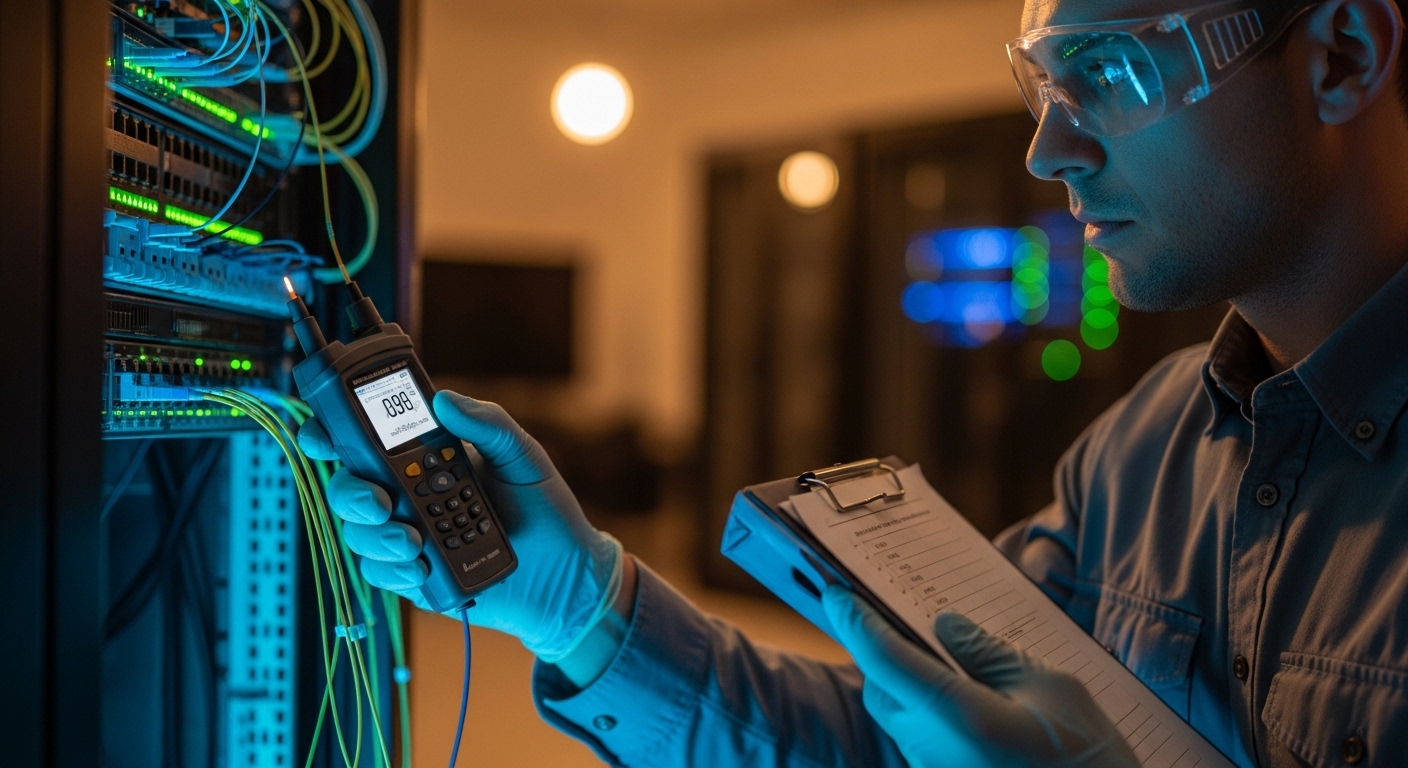
Cost and ROI note: what to budget for MACsec transceivers and secure ops
Pricing depends heavily on speed class, reach, and whether the optics truly offload MACsec. In typical deployments, OEM optics can cost roughly $150 to $600 per 10G/25G module, while higher-capacity optics and MACsec-integrated modules can be higher. Third-party optics may be 20% to 40% cheaper, but the TCO can rise if compatibility issues trigger extended troubleshooting or if support boundaries require OEM replacement.
ROI comes from reduced exposure and fewer incident response cycles, not from raw bandwidth. For example, if MACsec prevents a capture-and-replay scenario on an internal optical segment, the avoided outage and forensics effort can outweigh the optics premium. Also consider operational savings: reliable DOM telemetry and stable optics reduce repeat dispatches and accelerate root-cause isolation.
FAQ: MACsec transceiver buying and deployment questions
Do I need a MACsec transceiver, or is MACsec handled by the switch?
It depends on the platform. Many deployments implement MACsec fully in the switch ASIC, while optics provide only optical transport. Some vendors offer optics with integrated offload behavior, but you must confirm in the transceiver datasheet and the switch feature documentation.
Will MACsec work across different vendors on both ends?
Physical connectivity can work if the optics are compatible and within spec, but MACsec behavior depends on switch software and policy consistency. If one side does not support the same MACsec mode or key agreement parameters, you may see unsecured frames or integrity failures.
What fiber issues are most likely to break MACsec?
Dirty connectors, high insertion loss, and marginal RX power are common causes. These lead to bit errors and frame integrity check failures, which increases MACsec drops even when encryption configuration is correct.
How should we monitor success after rollout?
Track interface counters for secure versus unsecured frames, integrity check failures, and replay protection drops. In parallel, monitor DOM fields such as RX power, temperature, and bias current, and alert on trends rather than single events.
What is the safest rollback procedure?
Disable MACsec policy on both ends in a coordinated change to avoid asymmetric security states. Keep physical link settings unchanged during rollback so you can attribute any issue to security policy rather than optics parameters.
Which standards should we cite in our design documentation?
Use IEEE 802.1AE for MACsec. For optical transport and link behavior, cite the relevant IEEE 802.3 clauses for the Ethernet rate you are deploying and the optics vendor datasheet for reach, power, and connector requirements. For reference, see IEEE 802.1AE standard page.
Deploying a MACsec transceiver successfully means treating encryption and optics as a single system: validate physical readiness first, then enforce consistent MACsec policy and verify counters with DOM telemetry. If you are planning the next phase of secure segmentation, review MACsec design patterns for data center leaf-spine networks for practical policy models and operational guardrails.
Author bio: I have deployed MACsec-secured links in production data centers, working directly with switch line cards, DOM telemetry, and fiber test results during change windows. My approach blends IEEE-aligned security policy design with hands-on optics validation to keep secure links stable under real operational constraints.