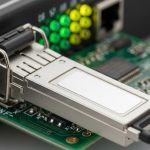
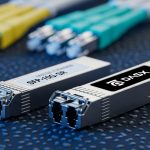
When a leaf-spine fabric starts flapping, the visible symptom is often link issues on specific ports—especially at high density where hundreds of transceivers share the same airflow, patching, and power budget. This reference helps network engineers and field technicians isolate root cause quickly: optics compatibility, fiber polarity, receive power margin, and switch-side configuration. It is written for hands-on troubleshooting in real racks and patch panels, not lab demos.
What “link issues” look like on switches and optics
In practice, link issues show up as a mix of link down/up cycles, CRC errors, FEC/BER alarms, or “module not present” events. Start by correlating time stamps: if multiple adjacent ports fail after a patch change, suspect polarity, connector damage, or a contaminated MPO cassette. If failures are scattered and intermittent under load, suspect marginal receive power, thermal drift, or a specific transceiver aging out of spec.
For optics, always read DOM (Digital Optical Monitoring) if supported. Typical indicators include received optical power, laser bias current, and transceiver temperature. If the switch reports “no signal,” it may be either true optical loss or a polarity reversal that makes the receiver see the wrong fiber pair.
Fast triage workflow (60 to 180 seconds)
- Confirm the port admin state and optics type match the vendor matrix (example: SFP+ vs SFP28, SR vs LR).
- Check whether the transceiver is recognized and whether DOM is readable.
- Review interface counters: look for CRC/FCS spikes versus hard link-down.
- Inspect the patching path: verify MPO keying and duplex polarity at every transition.
- Measure or estimate received power margin; do not “assume” the budget.
Technical specs that actually drive link stability
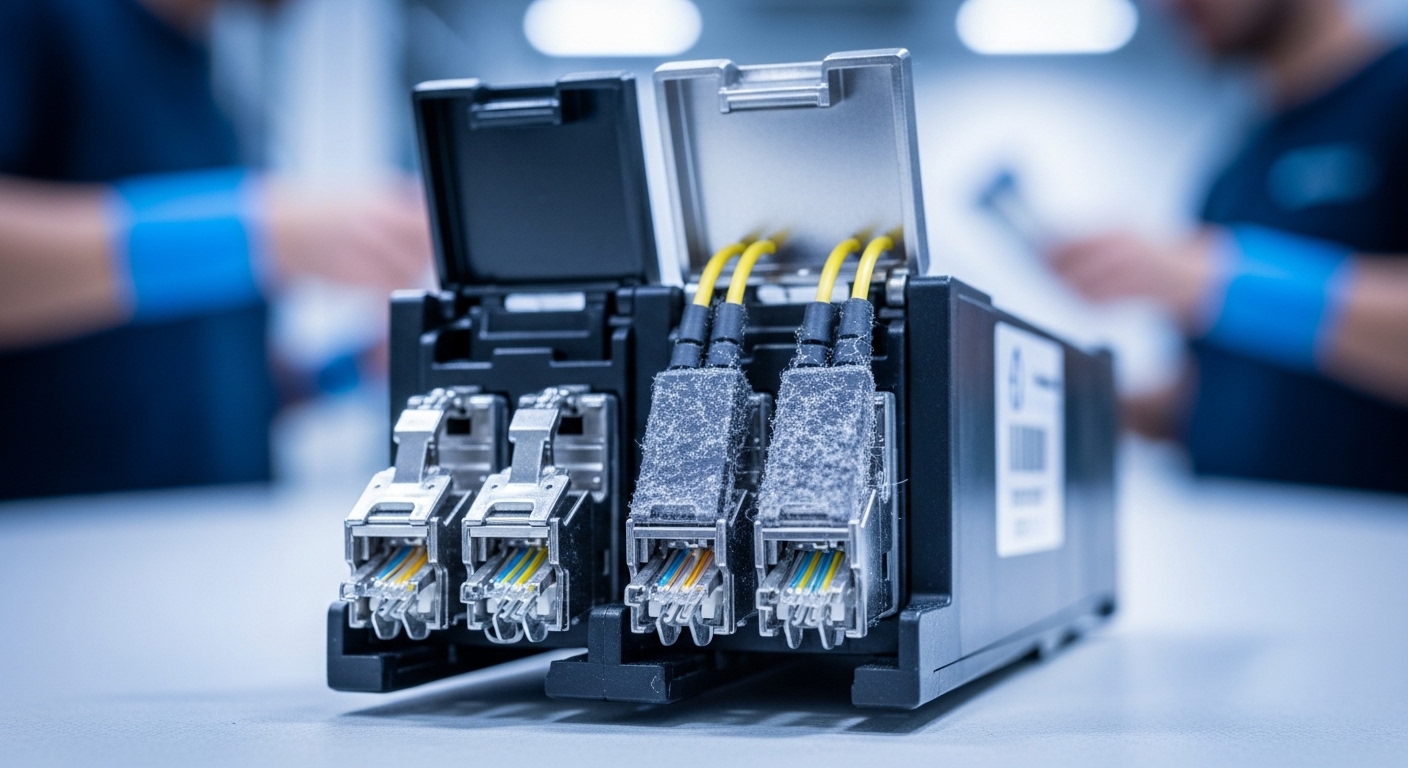
Link issues are frequently caused by operating beyond the optical budget, using the wrong wavelength/standard, or exceeding connector cleanliness and insertion-loss assumptions. In 10G/25G/40G SR deployments, the key variables are wavelength band, reach class, fiber type (OM3 vs OM4), and how much additional loss your patch cords and splices add.
| Parameter | Common SR optics example | Field meaning for link issues |
|---|---|---|
| Data rate | 10G (SFP+) or 25G (SFP28) | Mismatched speed negotiation can force link flaps or error counters |
| Wavelength | 850 nm nominal | Wrong optics band can cause “no signal” even when connectors fit |
| Reach class | SR up to ~300 m on OM3, ~400 m on OM4 (varies by vendor) | Receive margin shrinks quickly with extra patch loss |
| Connector | LC duplex or MPO/MTP (12-fiber) | Polarity and keying errors are a top cause of link issues |
| Power (optics class) | TX power and RX sensitivity per datasheet | DOM readings let you confirm budget, not guess |
| DOM support | Digital diagnostics: temperature, bias, TX/RX power | If DOM is absent or abnormal, compatibility or aging may be involved |
| Operating temp | Typically 0 to 70 C (commercial) or wider for some pluggables | Thermal stress increases laser bias and reduces margin |
Examples you may encounter in the field include Cisco SFP-10G-SR modules and third-party 10G SR optics such as Finisar FTLX8571D3BCL or FS.com SFP-10GSR-85. Always confirm the exact reach and DOM behavior from the vendor datasheet. [Source: IEEE 802.3 (Ethernet physical layer specifications)], [Source: vendor transceiver datasheets for Cisco, Finisar/II-VI and FS.com]
Comparison: fiber polarity, budget margin, and switch compatibility
Before swapping optics blindly, separate the failure modes. Polarity problems often produce hard link-down with no meaningful error counters. Budget problems show link up but with rising CRC/FEC errors under load. Compatibility issues can look like the module is “present” but the link never stabilizes.
| Symptom | Most likely cause | What to check first | Typical fix |
|---|---|---|---|
| Link down immediately | Polarity reversal or wrong connector mapping | MPO keying and duplex polarity at both ends | Re-terminate or swap patch cords to correct A/B mapping |
| Link up, CRC errors climb | Insufficient receive power margin | DOM RX power vs vendor sensitivity; clean connectors | Clean and re-seat; reduce patch loss; verify OM grade |
| Module not recognized | Transceiver incompatibility or damaged contacts | DOM readability, switch optics matrix, seating pressure | Replace with compatible part; inspect cage and latch |
| Intermittent flaps during traffic | Thermal/airflow or marginal budget | Optics temperature and RX power drift | Improve airflow; replace aging optics; rebalance patching |
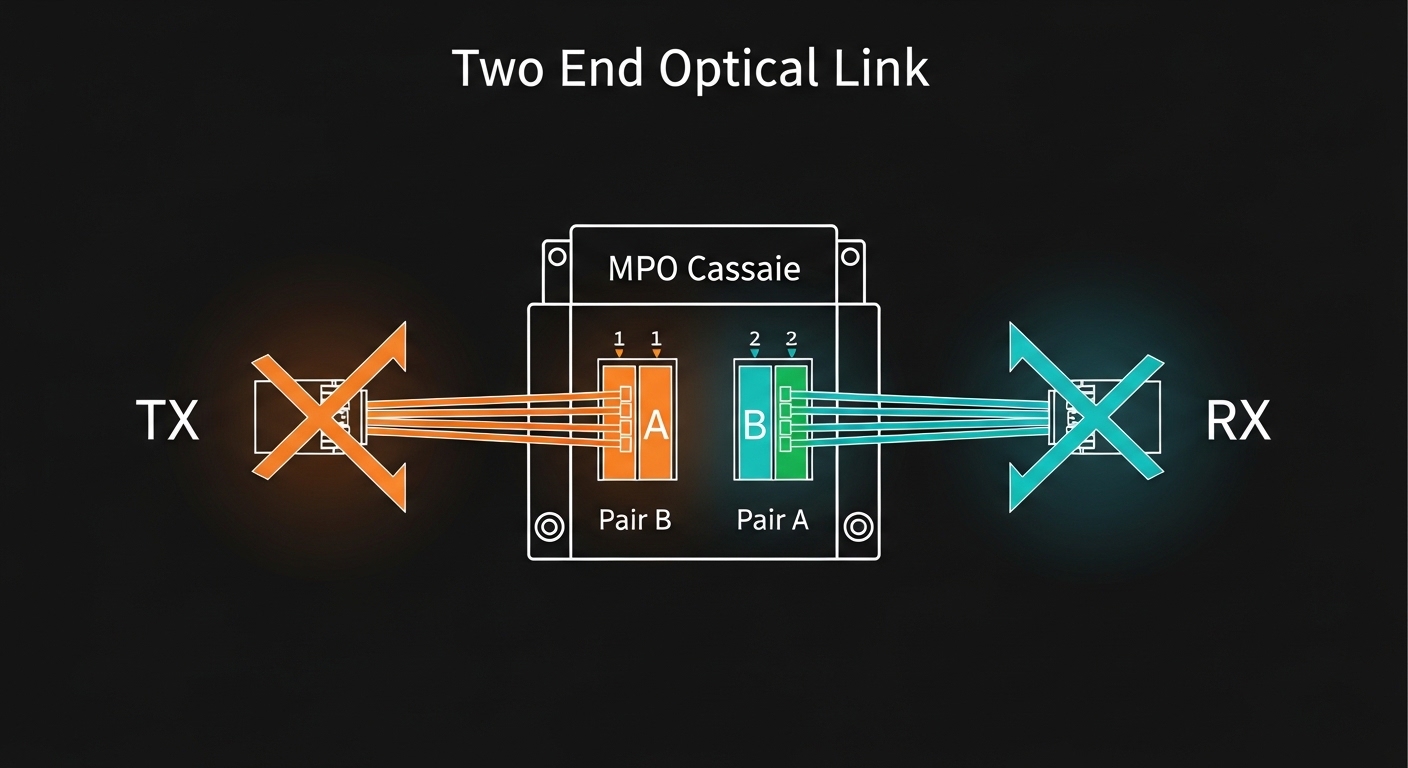
Pro Tip: In high-density racks using MPO/MTP, treat polarity as a system property, not a “one-time fix.” Label both ends of every cassette and record the A/B mapping in your change ticket; otherwise, a later patch reconfiguration can recreate the same link issues months after the original resolution.
Selection criteria: a decision checklist for link issue prevention
When you are choosing or replacing optics for a troubleshooting event, engineers typically evaluate these factors in order:
- Distance and reach class: confirm OM3 vs OM4 and total planned loss (patch cords, couplers, splices).
- Switch compatibility: verify the transceiver is supported by the specific switch model and firmware generation.
- DOM and alarm behavior: ensure TX/RX power and thresholds behave as expected.
- Connector type and polarity: LC duplex versus MPO/MTP; confirm polarity mapping and keying.
- Operating temperature: confirm the site thermal profile; high density can exceed expectations.
- Vendor lock-in risk: assess whether third-party optics are acceptable and whether they pass platform diagnostics.
Real-world deployment scenario to mirror
In a 3-tier data center leaf-spine topology with 48-port 10G ToR switches uplinking to spine using 10G SR optics, a team replaced several adjacent patch cords in a row of racks. Within 10 minutes, 8 ports show link flaps while the rest remain stable. DOM on the affected modules shows RX power about 3 to 5 dB lower than the working neighbors, and connector inspection reveals fine dust on one MPO endface. After cleaning, reseating, and correcting polarity mapping on the cassette, the RX power returns and CRC errors drop to baseline.
Common pitfalls and troubleshooting tips
Use these failure modes as a guided checklist; each includes root cause and a practical fix.
- Pitfall: Swapping TX and RX fibers on duplex LC links without updating polarity documentation.
Root cause: A/B mapping mismatch at one end makes the receiver see the wrong pair.
Solution: Verify polarity with a known-good link, then correct patching end-to-end. - Pitfall: Assuming “SR means 300 m” and ignoring extra patch loss.
Root cause: Additional insertion loss from dirty connectors, older patch cords, or extra couplers reduces receive margin.
Solution: Measure or estimate total loss; compare DOM RX power to the vendor sensitivity for your exact module. - Pitfall: Replacing optics without checking switch optics support and firmware.
Root cause: Some platforms enforce transceiver vendor constraints or expect specific DOM parameters.
Solution: Confirm the switch’s supported transceiver list and test with a known compatible spare. - Pitfall: Overlooking thermal effects in high-density cages.
Root cause: Restricted airflow increases transceiver temperature, shifting bias current and reducing optical margin.
Solution: Verify airflow paths, remove obstructions, and recheck DOM temperature and RX power drift.