Link Failure Diagnostics That Actually Find Fiber Faults
When an optical link drops, teams often chase firmware settings while the real issue is a bent fiber, wrong patch cord, or a marginal transceiver. This article gives field-ready link failure diagnostics steps for fiber troubleshooting, from quick observations through optical power and continuity verification. It helps network engineers, data center technicians, and field service teams restore 10G to 100G links faster with fewer truck rolls.
Start with evidence: what “failed link” means in practice
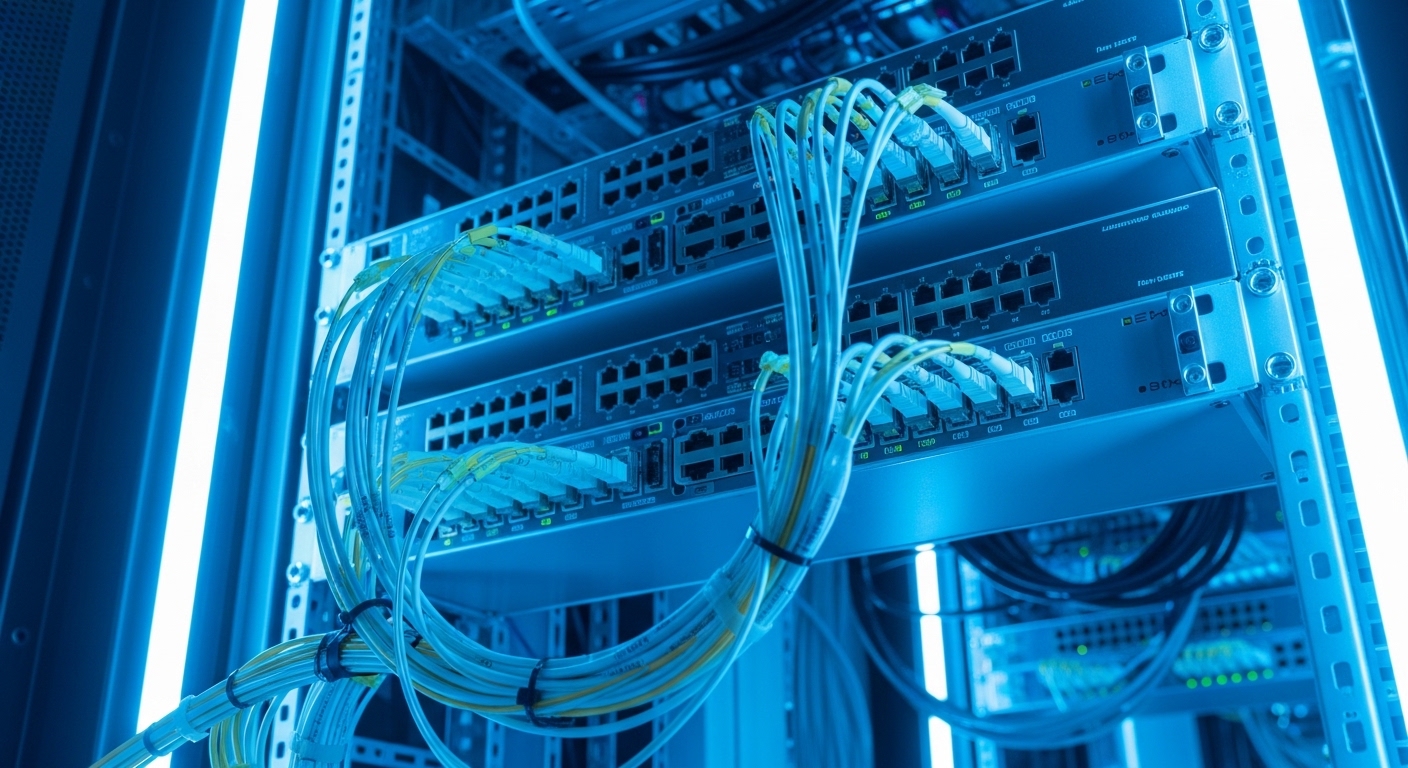
Optical link failure is not one symptom; it is a set of observable states across the switch, optics, and fiber plant. Your first job is to classify the failure mode using switch counters and interface status, then align that with the physical layer expectations from IEEE Ethernet standards and vendor optics behavior. For Ethernet links, the physical layer typically performs link training and receiver signal detection; if either side cannot lock, the interface may show down, err-disabled, or persistent CRC increments. The fastest teams treat the problem like a hypothesis test: change one variable at a time, and measure the outcome.
Collect interface facts before touching the rack
In a live environment, capture the following within the first 5 minutes: interface admin and operational state, transceiver DOM readings (if supported), recent log messages, and key counters. On many platforms, you can export DOM values such as RX optical power, TX bias current, laser temperature, and laser output power. Also note whether the link is down immediately after a patch change or only after traffic starts; that timing hints at either a loss/continuity issue or a marginal signal integrity problem. If the switch indicates “no light” or “optics not recognized,” treat it as a transceiver-compatibility or connector cleanliness issue before assuming fiber damage.
Map symptoms to likely root causes
Common evidence patterns include: (1) interface down with near-zero RX power, suggesting wrong fiber pair or dead fiber; (2) interface down with high RX power, suggesting transceiver incompatibility, protocol mismatch, or contaminated connectors causing intermittent receiver saturation; (3) interface up but with rising CRC/FCS errors, suggesting marginal optical budget, micro-bends, or damaged fiber. For standards context, Ethernet over fiber PHY behavior is aligned with IEEE 802.3 for optical interfaces, while exact electrical/optical limits are defined in vendor datasheets and optics compliance. Use [Source: IEEE 802.3] and vendor DOM/optics specifications to interpret what your readings imply.
Field workflow: from quick checks to optical measurements
A reliable workflow turns “link is down” into measurable facts. You want a sequence that eliminates the top causes quickly: wrong patching, dirty connectors, bad fiber continuity, then optical power budget and transceiver health. The order matters because connector cleaning and patch verification are fast and non-destructive, while repeatedly swapping optics or re-terminating fiber can mask the real fault.
Verify patching and fiber pair correctness
First, confirm that the patch cords connect the correct transmit and receive fibers. For duplex LC links, ensure the patch cord orientation matches the equipment expectation: typically Tx on one side goes to Rx on the other side. In practice, this means checking color coding on patch cords and verifying the fiber label map at both ends. A surprisingly high fraction of outages come from a transposition during maintenance, especially in high-density panels where multiple cables look identical.
Inspect connectors with magnification, then clean
Before measurements, inspect both connector end faces using a fiber inspection scope. If you see haze, film, or scratches, clean using lint-free wipes and proper solvent or dry cleaning methods per the cleaning kit instructions. After cleaning, re-inspect; “cleaned once” is not a guarantee. Many receivers exhibit acceptable power but still fail due to contamination that increases insertion loss and adds back-reflections.
Run continuity and polarity tests
Use a continuity tester or a visual fault locator where appropriate. For end-to-end verification, confirm that the fibers are not swapped and that there is no open circuit. If you have access to a light source and power meter, you can also estimate insertion loss to validate whether the link should meet budget. Record results in a simple log: fiber ID, test method, measured loss, and pass/fail threshold.
Measure optical power and compare to budget
Next, measure receive power (RX) at the switch using a calibrated optical power meter if you have it, or rely on DOM readings when the vendor states accuracy limits. Compare measured RX power to the transceiver receiver sensitivity and link budget for the specific optics type. For example, 10G SR optics over OM3/OM4 multimode fiber have typical reach targets that depend on fiber type and modal bandwidth, while singlemode optics have different budgets. Always consider connector loss, splice loss, and patch cord quality.
Validate transceiver identity and DOM alarms
Confirm the transceiver model is supported by the switch and that DOM indicates reasonable values. For instance, if RX power is extremely low while TX power and bias current look normal, the fault is likely in the fiber path or patching. If TX power is low, bias current is abnormal, or temperature is out of range, the optics may be defective or mismatched. If DOM is unsupported, you lose visibility; in that case, you still can measure with external meters and verify optics compliance.
Pro Tip: In field diagnostics, the fastest discriminator is to measure optical power at the receiving port and then swap only the fiber patch cord (not the transceiver) first. If RX power changes immediately with the patch cord swap, you have a fiber plant or polarity issue; if RX power stays flat, the problem is more likely optics, connector contamination, or switch port configuration.
Choose the right optics and understand optical budgets
Link failures frequently happen after “compatible-looking” optics are installed. Compatibility is more than “same data rate and connector style.” It includes wavelength, fiber type, reach class, and operational temperature range. In addition, DOM support and vendor-specific tolerance windows can determine whether the switch accepts the module and whether it treats marginal signals as faults.
Specs that matter: wavelength, reach, DOM, and power
Use a comparison table to align the optics you have with the fiber plant you operate. For example, a 10G SR module for multimode fiber expects a different optical budget than an LR singlemode module. Also confirm that the connector type matches your patch panels and that the operating temperature range covers your deployment environment.
| Optics example | Data rate | Wavelength | Typical reach target | Connector | DOM support | Operating temperature |
|---|---|---|---|---|---|---|
| Cisco SFP-10G-SR | 10G | 850 nm | Up to 300 m on OM3 / 400 m on OM4 (varies by vendor spec) | LC duplex | Usually supported | Commonly -5 C to 70 C (verify datasheet) |
| Finisar FTLX8571D3BCL | 10G | 850 nm | Up to 300 m on OM3 / 400 m on OM4 (varies by implementation) | LC duplex | Supported | Verify datasheet for exact range |
| FS.com SFP-10GSR-85 | 10G | 850 nm | Up to 300 m on OM3 / 400 m on OM4 (vendor dependent) | LC duplex | Often supported | Verify datasheet for exact range |
For singlemode optics, the reach targets and budgets differ substantially, and you must match the wavelength family (for instance, 1310 nm vs 1550 nm) to the transceiver and fiber characteristics. Always verify the exact module part number and consult the vendor datasheet for receiver sensitivity and maximum allowable link loss. For standards alignment, consult [Source: IEEE 802.3] and the optics vendor’s compliance documentation.
How to use budgets during diagnostics
When you measure insertion loss, compare it to the transceiver’s allowable total loss. If DOM RX power is near the sensitivity threshold, you will see errors under temperature swings or after minor connector contamination. Many teams miss this because the link “comes up” but later fails during traffic bursts. Budget thinking turns those intermittent issues into a measurable risk: if your margin is only a few dB, schedule cleaning or replace degraded patch cords before the next incident.
Selection criteria checklist for engineers under pressure
When you replace optics or plan a new link, the goal is to prevent recurrence. Use this ordered checklist so you do not accidentally select a module that “works on the bench” but fails in production.
- Distance and fiber type: confirm OM3 vs OM4 vs OS2, and verify the actual end-to-end length including patch cords.
- Wavelength and reach class: match optics wavelength to the module spec and the fiber plant; do not rely on connector shape alone.
- Switch compatibility: confirm the platform supports the module part number, including DOM behavior and any optics vendor allowlists.
- DOM and monitoring needs: if you require alarms for proactive maintenance, ensure DOM is supported and accuracy is acceptable for your operational policy.
- Operating temperature and airflow: validate temperature range and check for local hot spots in cabinets.
- Budget margin: measure or estimate total loss; aim for practical margin (often more than the bare minimum) to tolerate connector aging and cleaning cycles.
- Vendor lock-in risk: evaluate third-party optics policies, warranty terms, and acceptance testing time to reduce future downtime.
In practice, teams also check for compliance with the relevant optical interface standards and ensure the optics support the required link speed and modulation format. If you need interoperability across vendors, document acceptance tests and keep at least one known-good spare for rapid swaps.
Real deployment scenario: leaf-spine data center outage
Consider a 3-tier data center leaf-spine topology with 48-port 10G ToR switches feeding a spine fabric. During a scheduled patch panel reorganization, a single rack lost uplink connectivity: the interface status turned down, and the switch logs reported “no signal detected.” The team first inspected the LC connectors and found visible film on both ends; cleaning restored light, but RX power remained 4 to 5 dB lower than typical DOM baselines. They then swapped only the patch cord pair and confirmed RX power moved back into the normal window, indicating polarity or a damaged patch cord rather than a transceiver failure. Total recovery time was under 60 minutes because they followed measurement-first diagnostics instead of replacing optics immediately.
Common pitfalls and troubleshooting tips that prevent repeat failures
Even experienced teams fall into predictable traps. Below are concrete failure modes with root causes and fixes you can apply on the spot.
Swapped fiber polarity causes “link down” with no RX light
Root cause: Tx and Rx fibers are transposed during patching, so the transmitter output never reaches the receiver. This often presents as a fully down interface with DOM RX power near zero. Solution: verify polarity at both ends, then swap the duplex patch cord orientation (or swap the two fibers within the duplex assembly if your patch method allows) and re-check RX power.
Dirty connectors look acceptable but still create marginal link budgets
Root cause: connector film increases insertion loss and back-reflection, which degrades receiver margin and can cause intermittent CRC errors or link flaps. Solution: inspect with magnification before and after cleaning; replace patch cords that show scratches or persistent contamination.
Mixing multimode and singlemode optics or mismatching reach classes
Root cause: installing a 850 nm SR optics where the fiber plant is OS2, or installing an LR optics on multimode fiber. The link may appear briefly or fail under traffic due to severe loss and mode mismatch. Solution: verify wavelength and fiber type at the patch panel label, then use the correct optics for OM3/OM4 vs OS2.
Overlooking temperature and airflow effects on marginal RX power
Root cause: optics operate near sensitivity limits; as the cabinet warms, laser output and receiver margin drift, causing errors or link drops. Solution: check DOM temperature and compare RX power at different times; improve airflow and restore optical margin by cleaning or replacing degraded components.
Assuming DOM readings are accurate without calibration context
Root cause: DOM values can have vendor-specific accuracy and may not match meter-grade calibration. Solution: during major incidents, validate with an optical power meter and document the correlation between DOM and meter readings for your optics type.
Cost and ROI note: what to budget for link failure diagnostics
Pricing varies by brand, speed, and warranty, but typical field replacement optics often fall into ranges like $30 to $120 for common 10G multimode SFP modules depending on OEM vs third-party. OEM optics may cost more but can reduce compatibility friction and shorten troubleshooting time when switch vendors enforce allowlists. Total cost of ownership depends on failure rates, spares strategy, and labor time: a $60 module that saves 2 hours of escalation can beat a $120 module with lower risk. For labor-heavy environments, investing in a fiber inspection scope and power meter can pay back quickly by preventing repeated truck rolls and reducing downtime.
FAQ: link failure diagnostics questions engineers ask
Why is my interface down even though the cable is connected?
Most often, polarity is reversed (Tx to Tx, or Rx to Rx), or the connector faces are contaminated enough to prevent receiver detection. Start with switch logs and DOM RX power, then inspect and clean the connectors before assuming the fiber is broken. If RX power is near zero, validate patching and polarity end-to-end.
How do I confirm whether the problem is the transceiver or the fiber?
Swap test in a controlled order: first swap the patch cord or re-terminate path while keeping the optics constant, then swap the optics if RX power follows the patch cord. If RX power remains unchanged after patch cord swap, suspect optics, switch port behavior, or connector cleanliness. External meter validation helps when DOM accuracy is uncertain.
What RX power level should I aim for during diagnostics?
Aim for RX power that sits comfortably above the transceiver receiver sensitivity and matches your historical DOM baseline for the same module. The exact threshold depends on the specific optics part number and vendor datasheet, so use the published sensitivity and link budget. If you are within a few dB of the threshold, treat the link as at-risk and plan cleaning or component replacement.
Can third-party optics cause link flaps or errors?
They can, especially if the switch has strict compatibility checks, if DOM behavior differs, or if the module vendor’s tolerance differs from what your platform expects. Always test in a staging environment and validate with your acceptance criteria: link stability, error counters, and DOM alarm behavior under temperature variation.
What should I do after cleaning connectors but the link still fails?
Re-inspect after cleaning; persistent scratches or stubborn contamination may require replacing the patch cord. Then run continuity and polarity tests to confirm the fiber path is correct. If continuity passes and polarity is correct, measure optical loss to see whether the budget is exceeded.
How often should we perform inspection and cleaning in production?
After any maintenance that touches patch panels, and on a routine cadence aligned to your risk profile. High-density environments with frequent changes should inspect more often; if you see increasing error counters, tighten the inspection schedule. The ROI comes from preventing marginal links from turning into full outages.
If you want faster recoveries, turn this into a repeatable runbook: classify the failure mode, validate patching and cleanliness, then measure power and compare to budget. Next, use fiber link monitoring best practices to set up alerts that catch marginal optical conditions before they cause downtime.
Expert bio: I am a hands-on optical network specialist who has troubleshot fiber plant incidents in production data centers and campus networks using power meters, microscopes, and DOM baselining. I write field-first guides so teams can perform link failure diagnostics with measurable evidence, not guesswork.