If your HPC cluster is hitting throughput limits or you are mid-upgrade to faster fabrics, the InfiniBand HDR transceiver you choose can make or break stability. This article helps data center and field engineers evaluate reach, optics, power, and switch compatibility when deploying HDR fiber links. You will also get hands-on troubleshooting patterns from common bring-up failures.
How HDR optics map to real link performance
InfiniBand HDR typically runs at 200 Gb/s per port using PAM4 modulation over fiber, with optical interfaces defined by the relevant IEEE 802.3 high-speed Ethernet physical-layer concepts and vendor-specific InfiniBand optics implementations. In practice, your link outcome depends on wavelength, fiber type, loss budget, and how the host switch negotiates optics parameters.
Wavelengths and fiber types you will actually see
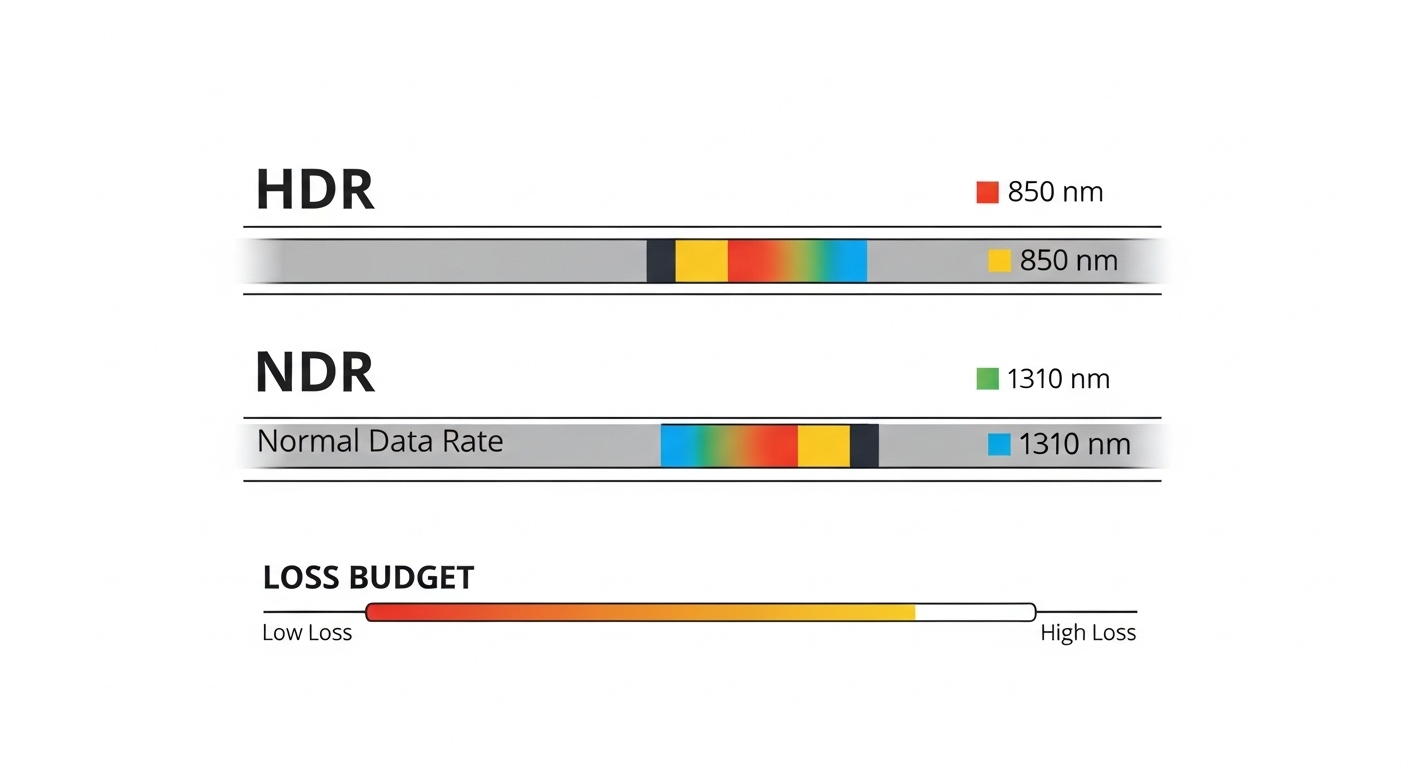
Most HDR deployments use short-reach multimode optics for intra-rack or leaf-spine spans, and long-reach single-mode optics for campus or larger pod distances. Typical wavelength families include 850 nm for multimode (MMF) and 1310 nm for single-mode (SMF). Exact part behavior varies by vendor and optics generation, so always confirm the datasheet for your specific model number.
Power, heat, and why it matters during scaling
HDR transceivers are not “set and forget” thermally. In dense ToR and spine modules, the incremental heat from higher-speed optics can push transceiver cage temperatures upward, which can reduce margin and trigger intermittent errors. Field teams often track cage temperature, link error counters, and fan-speed profiles during burn-in.
Pro Tip: In bring-up, validate optics DOM readings (laser bias current, received power, and temperature) before you chase network-layer issues. If you see received power drifting as you reseat the module, you likely have a connector cleanliness or fiber micro-bend problem, not a firmware setting.
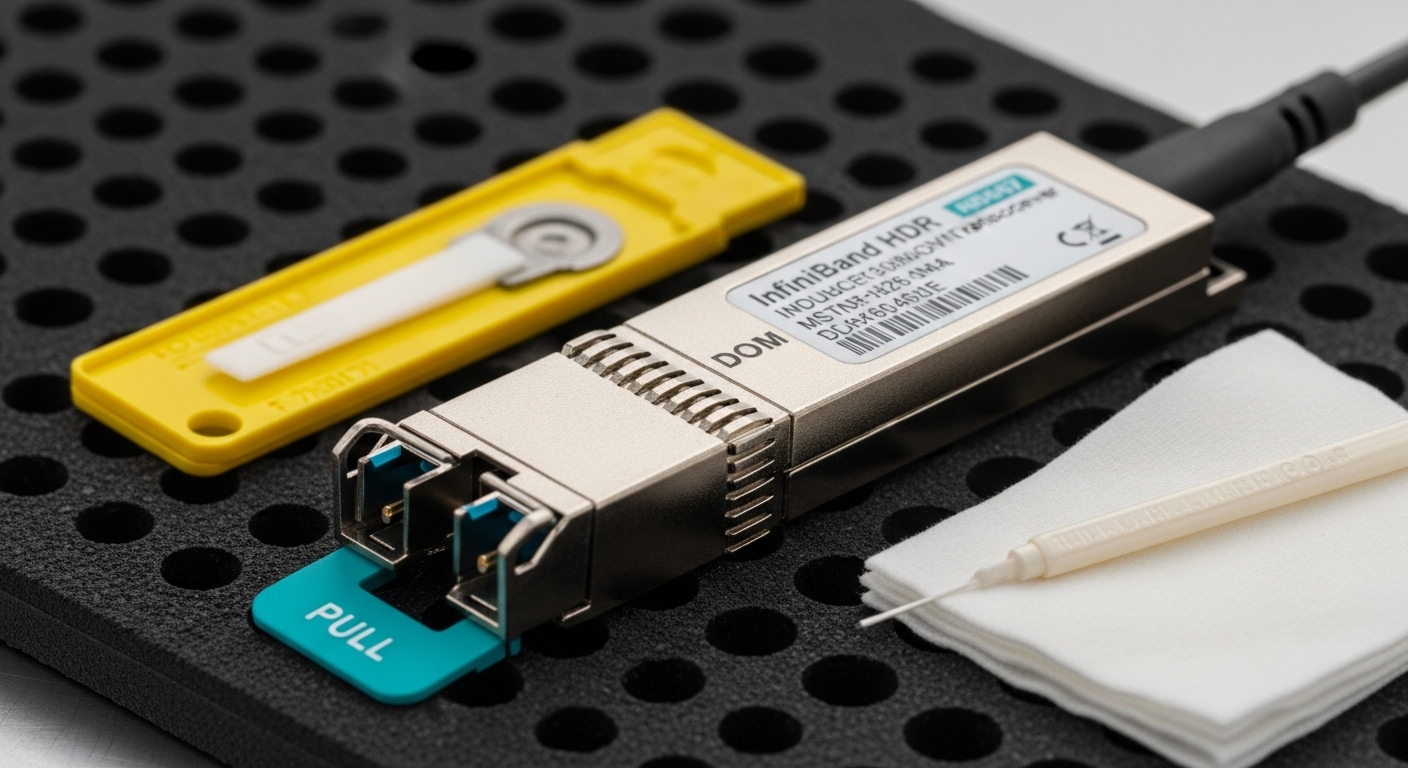
HDR vs NDR: selecting the right generation without overspending
Clusters that are already planned around NDR sometimes still need HDR for cost, availability, or intermediate migration steps. The key is aligning optics generation with switch ports and NIC/Switch transceiver expectations. Even when both are “InfiniBand over fiber,” the physical layer parameters and optics families differ, so you cannot assume cross-compatibility.
What engineers compare during the decision
Teams usually compare supported port speeds, optics type (SR vs LR), and whether the switch vendor qualifies the transceiver. If you buy third-party optics, you must verify that DOM monitoring works end-to-end and that the switch firmware accepts the optics vendor’s electrical characteristics.
| Spec | InfiniBand HDR (typical) | NDR (typical) |
|---|---|---|
| Per-port data rate | 200 Gb/s | 400 Gb/s |
| Common wavelengths | 850 nm MMF, 1310 nm SMF | Varies by optics family (often SMF-focused) |
| Connector style | MT ferrules for MMF, LC/UPC- or MPO-based assemblies for SMF depending on vendor | Varies by form factor and vendor |
| DOM support | Commonly supported (laser power, temp, bias, received power) | Commonly supported |
| Operating temperature | Typically industrial ranges; confirm datasheet for your part | Typically industrial ranges; confirm datasheet for your part |
| Switch/NIC compatibility | Must match qualified optics list and port electrical spec | Must match qualified optics list and port electrical spec |
Note: The table shows typical patterns; always validate the exact part numbers and supported optics for your specific switch and host adapter models. For authoritative baseline behaviors, review IEEE physical-layer guidance and vendor optics datasheets. [Source: IEEE 802.3] [[EXT:https://standards.ieee.org/standard/802_3] | IEEE 802.3 standards portal]
Practical selection checklist for an InfiniBand HDR transceiver
When you are buying optics for a production HPC cluster, the goal is to reduce rework. Use this ordered checklist as you compare candidate InfiniBand HDR transceiver models from OEM and third-party suppliers.
- Distance and loss budget: Measure planned span length, patch cord lengths, and worst-case fiber attenuation. Include splice and connector loss, and confirm the optics reach category in the datasheet.
- Switch compatibility: Verify the transceiver is on your switch and NIC qualified vendor list. Match the port speed profile and ensure the optics form factor is supported by the cage.
- Optics type: Choose MMF vs SMF based on your installed plant. If you are using OM4 or OM3, confirm the HDR SR reach claim for that fiber grade.
- DOM and telemetry behavior: Ensure DOM readings are surfaced correctly to your management plane. In many environments, you will alert on laser bias current and received power thresholds.
- Operating temperature: Check the module’s specified temperature range and the transceiver cage thermal design of your switch chassis. HDR optics can be sensitive to heat soak.
- Vendor lock-in risk: OEM optics may be pricier but often have smoother “it just works” behavior. Third-party optics can reduce cost but may require firmware alignment.
- Connector and cleaning plan: Confirm whether you need LC, MPO/MTP, or other interfaces. Build a standard cleaning procedure and inspection workflow.
Examples of commonly referenced optics families include parts like Cisco SFP-10G-SR style optics for other speeds, but for HDR you should rely on vendor-specific HDR models and their datasheets. For concrete examples, check optics listings from major vendors and retailers such as FS.com and Finisar-style OEM families, then confirm the exact HDR wavelength and reach variant. [Source: vendor optics datasheets] [[EXT:https://www.fs.com] | FS.com optics datasheets and listings]

Common mistakes and troubleshooting patterns
Even experienced teams get tripped up during HDR optics deployment. Here are the most common failure modes, with root causes and fixes.
Link flaps after reseat or thermal cycling
Root cause: Dirty connectors or fiber micro-bends causing intermittent received power drops. HDR links can be less tolerant when the margin is thin.
Solution: Clean connectors with a proper fiber cleaning cassette, inspect with a scope, and re-terminate or re-route if you see repeated dips in DOM received power.
“No optical signal” or port stays down
Root cause: Wrong optics type for the fiber plant (MMF vs SMF), or mismatched connector type (LC vs MPO) leading to improper mating.
Solution: Confirm wavelength and fiber type from the datasheet, then verify polarity and connector seating. Use loopback or a known-good transceiver to isolate whether the issue is optics or cabling.
High CRC or symbol errors under load
Root cause: Exceeding the loss budget due to extra patch cords, aged fibers, or too many mechanical splices. Another cause is using an optics variant with a tighter power budget than your environment.
Solution: Recalculate the link budget from measured attenuation, shorten patch cords, reduce splices, and confirm the switch’s error thresholds and retry behavior.
DOM works in one chassis but not the other
Root cause: Compatibility differences in how the switch firmware reads vendor-specific DOM implementations, especially with third-party optics.
Solution: Validate DOM compatibility on the exact switch model and firmware version. If needed, use OEM optics or the switch vendor’s approved third-party optics list.
Cost and ROI: what to budget for HDR optics
Pricing varies widely by reach (SR vs LR), connector style, and supply conditions. As a realistic planning range, many teams see OEM HDR optics costing notably more per module than third-party options, which can reduce optics line-item spend but may increase labor time during qualification and testing. TCO is not just purchase price: factor in expected failure rates, spare inventory, and downtime risk during maintenance windows.
For ROI, measure “time-to-stable-link” during staging. If third-party optics reduce unit cost but add extra days of engineering effort, the savings can disappear. For many HPC operators, a balanced approach is to stock OEM for critical spares and use qualified third-party optics for bulk spares after successful validation in the target switch and temperature conditions.
FAQ
What distance does an InfiniBand HDR transceiver support?
It depends on whether you use HDR SR over multimode fiber or HDR LR over single-mode fiber, plus your connector and patch cord losses. Always use the exact reach claim from the transceiver datasheet and calculate a worst-case loss budget with measured attenuation.
Can I mix HDR transceivers from different vendors in the same switch?
Sometimes yes, but you should not assume it. Validate compatibility with your switch and NIC models, and confirm DOM readings and link stability under load for each vendor’s part number.
How do I verify DOM support is working correctly?
Check the switch management interface or telemetry collector for DOM fields like laser bias current, laser output power, received optical power, and temperature. During burn-in, watch for out-of-range thresholds and correlate changes with reseats, cleaning events, or temperature spikes.
What causes intermittent HDR link errors right after installation?
The most common causes are dirty connectors, poor fiber handling leading to micro-bends, or loss budget overruns from longer patch cords. Use an optical scope to inspect end faces and compare DOM received power trends across multiple reseats.
Are third-party InfiniBand HDR transceivers safe to deploy in production?
They can be, but only after qualification on your exact switch hardware and firmware. Start with a staging pod, run burn-in traffic, and confirm that error counters stay clean while DOM telemetry remains consistent.
Should I plan for spares of HDR optics?
Yes, especially for critical HPC fabrics where downtime is expensive. Many teams keep a small pool of qualified spare optics per switch model and per optics type (SR vs LR) to reduce maintenance time.
If you want to reduce trial-and-error, next review your cabling plant and optics qualification workflow using fiber optic cabling best practices for data centers. That will help you lock down distance, cleanliness, and compatibility before you order bulk transceivers.
Author bio: I have deployed InfiniBand and high-speed fiber optics in real HPC rollouts, including optics qualification,