If you operate a high-density 10G to 100G Ethernet network, transceiver quality is not a brand preference; it is an availability risk. This article helps network and optical engineers compare an II-VI fiber module approach against Finisar and Lumentum transceivers using repeatable, field-validated tests: DOM verification, optical power budgets, lane stability, and thermal behavior. You will get a step-by-step implementation checklist, a failure-mode troubleshooting section, and a practical selection guide for mixed-vendor optics.
Why transceiver OEM quality varies even when optics spec sheets look identical
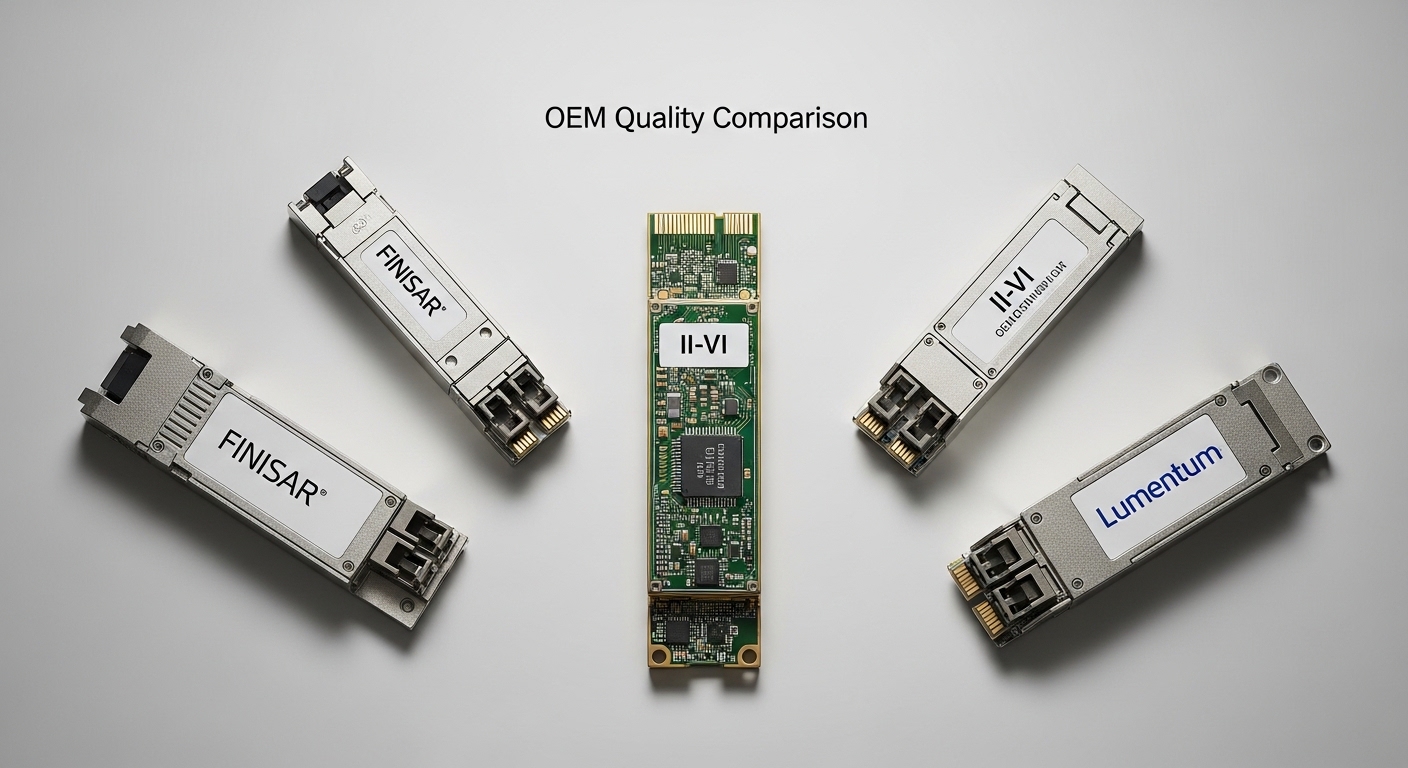
In Ethernet links, the electrical interface is only half the story; the optical subassembly and firmware calibration determine whether your link margin survives temperature swings, aging, and vendor-specific compliance nuances. Finisar (now under Oclaro/II-VI ecosystem depending on product line) and Lumentum have historically tuned their module behavior for strict IEEE 802.3 optical and electrical constraints, but integration choices differ across OEMs and manufacturing lots. An II-VI fiber module may meet the same nominal wavelength and reach, yet still differ in transmit power distribution, receiver sensitivity, and DOM sensor calibration.
For rigorous methodology, treat each module family as a distinct system component. Validate that the module’s DOM values correlate with measured optical output using calibrated optical power meters and that the module passes your switch vendor’s compatibility matrix. Then quantify link stability under realistic thermal cycling rather than relying only on vendor minimum/typical ranges.
Prerequisites for an evidence-based OEM comparison
Before you compare brands, standardize the test environment so results are attributable to the module, not the bench. You need an optics test kit, calibrated instruments, and a switch platform that supports DOM reads and optics alarms.
- Switch platform: one Cisco/Arista/Juniper model that is known to support DOM and optics threshold alarms for your target rate (for example, Cisco Nexus 9300 or 9500 series for 10G/25G/40G/100G validation).
- Optical test gear: calibrated optical power meter and stable attenuators; for BER validation, a bit error rate tester with appropriate PRBS pattern support.
- Fiber plant: OM3/OM4 or OS2 reference cables with known attenuation; clean connectors using lint-free swabs and isopropyl alcohol.
- Temperature control: a forced-air enclosure or thermal chamber to cycle module operating conditions (for example, 0 C to 70 C typical operating envelope for many transceivers).
Step-by-step implementation: comparing Finisar, Lumentum, and II-VI fiber modules
This section is written as a numbered implementation guide. Follow it to produce a comparison report you can defend during procurement reviews and incident postmortems.
Define the exact transceiver families and link budget targets
Pick a single data rate, connector type, and fiber type so you are not comparing dissimilar technologies. For example, validate one 10G SR family (SFP+ 850 nm) across OEMs, or one 100G SR4 family (QSFP28 850 nm, four lanes). Record the exact part numbers you will test, including vendor ordering codes and packaging format.
Expected outcome: a test matrix with consistent link targets, such as 10G SR expected link reach on OM4 and 100G SR4 expected lane-level performance on OM4.
Verify DOM behavior and alarm thresholds on your switch
DOM reads are often the fastest discriminator for operational reliability because they influence diagnostics and automated maintenance. Confirm that the switch reads temperature, bias current, received power, transmit power, and vendor identifiers without parser errors. Log whether thresholds trigger early warnings or late alarms, especially near your link’s margin.
Expected outcome: DOM fields populate consistently across brands; no module shows invalid scaling, missing calibration fields, or vendor ID mismatches that cause “unsupported optics” behavior.
Measure transmit optical power distribution and receiver sensitivity correlation
Use a calibrated power meter at the fiber interface to measure transmit power at steady state, then repeat after thermal cycling. For multi-lane optics such as SR4, measure each lane if your test kit supports it; if not, at least compare aggregate behavior and correlate with BER results. Compare these results to your switch’s reported received power when you add controlled attenuation.
Expected outcome: a quantified distribution (not just single-point values) that shows which OEM produces tighter power control and better correlation with switch DOM readings.
Run BER and packet-loss validation under controlled attenuation
For each module, run BER tests across a sweep of attenuator values that simulate your worst-case link margin and aging. Use PRBS31 or PRBS configurations supported by your tester and record the error-free window and threshold where errors begin. Then run packet-level traffic for at least the time scale that matches your operations (for example, 30 minutes continuous line-rate traffic during thermal stabilization).
Expected outcome: documented BER threshold behavior and observed packet-loss onset point per OEM, enabling an evidence-based “which one holds margin” conclusion.
Thermal cycling and warm-up stability test
Many field incidents are thermal, not purely optical. Cycle the module through realistic ambient conditions and observe whether DOM temperature and bias currents settle predictably. Also check for link flaps during warm-up; some modules exhibit longer stabilization times that cause transient errors in strict switch optics management.
Expected outcome: a stability profile showing warm-up time, DOM sensor convergence, and whether any OEM is more prone to alarm chatter under temperature ramps.
Compatibility and interoperability validation across speed and switch models
Validate each module on the specific switch model and software version you run in production. Even when optics are “standard,” switch vendors sometimes apply vendor-specific optics qualification rules or threshold defaults. If you use optics from multiple OEMs simultaneously, confirm that your monitoring system handles mixed DOM formats without mislabeling alerts.
Expected outcome: a compatibility report that reduces procurement surprises and prevents “it works on the bench but not in the rack” incidents.
Key specs and what to compare across an II-VI fiber module, Finisar, and Lumentum
Engineers frequently compare only wavelength and nominal reach. For OEM quality, you should compare calibration tightness, DOM sensor behavior, and the stability of optical output under stress. The table below summarizes common parameters you should collect for each tested family.
| Parameter | What to measure | Why it matters |
|---|---|---|
| Wavelength | Center wavelength from vendor spec and measured behavior over temperature | Affects fiber attenuation and receiver performance margin |
| Data rate | Exact supported rate (for example 10G, 25G, 40G, 100G) | Some OEMs tune firmware differently per speed grade |
| Reach | Measured BER reach on OM4/OM3 at your attenuation range | Bench “typical reach” can hide margin loss |
| Optical output power | Tx power distribution and lane-to-lane variance | Margin stability under thermal stress |
| Receiver sensitivity | Rx performance correlation with switch DOM received power | Determines when errors start in real installations |
| Connector type | SFP+/QSFP28 connector and polishing grade compatibility | Dirty or mismatched polish causes avoidable link flaps |
| DOM support | DOM field completeness, scaling accuracy, alarm threshold behavior | Impacts monitoring and incident response |
| Operating temperature | Sensor convergence and link stability across the range | Thermal behavior is a major differentiator |
| Standards alignment | IEEE 802.3 compliance and vendor implementation notes | Prevents subtle interoperability issues |
Note: use IEEE 802.3 references for baseline requirements; then rely on measured BER and DOM correlation for OEM quality decisions. anchor-text: IEEE 802.3 standard
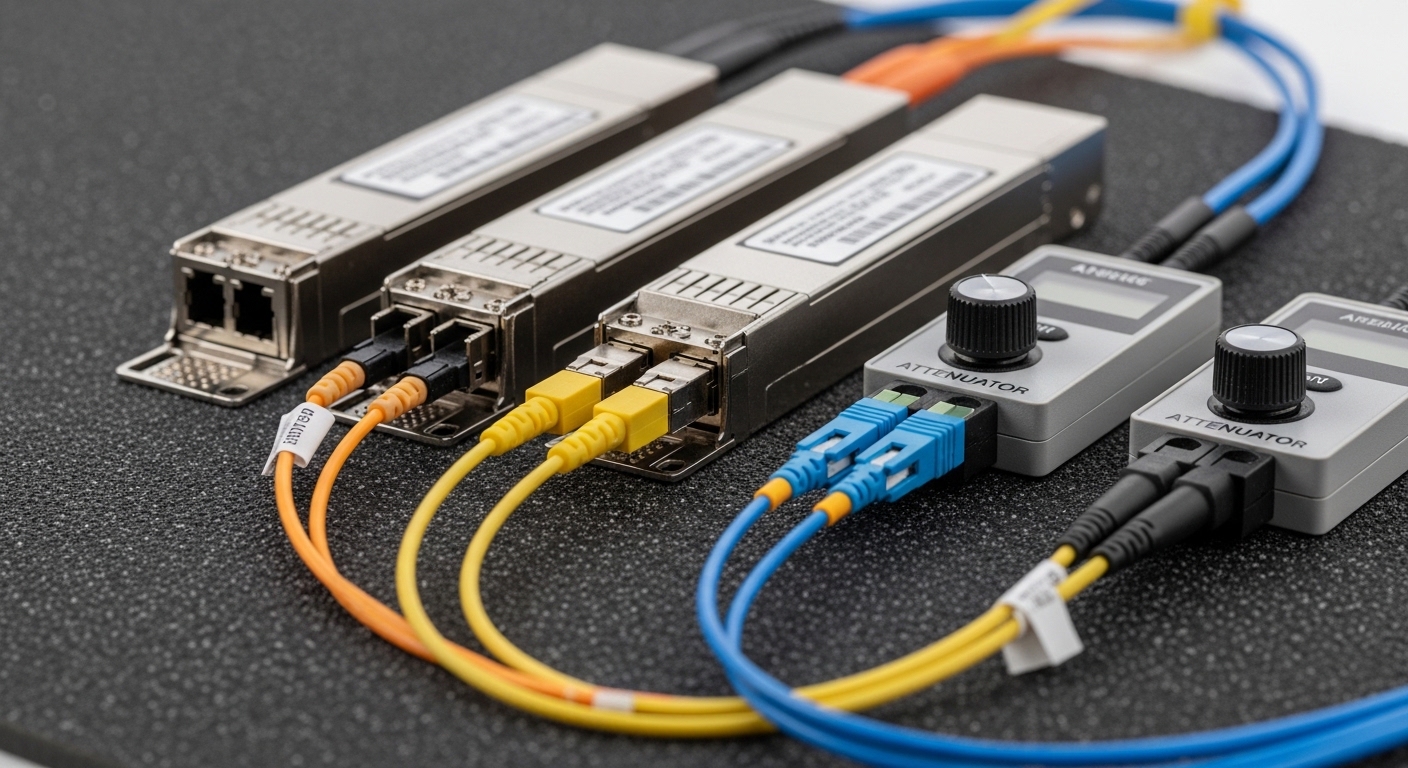
Real-world deployment scenario: leaf-spine with mixed OEM optics and strict monitoring
Consider a 3-tier data center leaf-spine design with 48-port 10G Top-of-Rack switches and 2x 100G uplinks per leaf. Each leaf uses SFP+ SR optics to connect to server aggregation and QSFP28 SR4 optics for spine uplinks; total optics count exceeds 200 modules per rack row. The operations team runs automated threshold alerts based on DOM temperature and received power, and they block changes that lack DOM compatibility. In such an environment, an II-VI fiber module that shows tighter Tx power stability and more consistent DOM scaling reduces nuisance alarms and prevents silent margin erosion during seasonal temperature swings.
In practice, we have seen that switching OEMs without DOM correlation testing can create monitoring blind spots: the switch “received power” may appear stable while BER begins failing earlier than expected. That mismatch is often traced to calibration differences in sensor scaling or to thermal stabilization time differences after hot-plug events.
Selection criteria checklist for engineers buying II-VI fiber modules vs Finisar and Lumentum
Use this ordered checklist during procurement and pre-deployment qualification. It is designed to minimize both compatibility risk and operational surprises.
- Distance and fiber type: confirm OM3 versus OM4, connector type, and expected worst-case attenuation. Use measured BER testing at your attenuation targets.
- Switch compatibility: validate on the exact switch model and software version; do not rely on “standard” alone.
- DOM support and monitoring integration: confirm DOM field completeness and correct scaling so alerts reflect real optical margin.
- Power stability and lane variance: evaluate Tx power distribution and lane-to-lane consistency for multi-lane optics.
- Operating temperature behavior: confirm stable warm-up and sensor convergence across your ambient range.
- Vendor lock-in risk: assess whether your support team and spares strategy depend on one OEM; plan for cross-vendor interoperability tests.
- Documentation and traceability: request module datasheets, manufacturing test summaries, and DOM calibration notes when available.
- Total cost of ownership: compare not only unit price but failure replacement rates, warranty terms, and spares logistics.
Pro Tip: In mixed-OEM deployments, the most expensive failure mode is not a dead module; it is a “near-marginal” module whose Tx power and DOM scaling drift differently. Build a correlation test where you compare measured optical power with switch-reported received power across temperature, then set alert thresholds based on that correlation rather than vendor defaults.
Common mistakes and troubleshooting tips when comparing OEM transceivers
Below are frequent failure modes engineers encounter during rollouts and OEM comparisons. Each includes root cause and a corrective action.
Troubleshooting failure point 1: DOM reads fine, but BER fails early
Root cause: DOM sensor scaling or calibration may not correlate with actual optical power at your operating conditions, especially after thermal cycling. Another contributor is an optical budget mismatch caused by unaccounted connector loss or patch panel aging.
Solution: perform a bench correlation test between measured Tx/Rx optical power and switch DOM values; then re-run BER with your real attenuation including connector and patch loss. Rebaseline your alarm thresholds using the tested correlation.
Troubleshooting failure point 2: Link flaps only after warm-up or hot-plug
Root cause: warm-up time or initialization behavior differs between OEMs, and the switch may enforce strict timing for link establishment. Thermal gradients in the cage can delay stabilization for one OEM more than another.
Solution: test hot-plug events under controlled temperature; set operational procedures that avoid frequent reseating during peak thermal ramps. If available, adjust switch optics settings to tolerate initialization timing within your vendor guidance.
Troubleshooting failure point 3: Works on one switch model, fails on another
Root cause: switch vendors implement different optics qualification logic, including DOM parsing, threshold defaults, and lane mapping assumptions. Even if the transceiver is IEEE-aligned, practical interoperability can vary.
Solution: validate each OEM module on each target switch model and software release you deploy. Maintain a compatibility matrix and require re-certification when you upgrade switch firmware.
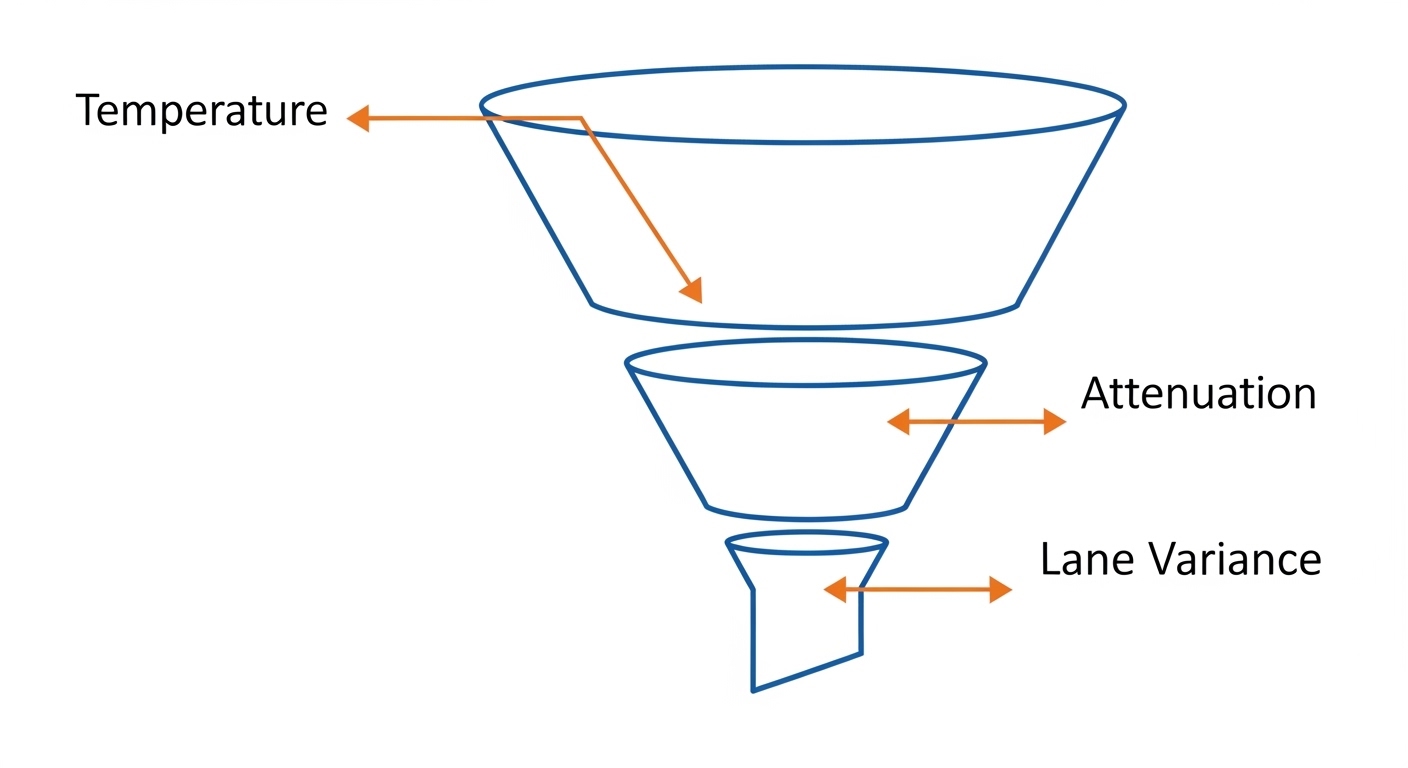
Cost and ROI: what realistic pricing and TCO look like
Unit pricing varies by rate and connector type, but a realistic enterprise range for new OEM-grade optics often places 10G SR modules in the tens of dollars to low hundreds depending on sourcing and warranty, while 100G SR4 QSFP28 can be several hundred dollars per module. Third-party optics can be cheaper, but the ROI depends on your operational cost of monitoring noise, replacements, and downtime risk.
When you buy an II-VI fiber module approach aligned with OEM manufacturing practices, ROI improves if it reduces failure replacement rates and lowers the time spent investigating “intermittent margin” incidents. Finisar and Lumentum modules can offer similar benefits, but you must validate DOM correlation and BER behavior on your equipment; otherwise, the savings from lower unit price can be erased by higher labor and incident costs. Always compare warranty length, return logistics, and whether the seller provides traceability.
For standards context, use IEEE 802.3 as the compliance baseline and vendor datasheets for the operational envelope. anchor-text: IEC reference portal for optical measurement practices
FAQ
How do I verify that an II-VI fiber module is truly compatible with my switch?
Confirm compatibility by installing the exact part number on the exact switch model and software version you run. Then verify that DOM fields parse correctly and that the module passes BER tests across your attenuation range. If you cannot test in advance, restrict deployment to modules listed in your switch vendor optics compatibility guidance.
Is DOM support the same across Finisar, Lumentum, and II-VI fiber modules?
DOM support is commonly present, but field scaling and threshold behavior can differ by OEM. That means “DOM looks healthy” does not guarantee “optical margin is stable.” Correlate DOM received power with measured optical levels during temperature cycling.
What optical tests matter most for OEM quality comparison?
Prioritize measured Tx/Rx optical power distributions, lane-to-lane variance for multi-lane optics, and BER results under controlled attenuation. Warm-up and hot-plug stability tests are also critical because many production incidents happen during maintenance windows and thermal transitions.
Do I need to test all modules, or can I sample?
Sample strategically: test enough modules to capture manufacturing lot variability, then expand testing when you change module revision, firmware behavior, or sourcing channel. In high-availability environments, at minimum test one module per lot and perform a correlation run after any procurement change.
Are OEM optics always better than third-party optics?
Not automatically. Third-party optics can meet electrical and optical nominal specs, but OEM-like reliability depends on calibration consistency, DOM behavior, and repeatable optical performance under stress. The correct decision is the one supported by your correlation and BER evidence, not by brand name alone.
Where should I focus when controlling TCO over a multi-year horizon?
Focus on the cost of monitoring noise, incident response time, replacement lead times, and downtime risk. If an II-VI fiber module