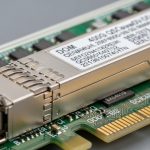
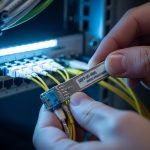
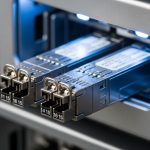
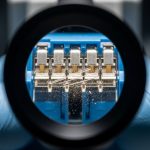
In AI and ML infrastructure, the pain is rarely “bandwidth on paper.” It is the moment training stalls because optics are mismatched, power budgets drift, or optics run hot in a dense leaf-spine rack. This quick reference helps platform, network, and field engineers choose high-performance transceivers that survive real cabling, switch quirks, and day-two operations.
AI/ML optical needs that drive transceiver choices
AI clusters typically run 25G, 40G, 50G, 100G links (often with RoCEv2), and they punish any latency or retransmission spiral. Most vendors expose a “supported modules” list, but the real constraints are electrical compliance (host side), optical budget (fiber and connector losses), and thermal behavior inside the port cage.
Understand the link type before buying
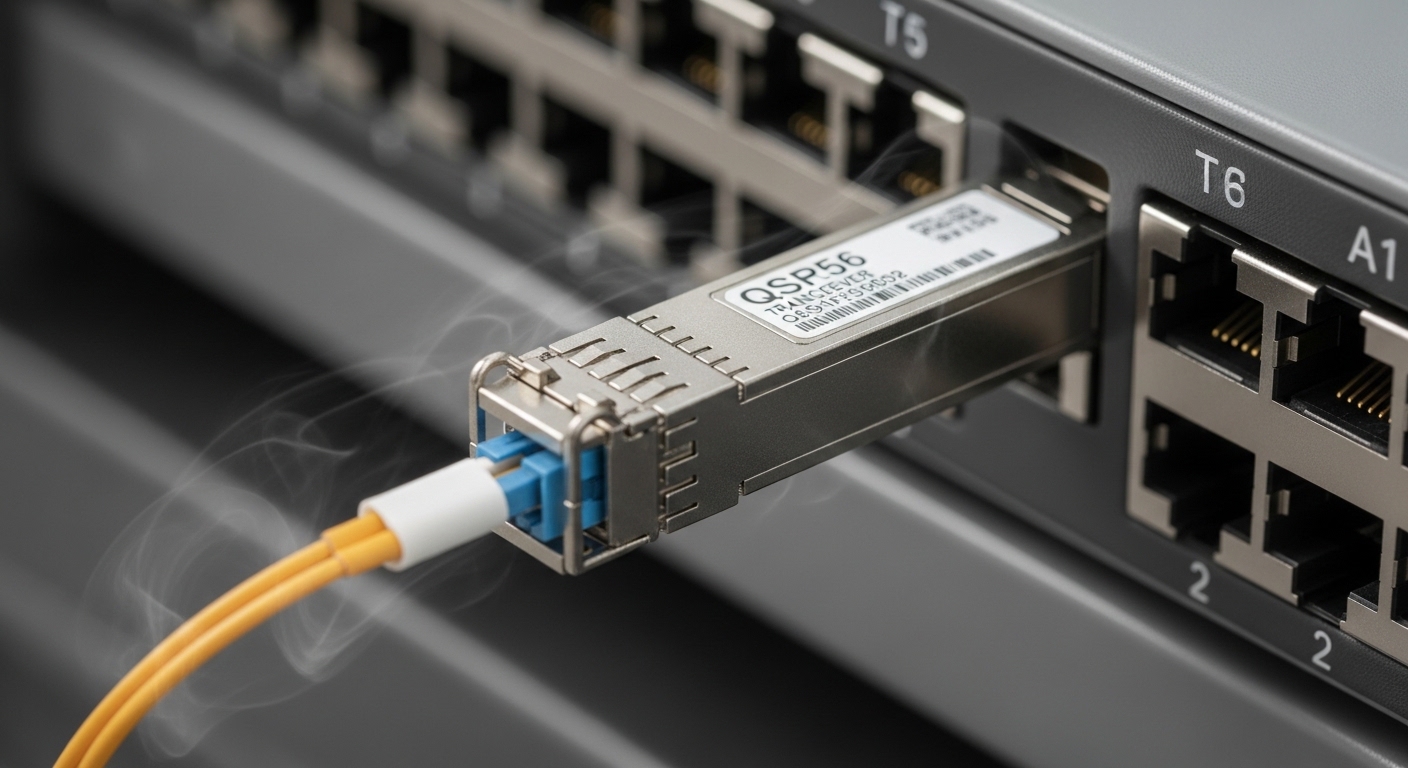
First decide whether you are building short-reach (OM3/OM4/OM5) or long-reach (single-mode) transport. Then map the transceiver form factor to the switch: SFP28, QSFP28, QSFP56, or OSFP for newer high-density platforms. For standards alignment, verify your intended Ethernet rates against IEEE 802.3 and optical interface expectations, then confirm the optics meet your switch’s electrical lane mapping and optics management.
For authority, start with IEEE Ethernet framing guidance in IEEE 802.3“>IEEE 802.3 and module interface behavior in vendor optics documentation and platform release notes. Thermal and safety behavior are also governed by typical transceiver class requirements documented by vendors in their datasheets.
Key specifications table: what actually decides success
Specs are not decoration; they are the boundary conditions for interoperability and reach. Use the table below as your first triage lens, then confirm exact part numbers against your switch vendor’s compatibility list.
| Spec | Common High-Performance Options | Why It Matters in AI/ML |
|---|---|---|
| Data rate | 25G / 40G / 100G | Determines oversubscription tolerance and RoCEv2 pacing |
| Wavelength | 850 nm (SR) or 1310 nm / 1550 nm (LR/ER) | Matches fiber type and optical budget |
| Reach (typical) | 100 m (100G SR on OM4), up to 400 m+ (OM5 SR) depending on module | Sets whether you can avoid costly fiber reroutes |
| Connector | LC | Field replaceability and consistent mating loss |
| DOM / diagnostics | DDM/DOM supported (temp, Tx bias, Tx power, Rx power) | Enables alerting before link degradation |
| Operating temperature | Typically 0 to 70 C or -40 to 85 C depending on class | Dense AI racks can exceed nominal port-cage temps |
| Power / thermal | Varies by generation; verify host power budget | Thermal throttling or marginal cooling can cause errors |
| Transceiver type | CWDM4 / SR4 / FR4 / DR4 depending on rate | Impacts lane mapping and required fiber mode bandwidth |
Concrete examples you may encounter in the field include Cisco SFP-10G-SR (legacy), Finisar FTLX8571D3BCL (10G SR-class examples vary by SKU), and FS.com high-volume 10G/25G SR modules such as SFP-10GSR-85 or analogous 25G SR designs. Always validate the exact SKU against your switch release and transceiver type expectations; “same reach” does not guarantee identical lane mapping or compliance margins.
Pro Tip: In AI racks, the fastest way to prevent “mystery flaps” is to monitor Rx power and DOM temperature trend lines after installation. If you see Rx power drifting toward the module’s minimum while temperature rises, the issue is often a connector cleanliness or patch-cord loss change—not the transceiver itself.
Short-reach versus long-reach: choosing SR for pods, LR for campuses
Most intra-pod AI traffic favors short-reach optics to keep latency low and avoid expensive fiber plant. SR modules at 850 nm are common for top-of-rack (ToR) and leaf-spine hop distances, especially with OM4 or OM5 multimode fiber. For campus or data-center interconnect where distance grows, long-reach modules on single-mode fiber become the safer path.
Decision heuristics that work in day-to-day planning
- Use SR when your patch-cord runs are within the module’s rated reach and your fiber plant is verified for mode bandwidth.
- Use LR/ER when you cross buildings, traverse dark fiber, or must tolerate higher loss budgets.
- Prefer DOM-capable optics if you have automated telemetry into your NMS or telemetry pipeline.
- Match connector type (typically LC) and enforce strict cleaning procedures.
Selection criteria checklist: engineering order of operations
When the purchase order meets the rack, the checklist below prevents expensive rework.
- Distance and fiber type: confirm OM4/OM5 multimode or single-mode OS2, then compute link loss including connectors and splices.
- Switch compatibility: verify the exact module type and vendor part number against your switch vendor’s optics compatibility list and release notes.
- Data rate and lane mapping: ensure the transceiver’s interface matches the port’s expected IEEE 802.3 signaling and breakout mode.
- DOM/telemetry support: confirm the switch can read temperature, Tx/Rx power, and alarms; wire those alarms into your monitoring.
- Operating temperature: validate transceiver temperature class against your measured port-cage air temperature during peak load.
- Operating power and host budget: check the host’s per-port and total PSU thermal design; avoid “works in bench” optics.
- Vendor lock-in risk: weigh OEM optics pricing versus third-party availability, but only after compatibility proof in your environment.
Real-world AI deployment scenario: leaf-spine pod with 25G RoCE
Consider a 3-tier data center leaf-spine topology for an AI training pod: 48-port 25G ToR switches in the leaf tier, 2-tier spine with 100G uplinks, and OM5 multimode patching within the pod. Each ToR uses 25G SR optics to connect to servers within a 30 to 60 m cabling envelope, using LC patch cords and short trunk runs to reduce loss. After rollout, the team measures port-cage temperatures: average 49 C during peak, with occasional spikes near 62 C; they select transceivers rated for 0 to 70 C and enforce DOM-based alerts at Rx power thresholds. The result: fewer training stalls, because the monitoring pipeline flags degrading optics before they trigger link renegotiation storms.

Common mistakes and troubleshooting tips
Even high-performance transceivers fail when the environment conspires against you. Here are frequent failure modes with root causes and fixes.
-
Mistake: Installing optics that are “same speed, same reach” but not switch-certified.
Root cause: Electrical compliance or vendor-specific EEPROM parameters differ, causing intermittent link resets.
Solution: Use the switch vendor’s compatibility list; test with a staged rollout and validate DOM readings under load. -
Mistake: Ignoring connector cleanliness despite clean-looking fiber ends.
Root cause: Micro-scratches or residue increase insertion loss, pushing Rx power below the module’s margin.
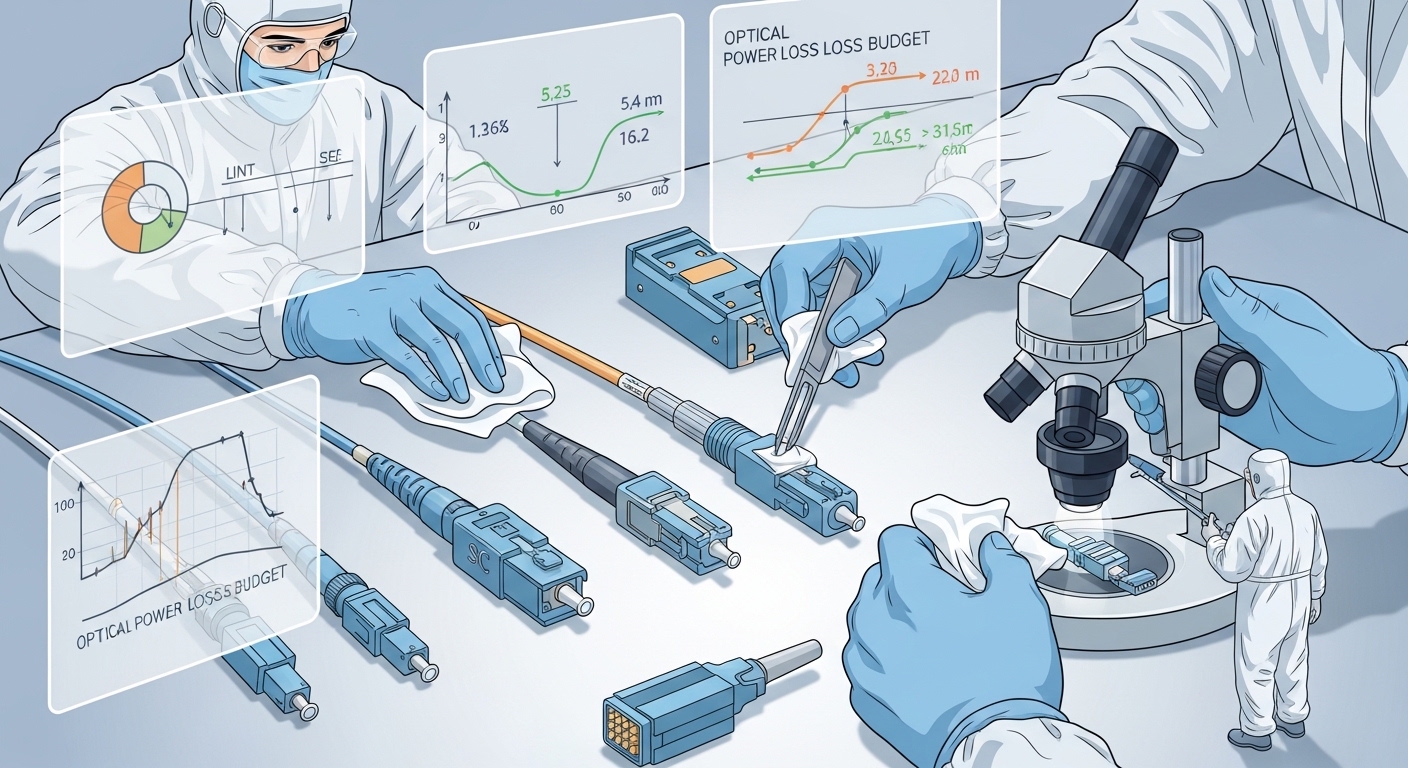
Solution: Inspect every LC end with a fiber microscope, clean with lint-free wipes and approved methods, then re-measure Rx power via DOM. -
Mistake: Underestimating thermal rise in dense racks.
Root cause: Port-cage airflow restrictions and high ambient temperatures drive transceiver temperature beyond safe operating range.
Solution: Measure with a temp probe at the port cage, confirm transceiver temperature alarms, and improve airflow or swap to a higher temperature-class module. -
Mistake: Mixing multimode fiber types without verifying mode bandwidth.
Root cause: OM3 versus OM4/OM5 differences change effective reach and modal dispersion tolerance.
Solution: Validate fiber with OTDR and certify link loss; treat “it worked once” as a temporary state, not a guarantee.
Cost and ROI note: OEM versus third-party optics
Pricing varies heavily by generation and vendor, but a practical budgeting range for many enterprises is roughly $40 to $250 per module depending on speed, reach, and certification requirements. OEM optics often cost more, yet they reduce compatibility risk and accelerate incident resolution. Third-party optics can lower upfront cost, but the ROI only holds if you invest in compatibility testing and maintain a clear failure-rate log; otherwise, downtime and troubleshooting time can erase the savings.
For TCO, include: replacement lead time, RMA friction, field labor hours, and the monitoring effort needed to track DOM trends. In AI environments, the cost of a stalled training run can dwarf module price, so “cheapest optics” is rarely the lowest total cost.
FAQ
Q: What are high-performance transceivers in practical terms for AI/ML?
They are optics modules that meet the required Ethernet data rate and interface compliance, provide stable optical power, and expose diagnostics via DOM so you can monitor temperature and Tx/Rx levels. For AI pods, reliability under thermal stress and tight cabling is often more important than maximum “rated” reach.
Q: How do I confirm compatibility with my switch?
Start with the switch vendor’s optics compatibility list and your switch software release notes. Then validate in a pilot: confirm link stability under traffic, and verify DOM telemetry is readable and alarms behave as expected.
Q: Are SR optics always the best choice for data-center AI?
Most of the time, SR is favored for intra-pod traffic because it is lower-latency and typically cheaper than long-reach. However, if your cabling distance or loss budget exceeds the SR margin, LR/ER on single-mode becomes the