If your ha-VIS or Industrial IP switch ports are flapping, negotiating at the wrong rate, or failing under vibration and temperature swings, the root cause is often the SFP module choice. This article helps network engineers, integrators, and field techs pick the right HARTING SFP optics for reliable link bring-up, predictable maintenance windows, and clean scale-out. You will get compatibility criteria tied to real switch behavior, plus troubleshooting steps that match how optics actually fail in the field.
Why ha-VIS and Industrial IP switches stress SFP choices
HARTING ha-VIS and Industrial IP switch families are designed for harsh environments where link stability matters as much as raw bandwidth. Even when the switch supports SFP at the electrical layer (per the relevant SFF-8472 management expectations), optics still must match the fiber type, link budget, and temperature operating range. In practice, engineers see issues like marginal optical power leading to CRC errors, or a mismatch between expected wavelength (nominal center wavelength) and deployed fiber plant. The result is often “it connects, then degrades,” which is harder to detect than a total link failure.
On industrial platforms, the SFP’s digital diagnostics also matter operationally. Most modern modules expose DOM (Digital Optical Monitoring) parameters such as received power (Rx power), transmit power (Tx power), laser bias current, and module temperature. When your switch reads DOM, you can correlate rising temperature or falling Tx power with early degradation, instead of waiting for a full outage. For standards context, the SFP electrical interface and diagnostics expectations are covered across the SFP MSA ecosystem and vendor implementations, while Ethernet signaling behavior aligns with IEEE 802.3 physical layer requirements.
Pro Tip: In industrial deployments, treat DOM thresholds as a maintenance signal, not just a monitoring dashboard. If your switch reports a steady drop in Tx power or a consistent rise in module temperature over weeks, you can schedule a swap during a planned window before the module crosses the receiver sensitivity margin and starts generating intermittent CRC errors.
HARTING SFP types that commonly pair with industrial ha-VIS ports
For ha-VIS and Industrial IP switches, the most common selection split is between multimode (MMF) and single-mode (SMF), plus the data rate generation. Typical industrial Ethernet runs are 1G, 10G, or sometimes higher depending on the switch model and backplane design. Your SFP must match both the port’s supported data rate and the optics type: SR for multimode, LR/ER/ZR variants for single-mode, and sometimes CWDM for wavelength-division designs.
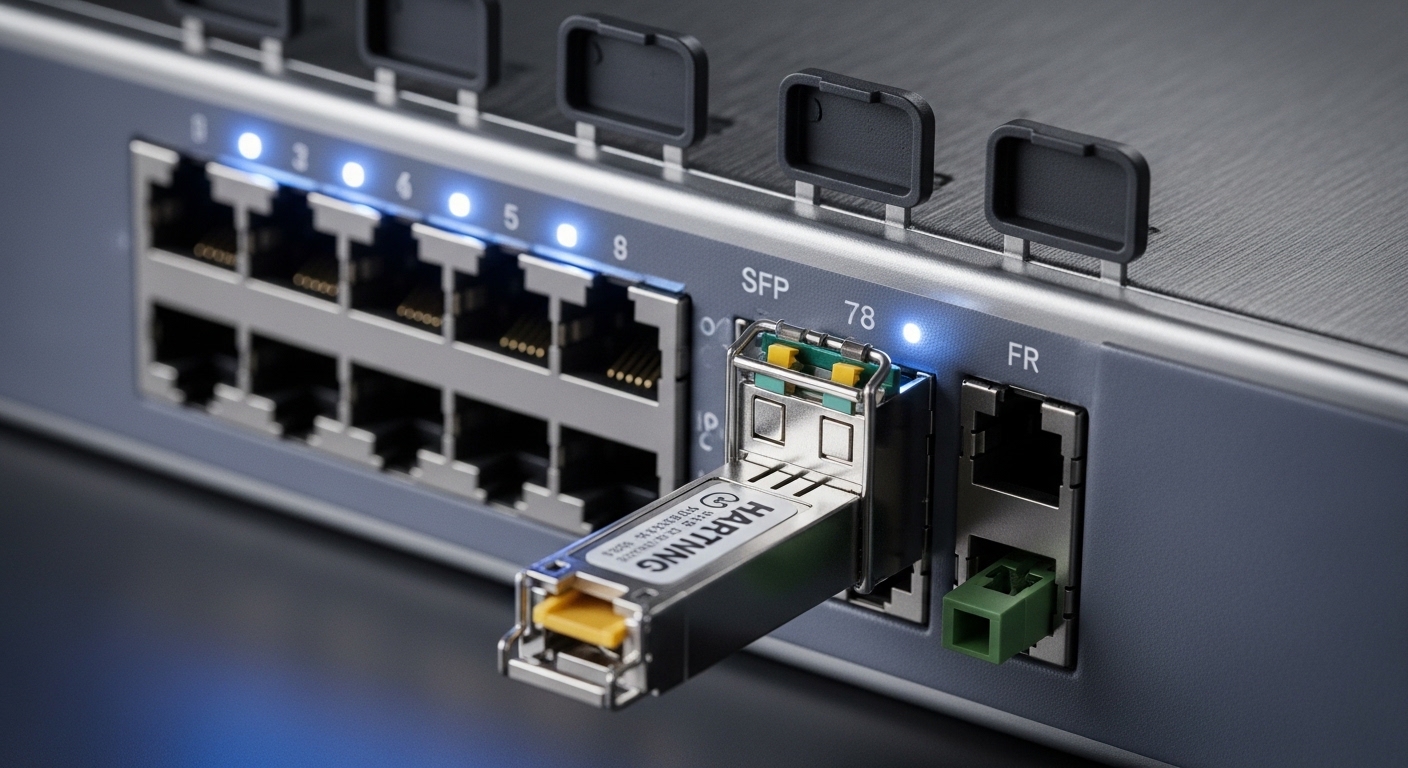
When you evaluate a HARTING SFP, confirm the module is explicitly intended for the switch family you are targeting, not just “SFP compatible” in general. In many real sites, integrators discover that a generic third-party module works on day one but fails intermittently after temperature cycling because the vendor’s laser temperature compensation and optical power distribution differ from the OEM module. That is why compatibility notes, DOM behavior, and optical budget alignment should be part of your acceptance test plan.
Technical specifications you should compare first
Before ordering, compare the module’s wavelength, reach, connector, DOM support, and temperature range. For Ethernet optics, the reach numbers are based on link budget assumptions that vary by fiber quality and patch cord loss. If your plant uses older OM3/OM4 mixes or has long patch cords, you must validate with real measurements or a conservative link budget calculation.
| Spec | Example HARTING SFP for Industrial Use | Why it matters on ha-VIS |
|---|---|---|
| Data rate | 1G or 10G (match switch port) | Prevents link auto-negotiation stalls and mismatched PHY expectations |
| Wavelength | SR typically ~850 nm; LR typically ~1310 nm | Ensures correct laser/fiber pairing and reduces BER under marginal links |
| Reach | SR examples: 300 m on OM3 class; SMF LR class: 10 km | Defines optical budget margin including patch cords and splices |
| Connector | LC common for SFP optics | Prevents physical integration issues with patch panels and housings |
| DOM support | Yes for monitoring (Tx/Rx power, temp, bias) | Enables predictive maintenance and faster incident isolation |
| Operating temperature | Industrial modules often -40 C to +85 C class | Reduces laser aging and avoids thermal drift during cabinet hot spots |
Compatibility checklist for ha-VIS and Industrial IP deployments
Engineers typically lose time when they treat SFP selection like a generic optics swap. Instead, use an ordered checklist that mirrors how the switch verifies optics and how the link budget behaves in your plant. This approach is faster during procurement and safer during commissioning.
- Distance and fiber type: Confirm MMF vs SMF, and fiber grade (OM2/OM3/OM4 for MMF). Estimate total loss including patch cords and connectors.
- Data rate and port capability: Verify the ha-VIS/Industrial IP port supports the SFP’s data rate (for example, 10G SR vs 1G SR). Do not rely on “SFP is SFP.”
- Wavelength alignment: Match SR to multimode fiber and LR to single-mode fiber. Confirm you did not deploy 1310 nm optics into a plant intended for 850 nm.
- Switch compatibility and DOM behavior: Check whether the switch expects DOM readings and whether it enforces specific diagnostics thresholds. Validate with a short test before rolling out.
- Operating temperature rating: Industrial cabinets can exceed ambient due to power supplies and enclosed airflow. Choose modules rated for your worst-case cabinet temperature.
- Connector and mechanical fit: Ensure LC connector type matches your patch panels and that the module’s latch geometry fits the cage.
- Vendor lock-in risk: If you depend on OEM-only HARTING SFP modules, model lead times and spares costs. Consider third-party options only after acceptance testing.
When you do this correctly, you avoid the two most expensive outcomes: field rework and silent degradation. Silent degradation is where the link stays up but BER rises, causing intermittent packet loss that looks like application issues.
Budget, ROI, and the real cost of optics in industrial sites
Pricing varies widely by data rate, reach, and whether you buy OEM-labeled modules. As a realistic planning range, many 1G industrial SR modules often land in the $30 to $120 per unit range, while 10G SR optics can be $80 to $250 depending on reach and temperature grade. Single-mode 10G optics are frequently higher, especially for longer reach variants.
The total cost of ownership (TCO) is not just the module price. Consider installation labor, downtime windows, and the probability of failure under thermal cycling. OEM modules may cost more upfront, but if their DOM thresholds match the switch and their thermal performance stays stable for years, you reduce mean time to repair and reduce repeat truck rolls. Third-party modules can be cost-effective, but you should treat them as a controlled rollout with acceptance criteria based on DOM readings and error counters.
Build vs buy decision for SFP spares
Most teams should “buy” modules rather than attempt to build optical transceivers. The cost of test equipment, laser safety compliance, and reliability validation exceeds what any integration team can justify. Instead, “build” your process: define acceptance tests, store DOM baselines, and maintain a spares strategy tied to your critical path topology (for example, where uplinks feed multiple cells or where redundancy is limited).
Common pitfalls and troubleshooting in the field
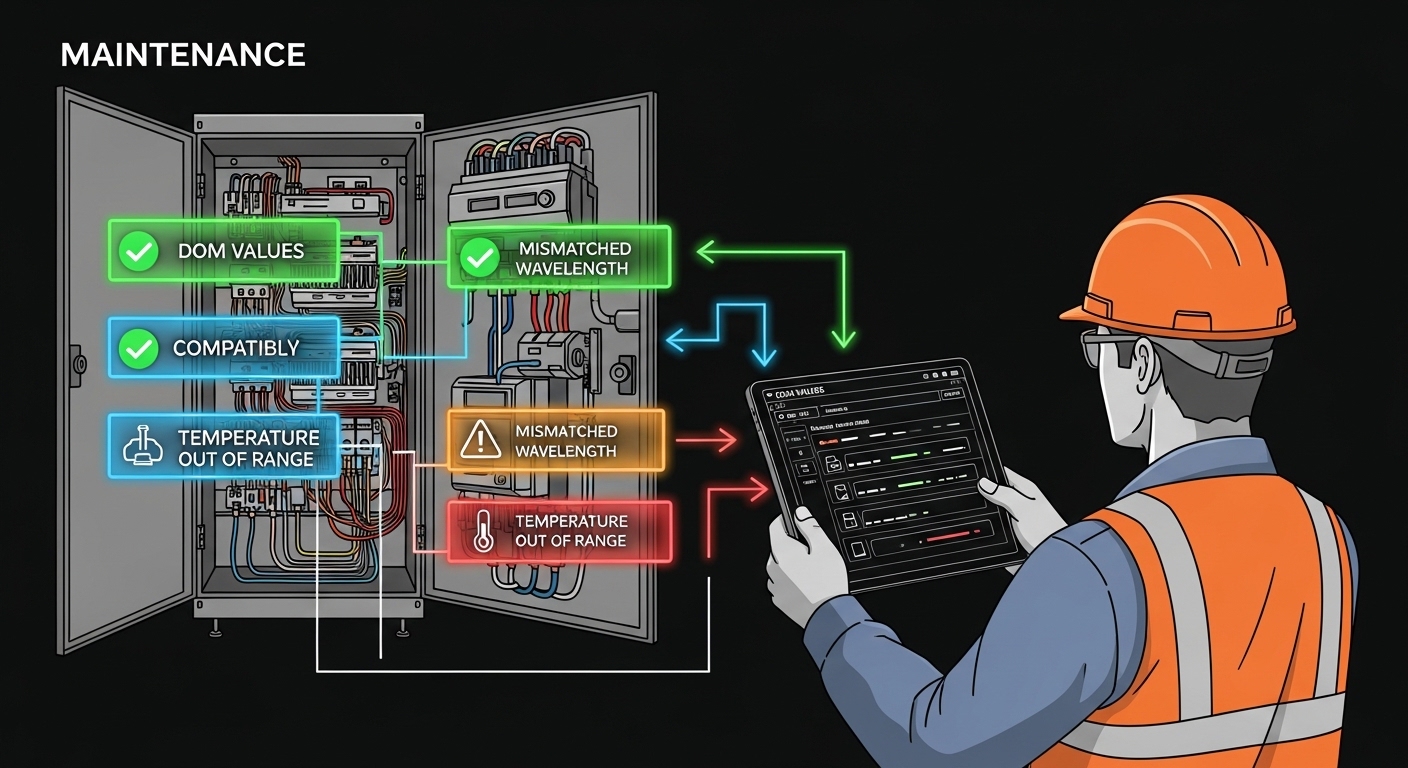
Even when the module is correct on paper, industrial realities introduce failure modes. Below are common mistakes with root causes and practical solutions you can apply during commissioning or incident response.
Link comes up, but traffic is unreliable
Root cause: Optical power margin is too tight due to excessive patch cord loss, dirty connectors, or aged fiber. The link may establish because the receiver sensitivity is barely sufficient, but BER increases with temperature and vibration. Solution: Clean connectors using approved fiber cleaning methods, re-seat LC connectors, and verify Rx power via DOM on the switch. If Rx power is near the vendor’s minimum, shorten patch cords or reduce insertion loss.
Frequent link flaps after cabinet temperature changes
Root cause: Module temperature rating mismatch or insufficient thermal dissipation in a hot enclosure. Lasers can drift, and DOM temperature readings reveal the issue before outright failure. Solution: Compare the module’s operating temperature range to your measured worst-case cabinet temperature. Add airflow or adjust cabinet layout; then re-baseline DOM readings.
No link, or only at a reduced mode
Root cause: Data rate or wavelength mismatch, or a switch port that enforces a specific optical profile. Some switches will refuse to fully initialize the PHY when diagnostics do not match expectations. Solution: Confirm the intended SFP data rate and wavelength (SR at 850 nm for MMF, LR at 1310 nm for SMF). Validate by swapping with a known-good module and checking switch logs for optical diagnostics errors.
DOM data missing or inconsistent
Root cause: DOM support differences between OEM and third-party modules, or firmware interpretation differences in the switch. Solution: Use acceptance tests: verify DOM fields (Tx power, Rx power, temperature, bias current) and ensure the switch does not treat missing diagnostics as fault conditions. If the switch enforces DOM compliance, stick to HARTING SFP modules that are validated for the ha-VIS platform.

Best practices for commissioning and ongoing monitoring
To scale reliably, commissioning should be repeatable and measurable. For each HARTING SFP in ha-VIS and Industrial IP switches, capture a baseline: link up time, switch-reported DOM values, and interface error counters (CRC, FCS, and any optical monitoring alarms). Then store those baselines with the port mapping and fiber ID so you can correlate future incidents to physical plant changes.
Operationally, schedule periodic DOM reviews. A practical cadence is monthly for critical uplinks and quarterly for non-critical segments, with immediate review after any maintenance that touches patch cords or cable trays. If you see a trend toward higher laser bias current or lower Tx power, plan a swap during the next maintenance window rather than waiting for a hard failure. This “trend-first” method is how you minimize downtime in environments where troubleshooting access is limited.
For standards grounding, consult IEEE 802.3 for Ethernet physical layer behavior and vendor datasheets for DOM and optical safety considerations. For SFP electrical and management expectations, reference the SFP MSA family documentation and vendor guidance aligned to SFF-8472 diagnostics where applicable. IEEE 802.3 standard overview and SFP diagnostics and fiber reliability discussions vary by vendor; use vendor datasheets for exact DOM fields are useful starting points, but always rely on the specific switch and module documentation for acceptance criteria.
FAQ
What does “HARTING SFP compatible” really mean for ha-VIS switches?
In practice, it means the module supports the switch’s expected SFP electrical initialization and, crucially, that DOM behavior does not trigger fault handling. Always validate with a short commissioning test in your environment, because industrial switch firmware can interpret diagnostics differently.
How do I choose between SR and LR for an industrial cabinet?
SR is typically used for multimode fiber around 850 nm, while LR is typically used for single-mode fiber around 1310 nm. Pick based on fiber type, distance, and total insertion loss including patch cords and splices, not just the module’s nominal reach.
Do I need DOM support if my switch has basic port LEDs?
LEDs confirm link state, but they do not provide early warning. With DOM, you can detect drifting Tx/Rx power and temperature trends before the link starts dropping frames, which is essential for minimizing downtime in industrial networks.
Can I use third-party SFP modules instead of OEM HARTING SFP?
Sometimes yes, but only if they pass acceptance tests for your specific ha-VIS or Industrial IP switch model. Validate link stability, DOM field completeness, and optical error counters over temperature cycling if possible.
What is the fastest way to troubleshoot an optical link flap?
Check switch logs for optical diagnostic alarms, then review DOM Rx power and temperature readings. Clean and re-seat LC connectors first, then compare against your baseline values to determine whether the issue is optical margin, contamination, or thermal drift.
How many spare HARTING SFP modules should we keep?
A common approach is to stock at least one spare per critical link group and maintain spares for the highest-risk site segments (uplinks, ring interconnects, and paths without easy redundancy). Base the number on historical failure rates and lead times.
If you want dependable uptime, treat HARTING SFP selection as a compatibility and reliability engineering task, not a commodity swap. Next, align your procurement and acceptance tests with your ha-VIS topology using fiber-optic-transceiver-compatibility-checklist.
Author bio: I am a CTO who has deployed industrial Ethernet across noisy cabinets, tuned optics acceptance tests, and reduced field returns by enforcing measured DOM baselines. I focus on security and reliability tradeoffs, minimizing tech debt while scaling fast with predictable maintenance workflows.