In hotels, guest WiFi fiber keeps check-in traffic moving, but the wrong transceiver can create intermittent drops or full outages. This article helps hospitality network engineers and IT managers choose the right guest WiFi fiber SFP modules for access switches, media converters, and aggregation closets. You will compare performance, compatibility, and operating cost, then use a selection checklist and troubleshooting guide grounded in real deployment constraints.
Reach and link budget: which SFP actually holds up in guest corridors?
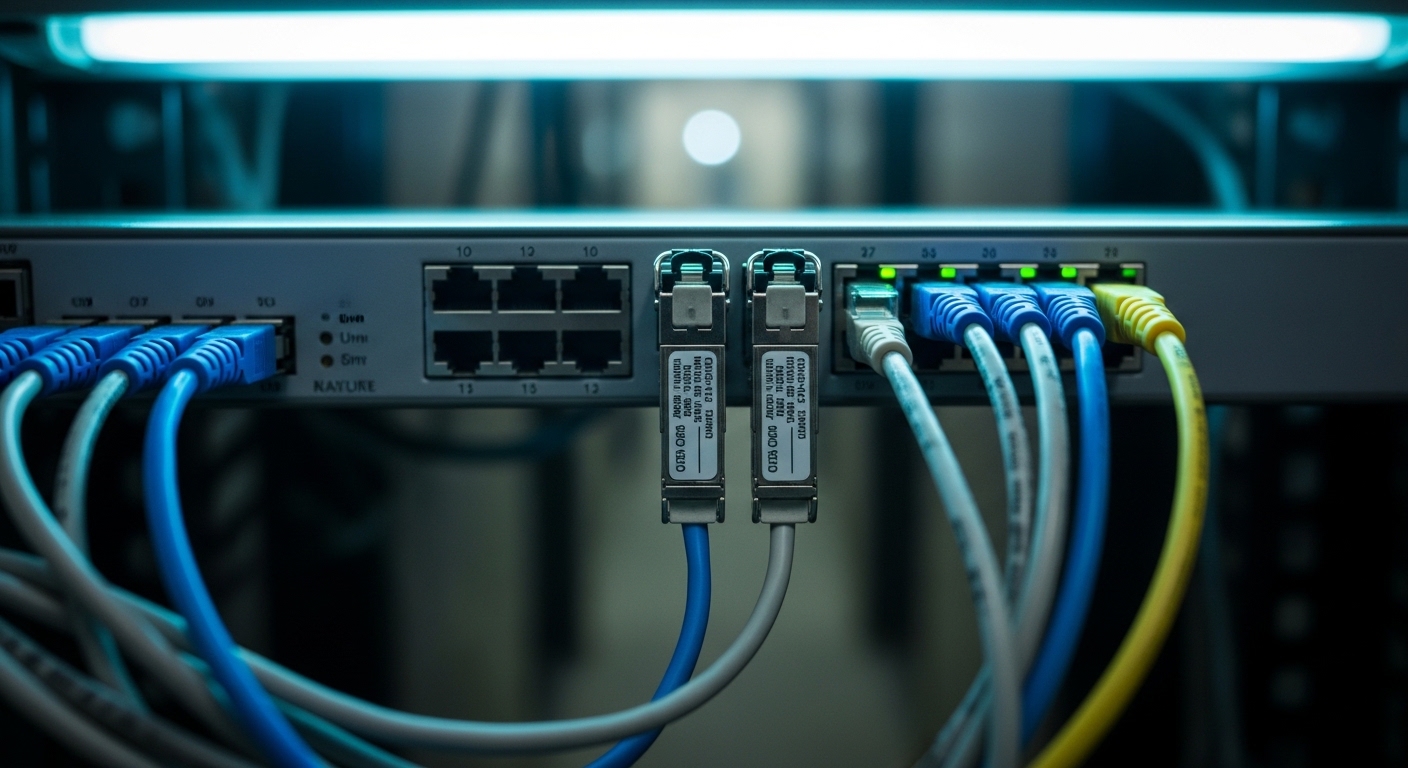
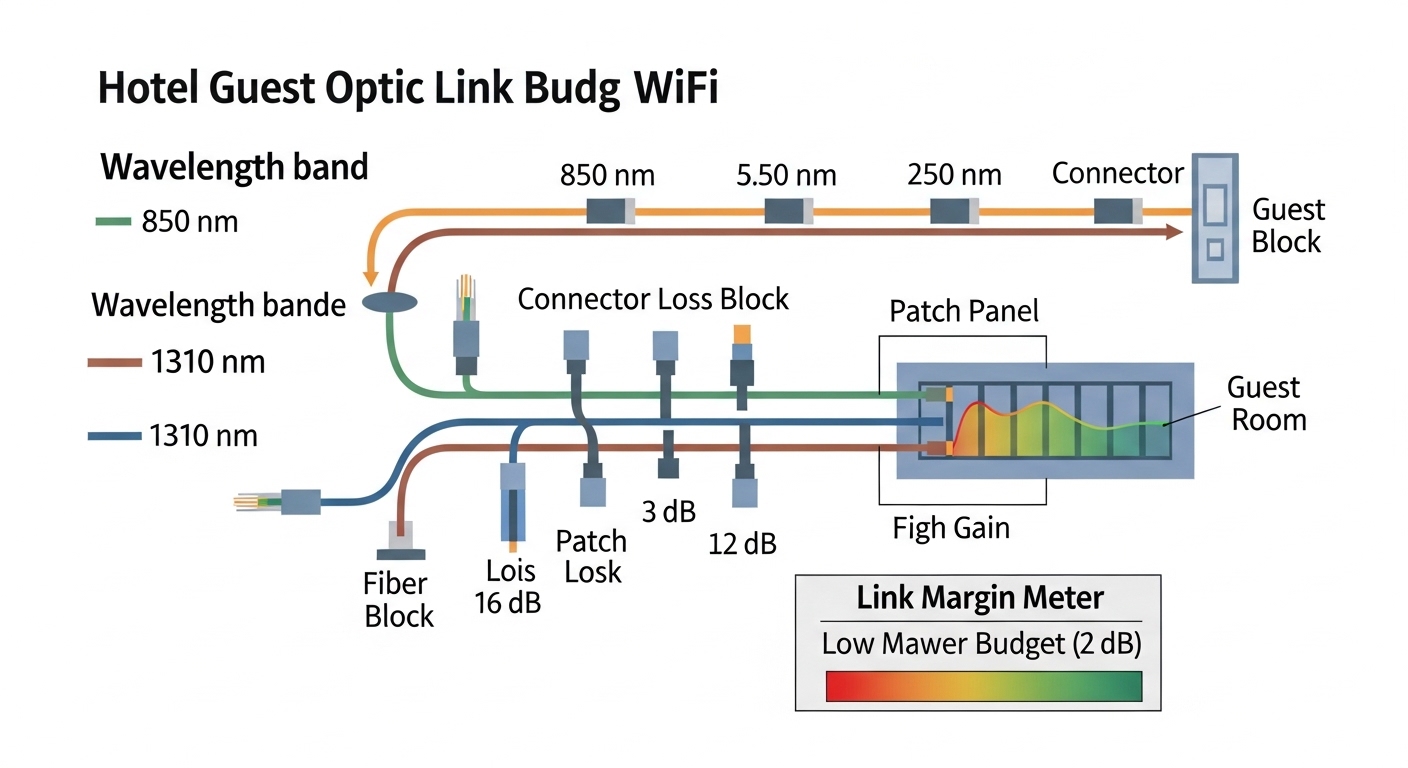
For guest WiFi fiber, the practical question is not only “how many meters,” but whether your link budget survives connector loss, patch panel bends, and aging. Most hotel deployments run mixed indoor fiber lengths: from a wiring closet to room blocks (often 50–300 m) plus patching (often 1–3 dB additional loss). When you select SFP variants, match the wavelength and reach to your installed plant, and verify that your switch supports the optical class.
Common SFP types you will see
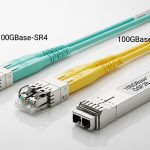
Typical choices include multimode 850 nm SFPs for short indoor runs, and single-mode 1310/1550 nm SFPs when you need longer reach across floors or between buildings. For example, 10GBASE-SR uses 850 nm over OM3/OM4 multimode fiber; 10GBASE-LR uses 1310 nm over single-mode fiber. If you are standardizing on 1G for legacy guest services, you may still see 1000BASE-SX (850 nm) and 1000BASE-LX (1310 nm) optics, but new hospitality builds often move to 10G uplinks for access points and aggregation.
Performance comparison (key specs)
| Module family | Wavelength | Typical data rate | Reach class | Fiber type | Connector | DOM | Operating temp (typical) |
|---|---|---|---|---|---|---|---|
| 10GBASE-SR SFP | 850 nm | 10 Gbps | ~300 m (OM3) / ~400 m (OM4) | MMF OM3/OM4 | LC | Often available | 0 to 70 C |
| 10GBASE-LR SFP | 1310 nm | 10 Gbps | ~10 km | SMF | LC | Often available | -40 to 85 C (varies) |
| 1GBASE-SX SFP | 850 nm | 1 Gbps | ~500 m (OM3 class) | MMF | LC | Often available | 0 to 70 C |
| 1GBASE-LX SFP | 1310 nm | 1 Gbps | ~10 km | SMF | LC | Often available | -40 to 85 C (varies) |
Standards context: Ethernet optical interfaces follow IEEE 802.3 clauses for reach and signaling behavior; verify exact parameters against the module datasheet and your switch vendor compatibility list. IEEE 802.3
Pro Tip: In hotel service closets, the biggest “hidden loss” is not the fiber length; it is patching. I routinely budget an extra 1–2 dB per mated connector pair and include a conservative margin for dirty LC end faces, then verify with the vendor’s optical power/receiver sensitivity numbers from the SFP datasheet.
Compatibility and DOM support: the difference between “it links” and “it stays stable”
In hospitality environments, optics often remain installed for years, and maintenance windows are short. Many access switches and aggregation platforms rely on SFP Digital Optical Monitoring (DOM) to report temperature, laser bias current, and received power. Without DOM, some platforms still pass traffic, but monitoring dashboards and alerts may degrade, which makes proactive maintenance harder.
What to check in vendor documentation
Before purchasing inventory for guest WiFi fiber, confirm three items: (1) supported transceiver type (SFP vs SFP+ vs SFP28), (2) DOM behavior expectations, and (3) whether third-party optics are accepted. For example, Cisco transceivers and compatible third-party models are not always interchangeable across every switch family. If you are using common 10G gear, check whether your platform expects a specific DOM format (or at least reads standard thresholds). Vendor compatibility lists are the fastest path to avoid “link up then flap” behavior.
Concrete model examples you can map to your plant
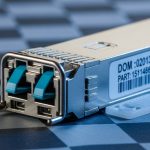
For 10G over multimode, you will commonly see parts such as Finisar FTLX8571D3BCL or FS.com SFP-10GSR-85 (examples vary by revision and DOM support). For 10G over single-mode, you may see Finisar FTLX1471D3BCL or Cisco-style LR optics depending on your platform. Always validate the exact wavelength, reach class, and DOM presence against the switch’s documented requirements.
Cost and ROI: OEM vs third-party optics in hotel spares
Optics cost is not just purchase price; it is total downtime risk, spares strategy, and warranty friction. In many hotels, you keep a small pool of “known good” SFPs in a locked spares cabinet, and you swap them during maintenance. OEM optics tend to be more predictable in compatibility, while third-party optics can reduce unit cost but increase the chance of compatibility quirks or limited warranty terms.
Realistic price ranges and TCO considerations
As a planning estimate, 10G SR SFP modules for enterprise use often land in the mid-range of typical transceiver pricing; OEM units can cost more than third-party equivalents by a wide margin depending on DOM and temperature grade. Over a multi-year horizon, the ROI often comes from fewer truck rolls and faster restoration: if a wrong optics choice causes even one extended outage, the savings on several units are usually erased. Include power and cooling only if you are scaling to very high port counts; optics power differences are usually small compared to switch chassis consumption.
For standards and interoperability, follow the optical interface expectations in IEEE 802.3 and the physical layer characteristics required for your chosen reach class. IEEE 802.3 Working Group
Decision checklist: how engineers select guest WiFi fiber SFPs
- Distance and loss budget: measure or confirm installed fiber length and count patch/connector pairs; verify with receiver sensitivity from the datasheet.
- Fiber type: confirm OM3/OM4 for 850 nm SR, or SMF for 1310 nm LR; do not assume mixed plant compatibility.
- Switch compatibility: consult the switch vendor’s transceiver list; confirm SFP vs SFP+ vs SFP28 support.
- DOM support and monitoring: decide whether your network management depends on optical telemetry; prefer modules that expose standard DOM metrics.
- Operating temperature: service closets can exceed ambient due to switches and patch panels; favor modules rated for the environment.
- Vendor lock-in risk: evaluate third-party options only after lab testing or documented compatibility; track warranty and RMA turnaround time.
- Connector cleanliness and polarity: budget time for LC cleaning and correct Tx/Rx polarity conventions during installation.
Common mistakes / troubleshooting: the failure modes I see most
Even with correct specs on paper, optics can fail in the field. Below are common issues in hotel guest WiFi fiber networks, with root cause and practical fixes.
Link flaps after installation
Root cause: dirty LC end faces or marginal insertion due to reused patch cords. Solution: clean connectors with approved fiber cleaning tools, then re-seat with proper strain relief; verify with a visual inspection under magnification.
Works at first, then degrades during peak occupancy
Root cause: thermal stress from a poorly ventilated closet or a module operating beyond its rated temperature envelope. Solution: check ambient temperature near the SFP cage; improve airflow, and replace with optics rated for the observed range.
“Module not supported” or error counters rise immediately
Root cause: DOM mismatch or unsupported transceiver type for that switch model, especially with third-party optics. Solution: confirm exact switch model and transceiver compatibility list; test one unit in a maintenance window before scaling.
Receiver power too low after adding patch panels
Root cause: increased connector count and patching loss not included in the original budget. Solution: re-run the link budget using measured lengths and connector counts; consider upgrading from SR to LR or reducing patch points.
Decision matrix: performance vs cost tradeoffs
| Scenario | Best fit | Why | Main risk |
|---|---|---|---|
| Short indoor runs to room blocks, stable closet temps | 10GBASE-SR SFP (850 nm) | Lower cabling cost, common in OM3/OM4 | Connector cleanliness and patch loss |
| Longer reach across floors/buildings | 10GBASE-LR SFP (1310 nm) | More margin against loss and distance | Single-mode plant validation needed |
| Strict monitoring and alerting requirements | DOM-capable, switch-qualified optics | Telemetry supports proactive maintenance | Third-party compatibility variability |
| Budget-constrained spares strategy | Third-party only after compatibility test | Lower unit cost | RMA friction and potential telemetry gaps |
Which option should you choose?
If your hotel guest WiFi fiber runs are short and you have verified OM3/OM4, choose an 850 nm SR SFP with DOM support and a switch-qualified part number. If you cross floors, connect buildings, or have uncertain patching, choose an 1310 nm LR SFP to preserve link margin and reduce future maintenance risk. For cost-focused procurement, buy third-party optics only after confirming switch compatibility and