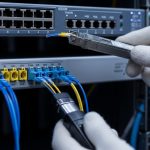
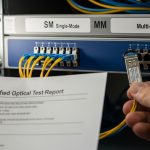
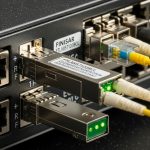
In liquid-cooled server racks, optical links often fail in ways that look random: flapping alarms, rising error rates, or DOM readings that drift before the link drops. This article helps network and data center engineers understand how fiber module thermal impacts SFP transceivers, especially when you combine cold-plate cooling, high port density, and aggressive airflow rules. You will get practical selection criteria, a troubleshooting checklist, and a deployment scenario you can map to your own leaf-spine or aggregation layer.
How fiber module thermal shows up in SFP optical links
Even though an SFP is “just optics,” its internal laser bias, receiver front-end, and digital diagnostics are temperature sensitive. When fiber module thermal swings faster than the module can stabilize, you can see higher bit error rate (BER), increased forward error correction (FEC) pressure, or temporary loss of signal. In liquid-cooled environments, the surrounding chassis temperature may be stable, but the module-to-heatsink thermal path can still be uneven due to contact pressure, cage tolerances, or airflow bypass.
What changes inside the transceiver as temperature shifts
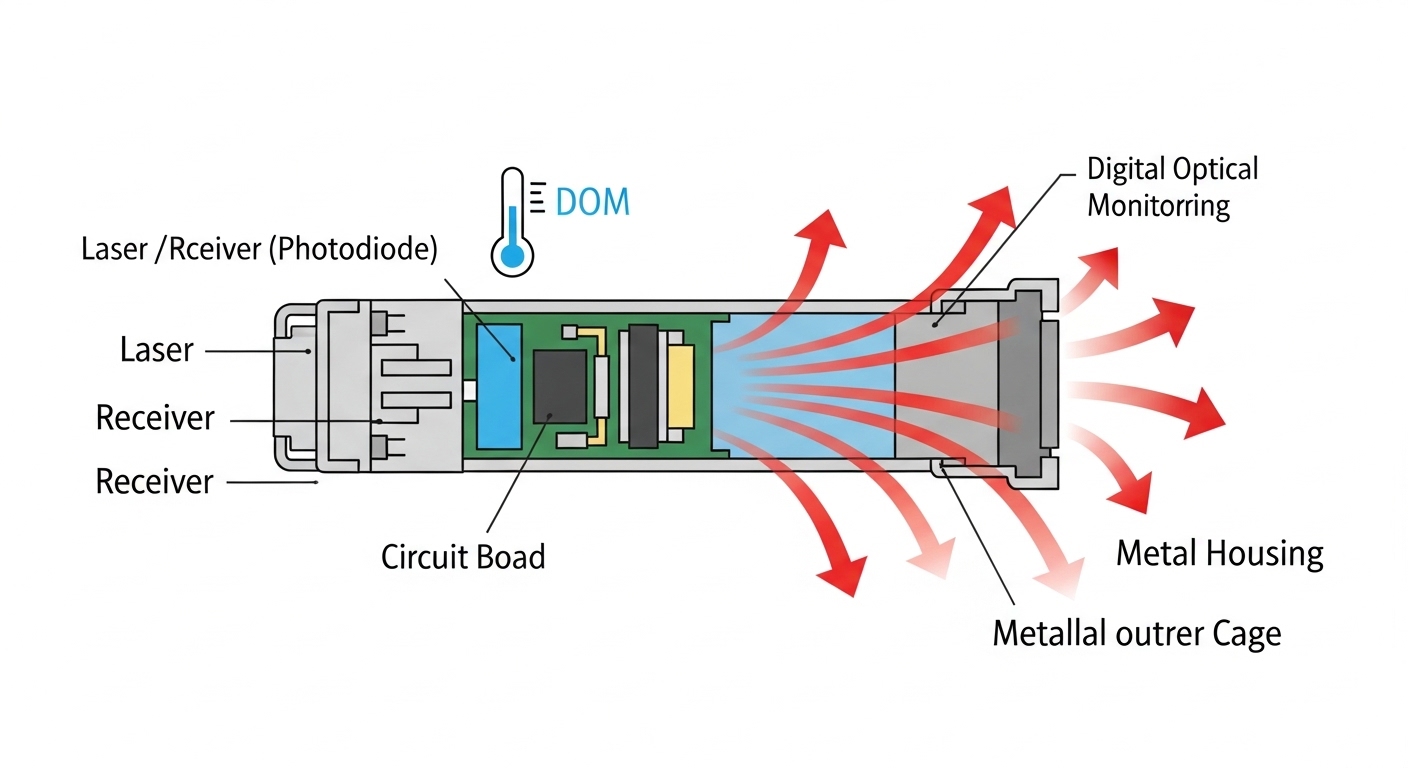
Most SFPs implement a temperature sensor and expose it via digital optical monitoring (DOM). The laser driver and receiver gain control use temperature compensation curves defined by the vendor. When the module operates near its limits, the compensation can reach a point where it can no longer fully correct for the thermal drift.
- Laser output power droop: higher temperature typically reduces optical power for many laser types.
- Receiver sensitivity shift: photodiode responsivity and amplifier behavior vary with temperature.
- DOM temperature and bias drift: DOM might report values that lag real conditions during rapid transients.
- Fanout and PCB gradients: neighboring modules can heat-share through the cage and PCB plane.
Where liquid cooling changes the thermal story
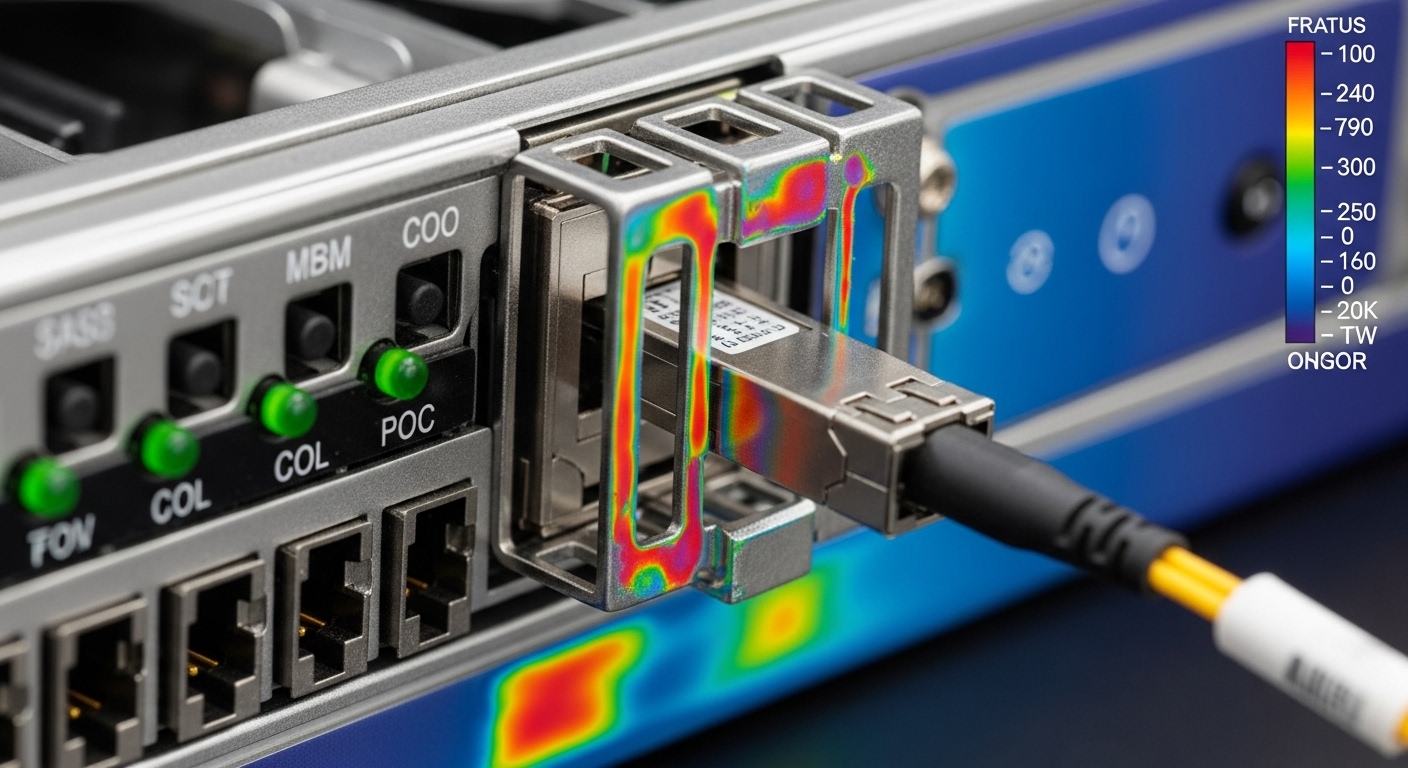
Liquid-cooled racks often cool the chassis or cold plates efficiently, but the SFP cage can still experience localized hotspots. Common causes include uneven liquid flow, partial blockages, and thermal interface material (TIM) variance across server SKUs. Add high port density and you get a module thermal gradient even if the room temperature looks controlled.
Pro Tip: During commissioning, log DOM temperature and received optical power together for at least 30 minutes under typical traffic. If you see DOM temperature stabilize but Rx power continues a slow drift, you likely have a thermal contact or cage airflow bypass issue rather than a pure ambient control problem.
What to check: thermal specs, DOM limits, and compatibility
Before you blame the optics, confirm that the transceiver thermal envelope matches your platform and that diagnostics are within vendor-defined thresholds. Many field issues are actually spec mismatches: a module rated for one temperature range placed into a chassis that routinely exceeds it under peak load. Also verify that the switch or router platform supports the module’s DOM implementation and alarm thresholds.
Key thermal and optical parameters engineers compare
Use vendor datasheets and the switch compatibility list. For SFP, the “standard” temperature ranges are commonly 0 to 70 C for commercial, and -40 to 85 C for extended. Liquid-cooled servers can still push module temperatures upward if liquid flow is reduced, if the cold plate is not evenly loaded, or if the air side is restricted.
Comparison table: common SFP thermal and optical targets
| Parameter | Typical Commercial SFP | Extended Temperature SFP | What to verify in your install |
|---|---|---|---|
| Operating temperature | 0 to 70 C | -40 to 85 C | Chassis and cage temperature at peak traffic, not just room air |
| DOM availability | Usually supported | Usually supported | Switch reads DOM temperature, Tx bias, Tx power, Rx power |
| Optical wavelength (examples) | 850 nm (SR) | 1310 nm or 1550 nm (LR/ER) | Match fiber plant and reach requirements |
| Connector | LC duplex | LC duplex | Inspect adapter cleanliness; thermal issues can mask contamination |
| Data rate (examples) | 1G, 2G, 10G variants | 10G and beyond variants depend on SKU | Match IEEE 802.3 link mode and switch port profile |
| DOM alarm behavior | Vendor-specific thresholds | Vendor-specific thresholds | Confirm whether your platform treats DOM alarms as link events |
For standards context, DOM and transceiver monitoring behavior is typically discussed in vendor documentation and aligned with transceiver frameworks used across Ethernet platforms. For Ethernet link behavior, reference IEEE 802.3 for the optical physical layer definitions. If you are validating timing and link stability, also review platform-specific transceiver compliance guidance from the switch vendor. [Source: IEEE 802.3 Ethernet specifications]
For compatibility, check the vendor’s SFP support list and DOM interoperability notes. For example, many networks standardize on specific module families such as Cisco branded optics or approved third-party optics; commonly used examples include Cisco SFP-10G-SR (10G SR), Finisar FTLX8571D3BCL (10G SR class), and FS.com SFP-10GSR-85 (10G SR class). Even when these match wavelength and reach, thermal behavior can differ due to heatsink design and vendor-specific laser bias control.
Decision checklist: selecting SFP optics for stable fiber module thermal
Use this ordering when you pick modules for liquid-cooled systems. It is designed to prevent the most common “it worked on the bench” failures that appear only after deployment.
- Distance and link budget: Confirm reach class (SR, LR, ER) and check the optical budget including connector loss, patch cord loss, and any splitters.
- Temperature rating vs measured cage temperature: Choose extended temperature modules if your measured cage temperature approaches 70 C in commercial modules, or if you cannot guarantee liquid flow stability.
- Switch compatibility and DOM support: Verify the exact module part number is supported by the switch/router model. Confirm that DOM reads correctly and that alarms do not cause nuisance resets.
- Thermal design fit: Prefer modules with robust heatsinking and stable mechanical contact to the cage. If the platform uses airflow, confirm there is no bypass that starves the module area.
- DOM data quality and trendability: Check whether Tx bias, Tx power, and Rx power are visible. Modules with partial DOM visibility can slow diagnosis.
- Operating environment: Consider dust, fiber end cleanliness, and vibration. Thermal symptoms can mask contamination-related attenuation increases.
- Vendor lock-in risk: OEM optics may cost more but can reduce interoperability risk. Third-party optics can be cheaper, but validate with a staged rollout and documented compatibility testing.
Measured values that matter during acceptance testing
In a commissioning window, capture:
- Module DOM temperature at idle and under traffic load (at least one full traffic cycle).
- Tx bias trend and Tx power trend during a thermal soak or load change.
- Rx power trend and link error counters (CRC, FEC counters if applicable).
- Time-to-stabilize after changing load or after liquid flow setpoint adjustments.
Common mistakes and troubleshooting for thermal-related SFP issues
Thermal faults often look like optical faults, and optical faults often look like thermal faults. The goal is to separate “temperature causes power drift” from “contamination causes power loss” and from “platform incompatibility causes link instability.”
DOM temperature stabilizes, but optical power keeps drifting
Root cause: Thermal contact issue between the module and cage, or airflow bypass that creates a slow gradient across the module heatsink. DOM temperature may reflect sensor placement rather than the laser die temperature.
Solution: Reseat the module, inspect for bent pins or debris in the cage, and verify the server’s airflow baffles are correctly installed. If possible, compare the same module in a different port to isolate whether the port cage has a mechanical or thermal defect.
Link drops only under high density, not in single-port tests
Root cause: Heat sharing across adjacent ports on the same PCB plane. Liquid cooling cools the chassis, but the transceiver area can still accumulate local heat when many modules run concurrently.
Solution: During acceptance testing, test with the same port population density as production. If you must phase rollout, start with the highest density groups and validate error counters after 60 minutes of sustained traffic.
“Compatible” third-party optics pass basic link but fail DOM alarms
Root cause: DOM implementation differences or threshold handling differences in the switch. Some platforms interpret DOM warnings as operational events, causing link resets or port flaps.
Solution: Use the switch vendor’s approved optics list when possible, or at least validate the exact part number with DOM alarm behavior. Confirm how the platform logs DOM alarms and whether it treats them as fatal events.
Optical power is low and error counters rise, but temperature looks normal
Root cause: Fiber end contamination, connector wear, or dirty patch cords. Temperature may be normal because the issue is not thermal, but the symptoms can still resemble thermal degradation.
Solution: Clean connectors with appropriate inspection and cleaning tools, re-terminate if necessary, and verify with an optical power meter or OTDR where applicable. Always pair optical cleaning steps with DOM trend analysis to avoid chasing the wrong variable.

Deployment scenario: liquid-cooled ToR with 10G SR SFPs
In a 3-tier data center leaf-spine topology, a team runs 48-port 10G ToR switches feeding leaf uplinks and server access using 10G SR optics over OM4 multimode. Each rack uses liquid cooling for CPU and chassis heat, while the network cards rely on controlled airflow. During a refresh, they installed extended temperature SFPs in some ports but left commercial-temperature optics in others to save cost.
After the first load ramp, the NOC saw rising CRC errors on a subset of uplinks. DOM logs showed module temperature readings that hovered in the mid-range, but Rx power drifted downward over time. Engineers reseated modules and rotated optics across ports; the drift followed the port cages, not the modules, confirming a thermal contact and airflow bypass pattern on that server SKU. The fix was mechanical: adjust baffles, ensure uniform seating pressure, and standardize on extended temperature optics for the highest density positions.
Key lesson: in liquid-cooled systems, the ambient is not the whole truth. Fiber module thermal is dominated by local cage contact, adjacent module heat loading, and the thermal interface between the module and chassis.
Cost and ROI: OEM vs third-party optics under thermal stress
Pricing varies by vendor and lead time, but in many enterprise procurement cycles, OEM 10G SR optics often land in a higher price band than third-party equivalents. Typical street prices for 10G SR SFPs can range roughly from $40 to $120 per module depending on brand, temperature range, and warranty terms. Extended temperature variants and platforms with strict compatibility can push costs higher.
ROI comes from reducing downtime, minimizing truck rolls, and preventing repeated replacements. A single optics-induced port flap can cost more than the module price when you include troubleshooting time, potential traffic disruption, and SLA penalties. Third-party modules can be cost-effective, but the TCO depends on acceptance testing, documented compatibility, and whether your organization can quickly validate DOM behavior and thermal performance during rollouts. [Source: Vendor datasheets and switch compatibility program documentation]
Update note: This article reflects practical field patterns observed up to 2026-04, but always confirm against the exact transceiver datasheet revision and your switch vendor’s current compatibility matrix.
FAQ
How do I know if fiber module thermal is the real problem?
Correlate DOM temperature with Rx power and link error counters over time. If temperature readings stabilize but optical power keeps drifting, suspect thermal contact or airflow bypass rather than ambient control.
Should I use extended temperature SFPs in liquid-cooled racks?
If you cannot guarantee stable liquid flow or if you see modules approaching 70 C in commercial units during peak load, extended temperature optics are a safer choice. Validate with acceptance testing rather than assuming the chassis temperature tells the whole story.
Can thermal stress cause DOM temperature values to be misleading?
Yes. DOM temperature sensor placement may not perfectly track the laser die temperature, especially during rapid transients or with uneven heatsink contact. That is why you should trend DOM temperature alongside Tx bias and optical power.
What switch settings or alarms should I review?
Check how your platform logs DOM warnings, whether it treats them as fatal, and how it maps optical diagnostics to port state changes. Also verify the port profile matches the optics type so you do not trigger compatibility fallback modes.
Do I need to clean fiber connectors before thermal troubleshooting?
Yes, because contamination can mimic thermal degradation by reducing received power. Use connector inspection and cleaning first when Rx power is low or when errors increase suddenly after a change.
Are third-party SFPs safe for DOM and thermal performance?
They can be, but only if the exact part number is validated for your switch model and you verify DOM alarm behavior. Run a staged rollout and capture DOM and error counter trends under peak density and sustained traffic.
If you want a parallel checklist for the optics side, see fiber optic transceiver selection for data centers. For thermal-specific commissioning, start by trending DOM temperature and optical power under the same density and load profile you will run in production.
Author bio: I have worked on field deployments where liquid cooling and high-density optics interacted in unexpected ways, requiring DOM trend analysis and mechanical cage fixes. I focus on practical validation steps that reduce downtime during optics refreshes.