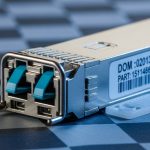
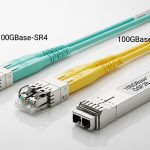
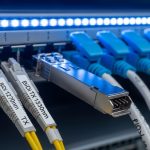
When a storage network starts dropping frames or fails to log link-up events, the root cause is often the transceiver: specifically the `fiber channel SFP` optics and their interaction with the switch, cabling plant, and optics power budget. This article helps SAN engineers and storage operators choose the right Fiber Channel SFP for reliable connectivity across short-reach and extended-reach designs. You will get practical selection criteria, compatibility caveats, and field-tested troubleshooting patterns.
Fiber channel SFP performance: reach, wavelength, and link stability trade-offs
Fiber Channel over optical links is ruthlessly sensitive to optics budget, connector cleanliness, and receiver sensitivity. In practice, the “same” SFP family can behave differently depending on wavelength, launch power, and whether the installed fiber is truly within spec for attenuation and modal effects. For SANs, the key is matching the transceiver’s rated reach to your actual installed loss, including patch panels, couplers, and margin for aging.
What matters in real SAN links
- Data rate and encoding: 4G/8G/16G Fiber Channel uses distinct electrical and optical behaviors; your host bus adapter (HBA) and switch ASIC determine what the transceiver will negotiate.
- Wavelength: SWDM uses multiple wavelengths; legacy SR uses 850 nm; LR uses 1310 nm. Extended options typically rely on 1550 nm for longer spans.
- Optical budget and margin: Use vendor-link budgets and then subtract real measured loss from OTDR or calibrated testing, not just label specs.
- Connector type: LC for most SFPs; cleanliness and insertion loss dominate early-life failures.
Key optic parameters comparison (common SAN SFPs)
Below is a head-to-head view of typical Fiber Channel SFP optics you will encounter in SAN refresh projects. Exact values vary by vendor, but the trends are consistent with IEEE physical-layer expectations and datasheet link budgets.
| Type (Fiber Channel SFP) | Wavelength | Typical Reach | Connector | Tx/Rx Power Class (typical) | DOM / Monitoring | Operating Temp |
|---|---|---|---|---|---|---|
| SR (Short Reach) | 850 nm | ~100 m (multimode) | LC | Low-to-mid launch, MMF budget | Often available | 0 to 70 C (typical) |
| LR (Long Reach) | 1310 nm | ~10 km (singlemode) | LC | Higher Tx power for SMF | Often available | -5 to 70 C (typical) |
| ER (Extended Reach) | 1550 nm (typical) | ~40 km (singlemode, varies) | LC | High link budget with dispersion tolerance | Common in enterprise SKUs | -5 to 70 C (typical) |
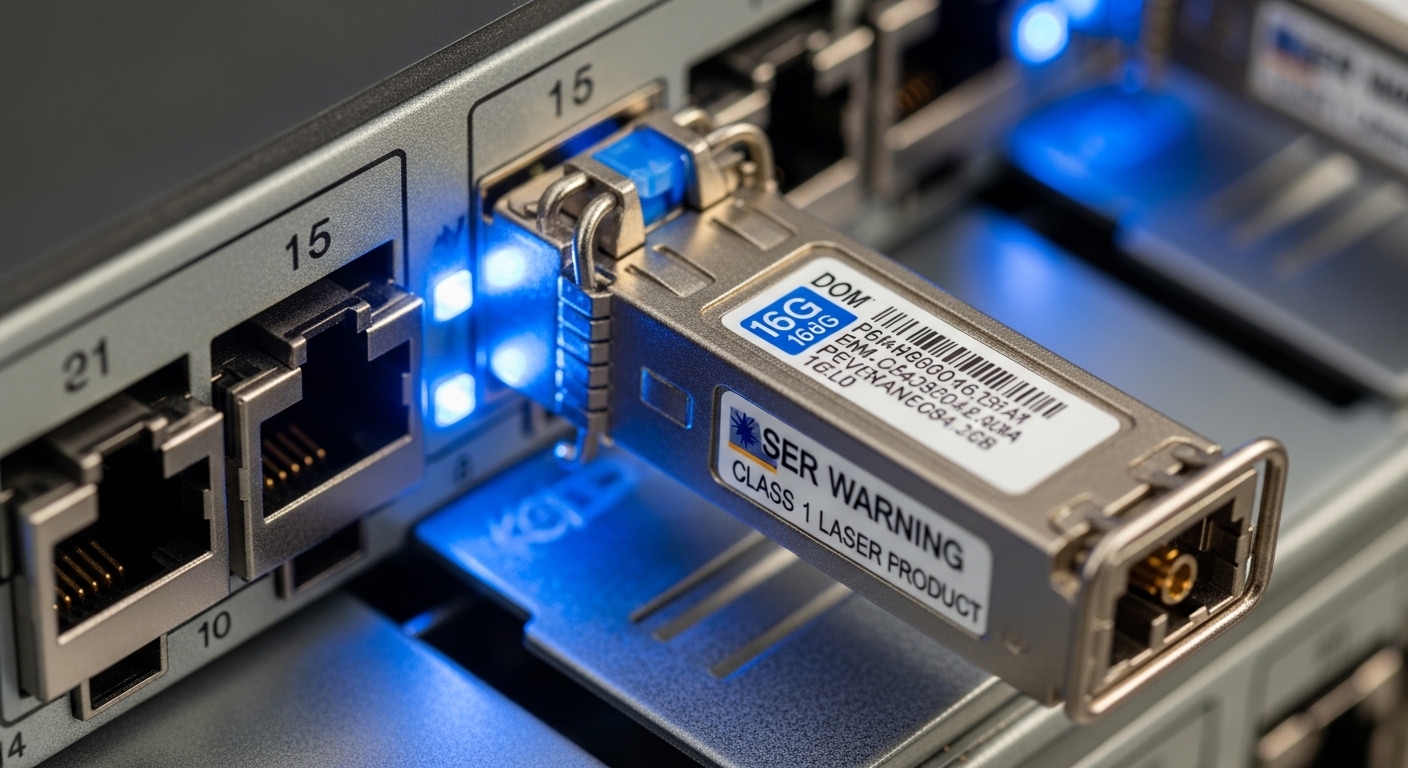
Field reality: if you install an LR SFP into a switch port that expects a specific optical class, you may still get link-up, but you can lose margin and see intermittent CRC-like symptoms at higher utilization. That is why measured loss and DOM telemetry matter as much as the printed reach.
Compatibility and negotiation: why “it lights up” is not the same as “it is correct”
On paper, many fiber channel SFP modules support the same nominal rate, but SAN switches and HBAs often enforce compatibility rules: vendor-specific firmware checks, laser safety profiles, and DOM thresholds. Some platforms are tolerant and only require correct wavelength and encoding; others validate DOM vendor IDs, optical power ranges, and alarm thresholds. The result is that a module can appear operational yet still trigger periodic resets when the power drifts.
Switch and HBA checks you should do before installing
- Verify optics type in the switch compatibility matrix: For example, Cisco MDS and Brocade-derived platforms publish supported optics lists; do not assume third-party success.
- Confirm port speed mode: 8G vs 16G ports may run different FEC/PCS behaviors and receiver sensitivity requirements.
- Check DOM capability: Ensure DOM is supported and that the platform can read vendor-encoded parameters.
- Validate wavelength and fiber type: SR expects OM3/OM4 multimode profiles; LR/ER expects singlemode SMF with appropriate dispersion characteristics.
- Assess link budget using measured loss: Add measured patch cord loss, adapters, and splices; then compare to the vendor optical budget with margin.
DOM telemetry: useful, but not universal
DOM (Digital Optical Monitoring) provides real-time Tx/Rx power, temperature, and sometimes bias current. In many SANs, operators use it to detect aging and to preempt failures. However, DOM interpretation is vendor-defined; some third-party optics report values outside what a switch expects, leading to “unsupported DOM” warnings even when the link is stable.
Pro Tip: In deployed SANs, the most actionable early warning is not “link down.” Instead, poll DOM and track Rx power trend over weeks. A slow downward drift combined with rising temperature often indicates connector contamination or a transceiver aging profile, even while the link stays up.

Third-party fiber channel SFP modules vs OEM: cost, risk, and operational TCO
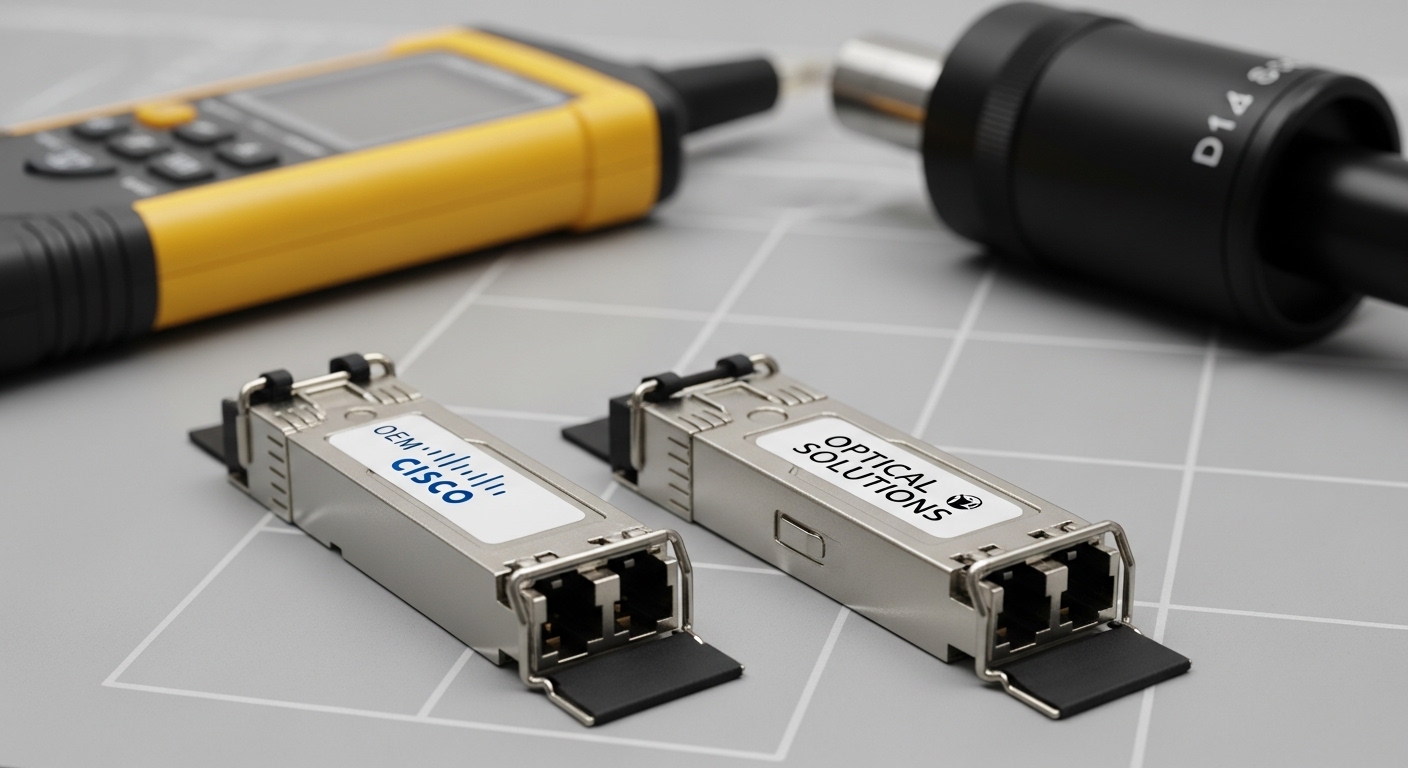
Budget pressure is real, and many teams consider third-party SFPs to reduce replacement costs. The decision is not just purchase price; it is also warranty terms, failure rate under your temperature profile, and the probability of compatibility friction. In storage environments, downtime is expensive, so the “cheapest module” can create higher total cost when you factor in truck rolls and extended troubleshooting.
Typical cost bands and TCO thinking
As a practical range, many enterprise SR/LR Fiber Channel optics sell roughly in the low hundreds to around the mid-hundreds USD per module depending on speed, reach class, and whether you buy OEM vs reputable third-party. OEM modules often cost more but may reduce compatibility surprises on strict platforms. Third-party optics can be cost-effective when you control compatibility testing and keep spare inventory for fast swaps.
Also consider power and thermal behavior. Transceivers draw modest power, but in high-density director-class chassis, cumulative heat impacts airflow and can push modules closer to their operational limit. That is one reason to verify the module temperature range and the chassis thermal design, especially in older cabinets.
Selection criteria / decision checklist
- Distance and medium: Confirm multimode vs singlemode, and then validate required reach against measured loss.
- Switch compatibility: Use the exact platform optics list; treat “compatible” as “tested,” not “assumed.”
- DOM support and threshold behavior: If your monitoring requires DOM, ensure the platform can parse it cleanly.
- Operating temperature and airflow: Match module temperature spec to the enclosure’s documented operating conditions.
- Vendor lock-in risk: If you expect future vendor changes, prefer optics with transparent DOM and documented compliance behavior.
- Warranty and RMA path: Storage uptime demands a fast replacement SLA and clear return procedures.
Common mistakes and troubleshooting: root causes you can fix fast
Most SAN transceiver incidents follow a predictable pattern: link instability, repeated resets, or errors that correlate with optical path changes. Below are concrete failure modes I have seen during migration cutovers and patch-panel reworks.
Wrong fiber type or wavelength class
Root cause: Installing an SR (850 nm) module into a singlemode path, or installing LR (1310 nm) into a multimode link that does not meet the expected attenuation and dispersion behavior. Even if light is present, receiver sensitivity and modal conditions can be out of range.
Solution: Verify fiber type labeling and connector end-face inspection. Then confirm wavelength class and run an OTDR or at minimum a calibrated loss test across the full channel.
Dirty connectors after patching
Root cause: Fingerprints and micro-dust on LC end faces can add several dB of loss, which eats optical margin. In dense SANs, connector handling during moves is the #1 contamination driver.
Solution: Use a fiber inspection scope, clean with APC/UPC appropriate methods, and replace any suspect patch cords. Re-check DOM Rx power after cleaning; you should see a measurable improvement.
DOM mismatch leading to warnings and intermittent resets
Root cause: Third-party modules may report DOM values that trip platform thresholds, or the switch may not fully support certain DOM vendor encodings. Some platforms log “unsupported optics” and then behave conservatively.
Solution: Compare module DOM output against OEM behavior if the platform exposes it. If warnings persist, test an OEM optics module in the same port to isolate transceiver vs port issues. Keep firmware current on switch and HBAs per vendor guidance.
Overestimating “rated reach” without accounting for patch components
Root cause: Using the transceiver reach spec as a hard guarantee instead of a budget. Patch panels, couplers, splices, and even aged connectors add loss. The link budget also assumes a clean, stable environment.
Solution: Build an optical budget spreadsheet using real measured loss per component. Keep margin for aging and rework; if you are at the edge, proactively reduce channel length or upgrade to a higher budget optics class.
Which option should you choose? Decision matrix for SAN teams
Use this matrix to decide between SR, LR, and ER fiber channel SFP choices, and between OEM and third-party procurement strategies. The “best” choice depends on your installed loss, fiber plant type, and your platform strictness.
| Your SAN situation | Recommended optics class | Procurement strategy | Why |
|---|---|---|---|
| Same-room racks, short distances, OM3/OM4 present | SR 850 nm | OEM or vetted third-party | Lower cost and simpler budget; validate with measured patch loss |
| Cross-row or cross-room on singlemode SMF | LR 1310 nm | Vetted third-party if compatible; otherwise OEM | Better reach and stability; ensure switch optics list match |
| Long spans across buildings or dark fiber routes | ER 1550 nm (where supported) | Prefer OEM or tightly validated third-party | Higher margin sensitivity; minimize compatibility surprises |
| Strict platform with DOM enforcement and uptime-critical operations | Match exact class in compatibility matrix | OEM-first; third-party only after lab validation | Reduces risk of DOM mismatch and conservative resets |
Clear recommendations by reader type
- Data center ops with mixed-vendor history: Choose the optics class that matches your fiber plant (SR for OM3/OM4, LR/ER for SMF), then buy OEM or third-party only after compatibility validation on the same switch family.
- Storage architects planning a new SAN: Standardize on a small set of optics types aligned to your cabling standard, and require DOM support for monitoring.
- Field techs doing rapid swaps: Keep spares of the exact SKU family listed by the switch vendor. If you must test third-party optics, test in a controlled window and confirm DOM telemetry behavior.
FAQ
What is a fiber channel SFP used for in a SAN?
A fiber channel SFP is an optical transceiver that plugs into a SAN switch or HBA port to carry Fiber Channel frames over fiber. It provides the physical layer conversion needed for the port to negotiate and maintain a stable optical link. Choose the correct wavelength and reach class to match your fiber plant.
Can I use third-party fiber channel SFP modules in an enterprise switch?
Sometimes, but it depends on the switch platform’s optics validation behavior and DOM support. Many operators use vetted third-party optics successfully, but you should verify against the vendor compatibility matrix and test DOM telemetry if your monitoring depends on it. When in doubt, use OEM for the initial deployment and validate alternatives in a lab.
How do I calculate whether my installed loss fits the SFP reach?
Use the vendor’s optical budget and subtract measured channel loss across the full path: patch cords, adapters, patch panels, splices, and any couplers. Then keep additional margin for aging and cleaning variability. Rely on calibrated measurements rather than relying on label distances alone.
What should DOM monitoring tell me during troubleshooting?
Track Rx power, Tx power, temperature, and any alarm flags. A gradual Rx power drop can indicate contamination, connector damage, or transceiver aging even when the link remains up. Sudden changes often point to cleaning issues or a re-patch event.
Are SR 850 nm modules compatible with singlemode fiber runs?
They are not a safe assumption. Even if the link can light up briefly, receiver sensitivity and dispersion behavior will likely be outside spec for stable operation. Validate wavelength class and fiber type (MMF vs SMF) before deployment.
Where should I verify standards and compliance references?
Start with IEEE Fiber Channel physical layer references and the transceiver vendor datasheets for the exact optics class. For practical install guidance, also consult ANSI/TIA cabling recommendations and your switch vendor optics documentation. Use those references to build an optical budget and acceptance test plan.
Choosing the right fiber channel SFP is less about “will it connect” and more about optical budget discipline, DOM compatibility, and connector hygiene. If you are planning a SAN refresh, the next step is to map your fiber plant and then align optics reach class to measured loss with a standardized acceptance test workflow. SAN optics selection checklist
References
- IEEE Standards Association
- ANSI/TIA Cabling Standards
- Cisco MDS platform documentation and optics compatibility guidance
- Broadcom-based SAN switch and transceiver ecosystem documentation
Author bio: I have deployed and troubleshot Fiber Channel SANs across enterprise switch fabrics, focusing on optical budget validation, DOM telemetry, and repeatable acceptance testing. I regularly handle migrations involving mixed OEM and third-party optics while maintaining strict uptime and change-control discipline.