In hyperscale data centers, optical choices directly shape fabric latency, failure domains, and upgrade speed. This guide helps network engineers and field deployment teams design fiber and select transceivers for leaf-spine and spine-super-spine fabrics, with practical compatibility checks and operational limits. You will get an implementation-style checklist, a comparison table for common module options, and troubleshooting steps for the most frequent link bring-up failures.
Prerequisites before you touch hyperscale data center optics
Before ordering optics, confirm the physical layer constraints and the transceiver ecosystem your switches support. You will typically standardize on pluggable optics (QSFP-DD, OSFP, SFP/SFP28, or CFP2/CFP4 depending on generation) and a fiber plan that matches the expected reach and redundancy model. Also verify whether your switches require specific electrical interfaces, such as PAM4 for 400G/800G, and whether they enforce vendor compatibility or require DOM telemetry. Finally, align the design with IEEE Ethernet PHY expectations and vendor datasheets.
Prerequisites checklist
- Switch models and transceiver compatibility list (including supported part numbers)
- Fiber type and plant map: OM3, OM4, OM5, or OS2; connector polish type
- Expected link rates and lanes: 10G, 25G, 40G, 100G, 200G, 400G
- Operating constraints: ambient temperature, airflow direction, and cable management
- DOM requirements: presence detection, temperature monitoring, and alarm thresholds
- Documentation: loss budget spreadsheets, bend radius limits, and splicing records
Pro Tip: In fabric bring-up, optical power can look “in spec” while link stability still fails due to connector contamination or a too-aggressive bend radius. Field teams often burn hours on optics swaps when a quick inspection and cleaning of LC/SC endfaces resolves the issue.
Step-by-step: design the optical fabric architecture
Hyperscale data center optics are not just transceivers; they are an end-to-end system including fiber plant, patching, and worst-case loss. Start by defining your topology (for example, leaf-spine) and the oversubscription ratio, because higher oversubscription increases congestion sensitivity and makes consistent link availability more critical. Then compute reach using a conservative loss budget that includes patch cords, mated connectors, splices, and margin for aging.
Map link distances and choose target reach class
For each fabric link, capture the physical distance between switch ports (including patching). Classify each link as short-reach (SR), extended-reach (ER), or long-reach (LR) based on your Ethernet PHY and optics family. If you target multimode SR, decide between OM3/OM4/OM5 based on bandwidth requirements and deployment scale.
Expected outcome: A per-link inventory with distance, fiber type, and required lane rate.
Build a conservative loss budget and margin plan
Use vendor receiver sensitivity and transmitter launch power limits from the module datasheets, then subtract worst-case losses from patch cords, connectors, and splices. Include a margin for cleaning variability and future rework. For multimode, remember that modal bandwidth and differential mode delay are as important as raw attenuation.
Expected outcome: A loss budget that predicts receive optical power at the receiver under worst-case conditions.
Select the transceiver family to match the fabric electrical interface
Match optics to the switch transceiver cage type and electrical signaling standard. For 100G-class links you may use 4x25G lanes (commonly with SR4/DR4 variants) depending on the switch generation. For 400G, PAM4-based optics require strict lane mapping and consistent breakout behavior. Confirm that your switch firmware supports the module generation and that it reads DOM correctly for telemetry and optics health monitoring.
Expected outcome: A short list of candidate module SKUs that your exact switch models accept.
Transceiver types that commonly power hyperscale data center optics
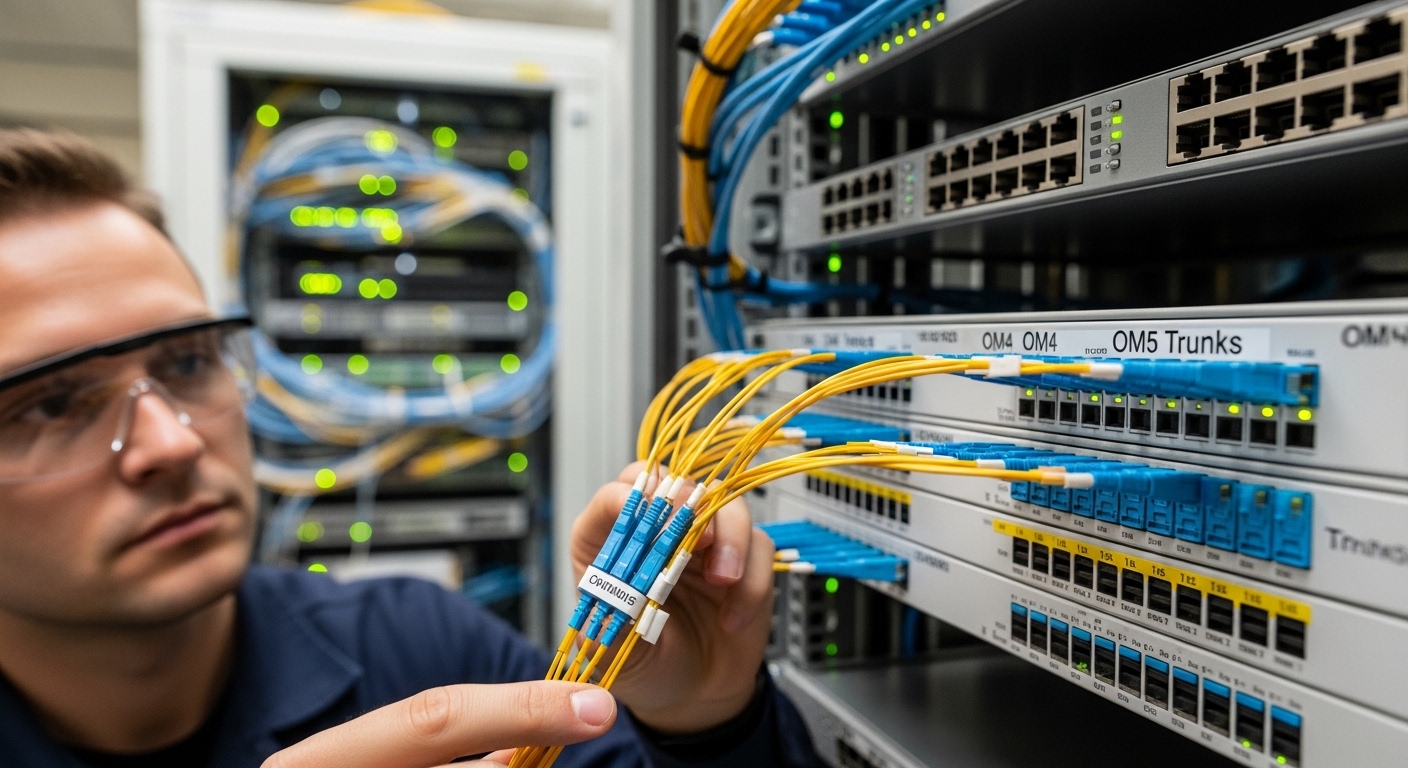
Most hyperscale deployments standardize on a handful of optics families to reduce operational risk. Common patterns include multimode SR for short intra-row or top-of-rack distances, and single-mode variants for longer spans across aisles or between suites. The correct choice depends on wavelength, reach, connector type, power consumption, and environmental limits.
| Spec category | 10G SR (multimode) | 100G SR4 (multimode) | 100G DR (single-mode) | 400G SR8 (multimode) |
|---|---|---|---|---|
| Typical data rate | 10.3125 Gbps | 4×25.78125 Gbps | 4×25.78125 Gbps | 8×50 Gbps (lane-based) |
| Wavelength | 850 nm | 850 nm | ~1310 nm | 850 nm |
| Reach class | Typically 300 m (OM3) / 400-500 m (OM4) | Typically 100 m (OM3) / 150 m+ (OM4, vendor dependent) | Typically 500 m-2 km (vendor dependent) | Typically 100-150 m (OM4, vendor dependent) |
| Connector | LC duplex | LC duplex (often with internal optics) | LC duplex | LC duplex (multi-lane) |
| Power (typical) | ~0.8 W to 1.5 W | ~2.5 W to 4 W | ~2.5 W to 4 W | ~8 W to 12 W |
| Operating temperature | 0 to 70 C (commercial) or -40 to 85 C (extended) | 0 to 70 C or -40 to 85 C | 0 to 70 C or -40 to 85 C | 0 to 70 C or -40 to 85 C |
Concrete examples of module families you might encounter include Cisco-branded or Cisco-compatible optics such as Cisco SFP-10G-SR, and third-party options like Finisar FTLX8571D3BCL or FS.com SFP-10GSR-85 for SR links. For higher density, you will more often select QSFP28, QSFP-DD, or OSFP optics matched to the switch generation and lane mapping requirements.
Limitations to acknowledge: multimode SR optics depend heavily on OM4/OM5 quality and patch cord length; single-mode DR/FR optics require OS2 or properly provisioned single-mode plants. Also, interoperability is not guaranteed across all switch firmware versions even when a module is “electrically compatible.”
Selection criteria checklist for real deployments
Use an ordered checklist that reflects how engineers actually decide during design freeze and during on-call replacement cycles. The goal is to prevent last-minute incompatibilities, reduce optical margin risk, and ensure the module’s monitoring features work with your operations tooling.
- Distance and reach class: match link length plus patching to SR/DR/ER/LR capability.
- Fiber type and plant quality: OM3 vs OM4 vs OM5 for multimode; OS2 for single-mode.
- Switch compatibility: verify the exact switch model transceiver support matrix and cage type.
- DOM support: confirm whether your monitoring stack reads temperature, bias current, and received power alarms.
- Operating temperature and airflow: ensure module temperature range covers your rack intake and exhaust conditions.
- Budget and power density: higher-rate optics can increase per-port power draw; validate against PSU and thermal headroom.
- Vendor lock-in risk: evaluate OEM-only constraints versus tested third-party modules with documented compatibility.
- Failure domain and spares strategy: keep spares by SKU and ensure you can quickly validate with optical power measurements.
Common mistakes and how to troubleshoot hyperscale optics failures
When links fail, the root cause is often physical rather than purely optical. Field teams should follow a disciplined troubleshooting path to avoid random swaps and prolonged downtime.
Failure point 1: Receiver power out of range due to excess loss
Root cause: patch cords too long, extra connectors, or unplanned splices increase insertion loss beyond the module’s budget. Sometimes the loss is within spec on paper but exceeds it under worst-case cleaning or damaged ferrules. Solution: measure optical power at the receiver with a calibrated optical power meter, compare to the module’s datasheet thresholds, and re-terminate or replace patch cords if margin is thin.
Failure point 2: Intermittent link due to connector contamination
Root cause: dust or micro-scratches on LC endfaces cause intermittent attenuation and bit errors. This can be mistaken for an optics incompatibility because the module may still “link up” sometimes. Solution: clean connectors using a lint-free procedure and inspection scope, then retest. Enforce a standard cleaning cadence for every replug event.
Failure point 3: Link does not come up due to lane mapping or unsupported module generation
Root cause: the switch firmware rejects the module or expects a different electrical configuration (for example, breakout behavior or PAM4 lane mapping). Solution: confirm firmware version, validate the exact transceiver SKU support, and check port configuration for expected breakout mode. Use the switch diagnostics to confirm DOM presence and PHY negotiation status.
Cost and ROI considerations for hyperscale data center optics
In practice, the cheapest optics are rarely the lowest total cost of ownership. OEM modules often carry higher per-unit pricing but may reduce compatibility risk, RMA churn, and deployment time. Third-party optics can be cost-effective, but you should budget engineering time for compatibility validation and keep documentation for your accepted SKUs. Typical module pricing ranges vary by generation: SR optics for 10G class can be relatively low cost per port, while 400G SR8 and QSFP-DD/OSFP equivalents are materially more expensive and have higher power and cooling impact.
TCO drivers: failure rate and mean time to repair, spares inventory size, optics monitoring integration effort, and thermal/power headroom. A conservative ROI approach treats optics as a reliability component, not a commodity.

FAQ: choosing and operating hyperscale data center optics
What does “DOM support” mean for hyperscale data center optics?
DOM stands for Digital Optical Monitoring. It exposes telemetry such as temperature, laser bias current, and received optical power so your monitoring system can trigger alarms before failures. Confirm your switch and monitoring stack can read and interpret DOM fields for the specific module family. [Source: IEEE 802.3 working group documentation and vendor transceiver DOM implementation notes]
Are multimode optics still a good choice for hyperscale fabrics?
They are often ideal for short reaches within a pod or row because they reduce cost and simplify deployment in dense environments. However, multimode performance depends strongly on OM4/OM5 plant quality, patching, and connector hygiene. For longer spans, single-mode optics usually provide more predictable margins.
How do I validate reach during deployment?
Use a combination of design-time loss budgeting and deployment-time optical power measurements. Validate receive power against the module’s datasheet sensitivity