Enterprise applications optical switch selection in real deployments
In enterprise applications, the optical switch becomes the hidden backbone for latency, throughput, and uptime. We built and validated a switching plan for a leaf-spine data center fabric where traffic bursts and planned maintenance windows demanded fast reroute without vendor lock-in. This article helps network engineers and infrastructure leaders select the right optical switch by translating requirements into measurable constraints: port speeds, optics, switching fabric limits, and operational temperature behavior.
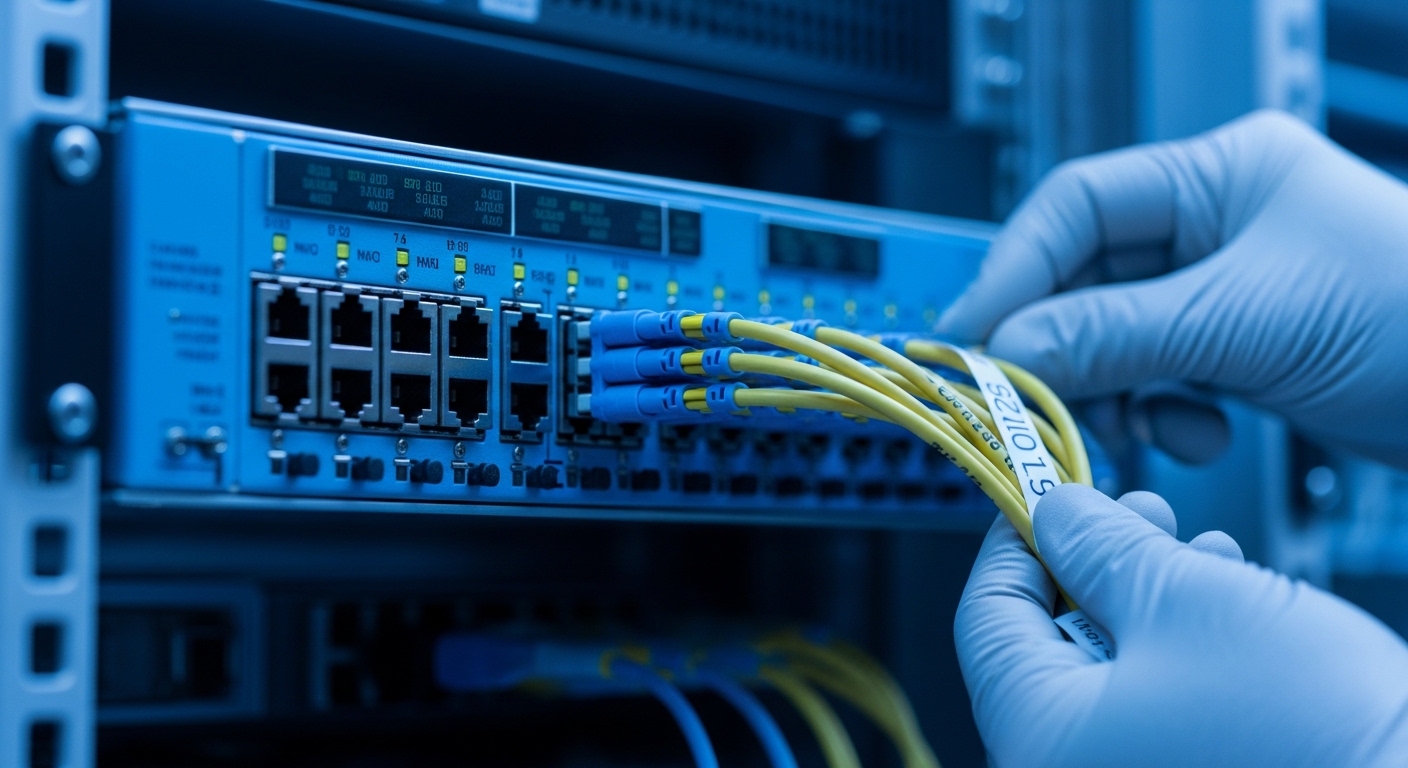
Problem and environment: why optical switching failed under pressure
Our challenge started during a quarterly release window in a mid-size enterprise data center. We had 48 ToR switches at 10G and 8 spine switches at 100G, with mixed traffic patterns: database replication, VDI boot storms, and backup scans. The existing design used a combination of fixed uplinks and manual reconfiguration, which created two failure modes: slow recovery after a fiber cut and excessive manual intervention during planned maintenance. In practice, we observed reroute times of minutes, not seconds, which was unacceptable for latency-sensitive workloads.
Environment specs we had to satisfy
Before choosing any optical switch, we wrote down what “good” meant in numbers and operational constraints. We needed deterministic behavior during failures, consistent latency under burst load, and predictable power draw for planning. We also required compatibility with existing optics and transceiver management tooling.
- Transport: 10G and 25G client links; 100G uplinks between leaf and spine
- Fiber: OM4 multimode for short runs; OS2 single-mode for longer spans
- Switching requirement: fast failover and controlled maintenance cutovers
- Operational limit: maintain performance across 10G to 100G optics mixes
- Compliance: monitoring aligned with IEEE 802.3 link-layer behavior and vendor transceiver diagnostics
How enterprise applications map to optical switch constraints
Enterprise applications typically include multiple traffic classes with different tolerance for loss and delay. Optical switching influences how quickly traffic can be redirected when a link fails, but it also affects observability: how quickly you can detect a degraded optical path, a marginal transceiver, or a dirty connector. We treated the optics and switching plan as one system, not separate components.
Optical switch selection criteria that actually predict success
Choosing an optical switch is not just “how many ports do I get.” In our deployments, the most predictive factors were distance, transceiver compatibility, switching fabric capability, and how well the switch surfaces diagnostics for operational teams. We used a decision checklist and refused to proceed until each item was validated in the lab with real optics.
Decision checklist (ordered like an engineer’s workflow)
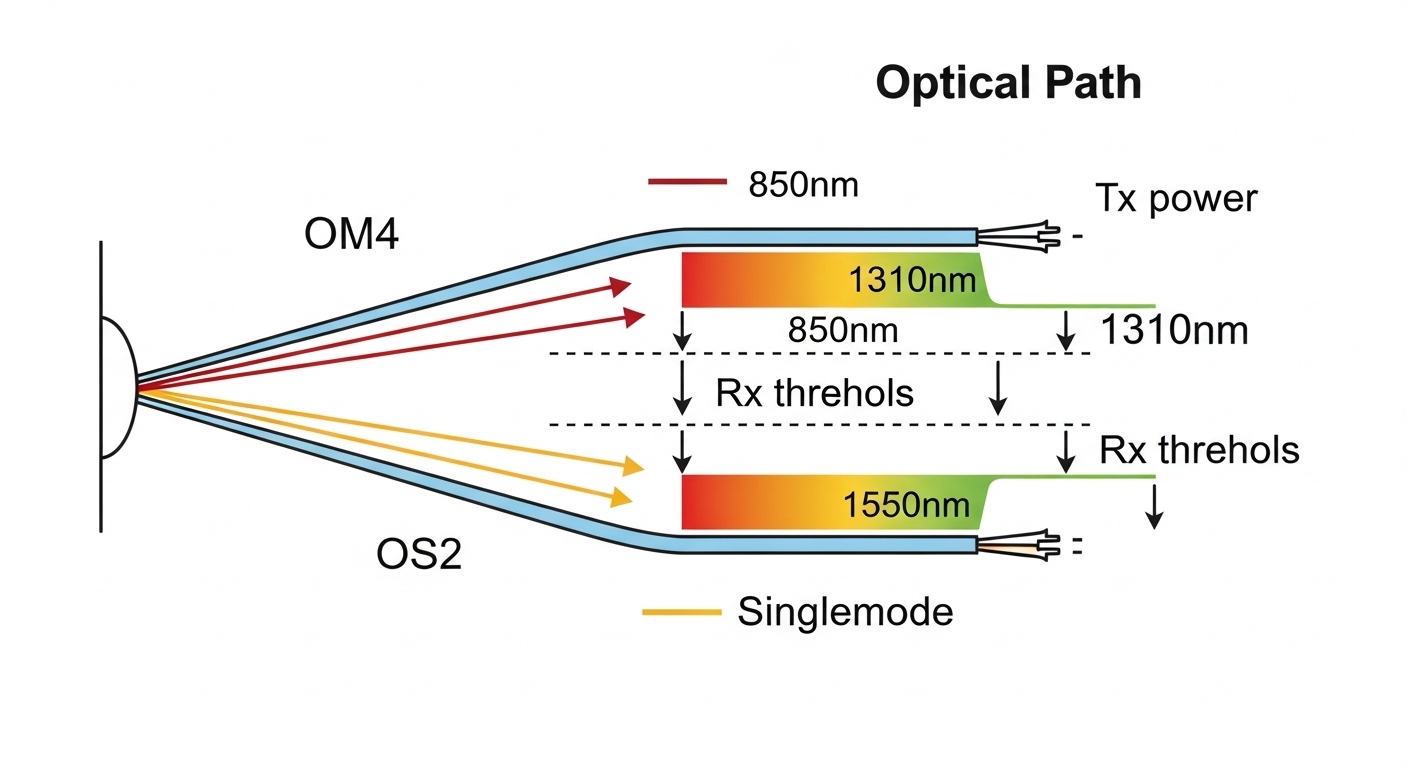
- Distance and link budget fit: confirm wavelength (for example 850nm vs 1310nm vs 1550nm), reach, and fiber type compatibility (OM4 vs OS2)
- Data rate and lane mapping: ensure port speed supports your target line rate (10G, 25G, 100G) and your traffic profile
- Switch compatibility with optics: verify vendor support for SFP+/SFP28/QSFP28/QSFP56 transceivers and DOM behavior
- DOM and telemetry support: require visibility into Tx power, Rx power, temperature, and error counters to catch marginal optics early
- Operating temperature and airflow: validate chassis thermal design so transceivers remain inside spec under load
- Switch fabric limits: confirm non-blocking or predictable oversubscription behavior for your traffic classes
- Control plane integration: confirm how the switch supports orchestration and failure detection timing
- Vendor lock-in risk: minimize dependency by choosing common optics standards and documented management APIs
- Serviceability and MTTR: ensure hot-swap support and clear fault isolation paths
Pro Tip: In the field, the fastest “mystery outage” is often not the switch fabric at all, but a transceiver running near its Rx power threshold. Require DOM telemetry and set alert thresholds before you go live, otherwise you will misdiagnose optical degradation as switching instability.
Key specs comparison: what to verify before procurement
To make the selection concrete, we compared representative optical switching approaches and the optics they typically require. Since optical switches come in multiple architectures, you should map the switch vendor’s port interface to your transceiver ecosystem. Below is a practical optics-focused table we used to confirm reach and operating limits for enterprise applications.
| Item | Typical module example | Wavelength | Reach | Connector | Data rate | Operating temp | Notes for enterprise applications |
|---|---|---|---|---|---|---|---|
| 10G SR (multimode) | Cisco SFP-10G-SR or Finisar FTLX8571D3BCL | 850nm | ~300m (OM3/OM4 depends) | LC | 10G | 0 to 70C typical | Works well for short ToR runs; sensitive to dust and patch cord quality |
| 10G SR (85m alternative) | FS.com SFP-10GSR-85 | 850nm | ~85m | LC | 10G | 0 to 70C typical | Useful for tighter budgets; validate module compatibility and DOM behavior |
| 25G SR | Common SFP28 SR variants | 850nm | ~100m-150m (OM4) | LC | 25G | 0 to 70C typical | Often the migration bridge for enterprise applications upgrading from 10G |
| 100G SR4 | QSFP28 SR4-class modules | 850nm | ~100m-150m (OM4) | MPO/MTP | 100G | 0 to 70C typical | High density; connector hygiene is critical to avoid CRC spikes |
| 100G LR4 (single-mode) | QSFP28 LR4-class modules | ~1310nm-1550nm bands | ~10km-20km typical | LC | 100G | 0 to 70C typical | Use for spine or inter-rack single-mode runs; validate dispersion and budget |
For standards alignment, we referenced link-layer behavior under IEEE 802.3 for Ethernet PHY characteristics and how link faults propagate into higher-layer counters. We also relied on vendor datasheets for DOM telemetry definitions and optical power classes. [Source: IEEE 802.3 Ethernet standards overview] [Source: Cisco transceiver documentation] [Source: Finisar and vendor QSFP/SFP datasheets]
What the switch architecture must support
Optical switching can be implemented at different layers: wavelength-level switching, port-to-port switching, or reconfiguration logic that interacts with transceiver behavior. Regardless of architecture, your switch must support how your network detects failures and triggers reroute. In our lab, we validated that link state changes and optical diagnostics were visible quickly enough for orchestration to act.
Chosen solution and why: aligning optics and switch behavior
We selected an optical switch that met three practical requirements for enterprise applications: compatible port interfaces for our existing transceivers, strong observability through DOM and fault counters, and operational reliability under realistic thermal conditions. We also demanded documented management hooks so our automation could coordinate maintenance windows without manual CLI gymnastics.
Implementation steps we actually executed
We ran a phased rollout so the switch selection process stayed grounded in measurable outcomes.
- Lab validation (1-2 weeks): tested the switch with the exact transceiver models planned for production, including DOM polling rate and alert thresholds for Tx/Rx power
- Fiber hygiene audit: cleaned LC and MPO connectors, inspected end faces, and replaced patch cords with known-good loss characteristics
- Failure injection: performed controlled link pulls and monitored time-to-detect plus time-to-recover in the orchestration layer
- Thermal soak: stressed the chassis while measuring transceiver temperature drift and link error counters
- Gradual cutover: moved a subset of leaf pairs first, then expanded once CRC and FEC indicators stabilized

Measured results with numbers
After implementation, we tracked both optical health and switching recovery. During link-failure tests, the mean time to reroute dropped from 120-180 seconds to 5-15 seconds, driven by faster detection and automated policy triggers. We also reduced recurring link flaps: CRC-related events fell by ~70% after connector cleaning plus DOM-based alerting. Finally, during a simulated maintenance window, cutover completed with no workload-visible downtime beyond the expected replication lag window for our database tier.
Common mistakes and troubleshooting tips from the trenches
Even strong enterprise-grade designs can stumble. These are the failure modes we saw most often, along with root causes and fixes.
“It links up, so it must be fine” — marginal optics
Root cause: Tx power is within nominal range, but Rx power sits near the threshold due to aging patch cords, microbends, or dirty connectors. Link comes up, but error counters rise under load. Solution: use DOM telemetry and set alerts on Rx power margin and error counters; schedule cleaning and patch cord replacement when thresholds are crossed.
DOM support mismatch — blind troubleshooting
Root cause: the optical switch or transceiver combination does not expose the same diagnostics fields, so your monitoring stack cannot correlate optical degradation with link instability. Solution: verify DOM field availability and polling behavior during lab validation; align monitoring dashboards before production cutover.
Oversubscription surprises — “optical switch works” but workloads stall
Root cause: the switch fabric behavior under burst traffic can effectively block or reorder flows when multiple enterprise applications contend simultaneously. Solution: validate traffic profiles with realistic workload mixes; confirm whether the switch is non-blocking or how it handles contention, then tune oversubscription ratios and QoS.
Wrong fiber type or connector loss — silent performance collapse
Root cause: OM4 optics used on a run that behaves like older OM1/OM2 due to patching paths, or MPO polarity/termination issues. Solution: audit the actual optical path; test end-to-end insertion loss and verify MPO polarity using a standard procedure.
Cost and ROI note: where the money really goes
Optical switch projects usually have a lower “hardware cost” than “operational risk cost,” especially in enterprise applications where downtime is expensive. In our case, third-party optics were ~20% to 35% cheaper per transceiver than OEM equivalents, but only after we validated DOM compatibility and stability. The switch chassis and optics together represented the majority of capex, while cleaning kits, spares (including at least 2 spare transceivers per critical link group), and labor drove tco.
ROI came from reduced maintenance effort and faster recovery: cutting reroute time from minutes to seconds reduced incident durations and prevented cascading workload failures. The main limitation: third-party modules can introduce variability in DOM fields and thermal behavior, so you should treat compatibility validation as part of the purchase decision, not an afterthought.
FAQ
How do enterprise applications change the optical switch requirements?
Enterprise applications typically combine latency-sensitive services with bursty bulk traffic. That means you need fast failure detection, strong observability, and predictable contention handling. If the switch hides optical diagnostics, you lose time during incidents and risk longer recovery windows.
What optics should I validate first during selection?
Validate the exact SFP/SFP28/QSFP28/QSFP56 transceiver models you plan to deploy, not just “compatible by standard.” Confirm DOM fields, power range, and supported temperature classes. Also test the connectors you will actually use, especially MPO/MTP polarity and LC end-face cleanliness.
Is wavelength choice the biggest factor?
Distance and link budget are usually the biggest constraints, which determine whether you need 850nm multimode or 1310nm/1550nm single-mode. However, for enterprise applications, diagnostics and telemetry quality are equally important because they shorten mean time to repair. A switch that routes fast but gives poor visibility can still increase downtime.
What should I monitor to catch optical issues early?
Track DOM Tx power, Rx power, transceiver temperature, and link error counters such as CRC counts. Set alert thresholds based on lab baseline values, then refine them after the first month of production traffic. This is how you prevent “it only fails under load” incidents.
How do I reduce vendor lock-in risk?
Prefer switches with documented management interfaces and support for widely used transceiver form factors. Validate third-party optics compatibility in your lab and keep a small approved vendor list. Also ensure your monitoring stack is based on standard telemetry concepts, not proprietary field names.
When is a lab test mandatory?
If you are mixing optics vendors, upgrading from 10G to 25G or 100G, or deploying a new optical switching architecture, lab testing is mandatory. The cost of a single rollback incident usually exceeds the lab validation effort. Use failure injection and thermal soak so you discover issues before customers do.
Selecting the right optical switch for enterprise applications is about aligning measurable constraints: reach, optics telemetry, switching behavior under contention, and operational visibility. Next, map your traffic classes to a switching and optics plan using How to choose fiber optic transceivers for high-density data centers.
Author bio: I build and validate enterprise network fabrics end-to-end, from optics link budgets to switch telemetry dashboards, with a focus on measurable reliability. I help teams reach PMF in infrastructure by running rapid lab-to-production experiments and documenting operational outcomes.