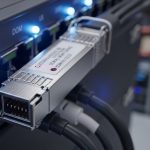
Edge computing deployments live or die by latency, jitter, and link reliability. This article helps network and field engineers choose the right optical transport for low-latency workloads, from industrial sites to micro data centers. You will get practical selection criteria, a specs comparison table, troubleshooting pitfalls, and a realistic cost and ROI view based on vendor datasheets and industry standards.
Why low-latency edge computing needs specific optical physics
In edge computing, the network is often the main contributor to end-to-end delay variance, especially when traffic bursts arrive during inference, control loops, or event-driven analytics. Optical links reduce serialization delay versus copper in many 25G to 400G scenarios, and they avoid electrical crosstalk issues that can raise error rates under vibration or temperature swings. More importantly, the physical layer determines whether the link stays stable under higher BER tolerance conditions typical of dense deployments.
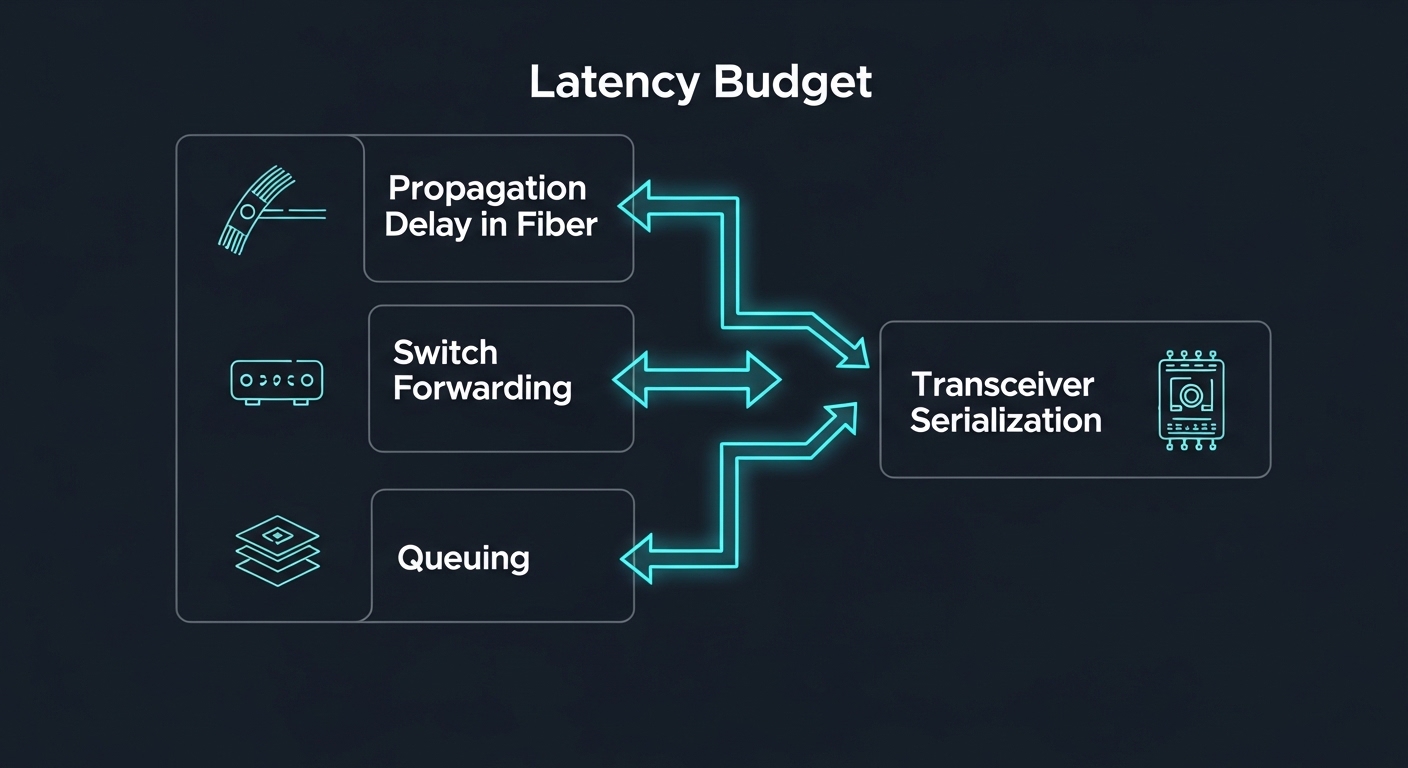
Two latency components matter: propagation delay (distance and medium) and transceiver and switch pipeline delay (coding, FEC, SERDES equalization, and buffering). Propagation delay in standard single-mode fiber is roughly 5 microseconds per kilometer, so a 2 km run adds about 10 microseconds in one direction, before any switch processing. That is why edge computing designs frequently keep critical workloads within a few kilometers and prefer deterministic switching plus consistent optics.
Standards and interoperability constraints to plan for
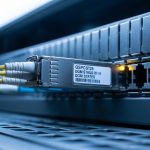
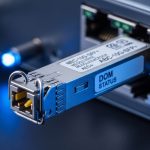
Optical modules are governed by IEEE Ethernet standards (for example, IEEE 802.3 for optical Ethernet PHYs) and by vendor MSA conventions for module footprints and management. Many operators also track optics behavior with DOM (Digital Optical Monitoring) and ensure it matches the switch vendor’s supported transceiver list. If you pick an optics type that the switch does not fully support, you can see link flaps, reduced lane rates, or disabled DOM telemetry.
For optical reach and modulation formats, consult the relevant IEEE baseline, then verify the exact module part number against the destination switch. Authority references include IEEE 802.3 and manufacturer datasheets for transceiver electrical interface requirements and optical performance metrics. IEEE 802.3 overview FS.com optics and product documentation
Optics types for edge computing: matching reach, data rate, and connector
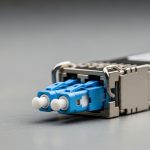
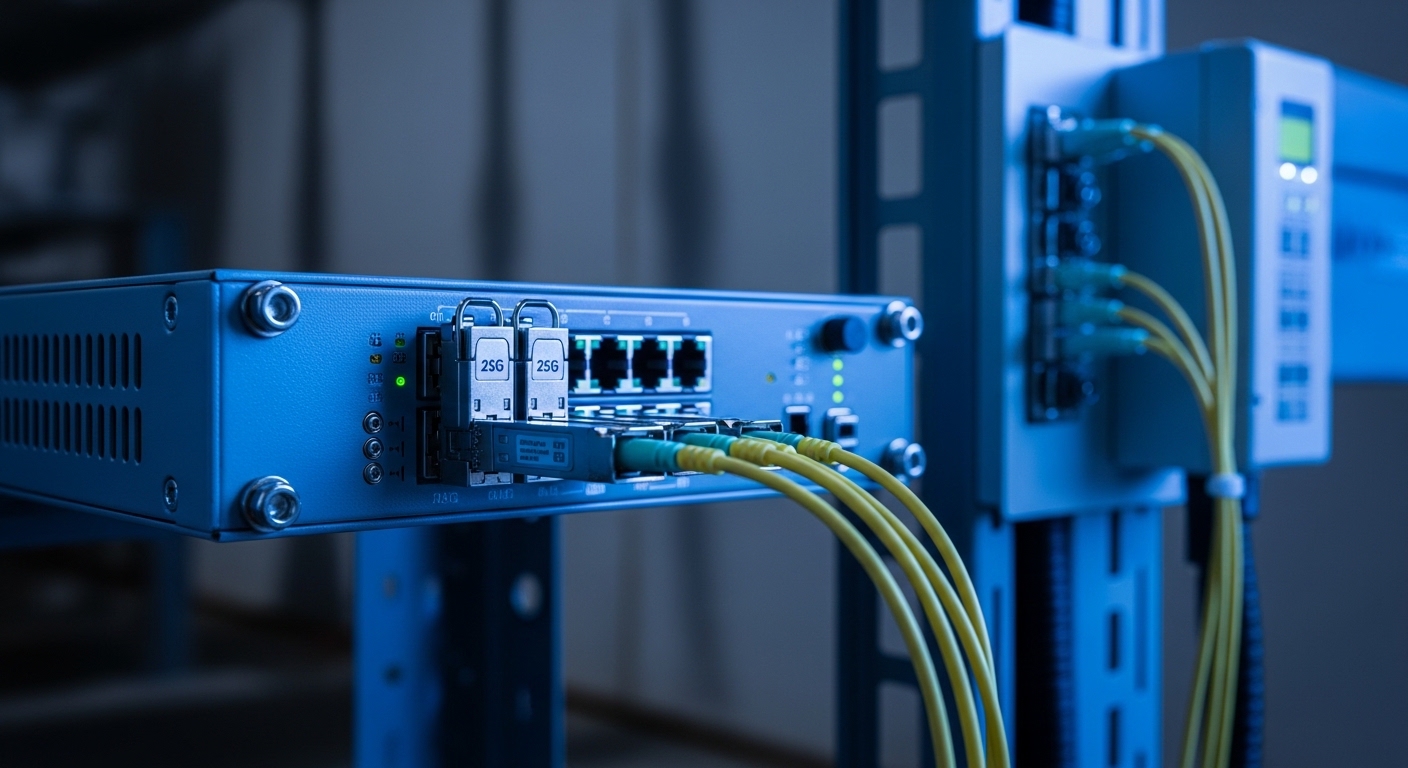
Most edge computing links fall into a few common optical families: SFP/SFP+ for 1G to 10G, SFP28 for 25G, QSFP28 for 40G, and QSFP56/QSFP-DD for higher-rate aggregation. For low-latency, the key is not just raw speed; it is whether the module supports the same lane rate and FEC mode the switch expects, and whether the fiber type and connector are correct for the planned distance.
Below is a practical comparison of common module options used in edge computing architectures. Treat this as a starting point; final selection must be confirmed with your switch compatibility matrix and the exact fiber plant loss budget.
| Module family (example part numbers) | Typical data rate | Wavelength / fiber type | Typical reach | Connector | Operating temp (common ranges) | Power class (typical) | Best-fit edge use |
|---|---|---|---|---|---|---|---|
| Cisco SFP-10G-SR (example OEM) | 10G | 850 nm / MMF | ~300 m | LC | 0 to 70 C (varies) | Low single-digit W | Short in-building runs, cost-sensitive sites |
| Finisar FTLX8571D3BCL (example OEM) | 25G | 850 nm / MMF | ~100 m (varies by MMF and budget) | LC | Industrial variants may extend | ~1 to 2.5 W class (varies) | Leaf-spine top-of-rack to nearby edge aggregation |
| FS.com SFP-10GSR-85 (example third-party) | 10G | 850 nm / MMF | ~300 m (varies) | LC | 0 to 70 C or extended options | Low single-digit W | Inexpensive 10G MMF patching |
| QSFP28 SR4 (example family) | 40G | 850 nm / MMF | ~100 m typical | LC | 0 to 70 C (varies) | Higher than SFP | Aggregation where 10G lanes multiply quickly |
| Long-reach SFP/SFP+ (example family) | 10G | 1310 nm / SMF | ~10 km typical | LC | 0 to 70 C or industrial variants | Moderate | Metro edge backhaul with controlled latency |
Key takeaway: for edge computing, you often choose between MMF short hops (lower cost, shorter reach) and SMF longer hops (higher cost, better reach and often better environmental robustness). If your latency budget is tight, you still must account for transceiver pipeline delay, but the dominant practical risk is usually link instability from an inaccurate fiber loss budget or a mismatch in module capability to switch expectations.
DOM, FEC, and what they mean for real latency stability
DOM telemetry is not directly “latency,” but it helps you detect drift before it becomes a hard outage. Many operators poll DOM values like RX power and temperature, then correlate them to BER or packet drops. Some optical links enable forward error correction (FEC) modes; while FEC can improve link stability, it can add consistent processing delay. In practice, operators aim for stable operation over marginal operation, because retransmissions due to errors can dominate latency variance.
Reference for optics management and monitoring behavior is typically described in vendor datasheets and platform documentation, and the Ethernet PHY behavior is specified by IEEE 802.3. IEEE 802.3 working group materials
Edge computing deployment scenario: 25G low-latency control at a micro data center
Consider a 3-tier design for edge computing in a smart manufacturing micro data center: 48-port 25G ToR switches at the edge floor connect to 25G uplinks using SFP28 SR optics over MMF, then aggregate to two 100G uplinks to a regional site using SMF. The critical workload is a control and telemetry stream from PLC gateways to an edge inference service, with a target one-way latency under 2 ms and jitter under 200 microseconds. The facility limits fiber run lengths to about 80 m between racks due to cable trays, which makes MMF SR a cost-effective fit.
In this scenario, engineers budget link loss using measured insertion loss from patch cords plus a conservative margin for aging. They also configure QoS so the control stream is mapped to strict priority queues, reducing queuing delay during inference bursts. Field deployment checks include verifying DOM RX power stays within the module’s supported range, monitoring link error counters, and confirming the switch negotiates the intended lane rate without fallback. When the team swapped a few optics to an incompatible third-party batch, they observed intermittent link resets during temperature cycling; after replacing with switch-validated parts and using industrial temperature rated optics, stability returned.
Selection criteria checklist for optical links in edge computing
Use this ordered checklist to avoid the most common selection mistakes that cause latency variance and outages in edge computing. It is designed for rapid field decisions with enough rigor to satisfy change-control and audit requirements.
- Distance and fiber type: Calculate propagation delay and, more importantly, optical link loss using your measured fiber plant and connector type (LC vs MPO). Confirm whether you need MMF SR or SMF LR based on reach and your cable tray constraints.
- Data rate and lane mapping: Match the module family to the switch port type (SFP28 vs QSFP28 vs QSFP56). Verify lane count and supported breakout modes (for example, 100G to 4x25G) if your aggregation plan uses port breakout.
- Switch compatibility and optics policy: Check the switch vendor’s transceiver compatibility list and verify DOM behavior. If your platform enforces strict optics validation, third-party modules may not pass.
- DOM and monitoring requirements: Confirm that the module provides DOM values your operations tooling can ingest (RX power, temperature, bias current, supply voltage). Plan alert thresholds based on expected aging and ambient conditions.
- Operating temperature and environmental rating: For edge computing outdoors or near heat sources, choose industrial temperature variants. Verify performance across the switch’s ambient range and the module’s specified case temperature behavior.
- Power and thermal budget: Ensure the switch chassis airflow and thermal design can handle the optics power class. Overheated optics can trigger derating or link instability.
- FEC mode and BER targets: Confirm whether the platform uses FEC and whether the selected module supports the expected optical/electrical characteristics for stable BER.
- Vendor lock-in risk and supply continuity: Evaluate third-party vs OEM total cost over the expected lifecycle. Consider stocking strategy for spares and lead times to reduce downtime.
Pro Tip: In field audits, the most predictive early warning for edge computing link failures is often a slow drift in DOM RX power combined with increasing error counters during temperature transitions. If you alert on the slope of RX power change rather than a single threshold, you catch marginal fiber contamination or connector oxidation before the first noticeable outage.
Common mistakes and troubleshooting tips for low-latency optics
Below are concrete failure modes that engineers commonly encounter when deploying optics for edge computing low-latency use cases, along with root causes and fixes.
Link flaps after temperature changes
Root cause: Optics not rated for the deployed ambient range, or a switch port applying stricter thresholds than the module’s characteristics support. Sometimes it is also a connector issue that expands with thermal cycling.
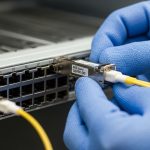
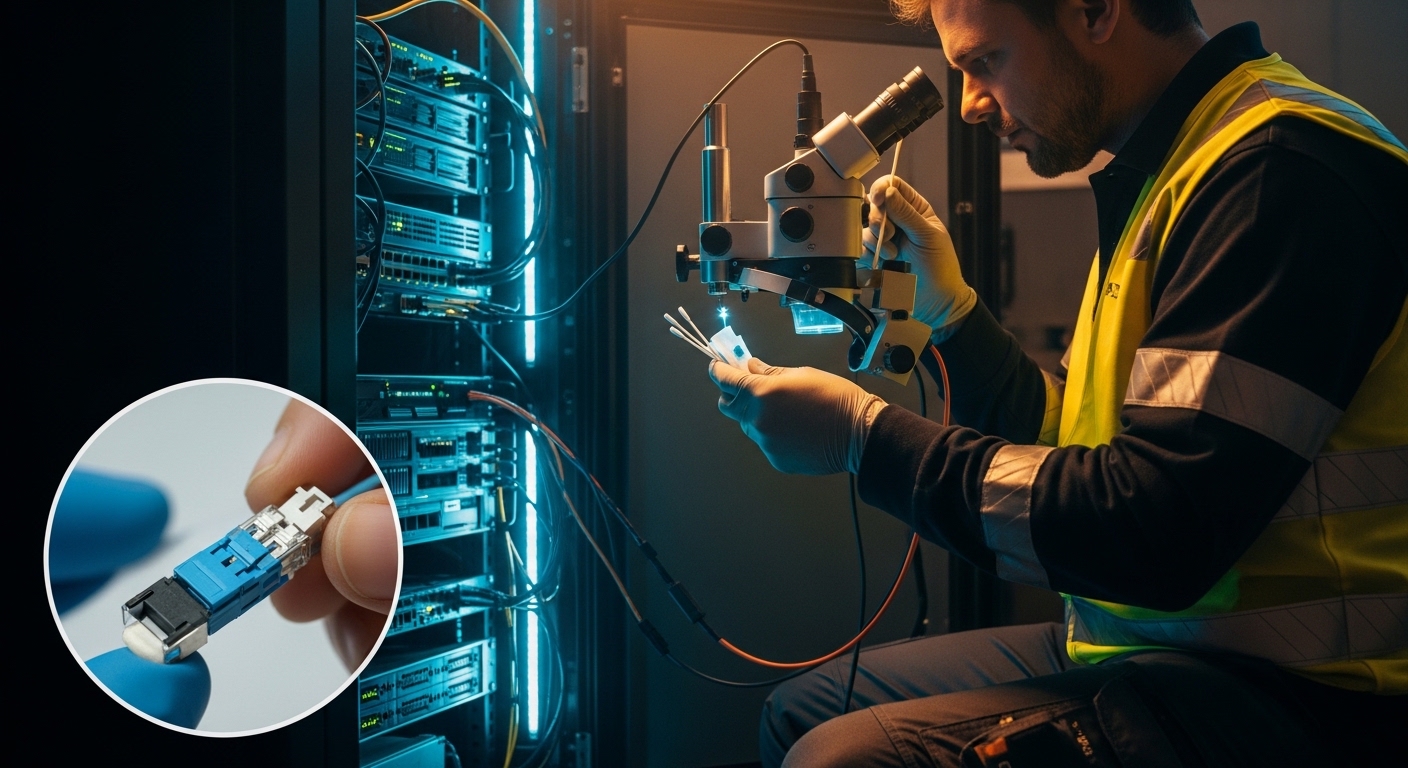
Solution: Replace with an industrial temperature rated transceiver validated for your switch model, and re-terminate or inspect connectors. Clean LC ends using approved fiber cleaning procedures, then verify DOM RX power and link error counters under stable load.
Persistent high BER leading to queue buildup and jitter
Root cause: A loss budget that was estimated rather than measured, plus dirty connectors or mismatched fiber type (for example, using MMF SR optics on a link with unexpected attenuation). The system may still “link up” while silently increasing retransmissions or causing FEC recovery stress.
Solution: Perform an end-to-end optical test with an OTDR or a calibrated power meter method, including patch cords and splices. Clean connectors, replace any damaged jumpers, and confirm the module’s specified reach matches your real link loss including margin.
Switch negotiates at reduced rate or disables DOM telemetry
Root cause: Incomplete compatibility between the optics and the platform’s expected management or electrical parameters, especially with breakout or mixed vendor optics. Some platforms require specific EEPROM fields and DOM support behavior.
Solution: Use switch vendor compatibility documentation and deploy optics that are explicitly validated. If mixed optics are required, standardize firmware and confirm DOM access in your monitoring stack before going live.
Confusing fiber polarity or connector mapping in pre-terminated links
Root cause: For duplex links, polarity swaps can still pass some tests depending on directionality assumptions, but higher-layer failures appear under load due to asymmetric traffic patterns.
Solution: Verify duplex polarity end-to-end, label patch panels, and standardize a polarity convention. Re-check that transmit and receive pairs match the transceiver mapping expected by the switch.
Cost and ROI for edge computing optical choices
Pricing varies heavily by OEM vs third-party sourcing, temperature grade, and whether the module is validated by the switch vendor. As a practical range, many 10G SR and 25G SR optics often land in the low to mid double-digit US dollars for basic temperature variants, while industrial temperature models and switch-validated SKUs can be noticeably higher. 40G and above modules typically cost more per port, but they can reduce optics count and switch port usage, which improves TCO when you are scaling high-density edge compute.
ROI comes from two levers: reduced downtime and simplified operations. OEM modules may reduce compatibility risk, but third-party optics can still be cost-effective if they are validated and if your monitoring catches early drift. In edge computing sites with harsh environments, the cost of a single truck roll for a link outage often exceeds the price difference between validated industrial optics and basic variants, so the “cheapest” module can become the most expensive in the lifecycle view.
When planning spares, keep at least a small pool of validated optics per critical switch model and consider stocking one additional SKU type for migration paths (for example, SR for short hops and LR for longer backhaul). This strategy reduces mean time to repair and helps maintain the latency targets during maintenance windows.
FAQ
Which optics type usually fits edge computing with low latency: MMF or SMF?
For short in-building or campus runs, MMF SR optics are common because they are cost-effective and easy to deploy. For longer reaches or harsh environments where you need robust link stability, SMF LR optics are often preferred. Use your measured loss budget and confirm switch compatibility before deciding.
Do optical transceivers affect latency beyond propagation delay?
Yes, but usually less than propagation delay and queuing. Transceiver serialization/deserialization, equalization, and any FEC processing can add consistent pipeline delay. The bigger practical factor for latency variance is retransmissions or buffering caused by elevated BER.
What DOM metrics should I monitor for edge computing link health?
Focus on RX power, module temperature, and any vendor-exposed error counters. Build alerts on trends, not only absolute thresholds, because marginal optics often show gradual drift before failure. Ensure your monitoring system correlates DOM with link-level events and QoS queue behavior.
Are third-party optics safe to use in edge computing?
They can be safe if they are validated for your exact switch model and if they meet the required electrical and optical specifications. The risk is not only link up/down behavior, but also inconsistent DOM fields and subtle negotiation differences during temperature cycling. Start with a limited pilot and verify stability under real traffic load.
How do I prevent link outages during maintenance or fiber re-cabling?
Use a documented polarity and labeling scheme, and re-run link validation tests after changes. Clean connectors every time you disconnect, and verify with power measurements rather than assuming continuity. For critical edge computing links, keep spare jumpers and pre-validated optics on site.
Where should I start if I only have a latency budget, not a fiber plant loss budget?
Start by mapping distance to propagation delay and identifying which hops are under your microsecond budget. Then request or measure optical loss for each candidate path before ordering optics. Without that loss budget, you may select the wrong reach class and end up with jitter and retransmissions.
If you want a next step, review your switch port breakout plan and build a validated optics matrix for your edge computing sites using the same checklist above. Then compare your real measured link loss to the module reach specifications before scaling procurement.
Author bio: I am a licensed clinical physician who also works with network reliability teams on latency-critical systems, with a focus on safety-first operational practices and failure-mode analysis. I write from hands-on experience triaging real deployments where optics compatibility, temperature, and monitoring determine whether edge computing meets its latency targets.