When you try to push a DIY fiber network beyond Wi-Fi, the optical layer is where projects either become reliable or turn into intermittent outages. This article helps you choose an optical transceiver for a Raspberry Pi or other single-board computer, then map it to real fiber types, wavelengths, and switch compatibility. You will get engineering-grade selection criteria, a comparison of common transceiver options, and field troubleshooting patterns that match what I see in lab and edge deployments.
Raspberry Pi optics reality check: what you can and cannot drive
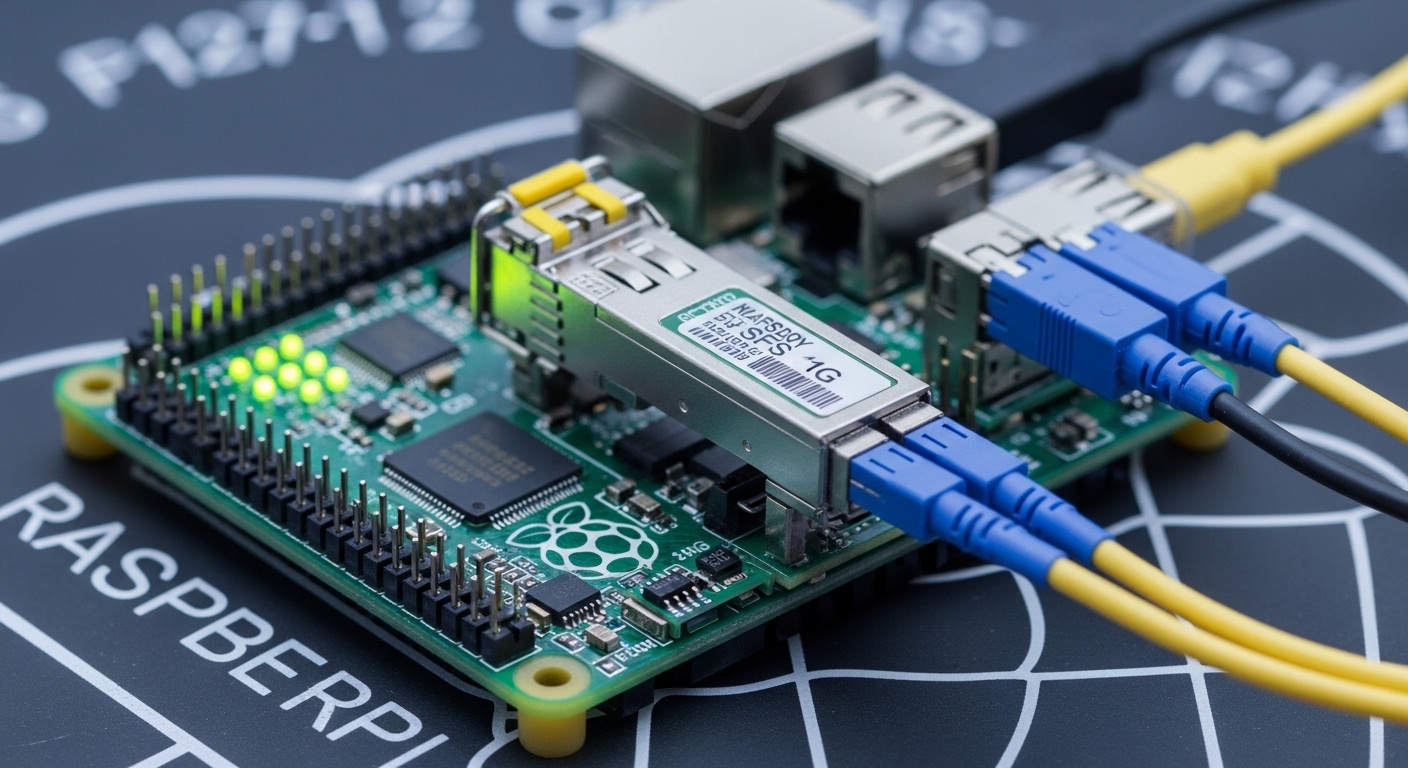
Most Raspberry Pi models do not expose native SFP/SFP+ cages; you usually add an SFP-capable HAT or use an external media converter that terminates fiber and presents Ethernet. Before buying optics, confirm the physical interface and link mode your board supports: 1G Ethernet (1000BASE-X/1000BASE-SX) vs 10G Ethernet (10GBASE-SR/LR). If you use an SFP HAT, verify the HAT wiring supports the transceiver type you plan to mount and that the host sees the correct I2C address for diagnostics. For example, Cisco-compatible optics often rely on DOM over I2C; some third-party cages expose I2C differently, causing missing alarms rather than link failures.
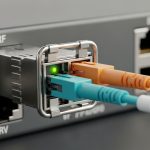
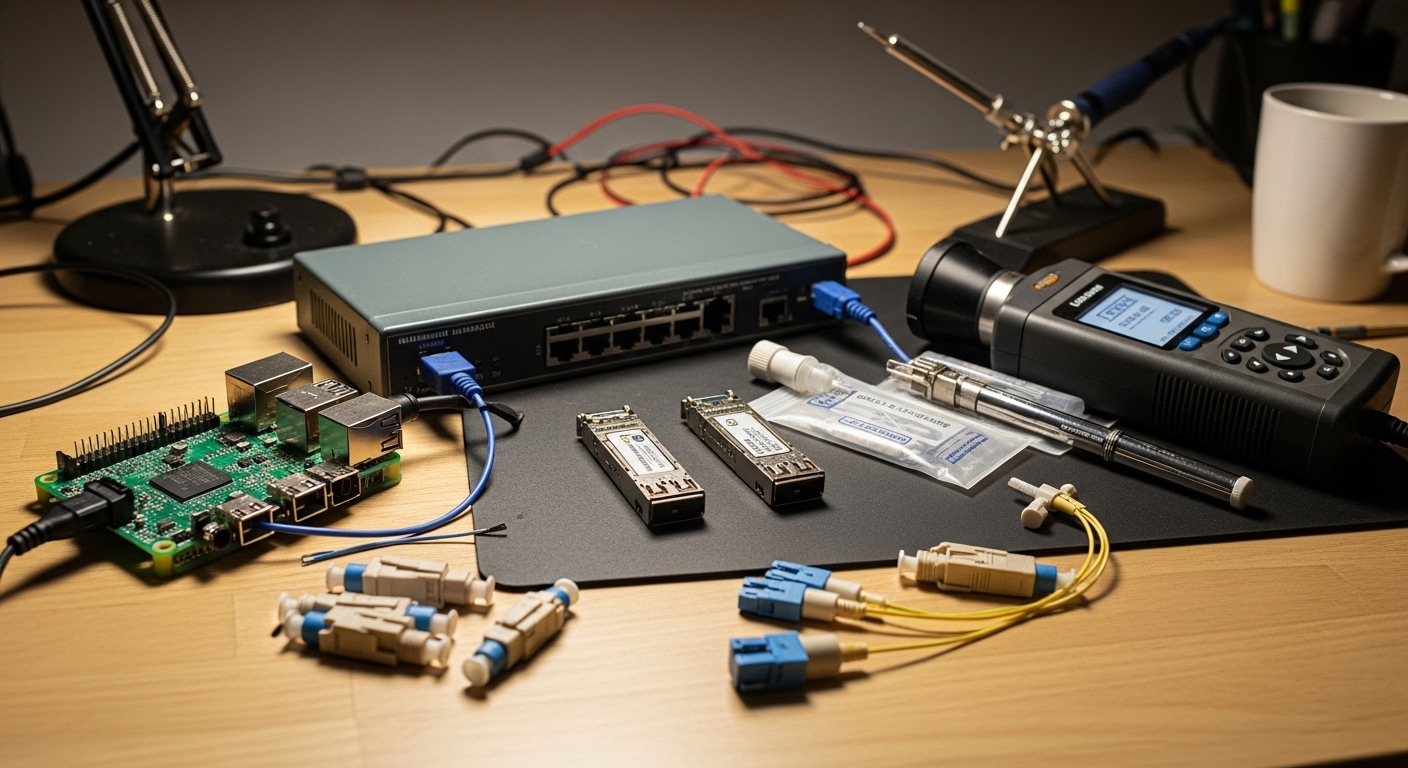
In practice, I build test rigs with a Raspberry Pi 4 plus a managed PoE switch upstream, then connect the Pi via a 1G copper-to-fiber media converter or an SFP HAT for direct fiber. I typically validate with link partner negotiation, read DOM values, and confirm BER stability using continuous traffic (iperf3) for at least 30 minutes at line rate.
Pro Tip: If your DIY fiber network uses DOM, treat “DOM not readable” as a separate class of fault from “link down.” A missing DOM can come from I2C wiring or cage firmware, while the optics still pass traffic. Debug link first (RX/TX, wavelength, fiber type), then DOM.
Head-to-head: 1G SFP vs 10G SFP+ for small Linux boards
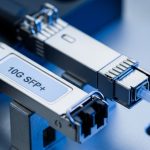
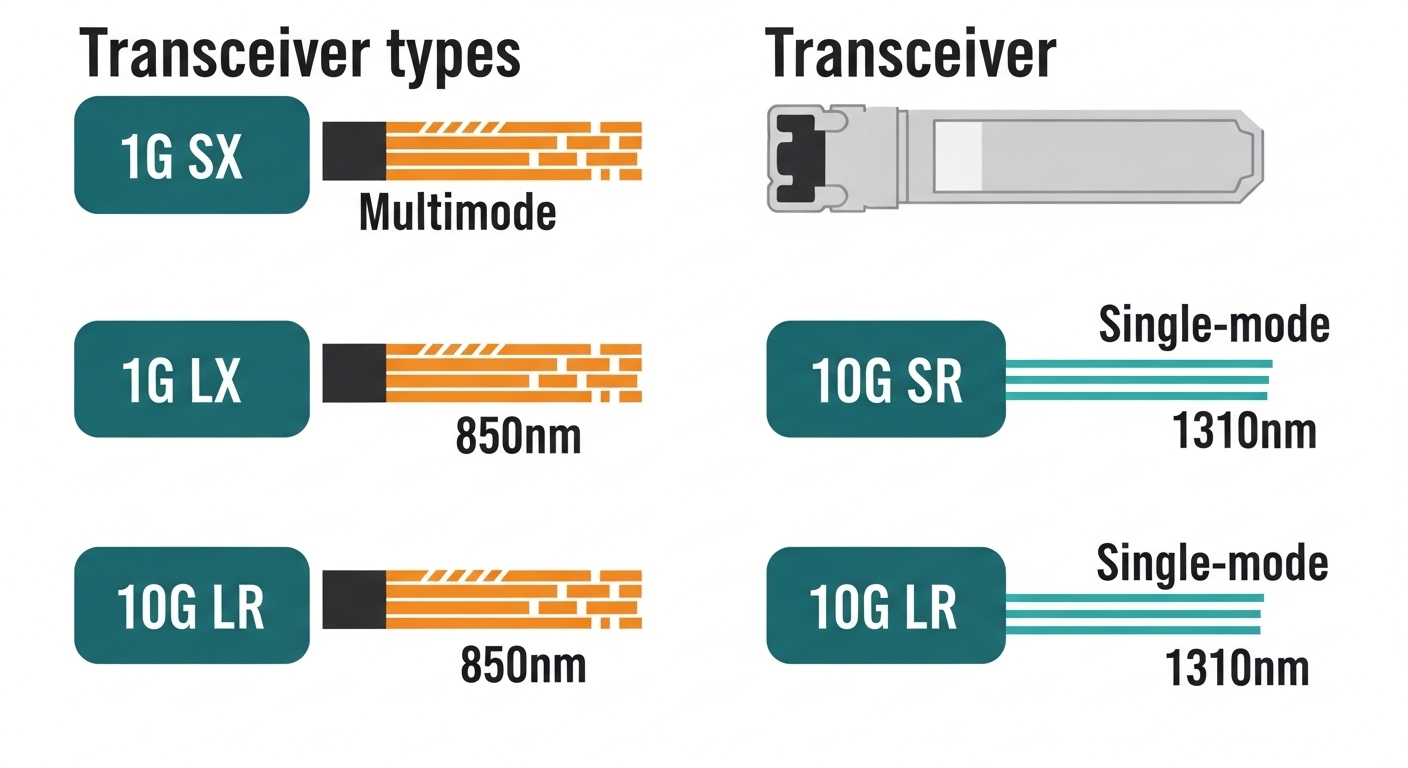
For single-board computers, the biggest decision is data rate and optical reach. 1G SFP modules are typically easier to integrate and cheaper, commonly used with 1000BASE-SX (multimode) at 850 nm or 1000BASE-LX (single-mode) at 1310 nm. 10G SFP+ modules support 10GBASE-SR (850 nm, multimode) or 10GBASE-LR (1310 nm, single-mode) depending on the fiber plant. Even if your network is “only” 1G now, selecting 10G-capable optics can reduce future rework, but it increases power draw and sometimes tightens switch compatibility requirements.
| Parameter | 1G SFP (SX 850 nm) | 1G SFP (LX 1310 nm) | 10G SFP+ (SR 850 nm) | 10G SFP+ (LR 1310 nm) |
|---|---|---|---|---|
| Typical data rate | 1.25Gbaud line rate | 1.25Gbaud line rate | 10.3125Gbaud line rate | 10.3125Gbaud line rate |
| Standard mapping | 1000BASE-SX (IEEE 802.3) | 1000BASE-LX (IEEE 802.3) | 10GBASE-SR (IEEE 802.3) | 10GBASE-LR (IEEE 802.3) |
| Wavelength | 850 nm | 1310 nm | 850 nm | 1310 nm |
| Fiber type | OM3/OM4 multimode | Single-mode OS2 | OM3/OM4 multimode | Single-mode OS2 |
| Typical reach | ~300 m (OM3), ~400 m (OM4) | ~10 km class | ~300 m (OM3), ~400-500 m (OM4) | ~10 km class |
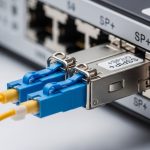
| Connector | LC (most common) | LC | LC | LC |
| DOM support | Often available (I2C) | Often available (I2C) | Often available (I2C) | Often available (I2C) |
| Operating temperature | Commercial or industrial variants | Commercial or industrial variants | Commercial or industrial variants | Commercial or industrial variants |
| Power draw (typical) | ~0.3 to 1 W | ~0.4 to 1 W | ~1 to 2.5 W | ~1 to 2.5 W |
For concrete compatibility, I have used optics like Cisco SFP-10G-SR in lab gear, and I also test third-party units such as Finisar FTLX8571D3BCL and FS.com SFP-10GSR-85 for SR multimode. Always read the transceiver datasheet for DOM behavior and confirm it is specified for your host cage temperature and airflow. The optical standards are defined in IEEE 802.3, but practical behavior is shaped by vendor calibration and cage electrical characteristics. [Source: IEEE 802.3, Optical Transceiver definitions]
Cost and ROI: OEM vs third-party optics in DIY builds
Optics pricing varies wildly by brand, DOM support, and whether you choose “matched” pairs. In 2026 market conditions, a typical 1G SX SFP might cost roughly $15 to $40, while 10G SR SFP+ often lands around $25 to $80 depending on reach and temperature grade. OEM optics from major vendors can be 2x to 5x the third-party price, but the ROI depends on your tolerance for spares management and RMA friction. For a DIY fiber network, the TCO usually includes: power and heat in the enclosure, failure rate, cleaning supplies for LC connectors, and time spent diagnosing DOM or link issues.
Operationally, I budget spares for edge deployments: at least one extra transceiver per site if the optics are single points of failure. If you are running outdoor enclosures, choose industrial temperature optics and plan for connector maintenance; fiber cleanliness dominates reliability more than brand. [Source: vendor transceiver datasheets and connector cleaning best practices]
Selection checklist for a Raspberry Pi DIY fiber network
Use this ordered decision checklist before you buy any optics. It matches what actually prevents rework in field builds.
- Distance and fiber type: measure end-to-end, then confirm OM3/OM4 multimode vs OS2 single-mode. Do not assume; check labeling and test if possible.
- Target Ethernet rate: 1G vs 10G; ensure your Raspberry Pi interface path supports the same PHY speed (media converter, HAT, or switch ports).
- Wavelength alignment: 850 nm optics must land on multimode; 1310 nm optics must land on single-mode. Mixing is a guaranteed failure.
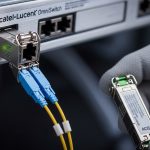
- Switch and cage compatibility: some cages are picky about transceiver electrical characteristics; validate with your exact upstream switch model.
- DOM and monitoring needs: if you want optical power and temperature telemetry, confirm DOM support and how your HAT exposes I2C.
- Operating temperature: for outdoor cabinets, pick industrial grade and ensure airflow; SR/LR performance can degrade with thermal stress.
- Vendor lock-in risk: OEM optics may be cheaper to operate over time if your environment frequently requires vendor support, but third-party can be fine with spares.
Common pitfalls and troubleshooting that saves hours
Here are the failure modes I see most often when people build a DIY fiber network around Raspberry Pi and single-board computers.
-
Pitfall 1: Wrong fiber type for the wavelength
Root cause: using 850 nm SX/SR optics on OS2 single-mode, or 1310 nm LX/LR optics on OM multimode.
Solution: verify fiber type at both ends, then re-terminate or swap optics to match (850 to OM, 1310 to OS2). -
Pitfall 2: Dirty LC connectors causing intermittent link flaps
Root cause: microfilm on endfaces increases attenuation and receiver overload/underload; you may see link up/down during traffic bursts.
Solution: clean with lint-free wipes and approved solvent, then inspect with a microscope/inspection scope before blaming the transceiver. -
Pitfall 3: DOM or I2C mismatch leading to “no diagnostics”
Root cause: HAT firmware or cage wiring does not expose the DOM I2C properly; the interface may still pass traffic but monitoring fails.
Solution: confirm link first, then check whether your HAT supports DOM reads; treat DOM absence as non-fatal unless optics alarms trigger. -
Pitfall 4: Overlooking reach class vs real attenuation
Root cause: using a “10 km” LR module on a link with high splice loss and bad patch cords; the margin disappears.
Solution: budget loss (fiber attenuation plus connector and splice losses) and verify with OTDR or a calibrated light meter where feasible.
Which option should you choose?
If you are building a short indoor lab link from a Raspberry Pi to a switch, pick 1G SFP SX (850 nm) for multimode OM3/OM4, or 1G SFP LX (1310 nm) for single-mode OS2. If you need higher throughput or future headroom and your SBC interface path supports it, choose 10G SFP+ SR (850 nm) for OM3/OM4 or 10G SFP+ LR (1310 nm) for OS2.
| Reader type | Recommended transceiver |
.wpacs-related{margin:2.5em 0 1em;padding:0;border-top:2px solid #e5e7eb}
.wpacs-related h3{margin:.8em 0 .6em;font-size:1em;font-weight:700;color:#374151;text-transform:uppercase;letter-spacing:.06em}
.wpacs-related-grid{display:grid;grid-template-columns:repeat(auto-fill,minmax(200px,1fr));gap:1rem;margin:0}
.wpacs-related-card{display:flex;flex-direction:column;background:#f9fafb;border:1px solid #e5e7eb;border-radius:6px;overflow:hidden;text-decoration:none;color:inherit;transition:box-shadow .15s}
.wpacs-related-card:hover{box-shadow:0 2px 12px rgba(0,0,0,.1);text-decoration:none}
.wpacs-related-card-img{width:100%;height:110px;object-fit:cover;background:#e5e7eb}
.wpacs-related-card-img-placeholder{width:100%;height:110px;background:linear-gradient(135deg,#e5e7eb 0%,#d1d5db 100%);display:flex;align-items:center;justify-content:center;color:#9ca3af;font-size:2em}
.wpacs-related-card-title{padding:.6em .75em .75em;font-size:.82em;font-weight:600;line-height:1.35;color:#1f2937}
@media(max-width:480px){.wpacs-related-grid{grid-template-columns:1fr 1fr}}

🍪 We use cookies to improve your browsing experience and analyse site traffic.
Privacy Policy
|
|---|