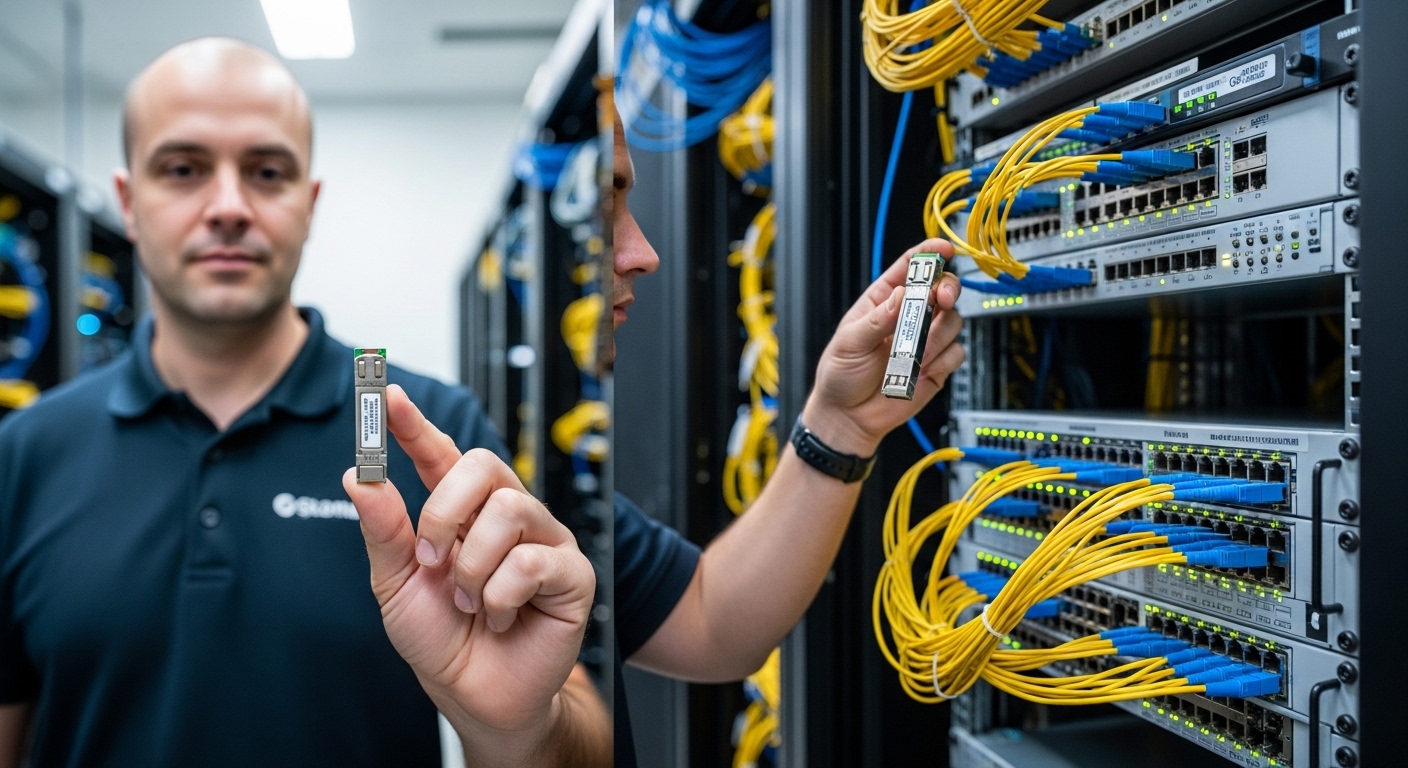
If you are planning leaf-spine upgrades or adding more server racks, the key question is often not “which transceiver works,” but how the density comparison changes your usable ports, cabling plan, and power budget. This page helps data center and network engineers compare SFP and QSFP optics for high-density deployments, including operational constraints and failure modes you can actually troubleshoot. You will get a practical checklist, a spec comparison table, and common pitfalls that cause link flaps, CRC errors, and opaque switch diagnostics.
Why density comparison matters more than raw port count
In high-density top-of-rack and aggregation designs, “ports per switch” is only half the story. A density comparison between SFP and QSFP affects (1) how many active links you can light up per chassis, (2) power draw per traffic lane, and (3) how much fiber and panel space you consume per 10G/25G/40G/100G endpoint. In practice, QSFP form factors usually deliver more throughput per module footprint, while SFP can win when you need fine-grained 1G/10G scaling or tighter port spacing on legacy gear.
Engineers also care about optics ecosystem fit: switch vendor compatibility matrices, DOM/EEPROM behavior, and whether the platform supports per-lane power management. IEEE Ethernet PHY behavior is standardized, but transceiver control and diagnostics are vendor-specific. For baseline Ethernet line rates and optics usage, reference IEEE 802.3 and vendor transceiver guidance via datasheets and compatibility tools. IEEE 802.3 Cisco Support
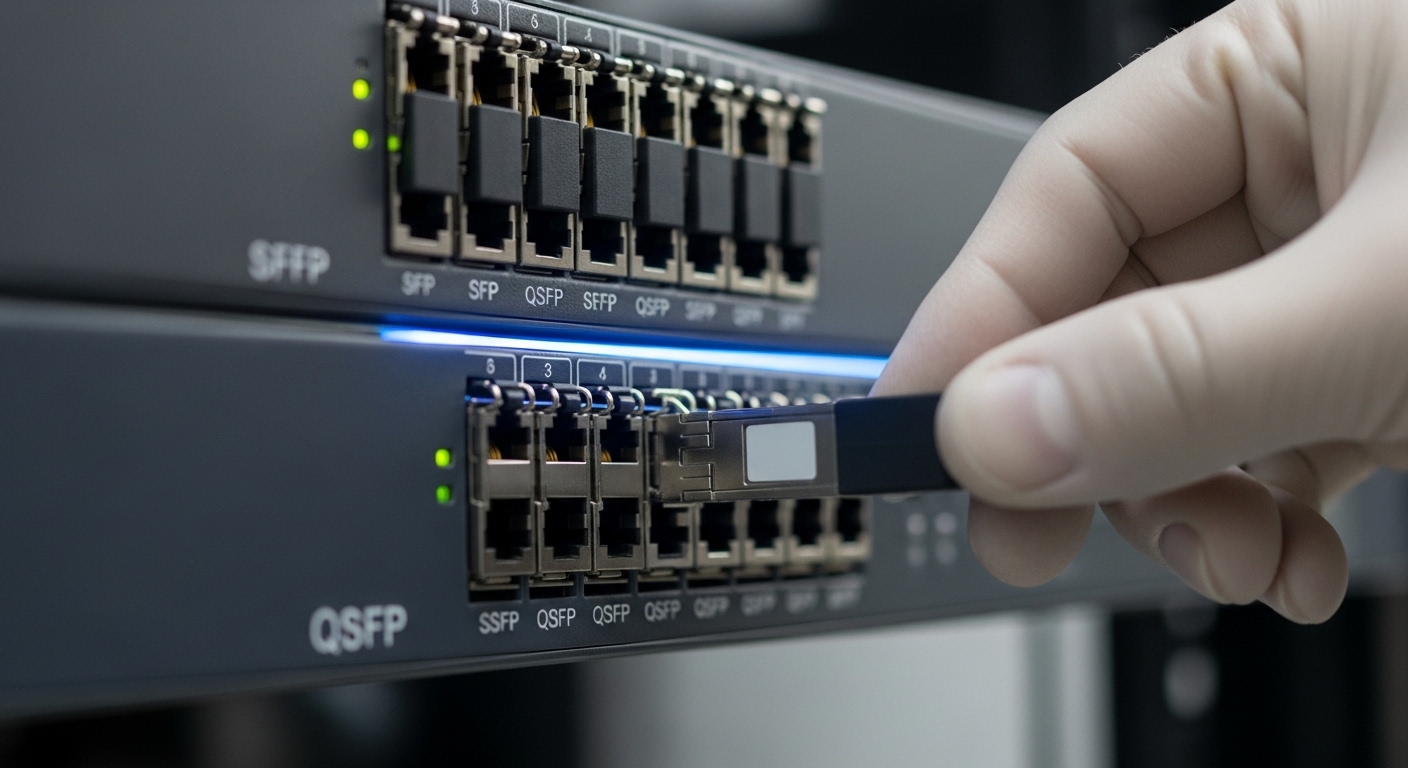
In a typical 48-port 10G ToR or 25G ToR, QSFP-based designs often use fewer modules per aggregate bandwidth target, which reduces cable management complexity and spares inventory. But the “more bandwidth per slot” advantage can be offset by higher per-module cost and stricter support policies for third-party optics.
SFP vs QSFP: spec-level density comparison you can plan with
The most actionable comparison is how each module maps to lanes and how that affects reach, power, connector type, and temperature headroom. SFP and QSFP are form factors; the actual performance depends on the specific transceiver SKU (for example, 10G SR vs 40G SR4 vs 100G SR4). Still, you can model capacity using lane count and reach class.
| Spec | SFP (common in 10G) | QSFP (common in 40G/100G) |
|---|---|---|
| Typical data rate per module | 10G (SFP+), 25G (SFP28) | 40G (QSFP+), 100G (QSFP28) |
| Lane structure (typical) | 1 lane per module | 4 lanes per module for SR4-class optics (e.g., 100G SR4) |
| Typical fiber connector | LC duplex (SR/LR variants) | LC duplex for SR4-style (often uses MTP/MPO in data center variants) |
| Example reach classes | 850nm SR: up to 300 m (typical OM3/OM4 dependent) | 850nm SR4: up to 400 m on OM4 (SKU dependent) |
| Power (typical) | ~0.5W to 2.5W depending on 10G/25G and optics class | ~2W to 4.5W depending on 40G/100G SR and vendor |
| Operating temperature | Commercial/industrial options; commonly 0°C to 70°C or broader | Similar bins; commonly 0°C to 70°C or extended |
| Diagnostics | DOM via I2C/EEPROM (vendor-specific thresholds) | DOM via I2C/EEPROM; may include enhanced metrics on QSFP28 |
Real-world examples used in many enterprise and DC environments include Finisar and OEM-compatible optics such as Finisar FTLX8571D3BCL (10GBASE-SR), and common QSFP28 SR modules like FS.com SFP-10GSR-85 or higher-rate counterparts depending on your vendor’s supported list. Always validate against your switch model’s optics matrix, because “it works in a lab” is not the same as “it is permitted by the platform.”
Pro Tip: In dense QSFP deployments, the most common “mystery” issue is not the transceiver but lane-to-lane mapping and polarity handling on MPO/MTP trunks. If you see intermittent CRC errors at steady temperature, re-check polarity, patch panel ordering, and whether the optics expects the same polarity convention as your cabling standard.
Deployment scenario: ToR upgrade planning using density comparison
Consider a 3-tier data center leaf-spine topology with 48-port 25G ToR switches feeding 8 servers per rack at 25G each. If you need 48 active uplinks, you can do it with either 25G SFP28 optics (one module per port) or QSFP28 optics (four lanes per module for 100G, or 40G-class depending on switch design). In a typical upgrade, engineers aim for a target of 1.2x spare capacity in the next phase to avoid another forklift upgrade.
If your ToR has 48 physical cages, SFP28-based designs can light up 48 links using 48 modules. A QSFP28-based design might use fewer modules if the switch supports break-out or grouped interfaces, but it depends on your chassis: some platforms present 24 QSFP cages that can break into 48 25G lanes, meaning you manage 24 modules for the same uplink count. That reduction can lower module inventory SKUs, but it also centralizes risk: a single QSFP module outage can take down multiple lanes simultaneously if not properly protected by ECMP and link diversity.
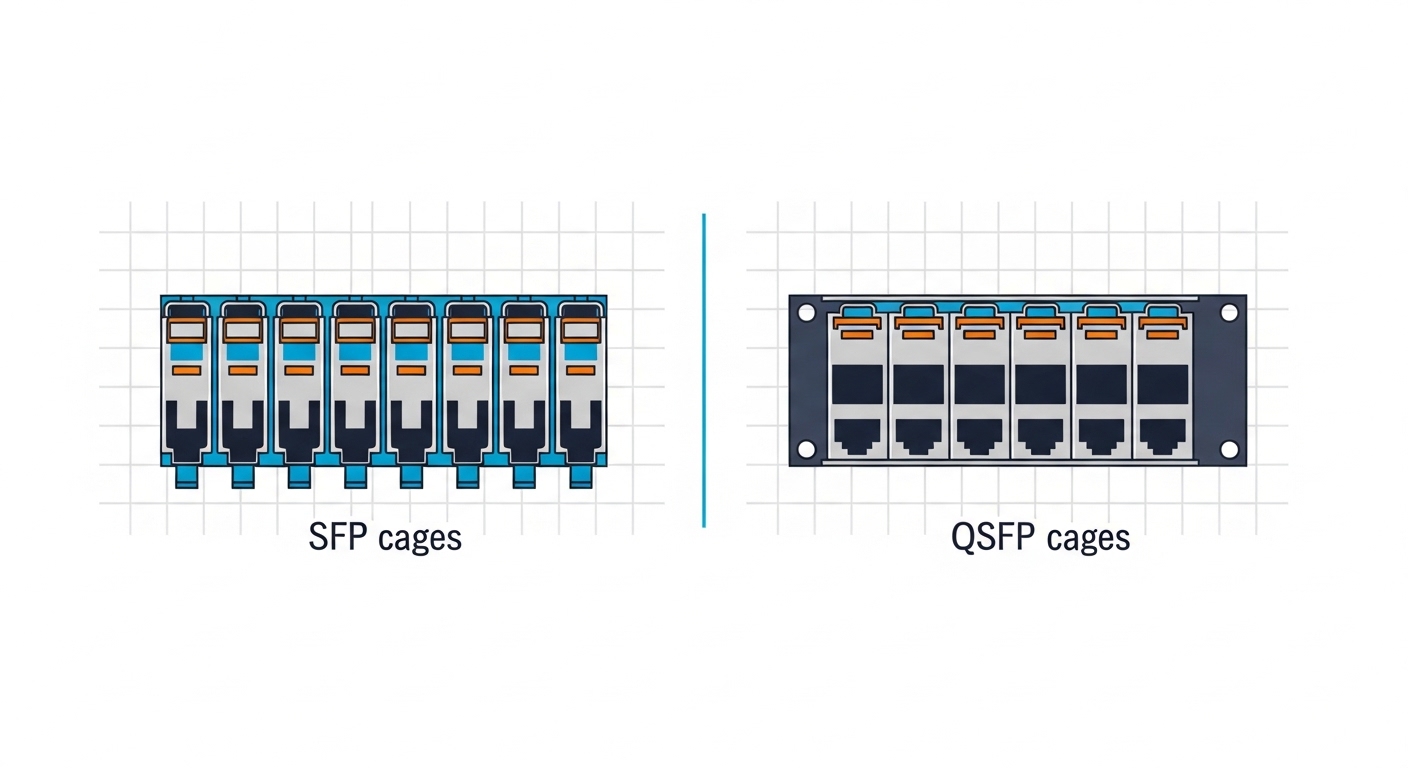
For power modeling, engineers often estimate module power plus switch line-card power. Even if QSFP modules draw more watts per module, the watts per delivered GbE lane can be lower when the module supports higher aggregate throughput. Validate using vendor power figures from datasheets and your switch’s reported power telemetry.
Selection criteria checklist for high-density optics
Use this ordered checklist during procurement and during the acceptance test. It is built around what field engineers verify before rollout, not what marketing specs claim.
- Distance and fiber type: confirm OM3/OM4/OS2, patch length, and expected link margin. Re-check polarity for MPO/MTP trunks used by many QSFP SR variants.
- Switch compatibility: verify the exact transceiver part number is on the vendor’s supported list for your switch model and software release. Use the vendor’s transceiver validation tool where available.
- Lane mapping and breakout support: if QSFP ports break out to multiple lanes (for example, 4x25G), confirm the switch supports the specific breakout mode and that the transceiver matches the mode.
- DOM support and telemetry: ensure DOM is supported and that the switch can read thresholds for temperature, laser bias, and received power. Confirm whether the platform flags “unsupported DOM” for third-party optics.
- Operating temperature: compare the transceiver’s temperature bin with measured airflow at the cage level. In dense racks, inlet temperatures can swing; verify worst-case during UPS generator load and summer peaks.
- Vendor lock-in risk: weigh OEM lead times and pricing vs third-party acceptance and your change-control process. Do not assume all third-party optics behave identically under the same thresholds.
- Spare strategy: decide whether you stock per-cage spares (SFP) or per-module spares (QSFP). A QSFP module failure can impact multiple lanes, so adjust RMA and spares quantities accordingly.
Common pitfalls and troubleshooting tips
Below are failure modes that show up repeatedly in high-density data centers. Each includes the root cause and a field solution.
-
Pitfall: link comes up then flaps under load
Root cause: marginal optical power budget, often due to dirty connectors or incorrect fiber patch length assumptions.
Solution: clean LC/MPO endfaces, re-measure with an optical power meter, and verify the transceiver’s reach class vs your installed attenuation. Re-run link training after cleaning. -
Pitfall: CRC errors increase only on QSFP optics
Root cause: lane polarity mismatch or reversed MPO/MTP polarity at patch panels, causing some lanes to receive degraded or swapped signal paths.
Solution: inspect polarity labels, verify MPO orientation, and apply the correct polarity method (including cross/straight rules) end-to-end. -
Pitfall: “unsupported transceiver” or DOM alarms
Root cause: vendor-specific DOM/EEPROM fields, threshold expectations, or software restrictions that block non-approved optics.
Solution: confirm the exact part number in the compatibility list and align your switch software version with the platform’s supported optics guidance. -
Pitfall: thermal throttling or high temperature warnings
Root cause: insufficient airflow at the cage row, blocked vents, or using a module temperature bin that does not match your environment.
Solution: verify inlet and exhaust temperatures, ensure fan trays and baffles are installed correctly, and replace optics with the proper temperature-rated bin if needed.
Cost and ROI note: where the density comparison pays off
Pricing varies by OEM vs third-party, warranty terms, and whether you need extended temperature bins. As a realistic planning range, many 10G SFP+ optics can fall around $30 to $150 per module, while QSFP28 100G SR optics are often higher, commonly $150 to $500+ depending on vendor and reach class. TCO should include (1) module cost, (2) spares and RMA logistics, (3) downtime risk, and (4) energy cost from module and line-card power.
ROI improves when QSFP reduces the number of modules needed for a target aggregate bandwidth and when your cabling plan avoids rework. However, QSFP can increase operational risk if your team lacks MPO/MTP polarity discipline or if compatibility constraints force OEM-only procurement. Treat optics as a supply-chain and operations problem, not just a hardware purchase.
For authority on Ethernet PHY and optics usage, consult IEEE 802.3 and vendor transceiver datasheets for your specific part numbers. IEEE 802.3 Working Group
FAQ
Is SFP or QSFP better for high-density data centers?
For maximum throughput per slot, QSFP-based designs often win because they carry more aggregate bandwidth in the same physical footprint. For granular scaling, SFP can be better when you need many independent lower-rate links or you are constrained by legacy cage layouts.
How do I compare density comparison across different vendors?
Compare at the lane and port level: module count, break-out capability, per-module power, and supported reach on your fiber type. Then validate the exact SKU against your switch model’s compatibility list.
Do QSFP transceivers require different cabling than SFP?
Often yes. Many QSFP SR variants use MPO/MTP trunks for 40G/100G lane bundles, while SFP SR typically uses LC duplex. If your plant is already LC-based, confirm whether your QSFP choice supports the connector style you can install without major re-cabling.
What causes “unsupported transceiver” errors even when the optics seem compatible?
Most commonly, the switch’s software version enforces a supported optics list, or the transceiver’s DOM fields differ from what the platform expects. Always test with the exact part number and software revision you will run in production.
Can third-party optics reduce costs without increasing failure rates?
Yes, but only if you enforce compatibility validation, clean handling procedures, and consistent acceptance testing. Track failure rates by batch and keep spares strategy aligned with your module impact radius (single-lane SFP vs multi-lane QSFP).
What should I measure during acceptance testing?
Measure optical power levels, confirm link stability under load, and verify DOM telemetry thresholds for temperature and received power. For QSFP with MPO/MTP, verify polarity end-to-end before you start traffic testing.
Choosing between SFP and QSFP is ultimately a capacity planning decision driven by your specific switch cage design, cabling plant, and operational discipline. Next, review fiber polarity and MPO/MTP troubleshooting to reduce link errors that look like “bad optics” but are often patching and polarity issues.
Author bio: I have deployed and validated SFP and QSFP optics in production data centers, including DOM telemetry baselining and MPO/MTP polarity remediation. I focus on measured link budgets, compatibility testing, and failure-mode driven troubleshooting.