When you cram more 25G, 100G, or 400G optics into the same switch chassis, your cooling plan can become the hidden bottleneck. This guide helps data center operators, network engineers, and facilities teams tune airflow and thermal controls so your high-density transceiver deployments stay stable. You will get a step-by-step implementation workflow, plus a practical checklist for selecting optics and cooling strategies that protect performance and reduce downtime.
Prerequisites: what you need before you touch cooling setpoints
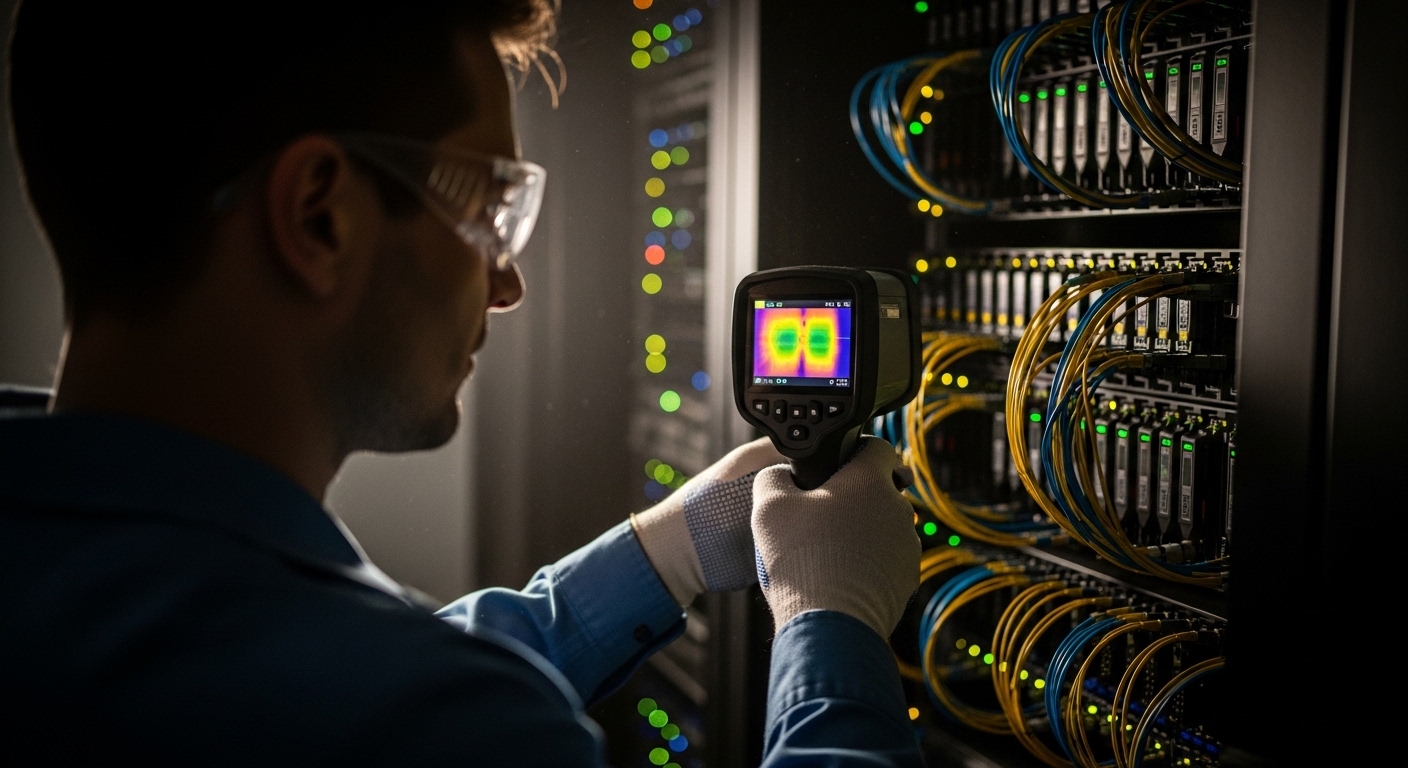
Before changing anything, gather baseline thermal data and confirm how the optics will be stressed. For example, verify your switch model, transceiver part numbers, and whether you are mixing vendor optics with different DOM telemetry behavior. Also confirm what thermal sensors you can read (in-band via switch telemetry, or out-of-band via BMC) so you can correlate temperature with link stability.
Target inputs to collect include inlet temperature, outlet temperature per row, fan speed curves, and transceiver cage temperatures if your platform reports them. If you are using a typical leaf-spine fabric, capture telemetry for at least 24 hours during normal load and during a controlled traffic bump to near line rate. Finally, confirm your physical airflow pattern (cold aisle containment, hot aisle return, or open bay) because the same setpoint change can have opposite effects.
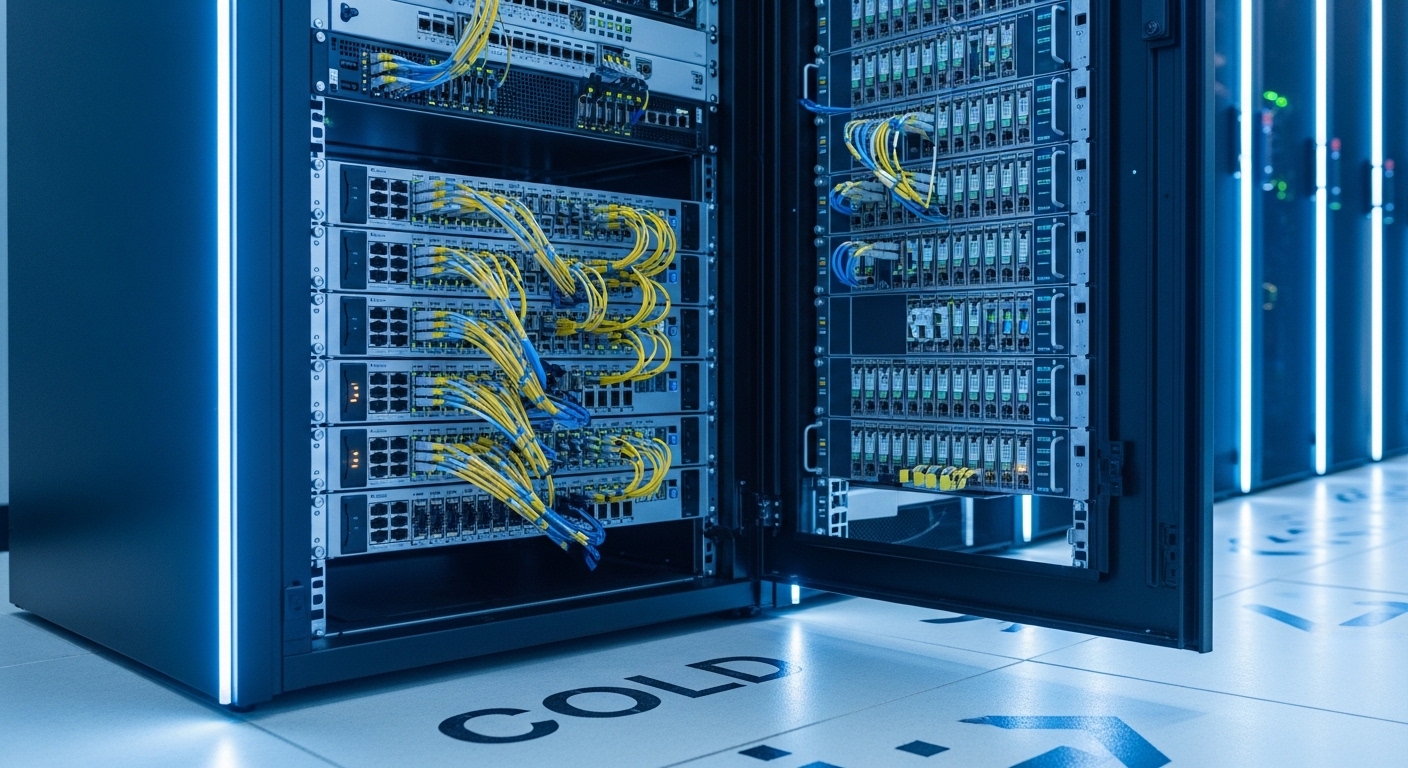
Step-by-step: implement cooling tuning for high-density transceiver packs
Map heat sources to optics density and traffic profile
Start with a simple heat map: identify which switch ports host the densest optics and what traffic patterns they carry. In practice, a 48-port 10G ToR switch with all ports active can drive significantly higher internal heat than a sparsely used server top-of-rack. If you are running 100G optics, remember that power draw and thermal output can rise across the module even when link utilization is stable.
Operational detail: correlate transceiver DOM readings (for modules that report them) with switch ASIC temperatures. On platforms that support it, poll DOM temperature every 30 seconds and store results for later comparison after each cooling change. This gives you a defensible link between cooling tuning and optics thermal margins.
Expected outcome: you can point to the specific rack rows and switch instances where transceiver temperature excursions occur first.
Validate thermal headroom using vendor and IEEE operating guidance
Transceivers are specified for a temperature range and should be operated within their declared limits. Most SFP/SFP+/QSFP families follow industry electrical/optical behavior aligned with IEEE Ethernet PHY standards (for example, IEEE 802.3 for 10G/25G/40G/100G Ethernet) while vendors specify module-specific temperature and optical power characteristics. Use vendor datasheets to confirm case temperature limits, not just ambient air temperature.
Expected outcome: you know whether you have a margin issue (too little cooling) or a compatibility issue (module operating outside expected conditions).
Tune airflow direction and containment before changing setpoints
In high-density deployments, airflow management often beats thermostat tweaks. Verify that blanking panels are installed, cable management doesn’t block the front-to-back flow, and that fan modules are seated correctly. If you use cold aisle containment, confirm the doors and side panels are intact and that pressure differentials are within your facility design.
Expected outcome: outlet temperatures stabilize and transceiver cage temps stop “creeping” upward during sustained traffic.
Adjust fan curves and setpoints with a controlled change window
When you do adjust cooling, change one control at a time: either raise fan minimum speed, adjust fan curve slope, or modify supply temperature setpoint. Use a change window that matches your operational risk tolerance, often a 2 to 4 hour period where you can monitor link errors, optics temperature, and switch fan RPM. For example, if your transceivers exceed a safe internal threshold, increase airflow by raising fan minimum from 30% to 40% for one cluster and compare results.
Expected outcome: fewer thermal events and reduced optical link instability under peak load.
Add telemetry-based guardrails and alerts
Use transceiver DOM telemetry where available to trigger alerts before failures. Set thresholds based on observed behavior and vendor guidance, such as warning at a temperature margin you can act on (for instance, 5 to 10 C below the module’s upper operating limit). Also track optical receive power (where supported) because a thermal problem can sometimes be accompanied by fiber or connector issues.
Expected outcome: you catch thermal drift early and avoid hard link drops.
Pro Tip: In many racks, the inlet air temperature looks fine while the transceiver cage temperature climbs during sustained workloads. That means your limiting factor is often localized recirculation or blocked front-to-back airflow, not the room thermostat. Fix containment and cable obstructions first, then fine-tune fan curves.
Specs that matter: matching transceiver thermal behavior to cooling strategy
Cooling tuning is easier when you understand what kind of optics you installed and how they typically behave. Below is a practical comparison of common modules used in data center efficiency projects, focusing on wavelength, reach, connector type, and typical power and temperature considerations you should confirm in vendor datasheets.
| Module example | Data rate | Wavelength | Typical reach | Connector | Operating temperature (verify in datasheet) | Why it impacts cooling |
|---|---|---|---|---|---|---|
| Finisar FTLX8571D3BCL (10G SR-class) | 10G | 850 nm | ~300 m (OM3) | LC | Usually -5 C to 70 C | Higher port density increases cumulative heat in the cage |
| Cisco SFP-10G-SR (10G SR-class) | 10G | 850 nm | ~300 m (OM3) | LC | Usually -5 C to 70 C | Fan curve changes can reduce thermal stress under load |
| FS.com SFP-10GSR-85 (10G SR-class) | 10G | 850 nm | ~400 m (OM4) | LC | Varies by model, commonly -5 C to 70 C | DOM reporting differences complicate thermal alerting |
| Typical QSFP28 100G SR4-class (vendor-specific) | 100G | 850 nm | ~100 m (OM3) / ~150 m (OM4) | MT/MPO | Often 0 C to 70 C for commercial | More power per module and tighter airflow constraints |
For compliance context, IEEE Ethernet PHY requirements define how the electrical and optical signaling behaves, but the thermal operating limits are still module-specific and come from vendor datasheets. Use vendor documentation as your source of truth for temperature, optical power, and DOM behavior. IEEE 802.3 Ethernet standards
Also review your switch vendor’s optics compatibility list because some platforms enforce strict qualification and may throttle or log warnings when DOM fields look abnormal. ANSI/TIA resources
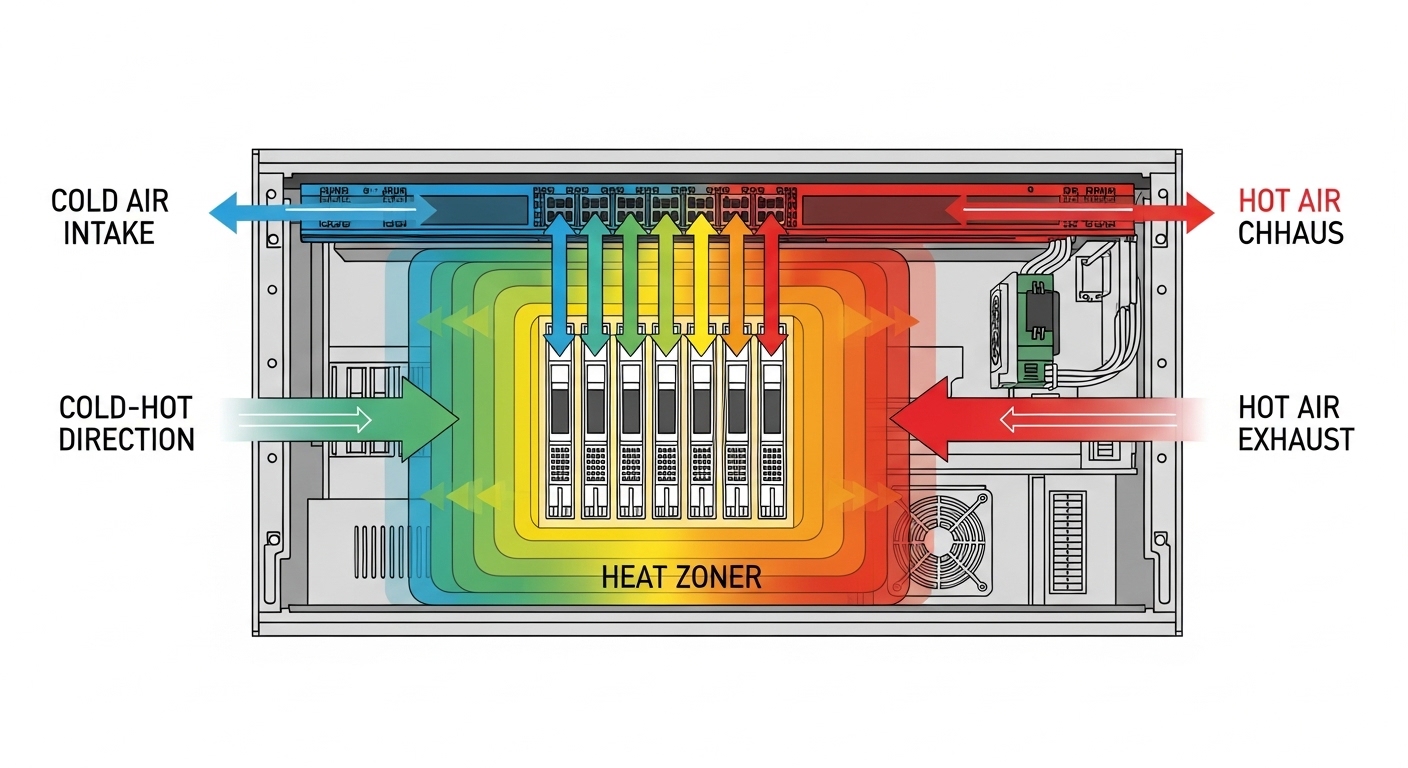
Decision checklist: how engineers choose cooling and optics together
To improve data center efficiency, you want optics that fit your cooling reality, not the other way around. Use this ordered checklist during design and during change control.
- Distance and reach: confirm fiber type (OM3 vs OM4), expected link budget, and whether higher reach forces higher optical power or different module behavior.
- Budget vs OEM vs third-party: OEM optics can reduce compatibility risk but cost more; third-party can be cheaper but may vary in DOM telemetry fidelity and thermal characteristics.
- Switch compatibility: check the switch vendor’s qualified optics list for each part number and ensure your platform supports the module’s DOM fields.
- DOM support and alerting: confirm you can read module temperature and supply voltage; if DOM is missing or limited, your thermal guardrails may fail.
- Operating temperature and derating: validate module case temperature limits and whether your facility exceeds recommended inlet/outlet ranges during peak.
- Operating environment: altitude, dust load, and airflow obstruction patterns can change real thermal performance.
- Vendor lock-in risk: consider long-term procurement and whether you can standardize optics across racks to avoid “mixed behavior” during cooling tuning.
Common mistakes and troubleshooting tips
Here are the top failure modes field teams see when optimizing cooling for dense transceiver deployments, with root causes and fixes.
- Mistake: Raising supply temperature setpoint to save energy while leaving airflow direction unchanged.
Root cause: warmer inlet air plus localized recirculation increases transceiver cage temperature faster than the room average.
Solution: first restore containment integrity, then adjust fan curves in smaller increments and monitor DOM temperature per module group. - Mistake: Mixing optics without verifying DOM telemetry and threshold behavior.
Root cause: some third-party optics report different fields or update rates, causing false negatives or missed thermal alarms.
Solution: standardize optics family per switch line and validate DOM polling and alert thresholds using a controlled test window. - Mistake: Assuming outlet temperature equals transceiver safety.
Root cause: transceiver cages can experience localized hotspots due to cable congestion or blocked intake.
Solution: do a physical inspection, re-seat blanking panels, and use targeted airflow checks (smoke visualization or airflow measurement) around the densest port banks. - Mistake: Overcorrecting with aggressive fan ramping.
Root cause: sudden airflow changes can create transient pressure swings that move hot air into adjacent intakes.
Solution: apply gradual curve changes and watch for oscillation in inlet and outlet temperatures over time.
Cost and ROI note: where data center efficiency gains actually come from
In many facilities, the immediate cost is mostly operational: engineer time, monitoring, and sometimes minor hardware changes like blanking panels, fan curve tuning, or adding containment materials. OEM optics often cost more per module than third-party, but the ROI can show up as fewer compatibility issues, fewer replacements, and cleaner telemetry that speeds troubleshooting. As a rough planning range, optics might vary widely by speed and reach, but the bigger TCO lever is typically reducing failure rates and avoiding downtime during thermal incidents, not the sticker price alone.
Practical TCO thinking: estimate replacement cost (module + labor + downtime risk) and compare it to the cost of improving airflow and monitoring. If your cooling tuning prevents even a small number of failures per quarter, it can pay back quickly compared to repeated truck rolls.