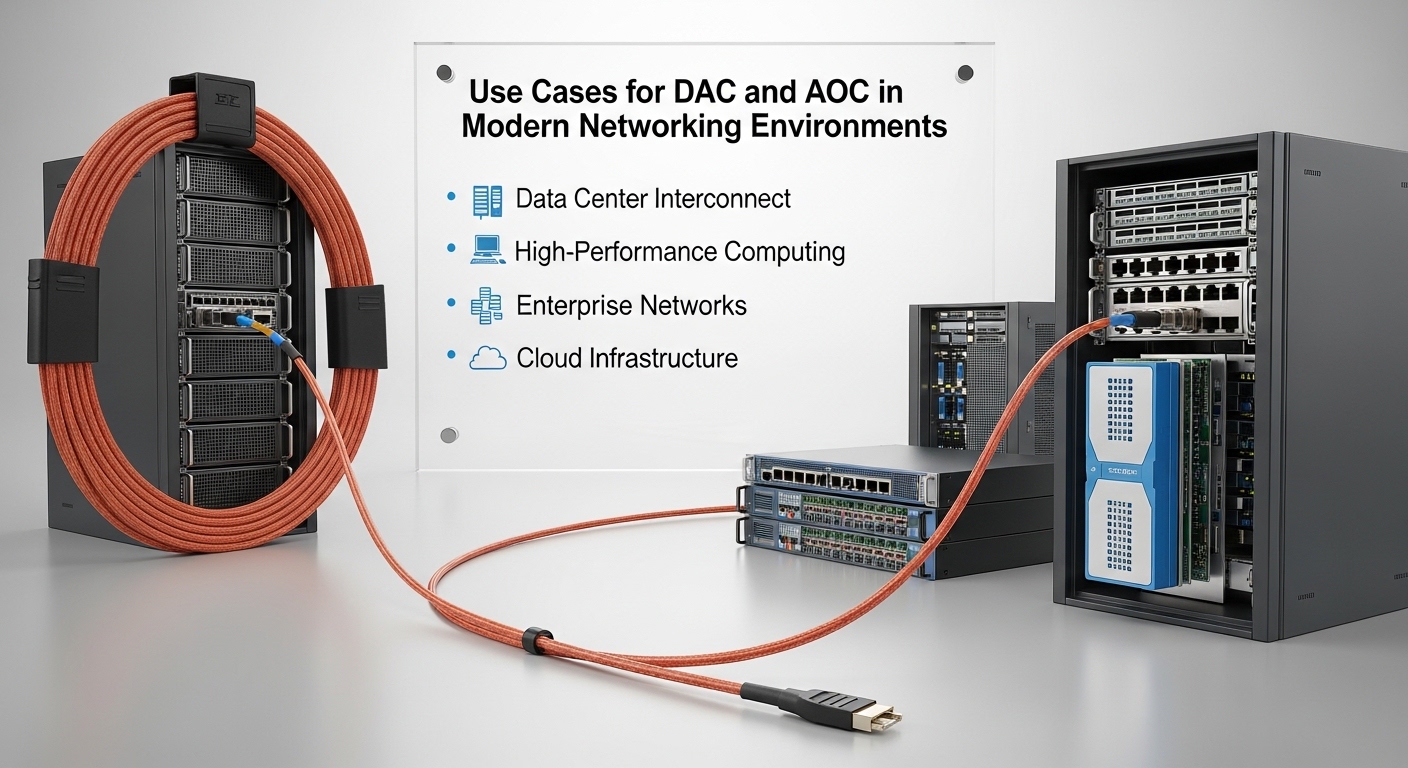
In a leaf-spine data center, you can lose a whole maintenance window to the wrong optics choice: a finicky transceiver, a budget overrun, or an unexpected reach mismatch. This article compares DAC and AOC for short-reach connectivity, focusing on what actually changes in operations: power draw, DOM behavior, link training, thermal limits, and fault isolation. It helps network engineers and field techs who need a practical selection path for 10G, 25G, 40G, and 100G deployments.
DAC vs AOC: the real performance trade in short-reach links
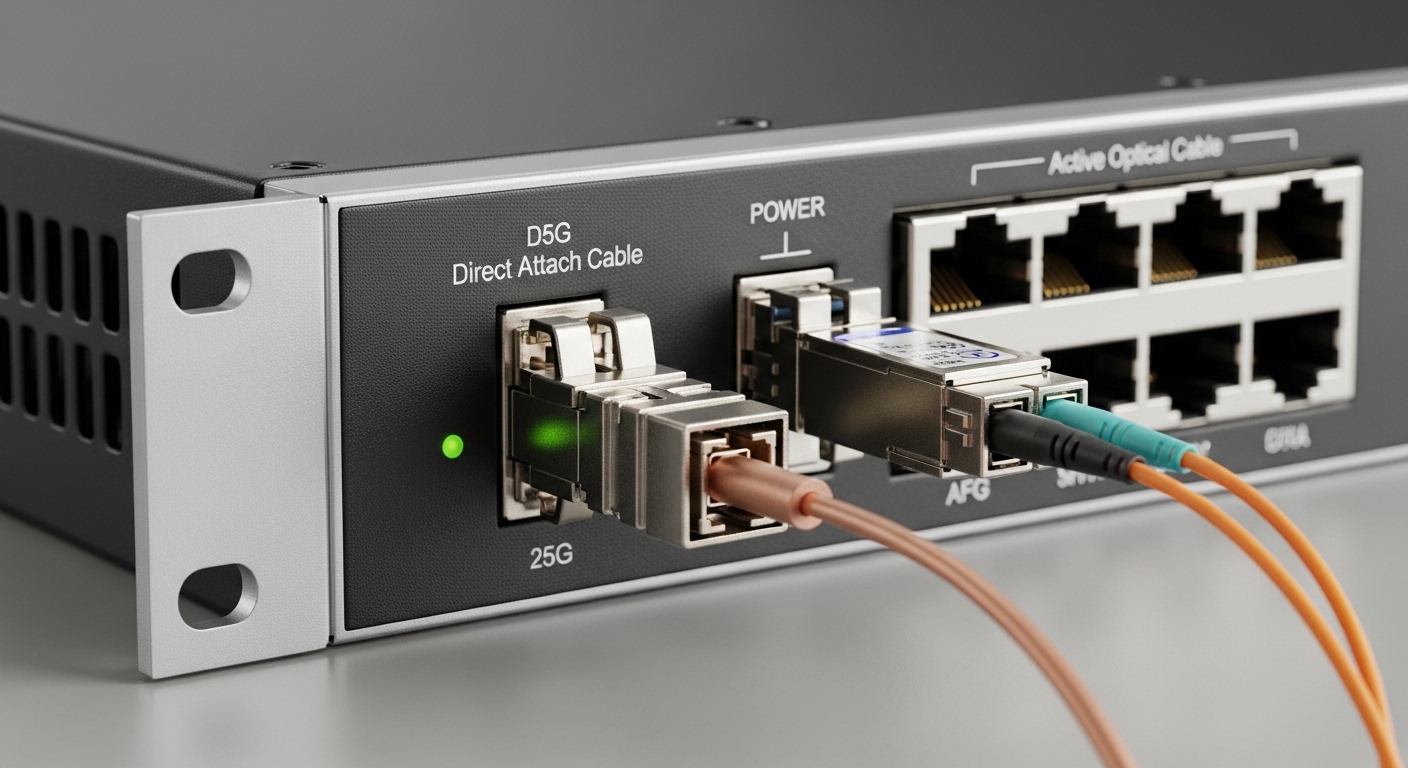
At a high level, DAC (Direct Attach Copper) uses twinax copper for the full link, while AOC (Active Optical Cable) uses optics on both ends with integrated fiber inside the cable. In practice, both carry the same Ethernet signaling families defined by IEEE 802.3, but the physical layer behavior and failure modes differ.
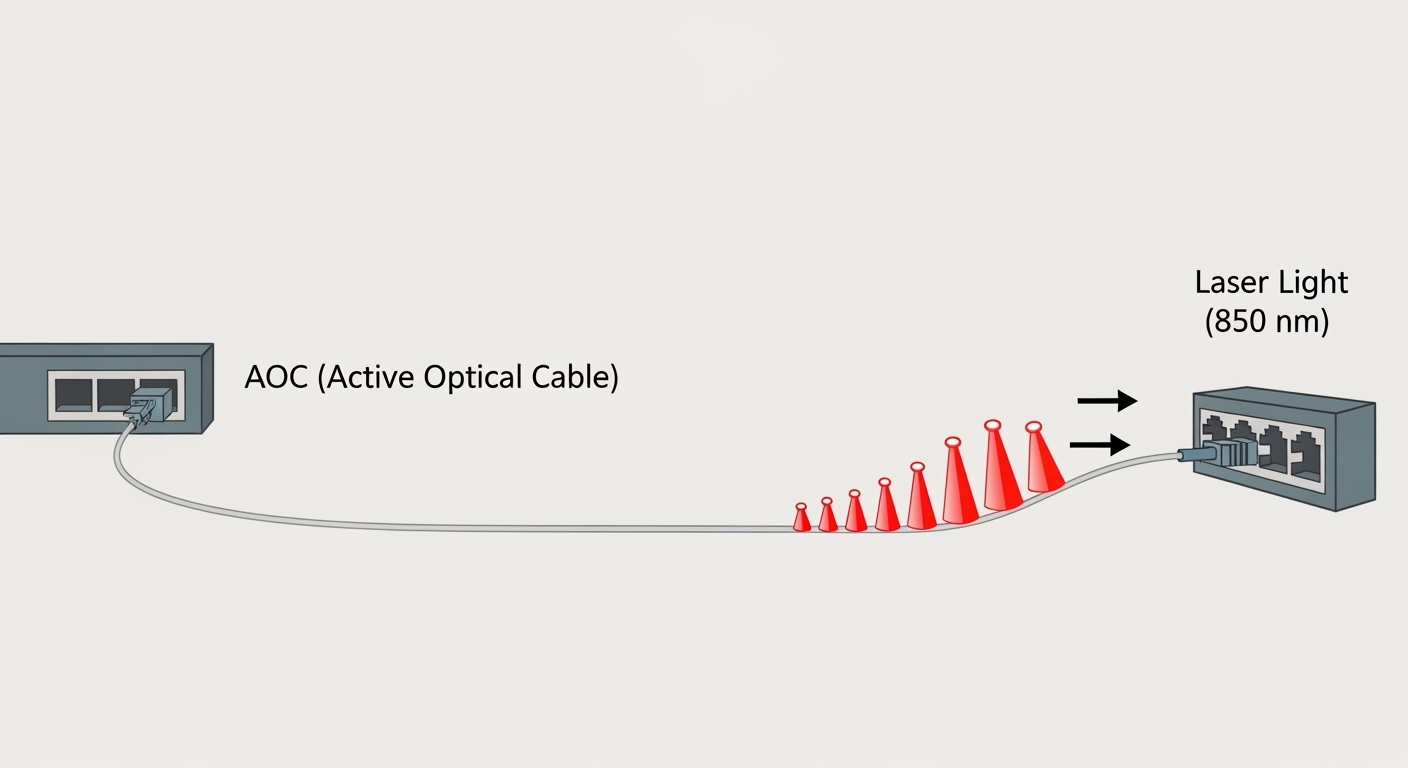
For reach, DAC typically targets short distances in the same rack or adjacent racks—often 1m to 7m depending on data rate and vendor. AOC commonly stretches farther with lower insertion loss sensitivity across the internal optical path, often landing in the 5m to 30m range for common enterprise and data center SKUs. If you are building a row-to-row topology where patching fiber is undesirable, AOC can be the “no-splice” middle ground.
For power, DAC is usually the most efficient option per link because it avoids active optical components. AOC adds laser and receiver electronics at each end, so you should expect higher power draw than DAC, which matters when you multiply by hundreds of ports in a Clos fabric. Thermal design also differs: DAC runs warm near the connector and board edge, while AOC’s heat is distributed along the cable and transceiver body.
Wavelength and link-layer framing: what does not change
Regardless of DAC or AOC, the Ethernet payload, framing, and link negotiation follow the same standards. The optics choice mostly affects the physical layer: modulation format, electrical-to-optical conversion, and how the module reports diagnostics. IEEE 802.3 plus the transceiver interface specs drive compatibility expectations; vendor datasheets tell you what each module actually supports.
For authoritative baseline behavior and link requirements, start with IEEE 802.3 for each speed (10GBASE-SR, 25GBASE-SR, 40GBASE-SR4, 100GBASE-SR4, etc.). For module management details, check the transceiver diagnostics and interface guidance in vendor documentation and the industry DOM ecosystem. anchor-text: IEEE 802.3 standard portal
Specs side-by-side: wavelength, reach, connector, and operating limits
Here is a practical spec comparison you can use when you are mapping module types to switch port layouts. Exact numbers vary by vendor and speed grade, but these ranges reflect what you will see in real procurement catalogs.
| Key spec | DAC (Twinax) | AOC (Active Optical Cable) |
|---|---|---|
| Typical data rates | 10G, 25G, 40G, 100G (varies by connector) | 10G, 25G, 40G, 100G with fiber optics inside |
| Wavelength | N/A (electrical copper link) | Common multimode options like 850 nm (SR-class) |
| Typical reach | 1m to 7m (often rack-level) | 5m to 30m (varies by SKU) |
| Connector / form factor | Usually SFP+ / SFP28 / QSFP+ / QSFP28 / OSFP style copper variants | Often same host form factor, fiber-based (SFP28/QSFP+/QSFP28/OSFP) |
| DOM / diagnostics | Usually supports DOM over I2C; depends on module generation | Usually supports DOM; optical power and temperature diagnostics |
| Operating temperature | Commonly 0C to 70C (some enterprise-grade higher) | Commonly 0C to 70C (check vendor for extended) |
| Typical failure modes | Connector wear, bent cable stress, signal integrity degradation | Laser aging, fiber micro-cracks, connector contamination |
When comparing specific parts, tie your selection to models your vendor actually supports. Examples of widely referenced optics families include Cisco and vendor equivalents such as Finisar and third-party modules sold under OEM agreements. For 10G SR optics as a baseline reference point, you might see part families like Cisco SFP-10G-SR and third-party equivalents such as Finisar FTLX8571D3BCL or FS.com SFP-10GSR-85 (multimode, 850 nm class). Always validate that the module is on your switch’s compatibility list.
Use-case reality check: where DAC wins and where AOC saves the day
In a 3-tier data center leaf-spine topology with 48-port 25G top-of-rack switches, you might populate uplinks to spine with 2m to 3m copper for the first pass. If the physical cable routing is tight and you are trying to avoid additional patch panels, DAC is often the fastest procurement-to-install path because it is plug-and-play and avoids fiber handling steps.
Now flip the scenario: you have row-to-row links that need 12m to 18m due to tray routing constraints, and the cabling crew cannot do splicing or re-termination before a go-live. In that case, AOC can keep the deployment on schedule because you avoid field polishing and connector inspection, while still delivering optical reach beyond typical DAC lengths. The operational win is time: fewer steps, fewer components to mis-handle.
In enterprise wiring closets, the decision can depend on how often you expect moves, adds, and changes. If you frequently re-map patching, AOC’s integrated cable can reduce the number of separate parts you must track, but you still need good cable management to prevent connector stress and bending radius violations.
Pro Tip: If your switch supports DOM and you have monitoring enabled, compare the module’s reported Tx bias current and Rx power thresholds during commissioning. A DAC link can look “up” while slowly degrading due to connector stress, but the diagnostics trend will often show drift earlier than packet counters do.
Compatibility and management: DOM, vendor support, and switch behavior
This is where a lot of builds quietly fail. DAC and AOC modules may physically fit the port, but the switch’s firmware can be picky about transceiver parameters: electrical characteristics, calibration behavior, and how the module reports diagnostics. In the field, you will see symptoms like “link flaps,” “module not recognized,” or a link that comes up at a reduced mode.
For compatibility, treat your switch vendor’s optics matrix as the source of truth. Cross-shop carefully: a third-party DAC for an SFP28 port can work in one switch model and fail in another due to different retimer expectations and threshold settings. If you are using DOM-based automation (for example, alerting on optical power thresholds), confirm that the module exposes the expected diagnostic pages and that your monitoring stack parses them correctly.
Also check operating temperature ratings and airflow assumptions. In dense racks, a module that is rated to 70C at the bench can experience higher local temperatures when you pack ports tightly and block front-to-back airflow. AOC’s integrated optics can be more sensitive to sustained thermal stress than many engineers expect.
Decision checklist engineers actually use
- Distance: stay within the module’s specified reach at your data rate; remember that “it worked once” is not a test plan.
- Budget: compare per-port cost plus the cost of rework if the module is incompatible or needs replacement.
- Switch compatibility: verify on the vendor compatibility list and match the exact form factor (SFP28 vs QSFP28 vs OSFP).
- DOM support: confirm diagnostics availability and whether your NMS/telemetry tooling can read and interpret it.
- Operating temperature: validate the rating against rack airflow; include worst-case summer inlet temperatures.
- Vendor lock-in risk: evaluate whether you can source multiple vendors for the same speed and reach without surprises.
Common pitfalls and troubleshooting: why links fail after install
When DAC or AOC causes trouble, the root cause is usually mechanical, electrical integrity, or optical cleanliness—not the Ethernet config. Here are the most common failure modes I see on-site.
“Module not recognized” or persistent link flaps
Root cause: transceiver parameter mismatch or unsupported module ID/DOM pages for your specific switch firmware. Some platforms enforce stricter thresholds for calibration and signal quality.
Solution: swap to a module explicitly listed for your switch model and firmware version. If you must use third-party parts, test in a staging rack first and capture link logs during repeated bring-up cycles.
DAC works at first, then degrades during re-cabling
Root cause: connector stress, cable bend too tight, or repeated insertion cycles that wear the cage contacts. Twinax signal integrity is sensitive to physical handling, especially near the connector.
Solution: follow bend radius guidance, avoid tugging at the connector body, and use proper cable management clips. After any re-cabling, run a link stability check and watch error counters for drift.
AOC links fail intermittently due to optical contamination or micro-damage
Root cause: damage from sharp bends, or contamination at the connector interface when the module is handled or replaced. Even if the cable is integrated, the interface still matters.
Solution: handle with clean gloves, inspect connectors, and keep protective caps on until insertion. If your system supports it, monitor optical receive power trends before declaring the link dead.
Over-temperature in high-density racks
Root cause: blocked airflow or fan curve changes that raise local module temperature. DAC and AOC both can exceed comfortable operating conditions in poorly ventilated cabinets.
Solution: validate airflow direction, confirm fan module health, and measure inlet and local exhaust temperatures. If needed, spread cables across adjacent trays to reduce hot spots.
Cost and ROI: total cost of ownership for DAC vs AOC
Pricing varies heavily by speed and vendor, but as a planning baseline, DAC is usually cheaper per port than AOC for the same data rate and nominal reach. AOC’s premium comes from active optics and integrated fiber assemblies. In a large build, that difference can materially affect capex, but operational downtime cost can dominate if modules cause repeated maintenance.
Consider a realistic TCO model: include expected failure rate, swap labor, and time-to-repair. If you deploy 400 links and each swap costs a technician hour plus network disruption, a slightly higher module cost can still win if it reduces rework. OEM modules often cost more but may reduce compatibility risk; third-party modules can be cost-effective if you validate them against your switch model and firmware.
Power is another hidden line item. If your facility charges based on energy usage, AOC’s higher module power can raise total rack draw. Run the numbers using vendor datasheet power specs per module (Tx/Rx consumption plus any additional overhead) and your expected utilization duty cycle.
Decision matrix: which link type fits your environment
Use this quick matrix to align technical constraints with procurement choices. It is not a substitute for the switch vendor’s compatibility list, but it helps you avoid the common “wrong tool” mistake.
| Criteria | Choose DAC when… | Choose AOC when… |
|---|---|---|
| Distance | You are within typical copper reach (often 1m to 7m) | You need longer reach (often 5m to 30m) |
| Installation speed | You want the simplest plug-and-go cabling in the same rack | You want to avoid patching and field fiber work |
| Power budget | You are optimizing per-port power and thermal headroom | You can tolerate higher per-link power for the reach benefit |
| Monitoring needs | Your platform reads DOM reliably for copper modules | You want optical diagnostics like Rx power trends |
| Risk tolerance | You will use switch-approved DAC models and validate in staging | You can validate AOC compatibility and handling practices |
| Cabinet airflow | Local connector heating is manageable | You have stable airflow and can prevent sustained hot spots |
Which option should you choose?
If you are deploying short intra-rack links at 10G or 25G and your run length is within DAC limits, choose DAC for best efficiency and the lowest operational complexity. If you are constrained by tray routing, need 10m+ reach without patch panels, or want to avoid fiber termination work, choose AOC for schedule certainty and reach flexibility.
For mixed environments, a pragmatic approach is common: DAC for top-of-rack to spine within the same rack zone, AOC for row-to-row or cross-zone routing. Next step: audit your switch model’s optics matrix and then test one DAC and one AOC in a staging rack under realistic temperature and cabling stress.
FAQ
Q: Does DAC work for the same speeds as fiber optics like SR modules?
A: Yes for many short-reach Ethernet speeds, but DAC is not “SR fiber.” It is a copper twinax link that maps to the same Ethernet speed families. Always confirm the module form factor and that your switch supports that specific copper option.
Q: Will my switch read DOM diagnostics from DAC and AOC?
A: Often yes, but it depends on the module generation and your platform firmware. Before scaling, verify that your monitoring system can read the expected DOM fields and that alarms behave correctly.
Q: What is the biggest mechanical mistake with DAC?
A: Bending the cable too tightly near the connector or stressing it during re-cabling. That can cause intermittent link errors that worsen over time. Treat the connector area like a high-stress component.
Q: Is AOC harder to troubleshoot than DAC?
A: It can be, because optical issues may present as receive power drift rather than obvious link loss. The upside is that optical diagnostics often provide early warning when Rx power trends out of tolerance.
Q: Are third-party DAC and AOC modules safe to buy?
A: They can be, but only after compatibility validation against your exact switch model and firmware. Staging tests that include repeated insertion cycles and temperature stress are worth the time.
Q: Which should I standardize on for a new rollout?
A: Standardize on the option that fits your dominant run lengths and has the highest compatibility confidence with your switch vendors. Many teams standardize DAC for short runs and AOC for longer “no-splice” needs.
Chef’s note: my rule is to treat optics as part number engineering, not just “cable shopping.” If you want fewer surprises, validate reach, DOM behavior, and thermal assumptions before you commit to hundreds of links.
About the author: I design and troubleshoot high-density Ethernet cabling in real deployments, from commissioning to maintenance windows. I write like a field engineer because the rack is where theory meets friction.