In dense racks, the difference between a good optics choice and a bad one shows up fast: link flaps, thermal throttling, and wasted budget. This article helps network engineers and data center operators map networking use cases to the right copper DAC or active optical AOC approach, with concrete compatibility and operational details you can apply during installs. You will also get a spec comparison table, a decision checklist, and field troubleshooting for the most common failure modes.
How DAC and AOC map to real networking use cases
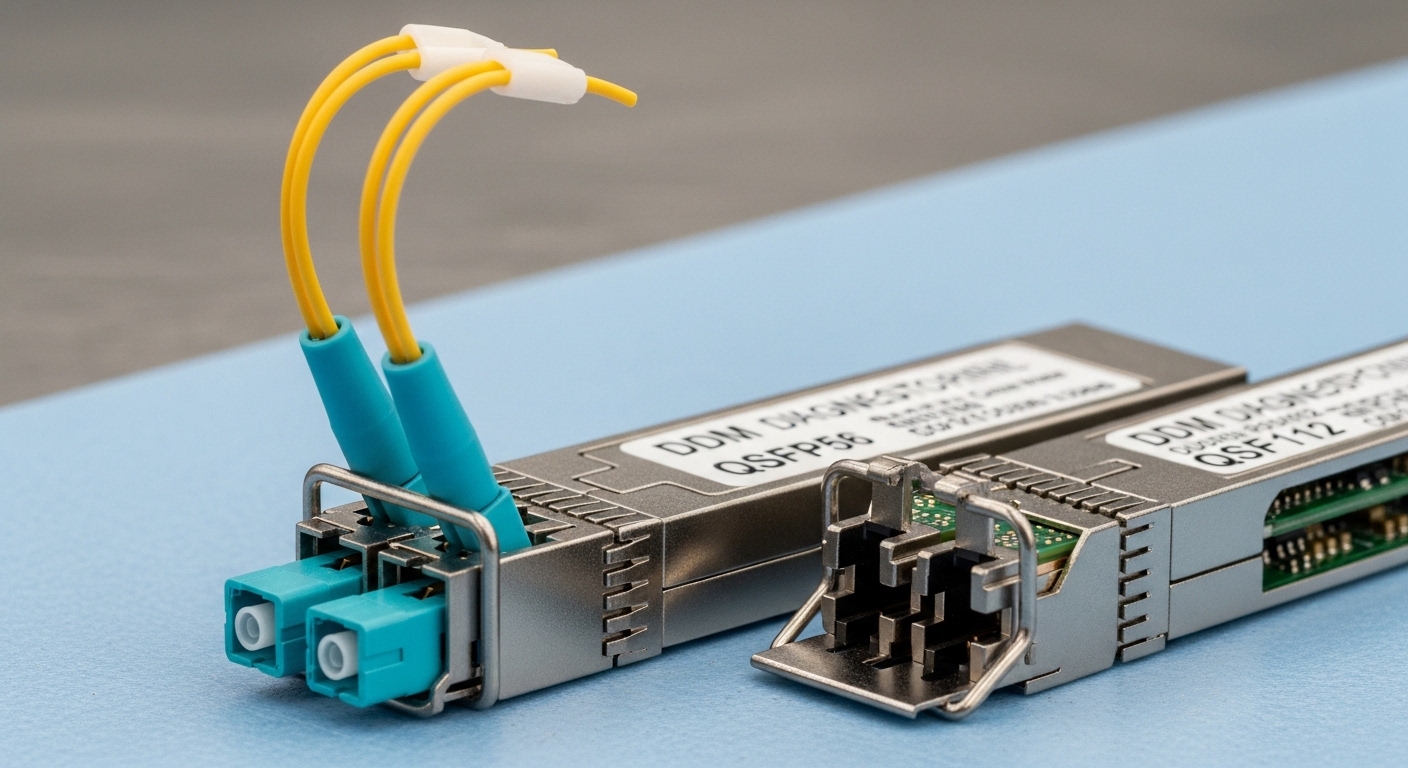
Direct Attach Copper (DAC) and Active Optical Cable (AOC) both replace traditional external optics, but they behave differently under distance, power, and thermal constraints. DAC is typically a passive copper twin-ax assembly (or an active variant) that runs short reach between adjacent switches, while AOC uses integrated optics and a fiber cable assembly to extend reach with better EMI tolerance. In day-to-day operations, your choice often hinges on whether you are optimizing for port density, rack airflow, or cabling run flexibility.
Where DAC wins: adjacent ports and predictable routing
DAC is the default in leaf-spine clusters when top-of-rack and aggregation switches are separated by a small physical gap. In a typical 3-tier design, you might connect 48x25G or 48x10G ports across the same rack aisle using 0.5 m to 3 m twin-ax cables, keeping installation time low and minimizing fiber handling. Because the transceiver function is embedded in the cable assembly, DAC also reduces the number of components you need to stock and verify.
Where AOC wins: longer patching and EMI-heavy environments
AOC becomes attractive when you need more distance than DAC comfortably supports or when your cabling path crosses noisy equipment. In industrial data halls, cable trays may route near high-current busbars, variable frequency drives, or large UPS inverters. Fiber-based AOC generally reduces susceptibility to electromagnetic interference, and the optical link can be easier to manage across awkward cable bends—provided the assembly is within its specified bend radius and operating temperature range.
Pro Tip: If you are seeing “link up, then periodic CRC errors” after a seemingly clean install, inspect the mechanical stress first: DAC twin-ax assemblies are sensitive to connector strain, while AOC fiber assemblies can degrade under tight bends. I have resolved intermittent errors by re-laying the cable with a 1–2 cm change in bend geometry—no optics swap required.
DAC vs AOC specifications that actually affect networking use cases
Engineers often compare only reach, but the practical constraints include wavelength, connector ecosystem, power dissipation, and temperature limits. The IEEE 802.3 specifications define the electrical and optical interfaces for Ethernet PHYs, while vendor datasheets define module behavior such as DOM (Digital Optical Monitoring) and thermal limits. If your switch platform expects a particular management interface, you can have a “compatible form factor, incompatible behavior” situation.
Key specs comparison
Below is a representative comparison for commonly deployed Ethernet short-reach and mid-reach options. Always validate against your exact switch model and firmware, because optics support matrices vary by vendor.
| Spec | DAC (Twin-Ax) | AOC (Active Optical Cable) |
|---|---|---|
| Typical data rates | 10G, 25G, 40G, 100G (varies by form factor) | 10G, 25G, 40G, 100G (varies by form factor) |
| Wavelength / signaling | Electrical transmission; no optical wavelength | Optical; commonly SR uses 850 nm (multi-mode fiber) |
| Reach (practical ranges) | Usually 0.5 m to 3 m for many 25G/10G DAC runs | Commonly 10 m to 100 m depending on grade and rate (SMF/MMF) |
| Connector ecosystem | Integrated cable assembly into SFP28/SFP+/QSFP28/QSFP+ depending on rate | Integrated optics into the same host form factor; fiber connector type varies (LC often) |
| DOM support | Often available for active DAC; may be limited on passive assemblies | Often includes DOM; check host support for alarms and thresholds |
| Power / thermal | Lower than many optical modules; still contributes to port thermal budget | Typically higher than passive copper; must respect switch thermal design |
| Operating temperature | Often 0°C to 70°C typical; verify with exact part number | Typically 0°C to 70°C (or wider for enterprise/industrial variants) |
For optical performance, 850 nm SR optics are common for short reach on multi-mode fiber, aligned with the Ethernet short-reach ecosystem used by many vendors. For reference, consult the Ethernet PHY requirements in IEEE 802.3 for the relevant speed and reach class, and cross-check each transceiver or AOC datasheet for its specified link budget and fiber type compatibility. [Source: IEEE 802.3 Ethernet standards] IEEE 802.3 Standards Overview
Compatibility caveat: host platform behavior
Even when an AOC assembly claims “QSFP28 compatible,” the switch may enforce vendor validation or specific DOM behavior. Some platforms require the module to report expected vendor IDs, while others rely on standard compliance plus firmware tolerance. Before committing to a bulk deployment, test with a representative set of ports and confirm link stability under normal load and ambient temperature.
Selection checklist for networking use cases across racks and clusters
Use this ordered checklist in design and procurement. It is the same sequence I use when validating optics for a new site build, because it prevents late-stage surprises during commissioning.
- Distance and topology fit: Determine the exact physical separation and planned cable slack. If your run is 1.2 m, DAC is usually the simplest path; if it is 25 m, AOC or fiber optics are the realistic options.
- Data rate and port form factor: Confirm whether your host uses SFP28, SFP+, QSFP28, or QSFP+. Mixing form factors is an immediate dead end.
- Switch compatibility and optics policy: Check the vendor compatibility list and whether the platform enforces DOM/vendor ID checks. If you run third-party optics, validate on your exact switch model and firmware.
- DOM and monitoring requirements: If your operations team needs alarms for temperature, received power, or link quality, prefer AOC or active DAC variants with full DOM support.
- Operating temperature and airflow: Compare the module’s rated temperature range against your measured rack inlet temperature. If your rack inlet is routinely above 30°C, you must budget carefully for additional thermal load.
- Vendor lock-in risk: OEM optics can be expensive but sometimes reduce commissioning time. Third-party can lower upfront cost, but you must plan for validation and potential RMA friction.
- Power and TCO: Consider both module cost and failure impact. A higher per-port cost may still be cheaper if it reduces field replacements and downtime.
When validating, I typically test at least one link per chassis, across different physical cable routes, and under a traffic profile that approximates your peak utilization. For optics that include DOM, capture thresholds and confirm your monitoring stack correctly parses link state and optical metrics.
Common pitfalls and troubleshooting in DAC and AOC deployments
Most optics issues are not “mystery failures”; they are deterministic outcomes of mechanical stress, fiber mismatch, or host compatibility rules. Here are concrete mistakes I have seen repeatedly in commissioning and break-fix work.
Pitfall 1: Connector strain and pin/contact damage on DAC
Root cause: DAC twin-ax assemblies experience stress from cable tension, especially when the rack has slight misalignment or when the cable guide forces a tight bend right at the connector. This can cause intermittent link drops and CRC bursts.
Solution: Re-route using a cable management path that avoids side-load on the connector. Verify the cable is fully seated and not twisted, then re-run link tests under sustained traffic.
Pitfall 2: AOC fiber mismatch or wrong fiber type
Root cause: An AOC intended for multi-mode fiber (often 850 nm SR) can fail or underperform if connected to single-mode infrastructure without correct patching, or if the fiber grade differs from what the datasheet assumes. Even when the link comes up, you may see elevated BER.
Solution: Confirm fiber type end-to-end (OM3/OM4/SMF) and verify patch cords and adapters. Validate with your vendor’s specified link budget class and check received power via DOM.
Pitfall 3: Thermal budget violations in high-density switch stacks
Root cause: AOC modules can increase local heat load at the port. In top-of-rack designs with constrained airflow, the inlet temperature may exceed the module’s safe operating range, leading to throttling or link instability.
Solution: Measure rack inlet temperature and compare it to the module’s rated operating range. Improve airflow with blank panels, adjust fan profiles, and ensure there is clearance behind the front-to-back cable path.
Pitfall 4: Unsupported monitoring expectations (DOM parsing failures)
Root cause: Some monitoring platforms assume specific DOM register layouts or threshold semantics. If the host interprets module data differently, automation may flag false alarms or hide real degradation.
Solution: Confirm DOM fields and threshold mappings in your network management system. Prefer optics with documented DOM behavior and validate alert thresholds during acceptance testing.
Cost and ROI note for networking use cases: what budgeting misses
Upfront pricing for DAC is often lower per link than AOC, especially for short runs between adjacent switches. However, ROI depends on deployment friction: AOC can reduce labor if your cabling path is complex, and it can mitigate EMI-related issues that cause expensive downtime. In practice, I have seen TCO favor AOC when the alternative is a multi-step fiber rework plan or repeated diagnostics caused by marginal copper routing.
Typical market pricing varies widely by speed and vendor, but a realistic engineering budget might look like: DAC assemblies often fall in the lower tens to low hundreds of dollars per link, while AOC assemblies can be higher due to optics and integrated transmit/receive electronics. OEM optics are usually higher and can reduce commissioning time, while third-party options can cut cost but require a validation phase and stronger spares strategy. For high-availability designs, include expected failure rates and RMA turnaround in your cost model, not just unit price.
For specific part examples you may encounter in procurement and compatibility testing, common SR optics ecosystems include OEM and third-party 25G/100G multi-mode options such as Cisco-branded modules and Finisar optics. For instance, Cisco SFP-10G-SR and Finisar FTLX8571D3BCL are often used as reference points for multi-mode SR behavior, while FS.com SFP-10GSR-85 is an example of a third-party SR module category. Always confirm exact compatibility with your switch model and firmware revision. [Source: Vendor datasheets and compatibility guides such as Cisco and Finisar] Cisco Product Documentation Finisar Optics Documentation
FAQ: DAC and AOC for networking use cases
Are DAC and AOC interchangeable for networking use cases?
No. They can both support Ethernet PHYs at the same nominal data rate, but they differ in reach, signaling type, and cabling requirements. You must match the host form factor and confirm the optics are supported by your switch platform and firmware.
When should I choose AOC over DAC?
Choose AOC when your cable run exceeds typical DAC reach, when routing is constrained, or when EMI is a concern. AOC is also practical when you need cleaner cable management across uneven tray paths, as long as you stay within the assembly’s specified bend radius and temperature limits.
What fiber type is usually required for 850 nm networking use cases?
Many short-reach 850 nm optical links are designed for multi-mode fiber, commonly OM3 or OM4 depending on the exact rate and reach class. Confirm the AOC datasheet requirements and verify patching adapters and fiber grade end-to-end.
How do I troubleshoot link flaps with DAC?
Start with mechanical inspection: reseat the connectors and remove strain or side-load near the module. Then verify that your switch port is not experiencing thermal stress by checking rack inlet temperature and monitoring error counters during sustained traffic.
How do I troubleshoot AOC performance degradation?
Use DOM or switch diagnostics to check received optical power and error counters. Confirm fiber continuity, correct patch cords, and validate that the fiber type matches the AOC’s intended link budget; then retest after any re-lay or connector cleaning.
Do third-party DAC and AOC optics work reliably?
Often they do, but reliability depends on your switch compatibility policy and the optics’ compliance with expected DOM behavior. Plan a validation phase, keep spares, and test across multiple ports and representative environmental conditions.
DAC and AOC both solve real networking use cases, but the right choice depends on reach, thermal and mechanical constraints, monitoring needs, and platform compatibility. If you are planning a new rack build, start by mapping your topology and distances, then validate with a small acceptance test before scaling—see networking cabling best practices for the next step.
Author bio: I am a field-deployed network optics specialist and photographer, focusing on how real cabling choices affect link stability in production racks. I write from hands-on commissioning experience, including measured thermal and error-counter troubleshooting workflows.