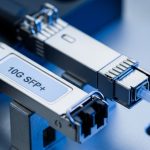
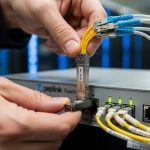
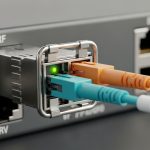
When an OmniSwitch runs into link flaps, “unsupported transceiver” alerts, or sudden drops after a maintenance window, the root cause is often the wrong AOS fiber module for the exact port and software behavior. This article helps network engineers and field techs verify SFP compatibility with Alcatel-Lucent OmniSwitch AOS, using practical checks they can perform before they climb into a rack. You will also get a spec comparison table, a decision checklist, and troubleshooting steps grounded in real deployments.
What “compatibility” really means on OmniSwitch AOS ports
On Alcatel-Lucent OmniSwitch platforms, transceiver acceptance depends on more than just physical fit. The switch reads the module’s EEPROM (typically SFF-8472 for SFP) and may enforce vendor, speed class, and DOM reporting behaviors. In practice, that means a compatible optical budget is necessary, but not sufficient; your SFP model must also satisfy the switch’s optics and diagnostics expectations.
From a field perspective, I have seen “it worked in the lab” modules fail only after the switch software performs stricter transceiver validation during a reload. If you are using an AOS fiber module in a production environment, confirm that the module reports the correct Laser wavelength, Tx bias, and Rx power ranges your platform expects. Also note that some OmniSwitch releases handle DOM thresholds differently, which can trigger alarms even when the link stays up.
5W1H quick framing for an SFP swap
Who checks: DC switching engineers and optics field techs. What they validate: DOM, data rate, and physical optics. When it matters: during upgrades, reloads, and transceiver replacements. Where it shows: ToR and aggregation links, especially high-density cabinets. Why it breaks: EEPROM mismatch, wrong speed class, or fiber type/connector errors. How to verify: read EEPROM details, confirm wavelength and reach, and run link and DOM health checks.
SFP optics specs that matter for an AOS fiber module
OmniSwitch AOS links commonly use SFP at 1G (SX/LX) or 10G (SR/LR/ER depending on platform). Your AOS fiber module must match the port’s expected electrical interface and optical standard. Before ordering, verify the OmniSwitch port type, speed mode, and whether the software expects 10GBASE-SR vs 10GBASE-LR behavior.
| Spec | Typical 1G SFP SX | Typical 10G SFP+ SR | Typical 10G SFP+ LR |
|---|---|---|---|
| Data rate | 1.25 Gbps | 10.3125 Gbps | 10.3125 Gbps |
| Wavelength | 850 nm | 850 nm | 1310 nm |
| Reach (typical) | Up to ~550 m (OM2) | Up to ~300 m (OM3/OM4) | Up to ~10 km (SMF) |
| Connector | LC duplex | LC duplex | LC duplex |
| DOM | Often supported | Often supported | Often supported |
| Operating temperature | Commercial / Industrial variants | Commercial or extended | Commercial or extended |
| Common failure trigger | Wrong fiber type | Dirty LC or OM mismatch | Fiber strand polarity or bad splice |
For references, align your selection with the relevant Ethernet physical layer standards in IEEE. For example, 10GBASE-SR and 10GBASE-LR are defined in IEEE 802.3 material, while the module interface and diagnostics follow SFF specifications such as SFF-8472 for SFP. [Source: IEEE 802.3 standards]
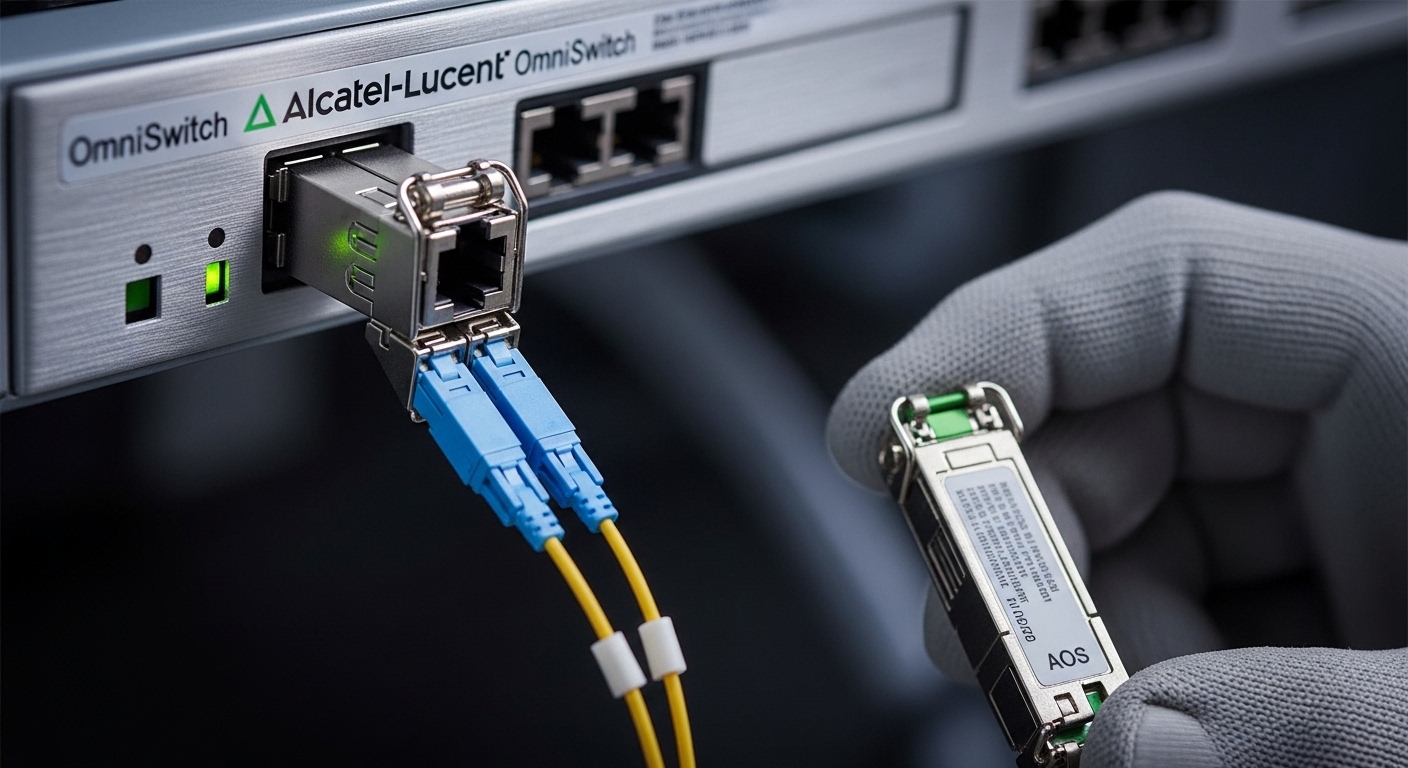
How to verify an AOS fiber module before you install it
Start with the port’s expected transceiver class and speed. Then check the module’s EEPROM-reported parameters: wavelength, nominal Tx power, and DOM capability. In the field, I recommend a two-stage validation: offline inspection and post-insert confirmation.
Decision checklist engineers actually use
- Distance and fiber type: confirm OM3/OM4 for 850 nm SR or SMF for 1310 nm LR.
- Data rate and encoding: ensure the module supports the port’s required speed class (1G vs 10G).
- Switch compatibility behavior: confirm the OmniSwitch AOS release accepts the module and DOM format.
- DOM support and thresholds: verify Tx/Rx diagnostics and alarm behavior match expectations.
- Operating temperature: choose commercial vs industrial grade for the cabinet’s airflow conditions.
- Budget and vendor lock-in risk: weigh OEM reliability vs third-party availability; keep spares from the same lot when possible.
Pro Tip: If your OmniSwitch raises “transceiver unsupported” after a reload, the EEPROM fields may still be readable but the switch’s software compatibility list can differ across AOS versions. Always validate against the exact running software release, not only the hardware model.
Common mistakes and troubleshooting tips for SFP on OmniSwitch AOS
Even when the AOS fiber module is “the right wavelength,” operational issues can still appear. Below are failure modes I have seen repeatedly, with root cause and a fix.
- Mistake 1: Wrong fiber category for the standard
Root cause: using OM2/OM1 expectations with an SR module designed for OM3/OM4 budgets, leading to marginal Rx power.
Solution: verify fiber type at the MPO/patch panel labels and run an optical loss test; clean and re-terminate if needed. - Mistake 2: Dirty LC connectors or damaged ferrules
Root cause: micro-dust causes excessive attenuation, often presenting as link flaps or low Rx power on DOM.
Solution: clean with lint-free wipes and appropriate optical cleaner; inspect with a scope and replace scratched ferrules. - Mistake 3: Fiber polarity or swapped strands
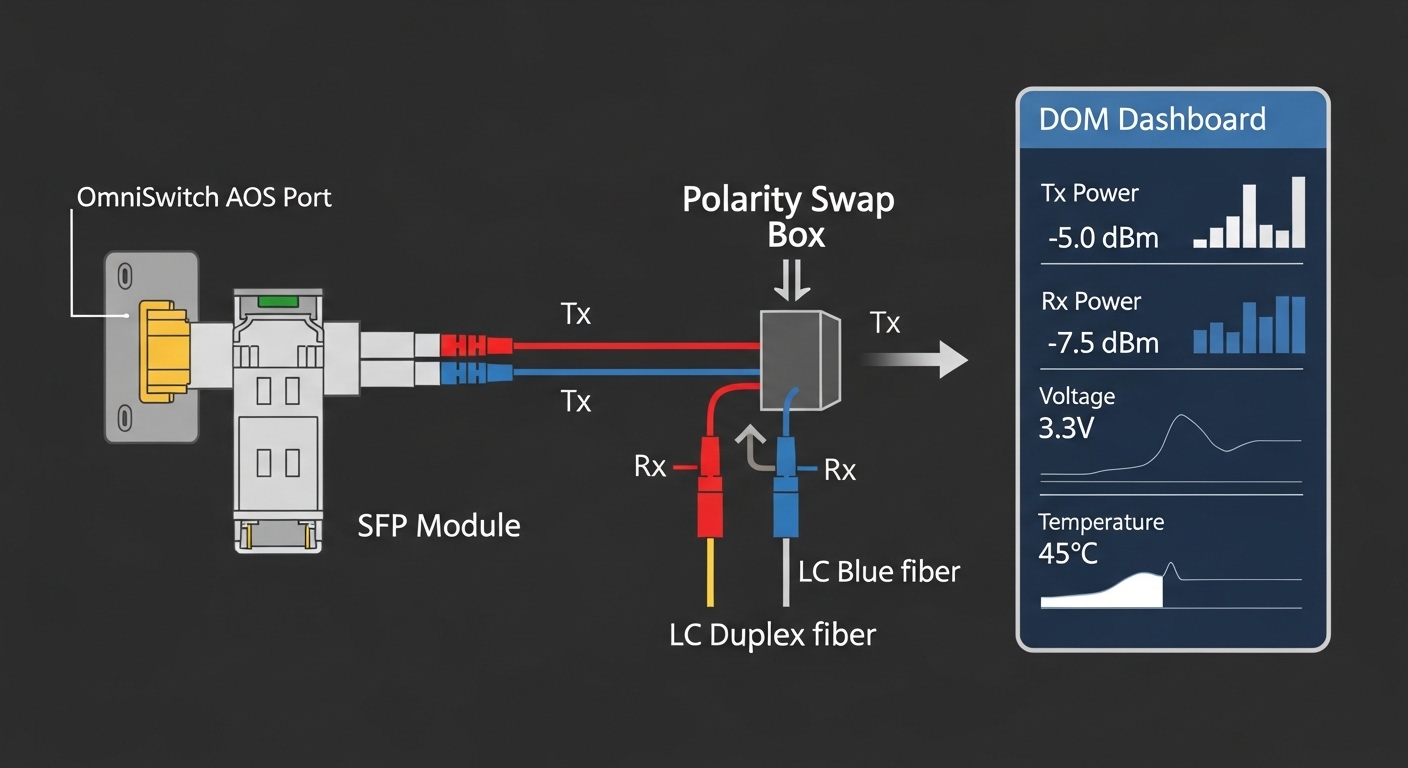
Root cause: Tx/Rx orientation mismatch prevents correct reception despite correct wavelength.
Solution: confirm polarity using a continuity test; swap patch cords or flip the LC polarity using approved polarity adapters. - Mistake 4: DOM alarms without link failure
Root cause: threshold mismatch between module and AOS diagnostics interpretation.
Solution: check whether alarms correlate with actual BER or only with DOM ranges; consider a module with verified DOM behavior for your AOS release.
Cost and ROI: OEM vs third-party AOS fiber modules
In real procurement, OEM SFPs typically cost more upfront but can reduce return rates and compatibility surprises. Third-party modules can be attractive, yet you should budget for additional validation time and potential RMA shipping. As a rule of thumb, many 10G SR SFP+ optics trade in the broad market range of $30 to $120 depending on brand, DOM support, and temperature grade; OEM can be higher. Your TCO should include labor hours for validation, downtime risk during swaps, and the cost of spares to keep mean time to repair low.
If you operate multiple OmniSwitch stacks, standardize on a small set of known-good module SKUs and keep a consistent spare strategy. Consider buying from vendors that provide EEPROM/DOM documentation and clear compatibility guidance.

FAQ: AOS fiber module and OmniSwitch AOS SFP compatibility
Which AOS fiber module types work best for OmniSwitch AOS?
Most deployments use SFP (or SFP+) optics that match the port’s configured speed and the required wavelength: 850 nm SR for short multimode links and 1310 nm LR for longer single-mode runs. The best choice is the one that your specific OmniSwitch AOS release accepts for transceiver validation and DOM reporting. Always confirm against the exact switch model and software version.
How can I tell if my switch will reject a third-party module?
Check the module’s EEPROM-reported fields and DOM support, then compare with the platform’s known compatibility guidance from your vendor or integrator. In practice, the fastest safe method is to test a single module in a non-critical port during a maintenance window. If alarms appear after reload, treat it as a compatibility validation issue, not a fiber problem.
What DOM readings indicate a healthy link?
Healthy links typically show stable Rx power and Tx bias within the module’s specified operating ranges, with no persistent DOM threshold alarms. If DOM reports low Rx power, investigate fiber attenuation and cleanliness first. If DOM alarms persist despite correct link behavior, consider threshold interpretation differences.
Can I use an SR module on a longer link if the budget looks close?
You can sometimes connect, but you risk higher BER and link instability as temperatures and aging change. “Looks close” is not the same as meeting the optical budget with margin. Use optical loss testing and keep a conservative margin for connector aging and patch cord changes.
What should I do first when a link is down after SFP insertion?
First verify the SFP is fully seated and that the switch detects it, then check DOM status and alarms. Next, clean the LC connectors and confirm polarity and fiber type. Only after those checks should you suspect an optics defect or switch port issue.
Where can I find authoritative standards for SFP and Ethernet optics?
IEEE 802.3 defines the physical layer behavior for Ethernet optics such as 10GBASE-SR and 10GBASE-LR. For transceiver interface and diagnostics, consult SFF documentation like SFF-8472 and vendor datasheets for module electrical and optical specs. [Source: IEEE 802.3 standards]
If you want reliable OmniSwitch AOS fiber links, treat AOS fiber module selection as a compatibility engineering task: match speed, wavelength