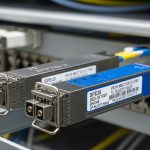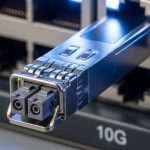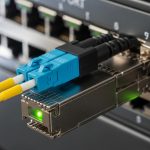
If you are upgrading from 10G to 25G, the hardest part is not the switch purchase it is the SFP28 module selection that keeps links stable under real plant conditions. This article helps network engineers and data center operators choose 25G SFP28 transceivers that work across enterprise racks and modern cloud-like leaf-spine fabrics. You will get practical compatibility checks, fiber and connector considerations, and field troubleshooting patterns.
We will anchor the discussion around Ethernet optics and the SFP28 electrical interface, then translate that into deployment decisions you can make during a maintenance window. Expect honest tradeoffs: power draw, DOM behavior, and budget differences between OEM and third-party modules.
Why 25G SFP28 modules are the bridge between enterprise and cloud
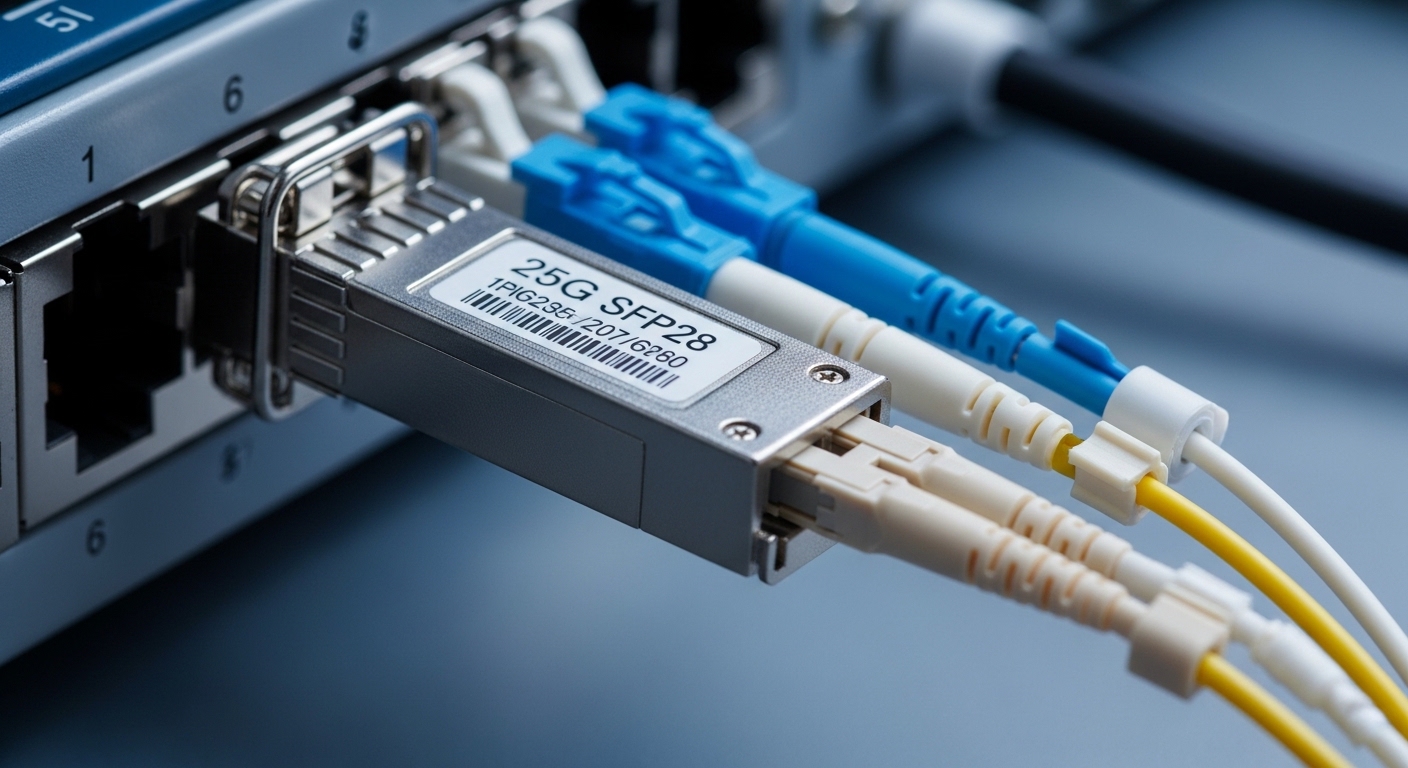
At a glance, a SFP28 module is a compact pluggable transceiver that supports 25.78125 Gb/s per IEEE 802.3 25G Ethernet requirements. In practice, it is the “in-between” step for organizations that want cloud-style capacity without rewriting the entire network. Many leaf-spine designs start with 25G ToR uplinks because it balances port density, switch backplane capabilities, and optics cost.
In enterprise networks, 25G often replaces 10G in server access and small aggregation. In cloud environments, 25G commonly appears as the first tier of east-west fabric where latency and oversubscription need tight control. The same optics form factor lets you standardize on a single transceiver family across both worlds, reducing operational friction during migrations.
Pro Tip: If your switch vendor supports DOM, treat it as a reliability signal, not just a dashboard feature. In the field, we have seen “marginal” optics fail first on DOM drift (bias current or receive power trends) even while link stays up, especially after fiber connector re-terminations.
Core specs you must verify before buying a SFP28 module
Before you order, confirm the optics match the data rate, wavelength, reach, and connector type that your cabling plant can support. For 25G, SFP28 optics are commonly deployed as SR (short reach) over multimode fiber, and as LR (longer reach) over single-mode fiber. You also need to check temperature range and whether the switch expects specific digital diagnostics behavior (DOM).
Most 25G SFP28 optics follow standards aligned with IEEE 802.3 and industry MSA-style electrical interfaces for SFP28. However, vendor implementations differ in how strictly they enforce optical power thresholds and how they map DOM fields. That is why compatibility testing matters even when the module “looks” standard.
| Key spec | 25G SR SFP28 (typical) | 25G LR SFP28 (typical) | What it affects in deployment |
|---|---|---|---|
| Data rate | 25.78125 Gb/s | 25.78125 Gb/s | Switch port configuration and link training |
| Wavelength | ~850 nm | ~1310 nm | Multimode vs single-mode compatibility |
| Fiber type | OM3/OM4 multimode | OS2 single-mode | Determines reach and installation constraints |
| Reach (typical) | up to 100 m over OM4 | up to 10 km over OS2 | Cabinet-to-aggregation vs campus/row-to-row |
| Connector | LC duplex | LC duplex | Patch panel fit and polarity handling |
| DOM | Usually supported (vendors vary) | Usually supported (vendors vary) | Telemetry, alarms, and troubleshooting workflow |
| Power budget (typical) | Often ~1 W to a few W depending on vendor | Often ~1 W to a few W depending on vendor | Thermals in high-density switch bays |
| Operating temperature | Commonly industrial/class options | Commonly industrial/class options | Outdoor or warm-aisle deployments |
To anchor this in real product lines, you will see examples like Cisco SFP-10G-SR derivatives for 10G, but for 25G you should focus on specific 25G SFP28 models from your switch ecosystem. Common industry optics include Finisar/FOCUSTech-style 25G SR and LR parts such as FTLX8571D3BCL (25GBASE-SR over multimode, widely referenced in the market). For a third-party catalog example, FS.com SFP-10GSR-85 is a 10G SR reference; for 25G SR you would instead choose their 25G SR SFP28 equivalents. Always confirm the exact wavelength and reach rather than relying on naming patterns.
Enterprise-to-cloud deployment scenario: what changes at 25G
Consider a 3-tier data center leaf-spine topology with 48-port 25G Top-of-Rack switches serving server racks and 2-tier spine uplinks. Each ToR has 24 server-facing 25G links and 24 uplinks to spines, with an initial 1:1 oversubscription target. The cabling plant uses OM4 multimode for short reach within pods and OS2 single-mode for inter-row runs.
In this environment, you might deploy 25G SFP28 SR optics for ToR-to-server and ToR-to-aggregation within the same row (for example, under 100 m patch + trunk budget), and 25G SFP28 LR optics for the spine connectivity where the run approaches kilometers. Engineers also enable link-level diagnostics and watch DOM telemetry after installation. During change control, you standardize on a single transceiver vendor family where possible to minimize DOM interpretation differences.
If you are migrating an enterprise campus toward a cloud-like fabric, you often run into a “hybrid reach” problem: some links are short and multimode-friendly, others require single-mode due to distance or planned future scaling. SFP28 modules let you keep the same port form factor while selecting SR or LR by distance and fiber type.
Selection criteria checklist for SFP28 module procurement
When you are choosing a SFP28 module, the winning strategy is to treat it like an engineered component, not a commodity. Use this ordered checklist so you do not discover incompatibilities after the first maintenance window.
- Distance and reach budget: Confirm measured fiber length and end-to-end loss, including patch panels, couplers, and connectors. For multimode, validate against OM3/OM4 launch conditions.
- Fiber type and polarity: SR optics require multimode (typically OM3/OM4). LR optics require OS2 single-mode. Verify LC duplex polarity conventions end to end.
- Switch compatibility: Check the switch vendor optics compatibility list for the exact vendor part number and whether it is validated as “supported.”
- DOM support and monitoring: Ensure the module supports digital optical monitoring and that your switch reads the fields correctly without spurious alarms.
- Operating temperature and airflow: Validate the module temperature range for your aisle environment. High-density bays can create thermal headroom limits.
- Power and thermal budget: Estimate the module power draw and confirm switch cooling can absorb the added heat under full load.
- Vendor lock-in risk: Decide whether you accept OEM-only optics or allow third-party modules with a clear return and warranty path.
- Change management plan: Plan labeling, DOM verification steps, and a rollback strategy if link errors rise during cutover.
For standards context, the underlying Ethernet requirements are defined in IEEE 802.3 for 25G Ethernet operation, and the optics behavior is typically aligned to industry pluggable module practices referenced by vendors and transceiver test regimes. For practical procurement, use vendor datasheets and the switch manufacturer’s compatibility guidance as your “source of truth.” IEEE 802.3 standards page Cisco support portal for compatibility guidance
Common pitfalls and troubleshooting in the field
Even when the module is “correct,” SFP28 links can fail due to installation details, power margins, or vendor compatibility quirks. Below are frequent failure modes we see during 25G rollouts, with root cause and fix.
Link flaps after patching: likely polarity or connector cleanliness
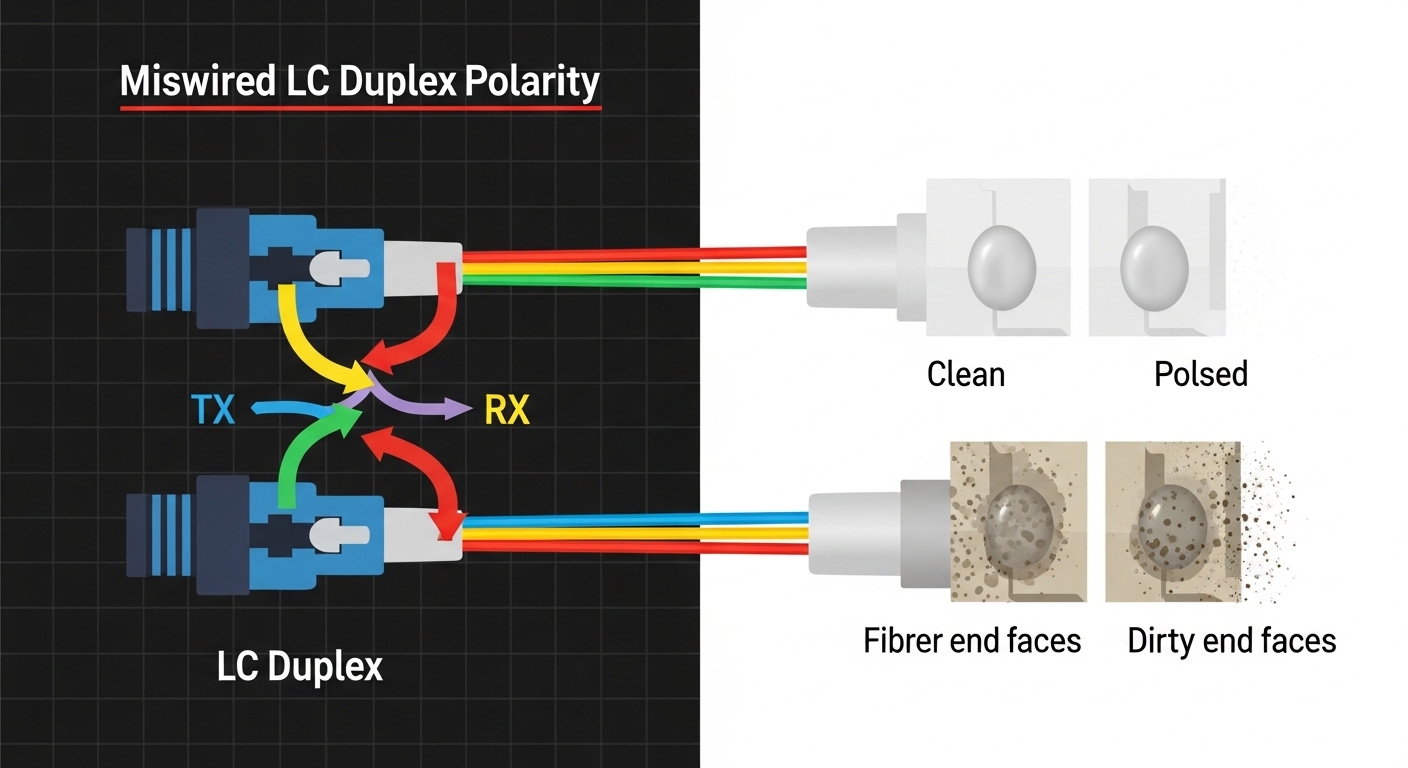
Root cause: LC duplex polarity is reversed, or fiber end faces are contaminated after re-termination. At 25G, receive power margins are less forgiving than many older 10G deployments.
Solution: Inspect and clean connectors using proper fiber cleaning tools, then verify polarity with a known-good reference patch. Swap LC transmit/receive by correcting polarity or re-cabling.
“Works on some ports, fails on others”: likely switch compatibility variance
Root cause: Some switch models enforce stricter optical power and DOM thresholds. Third-party modules may pass basic link bring-up but fail under specific port ASIC settings.
Solution: Confirm the exact module part number is listed for that switch model and firmware revision. If you must trial, test across multiple ports and compare DOM readings and error counters.
High CRC or FEC-like symptoms: likely reach budget or dirty fiber
Root cause: The fiber run exceeds the module’s validated reach, or there is additional loss from patch cords and aging connectors. In multimode, differential modal conditions can also contribute if cabling quality is inconsistent.
Solution: Re-measure link loss with an OTDR or power meter workflow, then shorten the run or replace patch cords. Move to the correct OM grade (OM4 is preferred for many 25G SR designs) and ensure consistent connector inspection.
DOM alarms but link stays up: likely DOM interpretation differences
Root cause: The module provides DOM values, but the switch reads them differently or expects a specific mapping. This can trigger warnings that confuse monitoring systems.
Solution: Validate DOM behavior against vendor documentation and confirm alarm thresholds. If necessary, adjust monitoring rules and document known-safe alarm patterns for the selected optics.
Cost, ROI, and total cost of ownership: what to budget for
Optics cost varies widely by reach and vendor strategy. OEM modules often cost more per unit but may reduce procurement friction because they are explicitly validated by the switch vendor. Third-party modules can cut initial spend, but your ROI depends on warranty terms, return logistics, and the operational cost of testing and compatibility validation.
In many enterprise deployments, a typical optics purchase might range from roughly $50 to $200 per unit for 25G SR depending on vendor and volume, and $200 to $600+ per unit for 25G LR depending on reach and quality. Your TCO should also include labor for cleaning and testing, downtime risk during swap, and the likelihood of rework if optics are not validated for your exact switch and firmware.
Power and cooling are usually not the dominant cost driver for a single transceiver, but in high-density systems every watt matters. If you have hundreds of ports, even small power differences can influence airflow settings and thermal margins, which can indirectly affect switch fan wear and mean time to repair.
FAQ: SFP28 module buying questions engineers ask
What fiber type should I use with a SFP28 module for 25G SR?
For 25G SR, you typically use multimode fiber such as OM3 or OM4 and connect via LC duplex. Confirm the exact reach rating for your optics and verify your measured link loss including patch cords and connectors. If your cabling is uncertain, measure first rather than guessing.
Can I mix SR and LR optics in the same switch?
Yes, you can mix SFP28 SR and SFP28 LR modules on different ports as long as each module matches the port’s physical and electrical requirements and your cabling. The key is to ensure each link’s fiber type and reach budget align with the optics spec. Also validate DOM and alarm behavior if you use multiple vendors.
Do I need DOM support for stable operations?
DOM is not strictly required for link establishment, but it is very useful for operations. With DOM you can track receive power trends, alert thresholds, and early degradation signals. If your monitoring system expects certain DOM fields, validate compatibility to avoid noisy alarms.
Are third-party SFP28 modules reliable compared to OEM?
Third-party optics can be reliable, but reliability depends on the specific vendor, manufacturing quality, and your switch compatibility. The best approach is to pilot in a controlled environment, verify link error counters, and confirm DOM behavior. Use clear warranty and return terms to protect your rollout schedule.
Why do I see link up but lots of CRC errors?
CRC errors usually indicate a signal integrity issue: excess loss, dirty connectors, polarity problems, or a reach budget mismatch. Start with cleaning and polarity verification, then confirm measured link loss. If you still see errors, test with known-good optics and patch cords to isolate the faulty component.
What is the best way to reduce rollout risk during a 25G upgrade?
Standardize on a validated optics part number per switch model and firmware, and stage spares for rapid swaps. During the cutover, verify DOM readings and check interface error counters after link stabilization. Finally, document each link’s optics type and fiber path so troubleshooting is faster if issues appear later.
Choosing the right SFP28 module is less about the label and more about engineering fit: reach budget, fiber type, switch compatibility, and operational monitoring. If you want the next step, review 25G optics compatibility to align your optics plan with your switch platform and firmware before you place bulk orders.
Author bio: I have deployed 10G and 25G optics in real data center migrations, validating DOM telemetry and troubleshooting link margins under maintenance constraints. I write for engineers who need actionable selection criteria, not marketing claims, and I verify guidance against vendor datasheets and IEEE-aligned requirements.