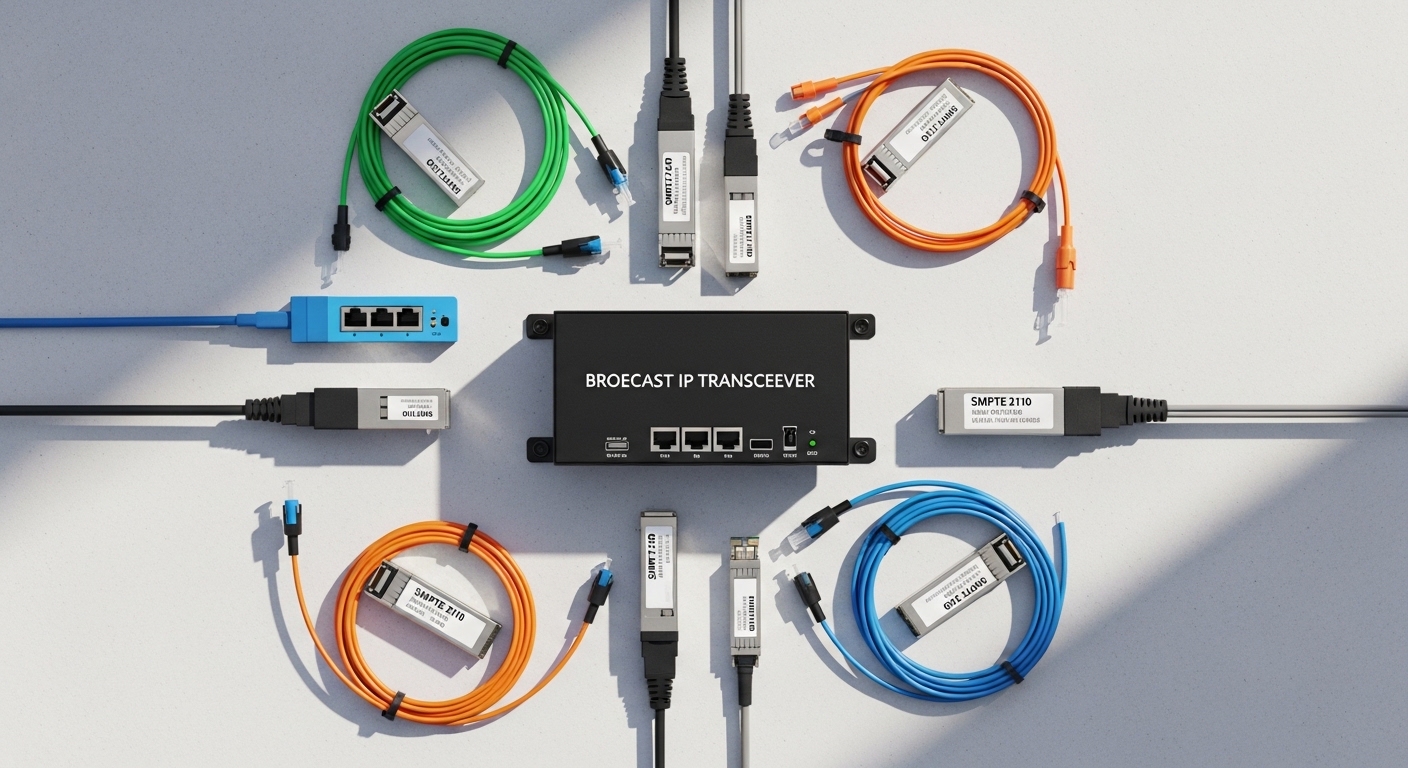
In live event production networks, one flaky optical link can turn into black video, audio dropouts, and a frantic last-minute patch. This article helps broadcast engineers, integrators, and network admins choose a broadcast IP transceiver that reliably carries SMPTE 2110 over fiber—especially when you are mixing vendors, switch models, and link lengths. You will get a field-ready decision checklist, troubleshooting patterns, and a ranked shortlist table to speed up approvals.
Top 8 broadcast IP transceiver picks for SMPTE 2110 fiber
Below are the eight most practical transceiver “types” (and the decision logic behind them) that I see in real SMPTE 2110 deployments. Each item includes key specs, best-fit scenarios, and quick pros/cons so you can match the hardware to your venue, switch lineup, and cable plant. For standards context: SMPTE 2110 defines transport over IP, while the optics are governed by IEEE 802.3 Ethernet link behavior and the transceiver ecosystem defined by SFP/SFP+/QSFP MSA conventions. For optical electrical safety and performance expectations, always verify the vendor datasheet and the switch optics compatibility list.
10G SFP+ SR (850 nm, multimode) for short in-rack and nearby drops
For many touring and temporary setups, 10G SFP+ SR is the “default” because it is common, cost-effective, and works well for short runs. Typical modules operate at 850 nm over OM4 multimode, with practical reaches often in the 300 m class depending on module and plant quality. In SMPTE 2110, you are usually carrying multiple 10G flows (video/audio/control), so stable link training and consistent optical power matter more than exotic features.
Key specs to verify: data rate (10.3125 Gb/s line rate for 10G Ethernet), wavelength 850 nm, fiber type OM3/OM4, connector LC, and a temperature range that matches your venue. Example parts you may see in the field include Cisco-compatible 10G SR SFP+ optics such as Cisco SFP-10G-SR, Finisar FTLX8571D3BCL, and FS.com SFP-10GSR-85.
- Best-fit scenario: 10G leaf-spine or top-of-rack switches feeding SMPTE 2110 gateways with patch runs under a few hundred meters.
- Pros: widely supported, lower cost, easy spares.
- Cons: limited by multimode distance and connector cleanliness; OM3/OM4 grading is critical.
10G SFP+ LR (1310 nm, single-mode) for medium distance between rooms
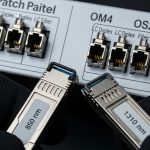
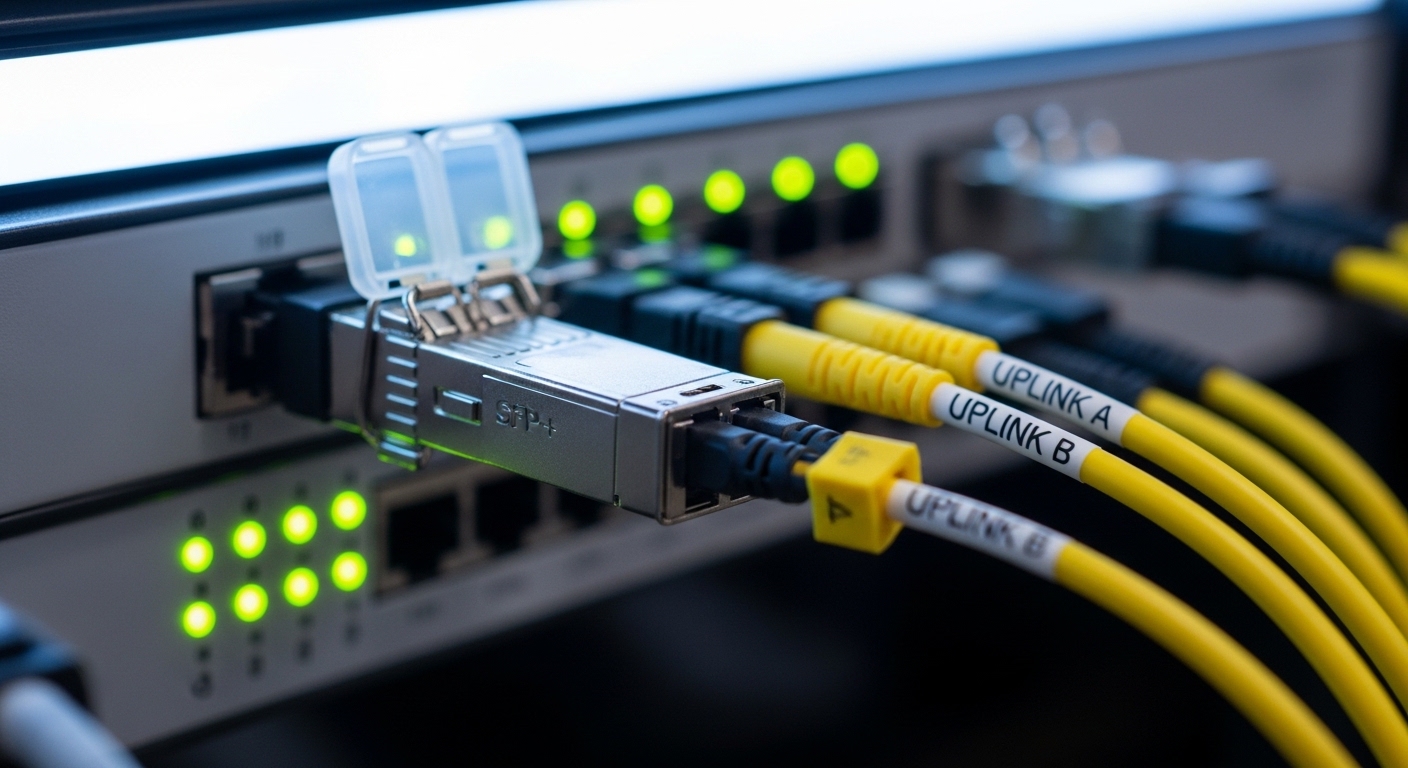
When your venue layout forces runs across hallways, between production rooms, or to a remote stage control area, 10G SFP+ LR becomes attractive. It typically uses 1310 nm over single-mode fiber (SMF), often supporting 10 km class reach with the right module and budget. For SMPTE 2110, LR helps reduce sensitivity to multimode modal bandwidth limitations and makes cable management simpler when you already have SMF in the building.
- Best-fit scenario: SMPTE 2110 sources on one side of the venue feeding an aggregation switch in another room.
- Pros: longer reach, better long-term stability in mixed environments.
- Cons: higher cost than SR; still requires clean optics and correct fiber type.
25G SFP28 SR (850 nm) to scale bandwidth without changing fiber topology
Many production teams are upgrading from 10G to 25G to support more concurrent streams, higher refresh rates, and future-proofing. 25G SFP28 SR typically uses 850 nm and OM4 multimode, commonly targeting 100 m class reach. The advantage is that you can keep most of the multimode patching practices while increasing throughput for SMPTE 2110 flows and redundancy paths.
- Best-fit scenario: A migration where you want more bandwidth from the same rack density and patch panel layout.
- Pros: higher throughput, modern switch support.
- Cons: shorter reach than 10G SR; verify OM4 compliance and patch cord quality.
25G SFP28 LR (1310 nm) for SMF-based SMPTE 2110 aggregation
25G SFP28 LR modules are the workhorse when you need to aggregate traffic over SMF at higher speeds. With 1310 nm operation, modules commonly target around 10 km reach (varies by vendor and optical budget). In practice, I treat LR as the “safe” option for SMPTE 2110 when you cannot guarantee multimode plant quality or when your fiber plant already uses SMF.
- Best-fit scenario: Aggregating multiple SMPTE 2110 gateways into a central core in a permanent venue.
- Pros: consistent performance; easier to standardize across teams.
- Cons: optics cost; ensure switch compatibility and DOM support.
40G QSFP+ SR4 (850 nm) for compact uplinks from media servers
Some live event networks still use 40G for uplinks from media server clusters or high-throughput encoders. SR4 uses four lanes over 850 nm multimode. The “broadcast IP transceiver” selection here is about lane alignment, proper polarity handling, and ensuring the switch supports QSFP+ 40G SR4 correctly. If your switch supports it and your patch plant is robust, 40G SR4 can reduce the number of physical ports needed.
- Best-fit scenario: A media ingest cluster where you need fewer uplinks to the aggregation layer.
- Pros: port density efficiency.
- Cons: multimode constraints; polarity and lane mapping mistakes are common.
100G QSFP28 SR4 or LR4 for high-bandwidth stage backbones
For larger productions, 100G becomes the backbone to carry dense SMPTE 2110 traffic with redundancy. SR4 (multimode) and LR4 (single-mode) both use four lanes and require careful alignment to your fiber type and reach needs. In SMPTE 2110 graphs, 100G links can be the difference between “we have headroom” and “we are constantly near congestion.” Always validate the switch ASIC support for 100G optics and confirm the optical budget for your specific distance.
- Best-fit scenario: Stage-side aggregation where you must move many parallel streams to a core.
- Pros: fewer uplinks; strong scaling.
- Cons: optics cost; troubleshooting is more complex when lane behavior is involved.
DOM-capable optics with verified switch support (the “broadcast reliability” multiplier)
Regardless of speed and distance, I strongly prioritize optics with Digital Optical Monitoring (DOM) that your switch can read cleanly. SMPTE 2110 systems run best when you can correlate link errors, temperature drift, and optical power warnings to a specific port before it becomes an outage. Many integrators discover this late: the optics might work electrically, but the switch may not interpret DOM fields properly for third-party models.
Pro Tip: Before a show, run a 10-minute “optics sanity” test: check DOM readings (TX bias current, RX power, temperature) and confirm interface counters stay flat under light traffic. This catches marginal optics and dirty connectors earlier than waiting for a full SMPTE 2110 load test.
- Best-fit scenario: Any SMPTE 2110 network where you need proactive monitoring during rehearsals.
- Pros: faster fault isolation; better maintenance workflow.
- Cons: vendor compatibility checks take time.
Redundant link design using matched transceivers and clean polarity discipline
SMPTE 2110 is tolerant of network engineering, but it is not tolerant of sloppy physical layer practices. For redundancy, I prefer matched optics across redundant links (same speed class, same wavelength family, and ideally the same vendor/part number for the “A” and “B” paths). Also, enforce a polarity standard: LC-to-LC polarity mapping errors can create symptoms that look like “intermittent packet loss” rather than a hard link failure.
- Best-fit scenario: Dual-homed switches, redundant media paths, and failover testing during rehearsals.
- Pros: predictable behavior under failover; easier troubleshooting.
- Cons: requires disciplined labeling and patch management.
Broadcast IP transceiver specs that matter most for SMPTE 2110
SMPTE 2110 depends on stable Ethernet links and predictable packet delivery. That stability is influenced by optical reach, receiver sensitivity, and transceiver compliance with IEEE 802.3 electrical characteristics. The table below compares the practical spec families engineers choose for SMPTE 2110 over fiber, focusing on the values you will actually validate in the field.
| Transceiver type | Data rate / Form factor | Wavelength | Fiber type | Typical reach class | Connector | Operating temp (typical) | Best SMPTE 2110 use |
|---|---|---|---|---|---|---|---|
| 10G SFP+ SR | 10G / SFP+ | 850 nm | OM3/OM4 multimode | Up to ~300 m (plant dependent) | LC | 0 to 70 C (verify) | In-rack and nearby patch links |
| 10G SFP+ LR | 10G / SFP+ | 1310 nm | SMF | ~10 km (optical budget dependent) | LC | -5 to 70 C (verify) | Room-to-room aggregation |
| 25G SFP28 SR | 25G / SFP28 | 850 nm | OM4 multimode | ~100 m class | LC | 0 to 70 C (verify) | Higher stream density in racks |
| 25G SFP28 LR | 25G / SFP28 | 1310 nm | SMF | ~10 km class | LC | -5 to 70 C (verify) | SMF-based SMPTE 2110 backhaul |
| 40G QSFP+ SR4 | 40G / QSFP+ | 850 nm | OM3/OM4 multimode | ~150 m class (varies) | LC (4-lane) | 0 to 70 C (verify) | Compact uplinks from servers |
| 100G QSFP28 SR4/LR4 | 100G / QSFP28 | 850 or 1310 nm family | OM4 or SMF | SR4 shorter, LR4 longer | LC (4-lane) | -5 to 70 C (verify) | High-bandwidth stage backbone |
For standards and baseline Ethernet behavior, review IEEE 802.3 and vendor transceiver datasheets for optical budgets and DOM behavior. For transceiver mechanical/electrical expectations, consult the relevant SFP/QSFP MSA documentation via vendor or industry sources such as SNIA for general infrastructure guidance.
Selection criteria checklist for broadcast IP transceiver approval
When procurement or ticketing slows you down, the best defense is a consistent checklist. Here is the order I use for SMPTE 2110 fiber links, from distance to monitoring to risk.
- Distance and fiber type: confirm SMF vs OM3/OM4 and measure end-to-end loss with a light meter or OTDR when available.
- Switch compatibility: verify the transceiver is explicitly supported by your switch model and firmware version.
- Data rate and lane mapping: ensure the port is configured for the right speed (10G/25G/40G/100G) and that polarity is correct for multi-lane optics.
- DOM support: confirm the switch reads DOM values without alarming or misreporting.
- Operating temperature and show conditions: check that the module spec covers venue HVAC swings, especially near rack exhaust paths.
- Optical budget margin: do not select a module “just barely”; leave headroom for patch cord aging and connector contamination.
- Vendor lock-in risk: balance OEM optics reliability against third-party availability and warranty terms.
- Spare strategy: carry at least one known-good unit per transceiver type and record serial numbers for fast swap.
Real-world SMPTE 2110 fiber deployment scenario
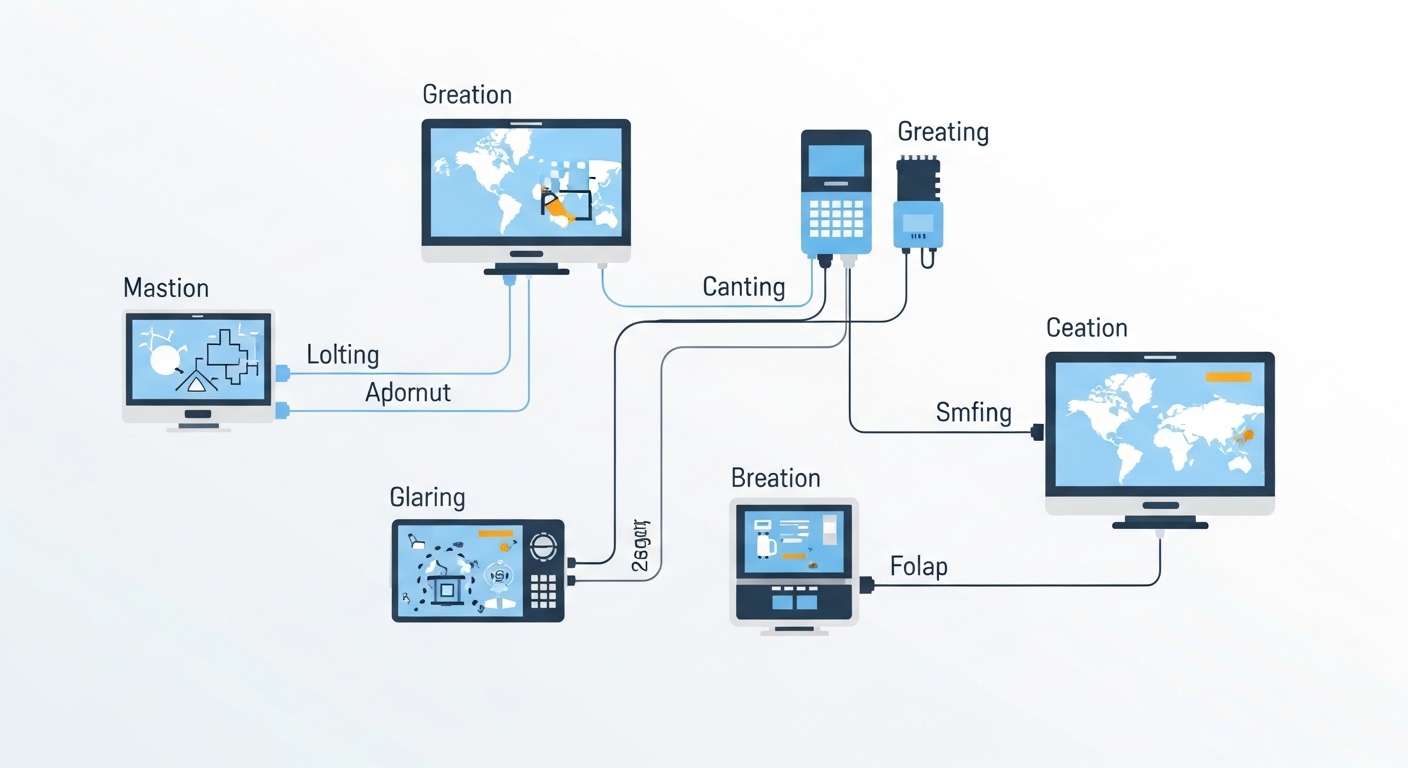
In a 3-tier data center leaf-spine topology used for live event production, we deployed 48-port 10G ToR switches feeding a pair of aggregation switches and an SMPTE 2110 gateway cluster. The stage-side patch runs were typically 40 to 120 m on OM4, so we standardized on 10G SFP+ SR (850 nm) for ToR-to-aggregation and 10G SFP+ LR (1310 nm) for the cross-room links to the media ingest room. We used matched, DOM-capable optics for redundant paths and enforced LC polarity labeling on every patch cord. During rehearsal, we monitored interface CRC and symbol error counters while replaying a typical stream set, and we validated DOM RX power stayed within the vendor recommended range for at least 10 minutes before the show started.
Common mistakes and troubleshooting tips
Even solid hardware can fail when the physical layer or compatibility details are ignored. Here are the real failure modes I see most often in SMPTE 2110 fiber work.
Wrong fiber type: SMF optics on multimode or vice versa
Root cause: A 1310 nm LR module installed into a path that is actually multimode (or the reverse) can produce weak or unstable links. The link might train intermittently, especially under temperature changes.
Solution: verify fiber labeling at both ends, then confirm with a light test if possible. Standardize patch panel labels and color-code SMF vs MMF in the field.
Dirty connectors causing CRC spikes and “mystery” video glitches
Root cause: SMPTE 2110 carries time-sensitive media; even small optical attenuation from dust can raise bit errors, leading to retransmissions or jitter symptoms. CRC counters often climb before you see visible issues.
Solution: clean LC connectors using approved fiber