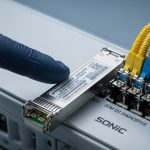
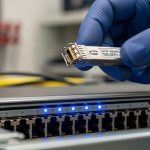
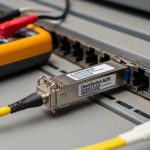
You are staring at a rack of Ruijie leaf switches, and the next day’s outage risk depends on one small pluggable: the Chinese switch SFP. This article helps network engineers and field techs choose the right SFP for distance, optics type, DOM behavior, and switch compatibility, with practical troubleshooting steps. If you have ever seen a link flap after a transceiver swap, you will find the root causes and fixes here.
Chinese switch SFP performance: SR vs LR and what Ruijie actually expects
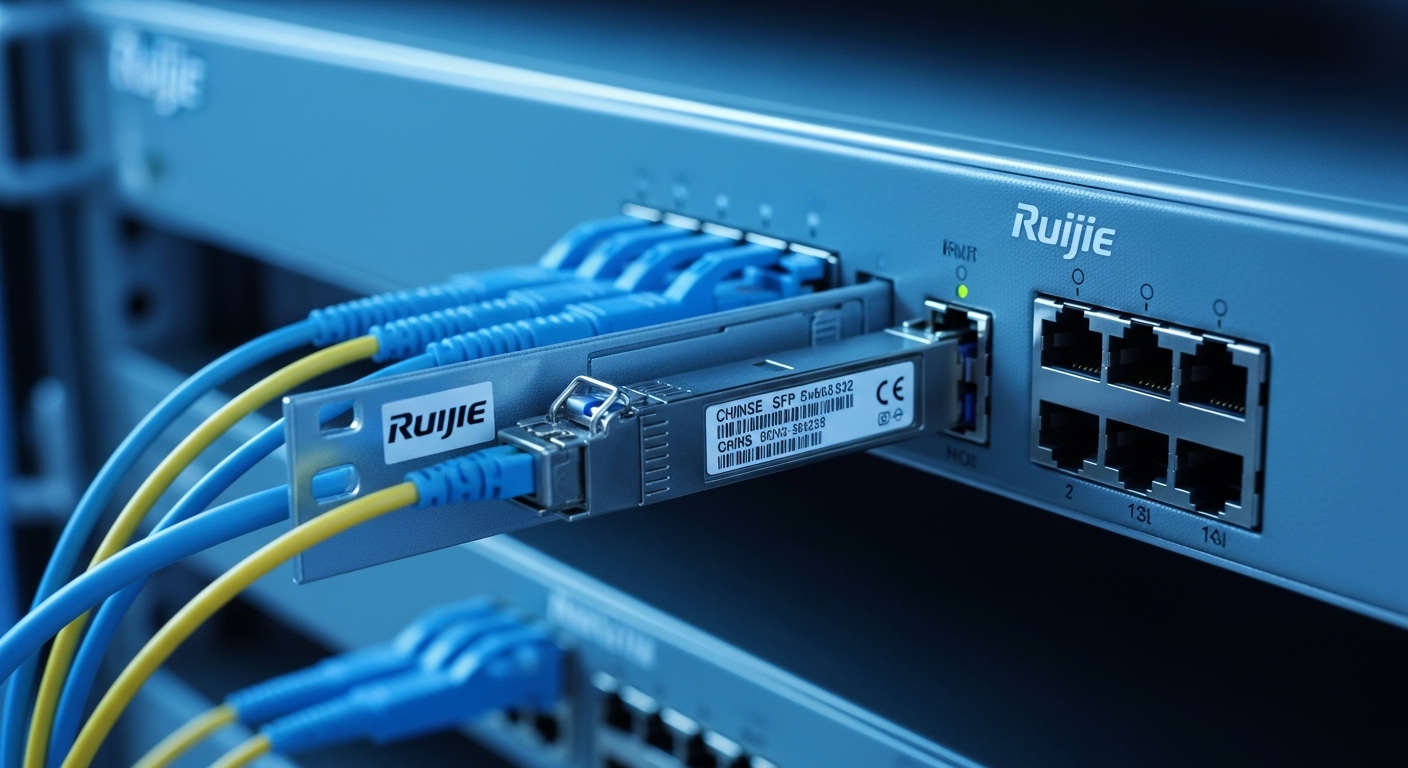
When teams say “SFP performance,” they often mean reach and link stability, but Ruijie switch ports also care about electrical compliance, optical power budget, and management features like Digital Optical Monitoring (DOM). For most enterprise and campus deployments, you will choose between 10GBASE-SR style modules (typically multimode fiber) and 10GBASE-LR style modules (single-mode fiber). Under the IEEE 802.3 family, these map to well-defined optical characteristics and electrical interfaces, so mismatched optics can pass insertion tests yet fail during link training.
Rule of thumb: pick SR for short distances on OM3/OM4 multimode and pick LR for longer distances on single-mode OS2. For 1G SFP, you may see SX (multimode) and LX (single-mode), while for 10G you will commonly see SR and LR variants. Always verify your Ruijie model’s optics support matrix in its release notes, because some ports are sensitive to vendor-specific DOM implementations.
Core specs that matter in the field
Engineers typically check wavelength, reach, and optical power, then validate temperature and connector type before swapping anything. In practice, the two biggest “it works on the bench but flaps in the rack” triggers are (1) optical budget mismatch from bad fiber or patching, and (2) DOM readings that the switch rejects or misinterprets. You should also confirm the transceiver data rate matches the port configuration (for example, forcing 10G on a 1G-only optic will cause persistent link down).
| Spec (what you verify) | 10GBASE-SR (typical) | 10GBASE-LR (typical) |
|---|---|---|
| Target data rate | 10.3125 Gbps (10G Ethernet) | 10.3125 Gbps (10G Ethernet) |
| Wavelength | ~850 nm | ~1310 nm |
| Fiber type | Multimode (OM3/OM4) | Single-mode (OS2) |
| Reach (spec) | 300 m on OM3 (commonly) | 10 km (commonly) |
| Connector | LC | LC |
| DOM support | Usually present; verify Ruijie compatibility | Usually present; verify Ruijie compatibility |
| Operating temperature | Often 0 to 70 C (commercial) | Often -5 to 70 C or 0 to 70 C |
For standards grounding, see IEEE 802.3 for the optical interface definitions and link behavior expectations. [Source: IEEE 802.3]. For practical DOM behavior and compatibility nuances, vendor datasheets and Ruijie optics guidance are critical because DOM is not just “on/off”—the switch may validate thresholds and vendor-specific calibration ranges. [Source: vendor transceiver datasheets; Ruijie official documentation]
Pro Tip: If you see link up for a few seconds and then drop under load, check fiber cleanliness and patch cord damage before swapping optics again. Even brand-new Chinese switch SFPs can “look compatible” but fail due to increased insertion loss that pushes the receiver near its sensitivity limit during burst traffic.
Compatibility and DOM: why some Chinese switch SFPs work, then suddenly refuse
Ruijie switches often support standard SFP electrical and optical behavior, but DOM interrogation can be the differentiator between stable operation and repeated link resets. DOM typically exposes laser bias current, transmit power, receive power, and sometimes temperature. However, not every third-party module reports identical scaling or threshold behavior, and some switches apply stricter interpretation rules than you might expect.
In field deployments, you will usually see one of three outcomes after insertion: (1) link comes up and stays stable, (2) link comes up but with warnings like “optics not recognized,” or (3) link never comes up because the switch rejects the module during diagnostic checks. Option (3) is most common when DOM is missing, partially implemented, or outside expected ranges for that port type.
Decision checklist for Ruijie port compatibility
- Confirm exact Ruijie switch model and port type (10G vs 1G, uplink vs downlink) and whether it supports SFP vs SFP+ naming.
- Match optics standard (SR for multimode, LR for single-mode; SX/LX for 1G) and confirm wavelength class.
- Check DOM support and thresholds in the transceiver datasheet, then validate with Ruijie documentation or known-good module lists.
- Validate connector and fiber type (LC vs other; OM3/OM4 vs OS2) and inspect patch cords.
- Account for operating temperature in the rack and airflow pattern; choose industrial grade if you are near hot aisle edges.
- Reduce vendor lock-in risk by keeping a small “golden set” of validated optics for each port speed and distance class.
What to look for in real module part numbers
Third-party transceivers vary widely. Common examples in the market include models such as Cisco-branded optics (for reference), Finisar and other OEM optics, and widely sold third-party units like FS.com SFP-10GSR-85 for 10GBASE-SR at 850 nm and Finisar FTLX8571D3BCL for compatible 10G SR. When you select a Chinese switch SFP, treat the part number as a technical identity: wavelength, DOM type, and optical budget are what matter, not the marketing category. [Source: manufacturer datasheets; FS.com product pages]
Cost and ROI: when Chinese switch SFP savings turn into downtime
Cost is the reason many teams try third-party or OEM-compatible optics, but the ROI calculation must include failure probability, labor time, and mean time to repair. In many enterprise markets, a brand-name 10G SR SFP can cost meaningfully more than an equivalent third-party unit, while OEM-compatible Chinese switch SFPs often land in a lower price band. The real question is whether the lower price reduces total cost of ownership (TCO) after you include verification and spares logistics.
On a typical campus with a few dozen 10G links, the savings per module may look attractive, but labor for troubleshooting optics can exceed the price gap if DOM incompatibility causes repeated link flaps. A practical approach is to buy a small batch, validate in your exact Ruijie environment, and only then scale. This avoids buying 200 modules that are “optically correct” but fail DOM validation on specific firmware revisions.
Typical price and TCO considerations
As a realistic planning range, third-party 10G SR SFP modules often sell for roughly tens of dollars each, while brand-name units can be higher; the exact numbers vary by vendor and temperature grade. For TCO, include: (1) verification time per model, (2) spares inventory carrying cost, (3) truck roll and downtime cost when a module fails under peak traffic, and (4) power impact is usually small compared to switching equipment power draw, but failed optics can trigger retransmissions that increase CPU load on some platforms.
Field engineers often report that optical failures are frequently linked to physical-layer issues (dirty connectors, bad patching, bend radius violations) rather than pure electronic failure. So the ROI plan should include connector cleaning tooling and inspection time, not just module selection. [Source: ANSI/TIA and fiber installation best practices; vendor optics application notes]
Use-case comparison: campus access, data center leaf-spine, and where each optic wins
In a 3-tier data center leaf-spine topology with 48-port 10G ToR switches, you may run multiple 10G links from each leaf to aggregation. Suppose each ToR has 24 active 10G downlinks to servers at 50 m and 4 active 10G uplinks to spines at 120 m, using OM4 cabling. In this scenario, 10GBASE-SR Chinese switch SFPs are usually the best fit because they are designed for multimode reach and reduce cost versus long-distance optics.
Now consider a campus core where a building-to-building link spans 2.5 km over OS2 single-mode fiber. Here, 10GBASE-LR Chinese switch SFPs are the correct selection; forcing SR would fail optical budget and likely never establish a stable link. The key is to tie the optic choice to your measured fiber plant performance: certify end-to-end loss and confirm patch cord types.
Selection criteria matrix (engineer-friendly)
| Option dimension | Chinese switch SFP SR (multimode) | Chinese switch SFP LR (single-mode) | Brand-name OEM SFP |
|---|---|---|---|
| Distance fit | Best for short to medium within multimode budgets | Best for long OS2 links | Best when you need maximum compatibility certainty |
| DOM compatibility risk | Moderate; validate with Ruijie firmware and port type | Moderate; validate with Ruijie firmware and port type | Lower; often validated by switch vendor |
| Connector and fiber handling | LC; multimode cleaning and patch quality still critical | LC; OS2 splices and patch cord loss critical | Same physical-layer requirements |
| Upfront cost | Usually lower | Usually higher than SR but still often below OEM | Highest |
| Best use case | Data center and campus links within OM3/OM4 | Inter-building and long backbone links | Critical links where downtime cost is extreme |
Common mistakes and troubleshooting tips for Ruijie optics swaps
If you want fewer call-backs, treat optics issues as a structured diagnostic problem. Below are common failure modes that field teams encounter with Chinese switch SFP modules on Ruijie switches, with root cause and fix.
Link never comes up after insertion
Root cause: Port speed mismatch or unsupported optic type (for example, trying 10G SR on a port configured differently, or mixing SFP vs SFP+ expectations). Solution: Verify the Ruijie port speed and transceiver standard, then check whether the port is configured for the correct mode. Re-seat the module and confirm the fiber is connected to the correct Tx/Rx polarity.
Link flaps under load, stable at idle
Root cause: Optical power budget is marginal due to dirty connectors, damaged patch cords, or excessive end-to-end loss. Solution: Clean LC ferrules with approved lint-free wipes and alcohol, inspect with a fiber microscope, and measure link margins if your tooling supports it. Replace suspect patch cords and confirm bend radius compliance.
Switch shows “module not recognized” or repeated DOM alarms
Root cause: DOM implementation differences or threshold calibration outside what the switch expects for that port. Solution: Update Ruijie switch firmware if it improves optics handling, then test a known-good transceiver model. Keep a small validated inventory per transceiver class and firmware version.
Temperature-related failures in poorly ventilated racks
Root cause: Operating temperature exceeds the module’s specified range, especially in hot aisles or enclosed cabinets with restricted airflow. Solution: Confirm airflow direction, remove obstructions, and switch to a module with an appropriate temperature grade. Log switch environmental readings and correlate with failure timestamps.
Which Option Should You Choose?
If you are building a cost-effective campus or data center network on known multimode cabling and can validate optics in your lab, choose Chinese switch SFP SR or LR based on measured distance and fiber type. If you are connecting critical links where downtime cost is extreme, start with brand-name OEM optics for the first wave, then expand to validated third-party modules after you confirm DOM stability on your Ruijie firmware.
For most teams, the best path is a staged rollout: validate one SR and one LR module model per Ruijie switch line, document DOM behavior, and only then scale. When you are ready to standardize your optical inventory, use fiber optics compatibility checklist to build a repeatable selection process.
FAQ
What does “Chinese switch SFP” mean in practice for Ruijie?
It generally refers to SFP transceivers sourced from Chinese OEM or third-party manufacturers that are compatible with switch ports. Compatibility depends on the exact optical standard (SR vs LR), DOM behavior, and your Ruijie firmware’s validation logic, not on the country of origin. Always validate part numbers against Ruijie guidance or proven-good lists.
Can I use SR optics over multimode fiber with Ruijie 10G ports?
Yes, if your links stay within the SR reach for your specific multimode grade (OM3 or OM4) and your patching loss is within budget. Confirm connector type (LC), polarity, and fiber cleanliness. If you see flaps under load, treat it as an optical budget problem first.
Why does a Chinese switch SFP show errors about DOM even though the link is up?
DOM errors can occur when the module’s reported values or threshold behavior differ from what the Ruijie port expects. The link may still pass traffic, but alarms can indicate that you are near a margin that will fail under environmental stress. Test a second module model and compare DOM readings before scaling.
Is it safe to mix transceiver vendors in the same Ruijie switch?
Mixing vendors can