When a leaf-spine upgrade is scheduled and the optics rack shelves look empty, engineers often discover too late that “bulk transceiver purchase” is not just a checkout action. This article helps data center and telecom teams plan procurement volume pricing, build a spares strategy, and avoid compatibility traps across switch vendors and fiber plant realities. You will get concrete procurement math, field-tested checks, and troubleshooting patterns tied to common SFP and SFP28 optics used with IEEE 802.3 links.
What bulk transceiver purchase really changes in optics procurement
Buying in volume can reduce unit cost, but it also shifts risk: you may lock into a vendor’s DOM behavior, optical power class, or temperature grade. In practice, “bulk” should be treated like an engineering program with acceptance criteria, not a simple stockpile. For 10GBASE-SR and 25G links, the core variables are wavelength band, reach class, connector type (LC/SC), and compliance with the host’s electrical interface expectations.
Most modern transceivers are specified to meet relevant portions of IEEE 802.3 for optical Ethernet, while the host switch defines additional constraints such as supported vendor-specific DOM thresholds and whether the platform enforces vendor whitelists. For field engineers, the operational question becomes: will these optics negotiate cleanly at the target temperature and will they behave consistently under link partner variations?
Reference link types engineers buy in bulk
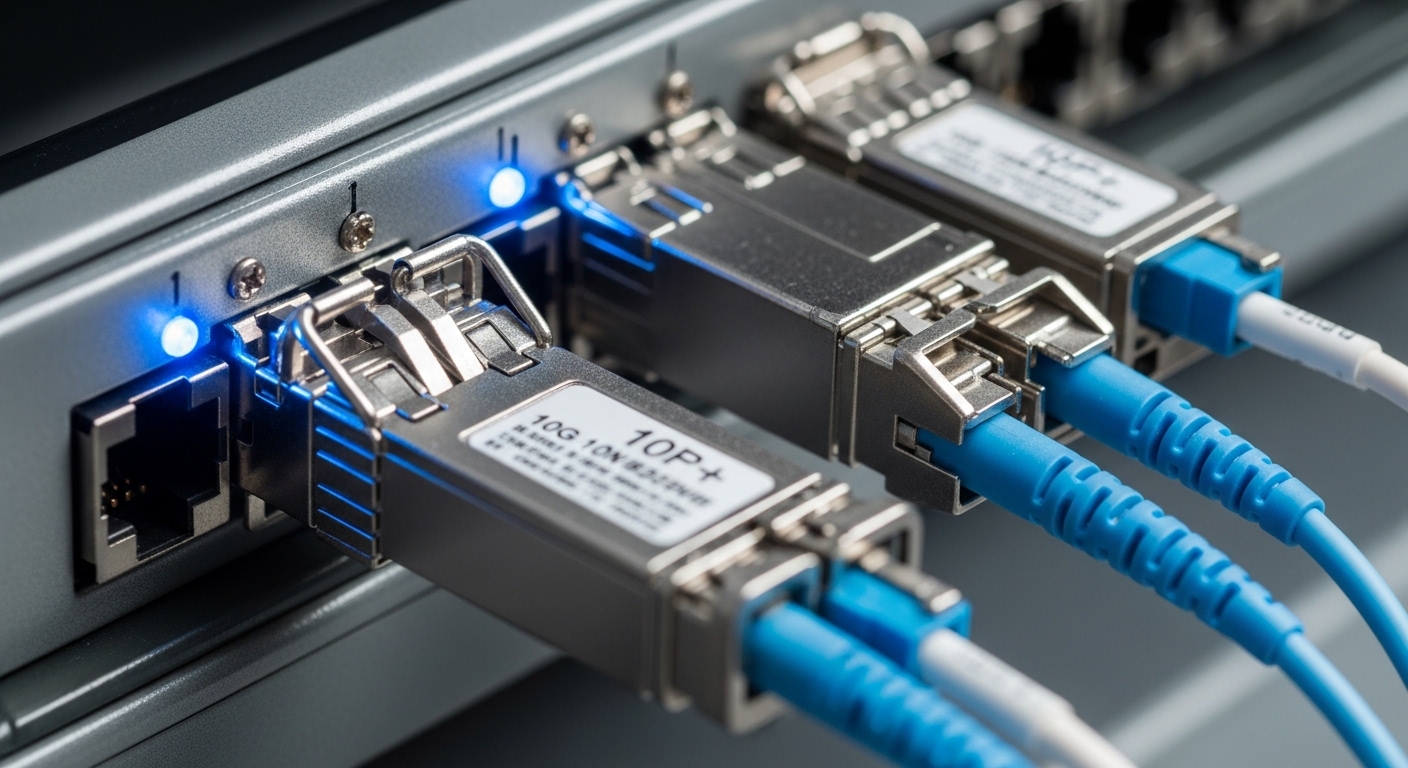
Common bulk items include 10GBASE-SR (typically around 850 nm multimode), 10GBASE-LR (typically 1310 nm single-mode), and 25GBASE-SR (also 850 nm multimode). Example part numbers you may see in procurement queues include Cisco SFP-10G-SR, Finisar FTLX8571D3BCL, and FS.com SFP-10GSR-85. For 25G, you will often standardize on SFP28 for short reach or QSFP28 for higher density, depending on switch models.
Pro Tip: In outages, optics failure often looks like “random” flaps, but the root cause is frequently a marginal fiber plant or an unexpected DOM threshold mismatch. Before you blame the transceiver, confirm receive power and verify the link partner’s lane mapping expectations for the speed and modulation mode.
Specs that govern compatibility: wavelength, reach, power, and temperature
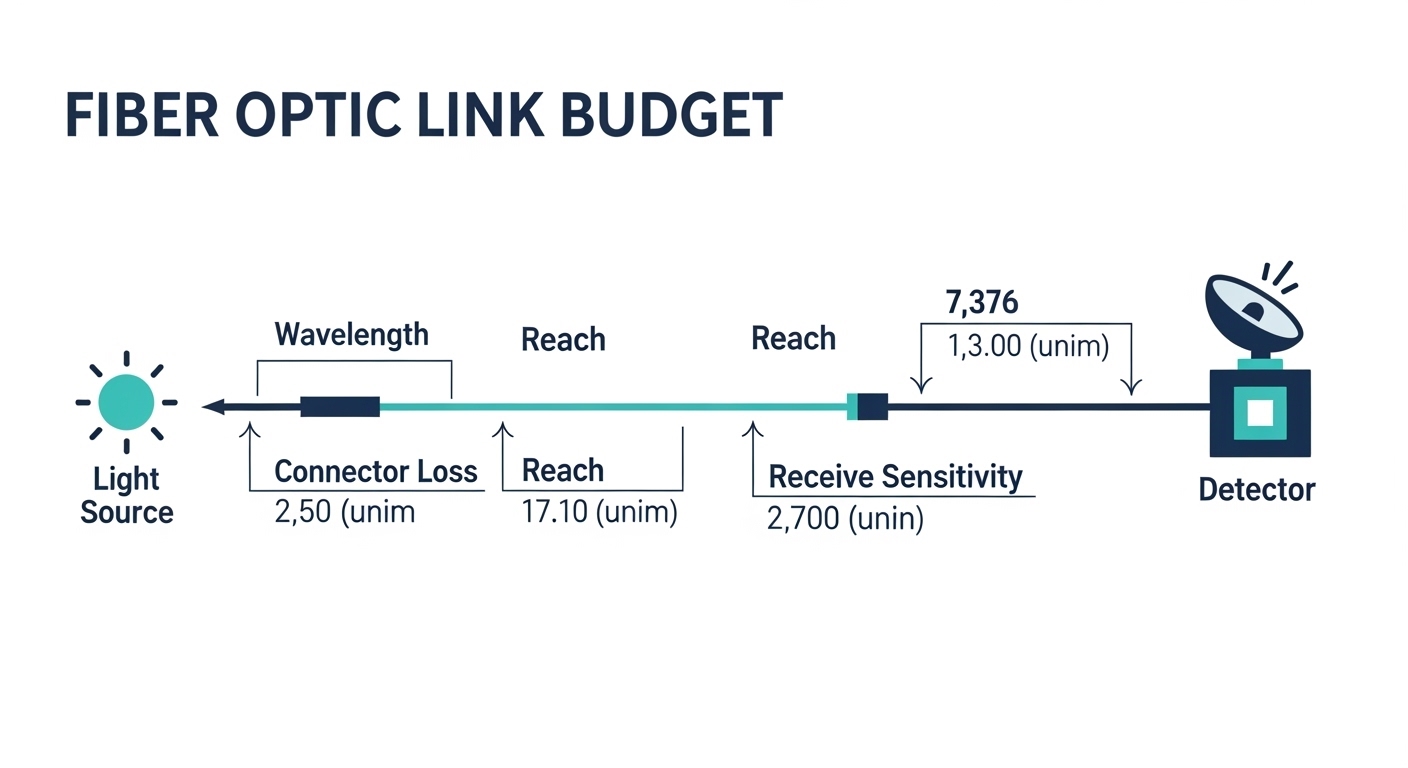
For bulk transceiver purchase, you want a procurement sheet that mirrors what the network will actually enforce. Engineers usually start with the optics type (SFP, SFP28, QSFP28), then match wavelength band and reach class to the fiber type and measured link budget. Next, they confirm connector geometry (for example LC duplex), and finally they verify optical output power and receive sensitivity ranges per the vendor datasheet.
IEEE 802.3 defines baseline requirements for optical Ethernet. However, vendor datasheets define the practical bounds: transmitter power in dBm, receiver sensitivity in dBm, and sometimes DOM reporting behavior. Temperature range also matters: an optics that is “functional” at room temperature can degrade in a hot corridor where ambient reaches the upper limit.
| Optics type | Wavelength | Typical reach class | Connector | Form factor | Operating temperature | Notes for bulk procurement |
|---|---|---|---|---|---|---|
| 10GBASE-SR (example: Cisco SFP-10G-SR) | 850 nm (MMF) | Up to 300 m (OM3) / 400 m (OM4) | LC duplex | SFP+ | Commonly 0 to 70 C (confirm per datasheet) | Verify OM grade and measured receive power margin |
| 10GBASE-LR (example class) | 1310 nm (SMF) | Up to 10 km | LC duplex | SFP+ | Commonly 0 to 70 C | Confirm fiber type, endface cleanliness, and splice loss |
| 25GBASE-SR (example class) | 850 nm (MMF) | Up to 100 m (varies by OM) | LC duplex | SFP28 | Commonly 0 to 70 C (confirm per datasheet) | Match switch speed mode and DOM thresholds |
Volume pricing and spares: building a procurement math that survives reality
Bulk transceiver purchase should include both the “installed base” and a spares pool that reflects failure rates and operational tolerance. A practical spares model uses historical RMA rates, lead times, and the business impact of downtime. For many teams, the baseline approach is to keep spares equal to a fraction of installed ports, then adjust for critical links and long lead-time suppliers.
A concrete spares plan you can copy
Consider a 3-tier data center leaf-spine topology with 48-port 10G ToR switches and 2 spines, where you plan to activate 96 uplink ports at 10GBASE-SR over OM4. If the optics lead time averages 14 to 21 days and you have a maintenance window of only 4 hours per month for unplanned repairs, you may target spares of 2 to 4 percent for non-critical uplinks and 5 to 8 percent for critical paths. That could mean keeping 4 to 8 spare SR optics on hand, split by vendor family and matched reach class.
For upgrades to 25G, the spares logic changes because the host may enforce speed negotiation differently and because higher-speed optics have tighter power budgets. In that case, many teams keep spares per switch model family to reduce the risk of DOM threshold surprises.
Where volume discounts help and where they bite
Volume pricing often rewards consistent SKUs, consistent DOM behavior, and predictable demand. Yet if you buy a large batch of mixed vendors or mixed temperature grades, you may create an inventory “zoo” that complicates troubleshooting during outages. If your switches support DOM monitoring, ensure the spares batch reports consistent alarm thresholds so your monitoring system does not flood alerts.

Selection checklist for bulk transceiver purchase programs
Engineers succeed when procurement decisions map to field failure modes. Use the checklist below in order, then lock it into your purchase request template so every vendor response can be compared apples-to-apples.
- Distance and fiber grade: confirm OM3 vs OM4 vs SMF, then validate reach against measured link loss, not marketing meters.
- Data rate and host mode: verify the switch port supports 10GBASE-SR vs 25GBASE-SR and that the port is configured for the correct speed.
- Optics form factor and connector: match SFP, SFP28, QSFP28; confirm LC duplex or other connector standard.
- DOM support and telemetry behavior: require vendor datasheet details for temperature, bias, RX power reporting; align your monitoring thresholds.
- Operating temperature grade: confirm 0 to 70 C vs extended ranges for hot aisles; check thermal derating assumptions.
- Compatibility caveats: ensure the host does not enforce vendor whitelists; test one unit per switch model before ordering bulk.
- Vendor lock-in risk: compare OEM vs third-party options; confirm you can source replacements over the next procurement cycle.
Common pitfalls and troubleshooting tips during bulk rollouts
Even well-planned bulk transceiver purchase programs fail when assumptions slip between the lab datasheet and the field. Below are concrete failure modes you can recognize quickly.
Link flaps from marginal receive power
Root cause: fiber attenuation, dirty endfaces, or a batch with slightly lower optical output than expected. In bulk shipments, small optical power variances can push links over the margin at higher temperatures.
Solution: clean LC connectors with validated lint-free procedures, then measure RX power with an optical power meter or transceiver diagnostics. Replace the suspect optics with a known-good unit and re-check error counters.
“Works on one switch, fails on another”
Root cause: DOM threshold expectations or host electrical timing differences. Some platforms behave differently with third-party optics, even if they are nominally compliant.
Solution: run a structured compatibility test: one transceiver per switch model, per speed mode, at the target ambient temperature. Only then expand to bulk quantities.
High alert volume from inconsistent DOM alarms
Root cause: monitoring system interprets DOM fields differently, or the optics reports alarm thresholds in a way your tooling does not normalize. The result is alert storms that mask real failures.
Solution: validate your telemetry ingestion logic with a small batch. Adjust alert thresholds based on vendor guidance and confirm the mapping of DOM fields matches your monitoring schema.
Wrong temperature grade for hot aisle placement
Root cause: optics rated for a limited temperature range installed where ambient exceeds spec. Bias current rises with heat, and link quality can degrade.
Solution: confirm thermal mapping for each row. If necessary, procure extended-temperature optics and document the placement policy.
Cost and ROI note: pricing is not the whole story
In many supply environments, OEM optics may cost roughly 1.2x to 2.0x the price of third-party equivalents, depending on SKU rarity and lead times. However, OEM TCO can be lower when it reduces troubleshooting time, improves compatibility predictability, and lowers the probability of “unknown unknowns” during audits. Third-party optics can still be a strong ROI if you enforce acceptance testing, require DOM documentation, and keep a disciplined spares model to reduce service downtime.
When calculating ROI, include shipping, validation labor, and the cost of a failed replacement during a maintenance window. If your spares pool reduces average MTTR by even 30 to 60 minutes, the avoided downtime can outweigh per-unit price differences quickly in high-availability environments.
FAQ
What should I verify before placing a bulk transceiver purchase order?
Verify wavelength band, reach class against your fiber type, connector standard, and the host switch’s supported optics. Also require DOM and temperature-grade details from vendor datasheets, then test one unit per switch model.
Is it safe to mix OEM and third-party optics in the same spares bin?
It can be operationally risky because DOM telemetry and alarm thresholds may differ. If you do mix vendors, label clearly and confirm your monitoring tolerances, then keep separate spares categories by vendor family.
How many spare optics should we keep for a 10GBASE-SR rollout?
A common starting point is 2 to 5 percent of installed optics, then adjust upward for critical links and long lead times. Use your historical RMA rate and your maintenance window constraints to refine the number.
Do I need DOM support for every bulk transceiver purchase?
If your operations team relies on telemetry for early failure detection, yes. Even when DOM is optional, having consistent temperature and RX power reporting can reduce time-to-troubleshoot.
What are the most common causes of bulk optics failures?
The top causes are usually fiber plant issues (loss or dirty connectors), host compatibility quirks, and temperature-grade mismatch in hot aisles. Less commonly, optical power margin differences between batches can trigger intermittent errors.
Where can I confirm standards and baseline requirements for optical Ethernet?
Start with IEEE 802.3 for baseline optical Ethernet specifications, and then validate against vendor datasheets for the exact transceiver. For standards context, see [Source: IEEE 802.3] and vendor documentation such as IEEE Standards.
Bulk transceiver purchase succeeds when procurement is treated like a field program: specs mapped to your fiber and switch behavior, spares sized by downtime impact, and acceptance testing performed before you scale. If you are planning the next inventory cycle, review spares strategy for optical transceivers to align stocking, testing, and rollout schedules.
Updated on 2026-04-30.
Author bio: I have deployed and troubleshot optical Ethernet links in production data centers, including DOM telemetry validation and fiber plant margin analysis. I write procurement guidance that reflects how optics behave under real temperature, cleaning, and switch compatibility constraints.
Sources: [Source: IEEE 802.3], [Source: Cisco SFP-10G-SR datasheet], [Source: Finisar FTLX8571D3BCL datasheet], [Source: FS.com SFP-10GSR-85 datasheet], IEEE 802.3 Working Group