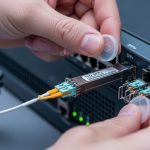
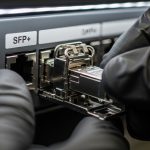
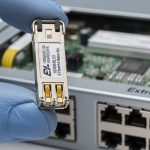
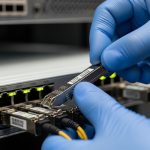
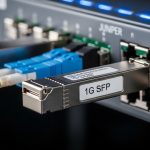
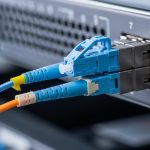
You are troubleshooting link flaps on a Brocade ICX access or aggregation switch and need optics that actually negotiate at line rate. This quick reference explains how to select a compatible Brocade SFP, confirm electrical and optical parameters, and validate DOM behavior so you stop swapping modules blindly. It is written for field engineers managing fiber plants, VLAN-tagged trunks, and fast outage windows.
Compatibility basics for Brocade ICX SFP transceivers
Brocade ICX platforms typically support a mix of SFP speeds (commonly 1G and 10G depending on exact model) using standard optics governed by IEEE 802.3 and vendor firmware expectations. Compatibility is not only “same connector, same wavelength.” The switch may enforce vendor-specific requirements around DOM signaling, optical power class, and transceiver vendor ID tables.
Start with the exact ICX chassis and port type: ICX 6450/6610 variants differ from ICX 7750-style designs, and even within the same chassis, some ports can be configured for different breakout or media types. Pull the transceiver support list from the switch documentation you are running, then validate that the target module matches the port speed and media budget.
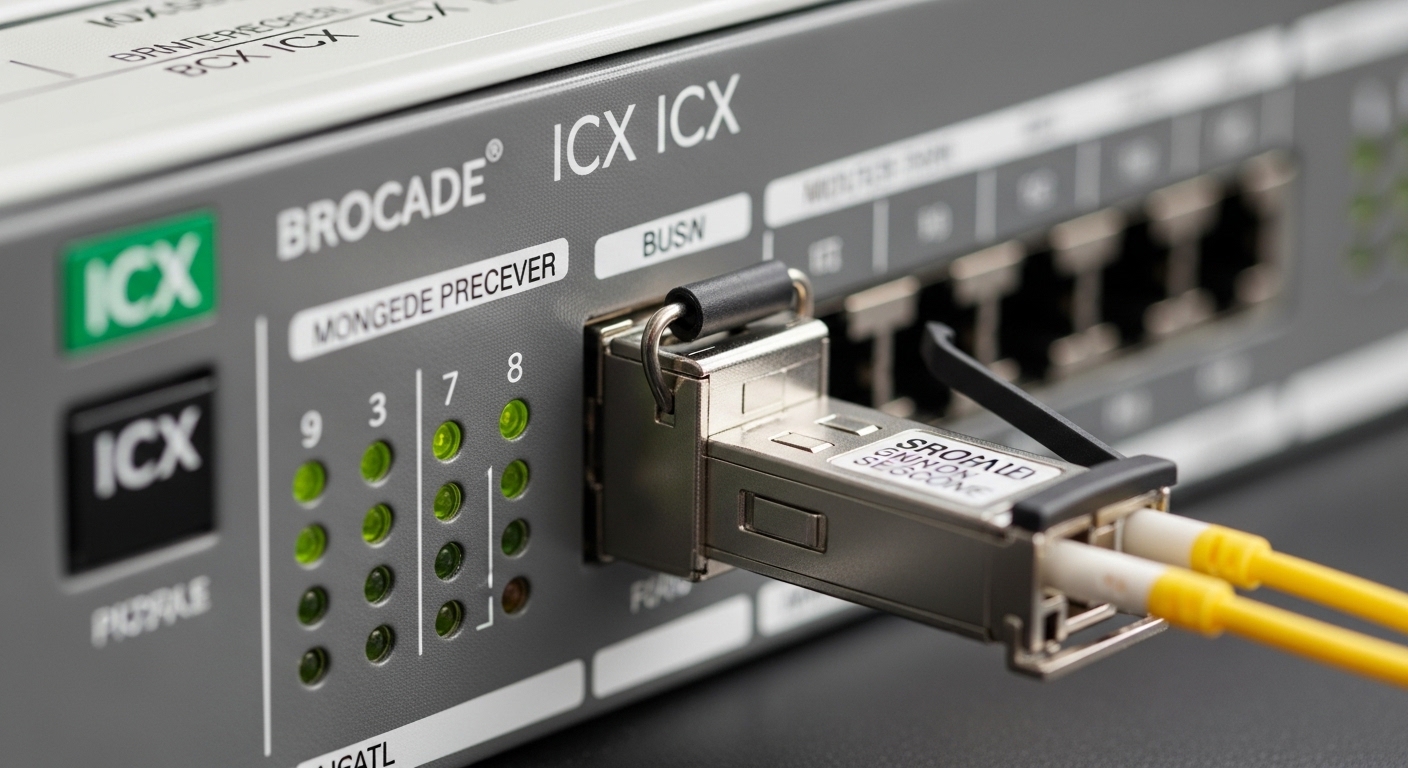
Key specs table: what must match for stable links
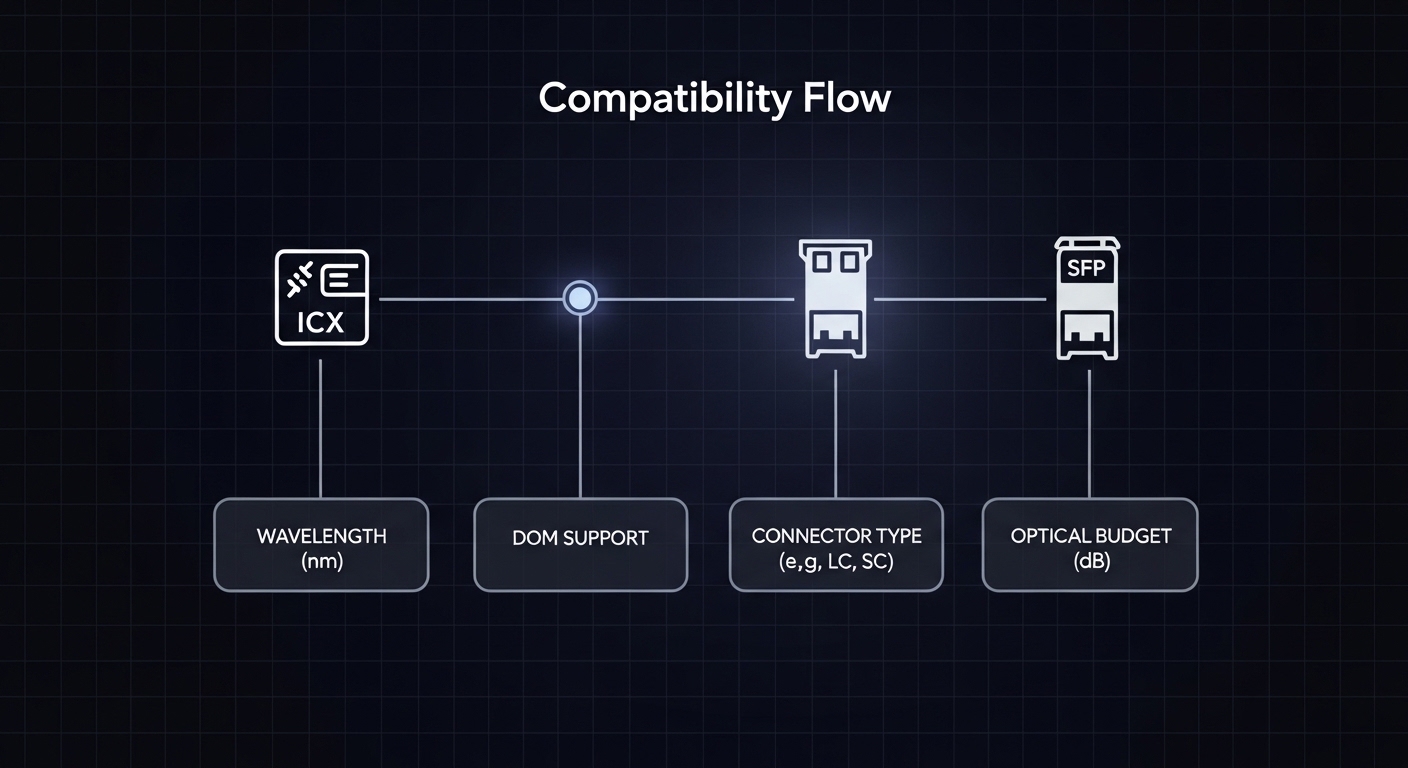
Before you install a Brocade SFP, verify the wavelength, reach, connector type, and power levels on both ends. If you run OM3/OM4 multimode or OS2 single-mode, the fiber and dispersion budget matter as much as the transceiver.
For 10G SFP+ modules, ensure your switch port supports that speed and that the optics are the correct family (SR vs LR vs ER). For 1G SFP, similar logic applies, but reach classes and launch power targets differ.
| Parameter | Typical SFP Example | What to Check on ICX |
|---|---|---|
| Data rate | 1G SFP or 10G SFP+ | Port speed capability and auto-negotiation behavior |
| Wavelength | 850 nm (SR) or 1310 nm (LR) | Match to fiber type and link partner optics |
| Reach | SR: tens to hundreds of meters; LR: kilometers | Budget vs actual fiber plant loss and splice count |
| Connector | LC common | Use correct adapter/cassette and polarity |
| DOM support | DMI via I2C (vendor-dependent) | Switch reads temperature/voltage/tx power; some modules may show “unsupported” |
| Optical power / sensitivity | TX launch and RX sensitivity per datasheet | Must fit within ICX optics thresholds |
| Operating temperature | Commercial vs industrial grades | Verify cabinet airflow and ambient extremes |
DOM and firmware expectations
DOM is the sensor telemetry interface. Some third-party modules provide compliant DOM readings; others present incomplete or nonstandard values that trigger warnings, conservative power control, or even port disable. Always check how your ICX reports optics state (e.g., “module present,” “DOM supported,” “link up/down with threshold alarms”). If your monitoring system relies on DOM values, prioritize modules that explicitly state DOM compatibility and have been validated by your vendor or prior deployments.
Pro Tip: When a link comes up but counters spike, check DOM-reported transmit power and receive optical power first. A “works on install” module can still be outside the ICX threshold window due to cold-start drift, dirty optics, or marginal fiber loss—telemetry reveals this faster than packet captures.
Selection checklist for Brocade ICX transceiver compatibility
Use this ordered checklist like a field runbook. Do not skip steps when you are replacing optics during a maintenance window.
- Confirm port media and speed: identify the ICX model and the exact port type (SFP vs SFP+), then map the required speed.
- Match wavelength and fiber type: SR (850 nm) for multimode; LR (1310 nm) for single-mode. Validate OM3/OM4 vs OS2.
- Validate reach with real loss: use your measured link loss (dB) including connectors, splices, and patch cords. Compare to module budget.
- Check connector and polarity: LC polarity must be correct; swapped polarity can present as “no light” or intermittent link.
- DOM behavior: verify the module provides standard DOM and that the ICX can read it without warnings.
- Power class and thresholds: compare TX launch power and RX sensitivity to the switch’s supported ranges (from datasheets and optics qualification notes).
- Operating temperature: match the environment; industrial-grade optics are often needed in hot cabinets.
- Vendor lock-in risk: if you rely on a specific optics vendor for DOM accuracy, standardize procurement to reduce surprises.
Common pitfalls and troubleshooting for Brocade SFP installs
Most compatibility failures are operational, not theoretical. Here are the high-frequency issues I see in the field.
Wrong fiber type or budget mismatch
Root cause: installing a 10G LR (1310 nm) single-mode module into a multimode plant, or exceeding the module’s budget due to additional patch cords. The link may negotiate but errors climb quickly.
Solution: verify fiber type (OM3/OM4 vs OS2), clean both ends, measure end-to-end loss with an OTDR or calibrated meter, then swap to the correct SR/LR optics.
DOM unsupported or telemetry values out of range
Root cause: third-party optics that provide incomplete DOM data. The ICX may log warnings and apply conservative optics behavior.
Solution: confirm whether the ICX reports “DOM supported.” If not, replace with a module explicitly validated for your ICX generation, and compare DOM readings after warm-up.
LC polarity reversed or dirty connectors
Root cause: reversed polarity or contamination. Dirty ferrules introduce attenuation that can look like “compatibility” but is actually RX failure.
Solution: clean with lint-free wipes and proper optical cleaner, inspect with a fiber microscope, then verify polarity by swapping patch cords (A-to-A / B-to-B rules depend on system labeling).
Speed mismatch on the switch port
Root cause: port expects a particular speed (e.g., 10G SFP+), but the module is from a different family or misconfigured. Auto-negotiation may not recover if the electrical interface differs.
Solution: confirm port configuration and harden it: set the port speed explicitly where supported, and ensure the optics are the intended SFP+ vs SFP type.

Cost and ROI note: OEM vs third-party Brocade SFP
In typical enterprise procurement, OEM optics for Brocade ICX environments often cost more, but they reduce qualification churn and reduce downtime risk. Third-party modules can be cheaper (sometimes 30% to 60% less), yet you may pay back the savings through extra truck rolls, DOM mismatch issues, and longer validation cycles.
For TCO, include: failure rates over your ambient temperature range, cleaning consumables, and the labor time to verify DOM and optical thresholds. If you run high-density 10G estates, standardizing optics SKUs and maintaining a tested spares kit usually beats chasing the lowest per-unit price.
For standards context, review IEEE 802.3“>IEEE 802.3 and vendor qualification notes from your switch documentation. [Source: IEEE 802.3; vendor ICX transceiver documentation]
FAQ
Q1: How do I confirm whether my Brocade ICX supports a specific Brocade SFP?
Match the ICX model and port type to the optics compatibility list in your switch documentation, then verify speed, wavelength, and DOM support. After install, confirm module state and link stability, and check DOM telemetry if your monitoring depends on it.
Q2: Can I use third-party Brocade SFP modules in ICX switches?
Often yes, but compatibility is not guaranteed. Validate DOM support, optical power class, and behavior under your temperature and fiber loss conditions before scaling deployment.
Q3: What is the fastest troubleshooting path for “link up but errors”?
Check DOM receive power and TX power first, then clean and inspect connectors. Next, validate fiber polarity and measure end-to-end loss to confirm you are within the module budget.
Q4: My SR module works intermittently. What should I check first?
Inspect and clean the LC ferrules, then confirm patch cord polarity and connector mating quality. Intermittent behavior is frequently contamination or marginal attenuation rather than a pure compatibility issue.
Q5: Do I need to worry about temperature range for Brocade SFP?
Yes. In hot cabinets, commercial-grade optics can drift and reduce link margin. If your ambient exceeds the module spec, choose an industrial temperature-rated transceiver.
Q6: Which fiber standard matters most for 850 nm modules?
OM3 vs OM4 and actual link loss. Even with correct optics, excessive splices, long patch cords, or poor-clean connectors can push you beyond the reach budget.
To keep deployments predictable, standardize optics SKUs per ICX port type and validate DOM and optical thresholds during a controlled rollout using a measured fiber budget. For related planning, see fiber optics reach budgeting for 10G and 25G links.
Author bio