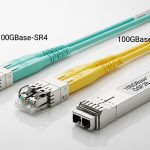
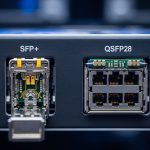
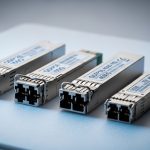
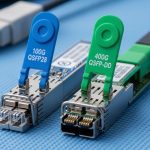
You know the pain: you have fiber strands, but not the routing path, the patch-panel ports, or the patience to wait for a civil work crew. In this article, I share how I used bidirectional transceiver optics to double usable fiber pairs on SFP+ links, plus the gotchas that can turn “fiber saving” into “mysterious link flapping.” If you manage data center cabling, campus networks, or lab testbeds, you will get a practical decision path.
Top 5 reasons BiDi SFP+ bidirectional transceiver links work
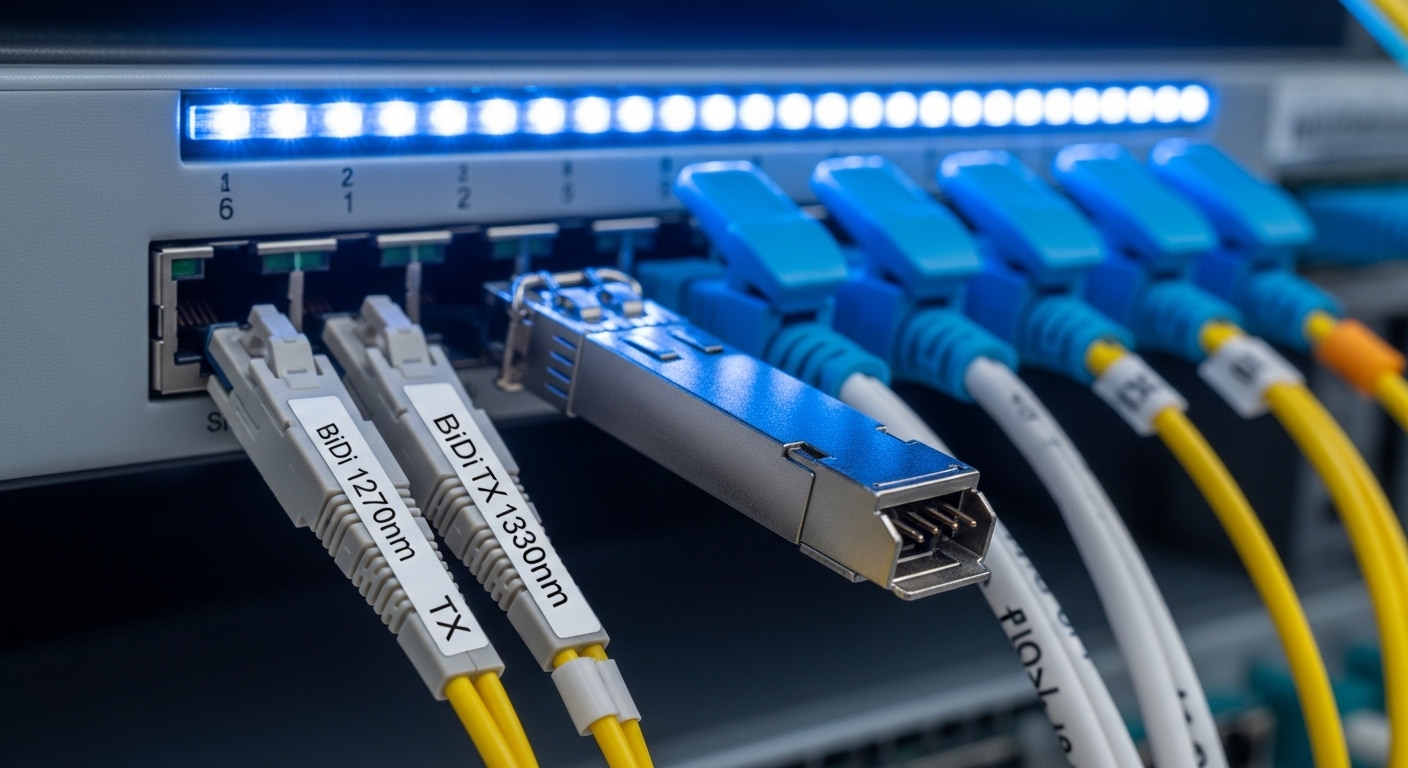
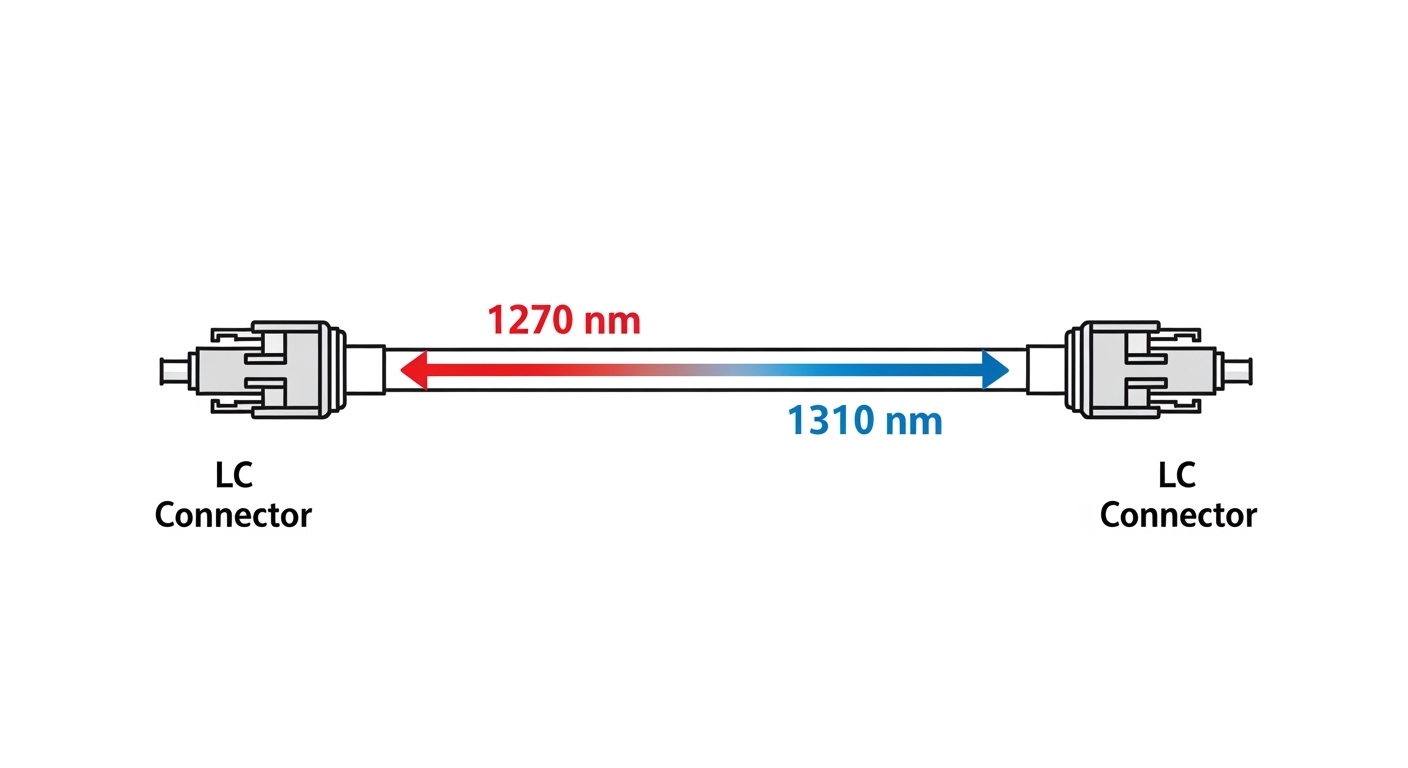
When a vendor says “saves fiber,” it sounds like marketing until you map your actual patching reality. In my deployments, BiDi SFP+ modules let two directions share one strand using different wavelengths (one direction per color), reducing strand count and often cutting patch-panel occupancy. This is especially helpful when your MPO/MTP breakout plan is already a puzzle box. In practice, the key is that the SFP+ host and cabling must support the wavelength pairing and meet optical power budgets.
- Fiber pair reduction: 2 fibers become 1 strand
- Lower port usage: fewer patch-panel terminations
- Faster upgrades: swap optics without re-cabling
- Better utilization: existing duct routes last longer
- Works with standard SFP+: host sees a familiar electrical interface
Top 5 spec facts that decide whether your bidirectional transceiver will link
BiDi SFP+ modules follow familiar optics patterns: SFP+ cages, 10G electrical lanes, and optical transmit/receive over fiber. But the details matter: wavelength pairing (Tx and Rx colors), reach, connector type, and DOM behavior. For standards context, Ethernet links at 10G over fiber are covered under IEEE 802.3 for 10GBASE-LR/LW and 10GBASE-ER classes, while optics specifics come from vendor datasheets and the SFP MSA ecosystem. I always verify against the module datasheet and the switch vendor compatibility list before ordering a “compatible” bargain.
| Parameter | BiDi SFP+ Example | What to verify |
|---|---|---|
| Data rate | 10.3125 Gb/s (10G Ethernet line rate) | Host SFP+ port supports 10G SR/LR mode |
| Wavelength pair | Tx 1270 nm / Rx 1310 nm (or 1490/1550) | Match the opposite end module exactly |
| Reach | Up to 10 km (typical for 1310/1550 variants) | Confirm fiber type, attenuation, and link budget |
| Connector | LC | LC vs SC vs MPO; verify patch-panel adapters |
| Optical class | Laser safety class depends on module | Follow facility laser safety labeling and handling |
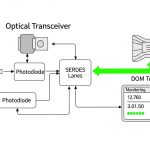
| DOM | Digital Optical Monitoring commonly supported | Check if your switch reads DOM and alarms |
| Operating temp | 0 to 70 C (or extended) | Match your rack ambient and airflow profile |
In one exchange, I compared a known-good pair: Finisar FTLX8571D3BCL (10G BiDi, LC, wavelength pair varies by exact part) against a third-party BiDi listing that claimed “compatible.” The link came up, then degraded during a summer heat wave. Root cause was not wavelength mismatch; it was an overly optimistic temperature rating and a DOM interpretation mismatch on the switch’s optics monitoring thresholds. Lesson learned: the spec table is not a decoration.
Pro Tip: If your switch supports DOM, watch received optical power and laser bias current over a 24-hour window after install. A BiDi link that is “up” can still be drifting toward the vendor-defined receiver sensitivity edge, especially after patch cords age and connectors get micro-gaps.
Top 5 deployment scenarios where bidirectional transceiver saves real money
Let me give you a concrete one. In a 3-tier data center leaf-spine topology, we had 48-port 10G ToR switches feeding 2 aggregation blocks, and each ToR needed 16 uplinks. The original design used 10G optics with one strand per direction, consuming 32 fibers per ToR for uplinks. During a growth refresh, duct space was frozen and patch-panel real estate was already maxed. We deployed BiDi SFP+ optics on selected uplinks, cutting strand usage roughly in half on those paths, and we avoided a delayed cabling project by about 6 weeks.
On the optical side, we used LC BiDi SFP+ modules with a known wavelength pairing, installed with short, clean patch cords, and verified link quality using switch telemetry. For baseline reference, I used widely seen BiDi SFP+ families from reputable vendors (examples include Finisar/Lumentum and Cisco-branded optics where applicable), and in some cases third-party modules like FS.com SFP-10GSR-85 only when the host compatibility matrix matched the optics type (note: SR is multimode; BiDi SFP+ is often single-mode wavelength-paired, so part selection must be careful). Your mileage depends on your exact fiber type and distance.
- Best fit: single-mode links where strand scarcity blocks expansion
- Distance sweet spot: typical 10 km-class BiDi deployments with budget headroom
- Operational win: fewer patch-panel changes during maintenance windows
- Risk: wrong wavelength pairing at the far end
- Reality check: still needs clean optics and correct power budget
Top 5 selection checklist items for bidirectional transceiver buying
When I select a bidirectional transceiver for SFP+ ports, I treat it like a mini procurement project, not a casual accessory purchase. Engineers often focus on “works on my switch,” but the long-term reliability hinges on distance, optics monitoring, and compatibility. Use this ordered checklist and you will avoid most of the pain I have seen in the field.
- Distance vs reach: compute link budget using fiber attenuation and connector loss; confirm vendor reach for your wavelength pair
- Wavelength pairing: identify Tx/Rx colors for each end; BiDi must face the correct counterpart
- Switch compatibility: verify SFP+ optics support in the switch vendor list; test in a staging rack first
- DOM support and thresholds: confirm your platform reads DOM and your monitoring won’t alarm prematurely
- Operating temperature: match module grade to rack ambient and airflow; plan for summer peaks
- Vendor lock-in risk: balance OEM optics vs third-party; keep spare strategy and RMA expectations in mind
Top 5 common pitfalls and troubleshooting steps for BiDi links
BiDi optics are not fragile, but they are unforgiving when you get the details wrong. Here are the failure modes I have personally chased, with root causes and fixes that actually worked. If your link is down, start with the basics, then move to optics telemetry and physical layer cleanliness.
-
Pitfall 1: Wrong wavelength pairing at the far end
Root cause: you install two modules with the same Tx/Rx orientation, so both ends transmit on the same wavelength and receive the other, causing no optical match.
Solution: check the module label for Tx/Rx wavelengths and swap one side to the correct opposite type. -
Pitfall 2: Dirty connectors and high insertion loss
Root cause: dust on LC ferrules adds attenuation; BiDi margins can be tighter than you expect.
Solution: clean with proper fiber cleaning tools, inspect with an angled scope, then re-seat patch cords. -
Pitfall 3: DOM mismatch and misleading alarms
Root cause: third-party DOM implementation reports values differently; some switches interpret out-of-range thresholds as faults.
Solution: compare DOM telemetry against vendor datasheet expectations; if alarms persist, validate with a known-good OEM module. -
Pitfall 4: Temperature derating in hot racks
Root cause: module grade is only rated to 70 C ambient; your rack routinely exceeds it during peak HVAC load.
Solution: improve airflow, verify ambient at the cage, and use an extended-temperature module if needed. -
Pitfall 5: Wrong fiber type or patch cord loss
Root cause: mixing multimode and single-mode expectations or using high-loss patch cords.
Solution: confirm OS1/OS2 vs OM3/OM4, then measure end-to-end attenuation if you suspect budget issues.

Top 5 cost and ROI realities for bidirectional transceiver optics
Let’s talk money, because the “saves fiber” pitch only matters if the total cost makes sense. Typical street pricing for quality BiDi SFP+ modules varies widely by reach and vendor, but you should expect roughly $40 to $150 per module for many common 10 km class parts, with OEM often higher and sometimes locked to specific switch families. TCO includes not just optics purchase price but also spares, downtime risk, and labor for re-cabling avoidance.
In my experience, the ROI becomes obvious when you avoid a cabling project. If a single patch-panel expansion requires a shutdown, contractor coordination, and fiber testing, the avoided labor and outage can dwarf the module premium. However, be honest: third-party modules can reduce purchase cost but may increase troubleshooting time if DOM behavior or compatibility isn’t perfect. Build a spares strategy and keep one known-good OEM pair for each wavelength pairing so you can isolate issues fast.
| Option | Typical module cost | TCO risk factor | Best use |
|---|---|---|---|
| OEM BiDi SFP+ | $90 to $250 | Lower compatibility risk | Production-critical links |
| Reputable third-party BiDi SFP+ | $40 to $140 | Medium compatibility and DOM variance | Non-critical or staged rollouts |
| Grey-market optics | $25 to $80 | High RMA and performance uncertainty | Only lab experiments, not production |
FAQ: bidirectional transceiver questions engineers ask before ordering
Are bidirectional transceiver modules compatible with any SFP+ switch port?
Not automatically. SFP+ is standardized electrically, but optics compatibility depends on switch vendor firmware, supported optical types, and DOM interpretation. Always verify the switch model’s optics compatibility list and test in a staging environment first.
How do I make sure I install the correct BiDi wavelength pairing?
Read the module label for Tx and Rx wavelengths, then ensure the far-end module uses the complementary orientation. If you install two modules with the same Tx/Rx direction, the link typically fails to negotiate or stays unstable.
Will DOM work with my monitoring system?
Most modern BiDi SFP+ modules support Digital Optical Monitoring, but the switch may interpret thresholds differently. I recommend comparing DOM values against the vendor datasheet and validating alarms after 24 hours under normal load.
What fiber type can I use with BiDi SFP+?
BiDi SFP+ is commonly used with single-mode fiber for long-reach variants. Confirm OS1/OS2 requirements and wavelength support. Mixing multimode and single-mode assumptions is a classic way to waste a maintenance window.
What are safe cleaning and handling practices for LC BiDi links?
Use proper fiber cleaning tools for LC connectors and inspect with an angled scope before re-seating. Even clean-looking patch cords can hide micro-dust that drives up loss and reduces optical margin.
Should I buy OEM or third-party bidirectional transceiver modules?
For mission-critical production links, OEM reduces compatibility and warranty uncertainty. For cost-sensitive rollouts, reputable third-party modules can work well, but plan for staging tests, DOM validation, and a conservative spare strategy.
Bottom line: a bidirectional transceiver is one of the best ways to stretch fiber capacity without re-cabling, but only if wavelength pairing, optics budget, and temperature realities are handled like grown-up engineering. Next, compare your current optics plan with optics link budget and DOM telemetry basics so you can forecast margins before you order.
Sources: [Source: IEEE 802.3] [Source: SFP Multi-Source Agreement documentation] [Source: Vendor SFP+ transceiver datasheets such as Lumentum/Finisar and Cisco optics pages] [Source: ANSI/TIA-568 cabling guidance as applicable].
Author bio: I am a field-tested network writer who has installed and troubleshot optics in cramped racks, hot server rooms, and “why is the duct sealed?” construction sites. I document the boring operational details so your links come up the first time.