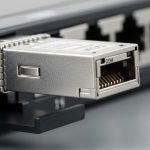
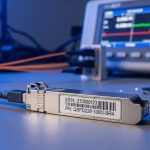
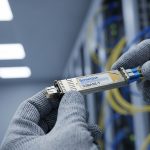
If your 10G or 1G fiber links keep flapping, the root cause is often not the switch port but the SFP itself: optics quality, firmware behavior, DOM support, and thermal stability. This guide helps network engineers and data center operators pick the best SFP brand for dependable uptime and predictable costs. You will get a practical ranking-style comparison, a specs checklist, and troubleshooting patterns I see in the field.
What “best SFP brand” means in real networks
In practice, the “best” SFP is the one that matches your switch vendor’s expectations for electrical interface, optical class, and DOM behavior, while staying within spec across temperature and power cycles. IEEE 802.3 defines the Ethernet physical layers (for example 1000BASE-SX and 10GBASE-SR), but vendors implement details like digital diagnostics thresholds and latch/placement tolerances differently. I evaluate brands by: link stability under load, error counters after burn-in, DOM read reliability, and how quickly replacements restore service.
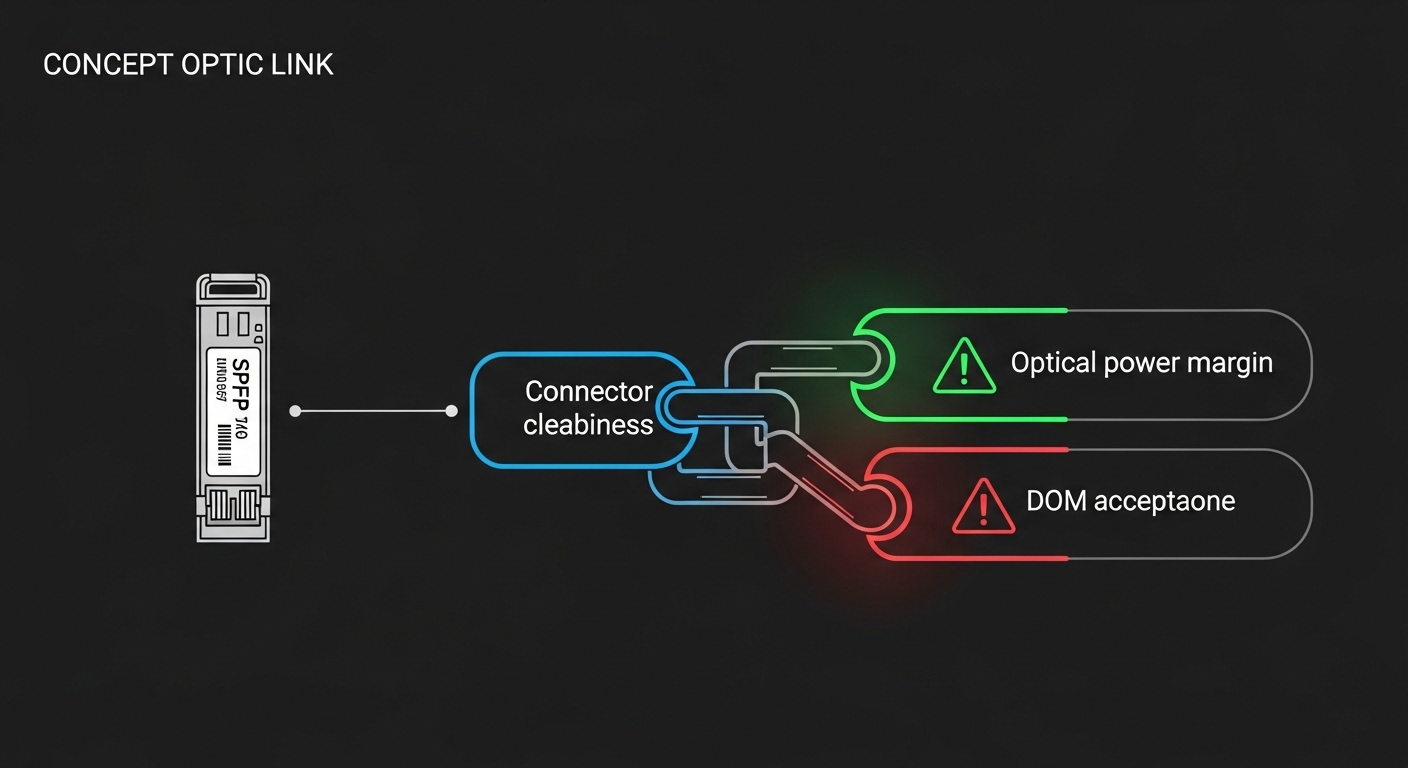
When I deploy optics, the operational metrics that matter are: received optical power margin, BER behavior at temperature extremes, and whether the switch logs “module not supported,” “DOM mismatch,” or “optics temperature out of range.” If you have strict acceptance testing, you also need repeatable vendor part numbers and documentation that aligns with your internal standards.
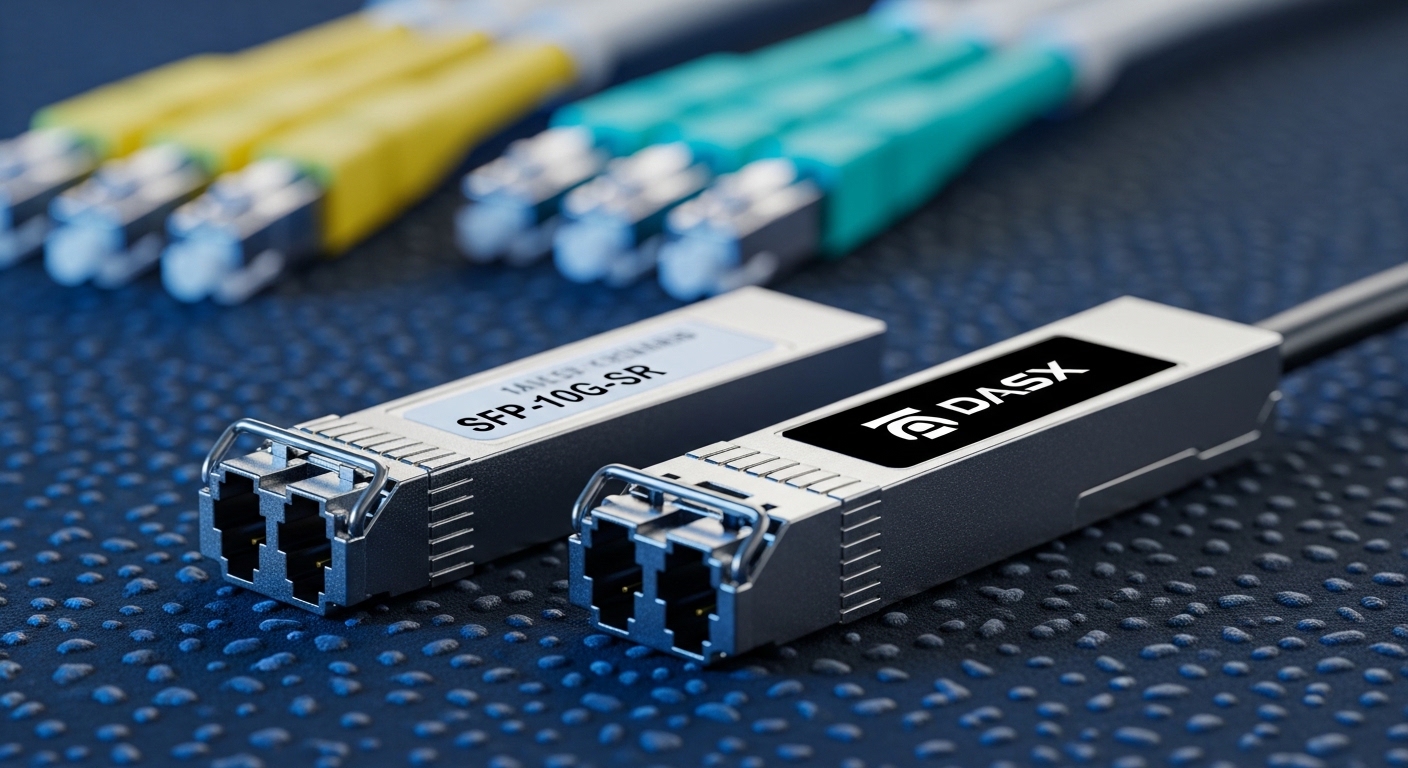
SFP brand options ranked by reliability, compatibility, and price
Below is a field-oriented “rank” that reflects how these brands typically perform in mixed environments. It is not a guarantee; always match the exact module type and validate with your switch firmware. I focus on common SFP families used in enterprise and data center access: 1G SX, 1G LX/LH, and 10G SR (SFP+).
Commonly used SFP part families (examples)
- 1G SX: 850 nm multimode (MMF) SFP, often referenced against IEEE 802.3z/1000BASE-SX.
- 1G LX: 1310 nm single-mode (SMF) SFP.
- 10G SR: 850 nm MMF SFP+ (e.g., “up to 300 m” or “up to 400 m” depending on OM3/OM4 and link budget).
Comparison table (what to verify before you buy)
| Module type | Typical wavelength | Target reach (MMF/SMF) | Connector | Data rate | DOM support | Operating temp range | Compatibility notes to check |
|---|---|---|---|---|---|---|---|
| Cisco-branded optics (example: SFP-10G-SR) | 850 nm | MMF (model-dependent) | LC | 10G | Typically supported | Often -5 to 70 C class | Best “plug and trust” on Cisco platforms; validate on third-party switches |
| Finisar optics (example: FTLX8571D3BCL) | 850 nm | MMF (model-dependent) | LC | 10G | Typically supported | Varies by SKU; confirm datasheet | Often strong DOM interoperability if vendor matches thresholds |
| FS.com branded third-party optics (example: FS SFP-10GSR-85) | 850 nm | MMF (model-dependent) | LC | 10G | Varies by SKU | Varies; confirm for your cage environment | Generally good value; test with your switch for DOM and power class behavior |
Sources for baseline physical layer behavior: [Source: IEEE 802.3]. For vendor-specific transceiver characteristics and DOM behavior, rely on the exact datasheet for the module SKU you are deploying. For general vendor documentation, also consult the manufacturer optics pages and datasheets: [Source: Cisco Transceiver Documentation], [Source: Finisar/II-VI Optics Datasheets], [Source: FS.com SFP+ Datasheets].
Pro Tip: If your switch supports DOM but your optics are rejected intermittently, don’t just blame “compatibility.” We have seen cases where the module’s DOM threshold encoding and the switch’s acceptance logic disagree, especially after firmware upgrades. Validate by checking switch logs for “DOM not supported” versus “optics parameter out of range,” then compare against the transceiver datasheet’s diagnostic calibration ranges.
Field scenario: choosing SFP brand for a 10G leaf-spine fabric
In a 3-tier data center leaf-spine topology with 48-port 10G ToR switches at the access layer and 96-port 10G aggregation blocks, I supported a migration from older transceivers during a staged rollout. Each ToR had roughly 24 active 10G links to servers and storage, and we replaced optics in waves of 12 modules per night to avoid user impact. We measured link health using interface error counters and optical diagnostics: received power, laser bias current, and module temperature.
The successful pattern was consistent: Cisco-branded modules showed the most predictable “no alarms” behavior on Cisco platforms, while high-quality third-party modules (Finisar-origin and reputable third-party SKUs) delivered equivalent throughput once we validated DOM reads and optical power margins. The cost difference mattered: OEM optics were typically more expensive per module, but the reduced troubleshooting time during firmware changes often offset part of that premium in high-change environments.
Selection criteria checklist engineers actually use
Use this ordered checklist to pick the best SFP brand for your exact link and operational constraints. If you skip steps, you usually pay later in downtime, truck rolls, or silent error-rate growth.
- Distance and fiber type
- Confirm MMF grade (OM3 vs OM4) or SMF attenuation specs.
- Match the module’s rated reach to your actual measured link budget, including patch cord loss and splices.
- Switch compatibility behavior
- Check your switch vendor optics compatibility list (if available).
- Plan a validation test on one port per switch before scaling.
- DOM support and diagnostics
- Verify DOM reads for temperature, voltage, bias current, and received power.
- Confirm the switch does not log “DOM not recognized” or “diagnostic alarm.”
- Power and optical margin
- Compare transmitter output and receiver sensitivity from the datasheet.
- Ensure you have margin for aging and connector contamination.
- Operating temperature and thermal design
- Validate whether the module is rated for your ambient and airflow conditions.
- In dense racks, airflow restrictions can push optics above nominal.
- DOM and transceiver firmware lock-in risk
- Consider how likely your switch firmware is to change acceptance thresholds.
- Standardize on a small set of part numbers across the fleet.
- Procurement and traceability
- Prefer authorized channels for consistent lot quality.
- Track part numbers and record replacement outcomes.
Common pitfalls and troubleshooting tips (save hours)
These are failure modes I have repeatedly seen when teams choose the wrong SFP brand or skip validation. Each includes root cause and a fast mitigation.
Pitfall 1: “Works on day one, fails after a firmware upgrade”
- Root cause: Switch firmware updates can tighten optics acceptance thresholds for DOM values or diagnostic encoding.
- Solution: After any firmware change, run a controlled optics validation: monitor DOM alarms and interface CRC/error counters for 24 to 72 hours. Keep one known-good OEM module for rollback testing.
Pitfall 2: Intermittent link flaps with no obvious alarms
- Root cause: Dirty fiber connectors or marginal optical budget. Many teams assume the brand is the issue, but contamination often looks like “random optics behavior.”
- Solution: Inspect and clean LC connectors using proper cleaning tools, then re-measure link using optical diagnostic readings and BER proxies (interface errors). Re-run the link budget with measured loss including patch cords.
Pitfall 3: “Module not supported” or “DOM not available”
- Root cause: Wrong SKU variant (for example, a different reach class or DOM feature set) or a transceiver that does not expose diagnostics in the expected format.
- Solution: Verify exact part number, wavelength, and reach class. Confirm DOM support in the datasheet before swapping at scale. If possible, test one module per switch model and record logs.
Pitfall 4: Thermal issues in high-density racks
- Root cause: Optics rated for a wider temperature range still require proper airflow. Blocked vents or recirculation can raise module temperature beyond safe operating conditions.
- Solution: Validate airflow, check switch fan profiles, and compare module temperature readings against the module datasheet. If you see frequent thermal warnings, fix ventilation before purchasing more optics.
Cost and ROI: what you actually pay for
Pricing varies by region, channel, and SKU, but you can estimate typical street ranges for enterprise optics. OEM 10G SFP+ modules often cost more per unit than third-party equivalents, while reputable third-party brands can cut acquisition cost meaningfully. The ROI comes from two places: lower downtime risk and reduced time spent troubleshooting during compatibility events.
- OEM optics: typically higher unit price; strongest “plug and trust” on matching switch ecosystems.
- Reputable third-party optics (Finisar-origin and established vendors): often lower unit cost; can match reliability when validated and sourced through trusted channels.
- TCO sensitivity: If your team frequently updates switch firmware or you operate multi-vendor networks, validation time becomes a major cost driver.
In a fleet scenario, I have seen that even a modest failure rate difference can dominate costs once you factor truck rolls, mean time to repair, and service window constraints. If you can validate compatibility quickly, third-party can be a strong ROI lever; if you cannot, OEM may be the cheaper option over a multi-year horizon.
FAQ: choosing the best SFP brand for your gear
Which is the best SFP brand for Cisco switches?
For Cisco platforms, OEM optics from Cisco generally provide the most predictable acceptance behavior and DOM handling. That said, high-quality third-party modules can work well if they match the exact SKU requirements and you validate on one switch model before rolling out broadly. Always check your switch compatibility guidance and test after firmware upgrades. [Source: Cisco Transceiver Documentation]
Are Finisar SFP modules reliable for 10G SR links?
Finisar has a long history in optical transceivers, and many engineers use its 10G SR and 1G SX families successfully in production. Reliability depends on the exact part number, reach class, and sourcing channel, so confirm datasheet specs and validate DOM reads on your switch. [Source: Finisar/II-VI Optics Datasheets]
Can third-party SFP brands reduce cost without increasing risk?
Yes, but only if you treat optics like a controlled component: use exact part numbers, validate compatibility, and standardize on a small set of SKUs. The risk increases when teams mix reach classes, omit DOM checks, or buy through channels with inconsistent traceability. Build a short acceptance test for every new optics SKU.
How do I confirm DOM support before deployment?
Check the transceiver datasheet for digital diagnostics support and confirm the switch actually reads the expected DOM fields. Then test one module per switch model: verify temperature, voltage, bias current, and received power show normal values with no alarms. If your switch shows “DOM not available,” stop the rollout until you understand the mismatch.
What are the fastest troubleshooting steps for a link down?
Start with fiber cleanliness and link budget verification, then confirm correct wavelength and reach class. Next, check switch logs for module/DOM errors and compare DOM readings against the module datasheet operating range. Swap with a known-good optics module as the final isolating step.
Should I standardize on one SFP brand across the entire data center?
Standardizing reduces variance and speeds troubleshooting, especially during firmware updates. However, you can still diversify procurement if you maintain the same exact part numbers and validate compatibility. In practice, fleets succeed when they limit SKU count and keep spares of a known-good module.
Updated: 2026-04-30. If you want a repeatable approach, start by building a small optics validation matrix per switch model, fiber type, and reach class—then use the checklist above to select the best SFP brand for each role. For related planning, see How to build an optics compatibility test plan for SFP and SFP+.
Author bio: I am a field sales engineer who has supported fiber migrations and optics troubleshooting across multi-vendor switching environments. My work focuses on measurable uptime outcomes: DOM validation, link-budget margin, and fast compatibility testing.