You are troubleshooting intermittent link resets or unexpected optics behavior after swapping in third-party modules. This article helps network engineers and field technicians perform a transceiver firmware update safely, using compatibility checks, DOM validation, and rollback discipline. It focuses on real operational constraints like switch support, optical vendor firmware packaging, and how to avoid traffic-impacting reloads.
Top 7 checks before a transceiver firmware update on third-party optics
Before you touch firmware, verify the switch and transceiver ecosystem can support it end to end. Many platforms expose only EEPROM or digital optical monitoring (DOM) reads, while only some also support in-band firmware management. Start by confirming whether your switch OS supports transceiver firmware update via vendor tooling and whether it will preserve calibration tables.
- Switch support matrix: confirm the exact model and software release support third-party optics firmware operations.
- Transceiver identity: read vendor OUI, part number, and revision from EEPROM/DOM.
- Firmware packaging: ensure the firmware image matches the transceiver family and hardware revision.
- Update method: determine whether the workflow is in-band, via an external management interface, or through a host utility.
- Rollback availability: confirm you can revert to the prior firmware revision without manual reprogramming of EEPROM.
- Optical safety: confirm compliance with the transceiver class and that fiber type matches (OM3/OM4 vs SMF).
- Change window: plan for a potential link flap and transient loss of telemetry.
Pro tip for field practice: take a baseline of DOM readings and link error counters before any update, because some firmware revisions reset internal calibration state.
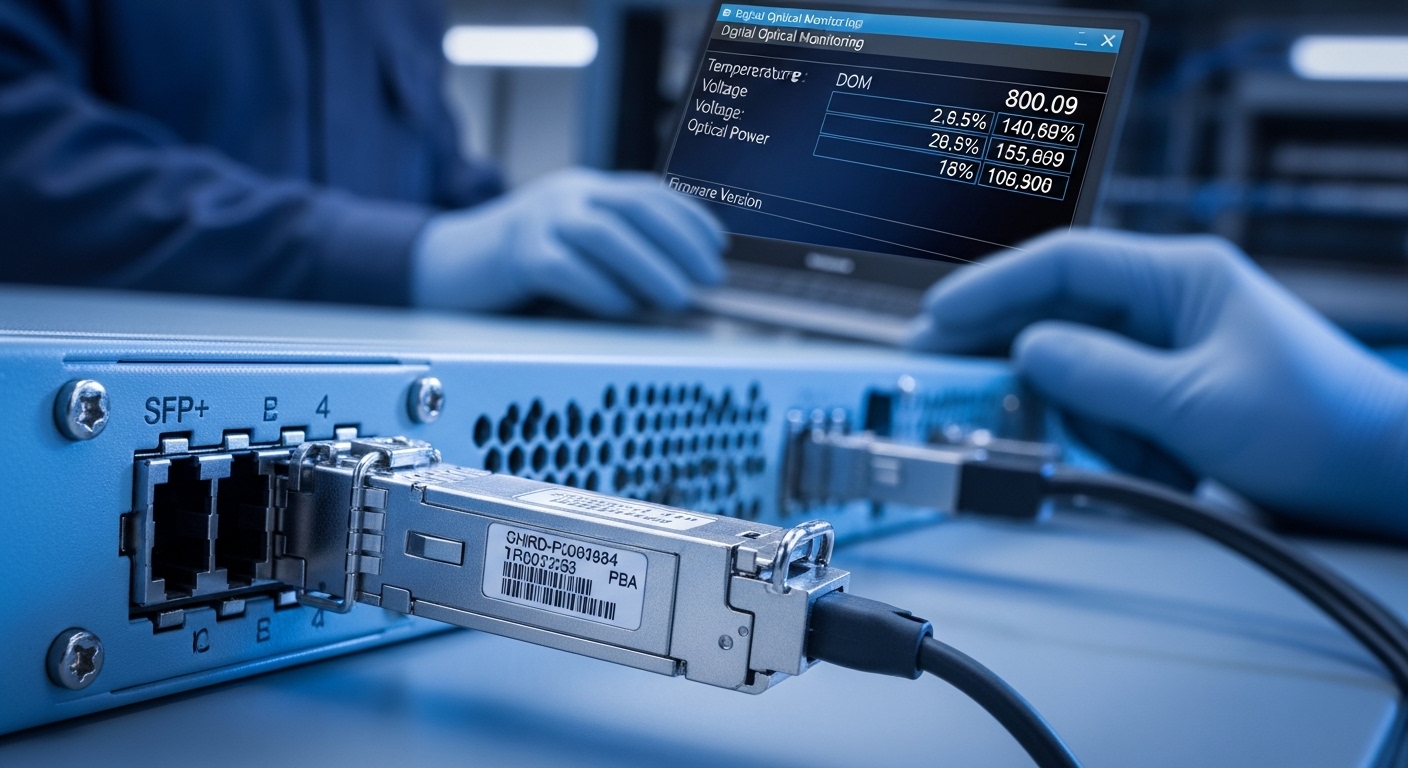
Firmware update capability: what switches actually allow
Not every switch can update optics firmware. IEEE 802.3 defines optical PHY behavior and management hooks for transceiver data, but it does not standardize a universal firmware update mechanism for optics. Many ecosystems rely on vendor-specific management interfaces and proprietary firmware loaders, which is why compatibility matters.
In practical terms, you should confirm whether your platform uses a DOM interface with a supported management channel, and whether it expects a specific firmware format. If the switch only supports DOM reads, you may have to use the transceiver vendor’s external programming tool, which can increase operational risk.
For reference, consult IEEE 802.3 clause references for optical module management and vendor datasheets for firmware update support; see IEEE 802.3 and vendor SFP/QSFP documentation from your switch and optics supplier.
Key specs to compare before you update: reach, power, and optics class
A firmware update is not just a software change; it can affect transmitter bias behavior, receiver sensitivity thresholds, and digital diagnostics interpretation. Compare the module’s electrical and optical parameters to ensure the update does not move you outside the switch’s expected operating envelope.
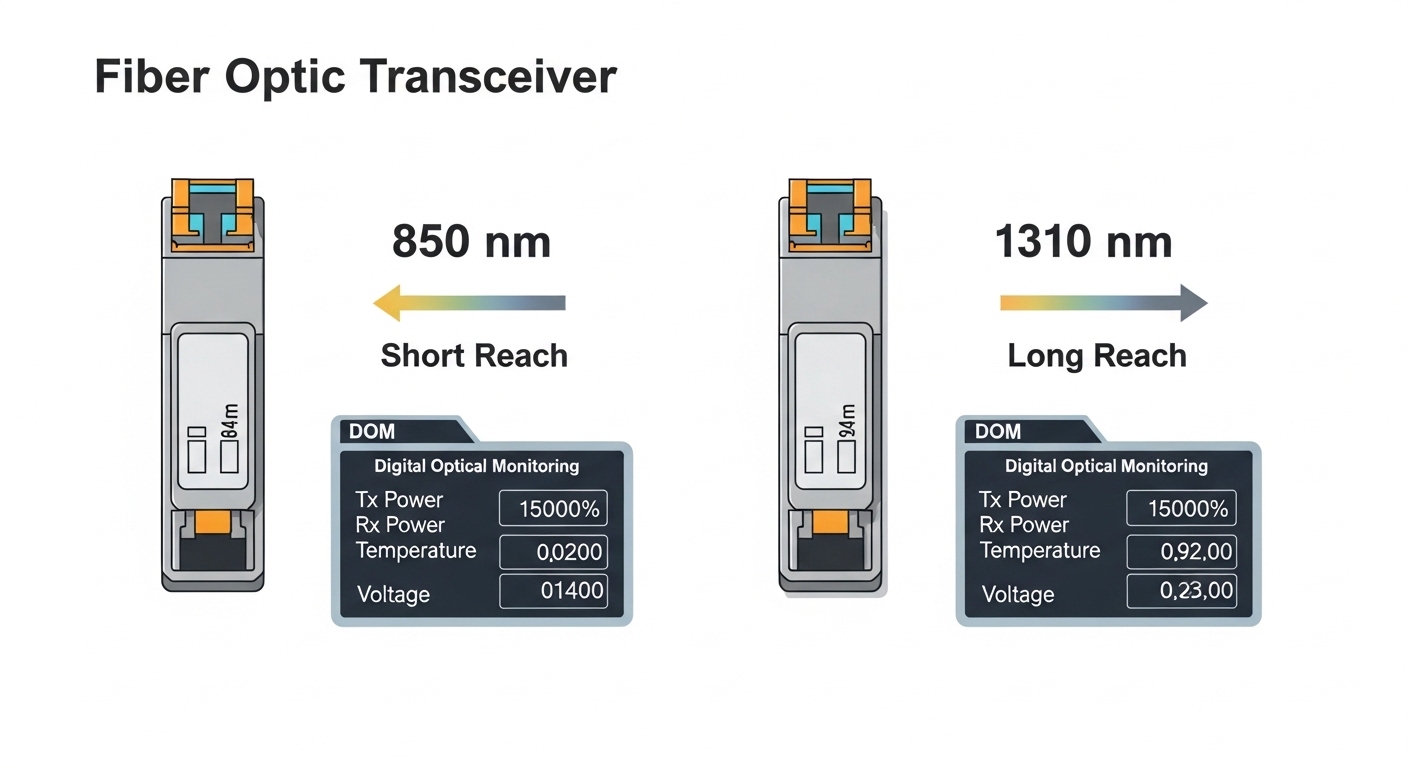
| Parameter | Example: 10G SR (850 nm MM) | Example: 10G LR (1310 nm SM) | Why it matters for firmware update |
|---|---|---|---|
| Data rate | 10.3125 Gb/s (10G) | 10.3125 Gb/s (10G) | Firmware must match the PHY mode and equalization profiles. |
| Wavelength | 850 nm | 1310 nm | Calibration tables and safety limits differ by optics type. |
| Reach | ~300 m on OM3 (typical) | ~10 km on SMF (typical) | Switch expects specific receiver sensitivity and budget. |
| Connector | LC duplex | LC duplex | Prevents accidental mismatch and patching errors. |
| DOM interface | Commonly I2C, SFF-8472 / vendor extensions | Commonly I2C, SFF-8472 / vendor extensions | Firmware can change how diagnostics are encoded. |
| Operating temp | Typically commercial or industrial ranges (check label) | Typically commercial or industrial ranges (check label) | Some firmware revisions tighten thermal thresholds. |
| Power | Often ~1 W class (varies by vendor) | Often ~1 W class (varies by vendor) | Switch power budgeting and fan curves can be impacted. |
As concrete examples of commonly deployed optics families, you may see part numbers like Cisco SFP-10G-SR, Finisar FTLX8571D3BCL, or FS.com SFP-10GSR-85 in real facilities; always validate the exact revision and firmware compatibility with the specific transceiver.
Top 5-step workflow for a transceiver firmware update with minimal downtime
Use a disciplined procedure that treats firmware as a controlled change. The goal is to preserve telemetry continuity, avoid silent incompatibilities, and guarantee rollback.
Baseline and capture
Record current firmware version, DOM readings (temperature, bias, Tx power, Rx power), and link error counters. Capture interface state and verify traffic is within expected profiles.
Validate optical and port mapping
Confirm the transceiver type matches the intended port speed and that fiber patching is correct. For multi-rate platforms, ensure the port is configured for the transceiver’s supported rate.
Stage the firmware image and verify identity
Confirm the firmware image is for the exact transceiver model and hardware revision. If the image does not match, stop and escalate; forcing an update can corrupt the diagnostics configuration.
Apply update during a controlled window
Schedule an update when a brief link flap will not violate service objectives. If the platform supports staged updates per port, update one interface at a time.
Post-update validation and rollback plan
Re-check DOM values and verify link stability for a defined soak period (for example, 30 to 60 minutes). If you see elevated CRC/alignment errors or telemetry anomalies, rollback immediately while the previous firmware is still available.

Real-world deployment scenario: leaf-spine optics refresh with third-party modules
In a 3-tier data center leaf-spine topology with 48-port 10G ToR switches and 2 uplinks per server rack, you may replace legacy optics with third-party 10G SR modules to standardize BOM cost. Suppose each leaf has 16 active uplink ports using OM3 fiber and you roll out updates to one leaf at a time. During each leaf window, you update 2 uplink transceivers, confirm link error counters remain stable, and monitor DOM Tx/Rx power drift within expected tolerance. This approach limits blast radius: even if the optics firmware triggers a brief reinitialization, only a small subset of uplinks are affected.
Field lesson: some third-party firmware revisions change diagnostic scaling, so you should compare pre/post telemetry numerically rather than relying on qualitative thresholds.
Common pitfalls and troubleshooting tips for transceiver firmware update
Firmware updates fail in predictable ways. The fixes are often operational rather than technical.
- Pitfall 1: Updating the wrong transceiver family
Root cause: firmware image mismatch to hardware revision or optics type.
Solution: confirm part number and revision from EEPROM/DOM, then verify the vendor’s firmware release notes for exact compatibility. - Pitfall 2: Assuming DOM values are comparable across revisions
Root cause: diagnostic scaling or unit encoding changes after update.
Solution: capture raw readings and compare against the vendor’s post-update interpretation guidance; update your monitoring baselines. - Pitfall 3: Proceeding without rollback readiness
Root cause: firmware loader does not support downgrade or prior image is not staged.
Solution: stage the previous firmware image and validate rollback in a lab or maintenance partition before touching production. - Pitfall 4: Overlooking temperature and power constraints
Root cause: firmware tightens thermal thresholds or alters power management states.
Solution: verify module operating temperature class and confirm switch airflow meets the vendor’s thermal requirements.
For additional troubleshooting context, review vendor-specific guidance and platform release notes from your switch manufacturer.
Cost and ROI note: when firmware updates are worth the risk
Third-party optics typically reduce acquisition cost, but transceiver firmware update adds operational overhead: staging time, change windows, and potential rework. In many environments, OEM modules might cost roughly 1.2x to 2.0x more than third-party equivalents, while third-party units can lower upfront spend. However, TCO depends on failure rates, warranty terms, and whether firmware updates are required to maintain compatibility with switch OS upgrades.
ROI improves when firmware updates solve a specific issue (for example, correcting a diagnostic mismatch after a switch software upgrade) rather than being performed as routine maintenance. Treat firmware updates like software patching: measure outcomes, document changes, and avoid unnecessary churn.
Pro Tip: In the field, engineers often discover that the most useful verification is not “link up” but the stability of DOM-derived Tx power and Rx power over 30 to 60 minutes. A firmware update can pass initial link negotiation yet still introduce subtle receiver margin shifts that show up later as CRC or FEC error rate increases.