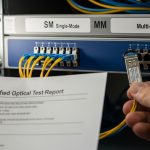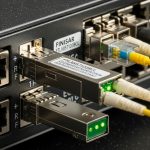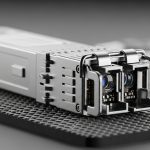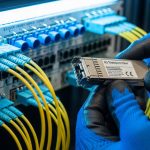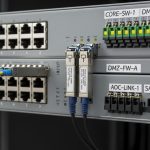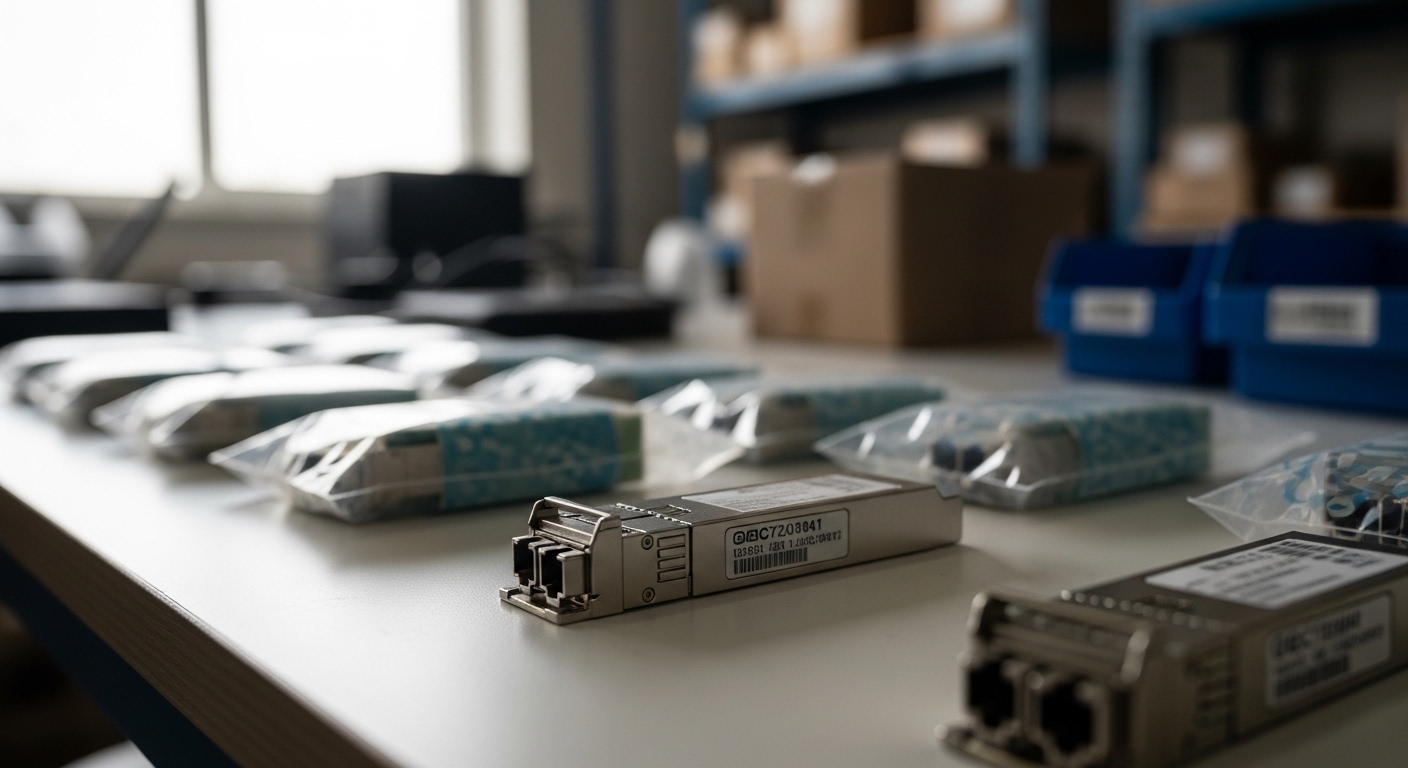
In modern data centers and industrial networks, one wrong optical transceiver can turn a stable link into mystery errors, CRC storms, and intermittent outages. This article helps network engineers, field technicians, and procurement teams learn how to verify an authentic fiber module before it touches a production switch. You will get practical, field-tested checks tied to IEEE Ethernet optics behavior, vendor diagnostics, and measurable risk controls.
Why counterfeit optical modules fail in the real world
Counterfeit optics often pass a basic “it lights up” test, yet fail under temperature swings, aging, or strict optical power budgets. Many failures show up as high BER, receiver overload or under-drive, or unexpected laser spectral drift that violates the intent of IEEE 802.3 optical specifications. In my deployments, the telltale symptom is a link that negotiates initially, then degrades after 30 to 120 minutes or during a hot-aisle cycle.
The supply chain risk is not theoretical: third-party listings may reuse housing parts, substitute non-matching laser/photodiode components, or misprogram EEPROM data. Even when the module “works,” it can quietly violate safety margins (eye safety class and transmitter power), which increases the odds of intermittent faults later. For compliance context, see IEEE 802.3 for optical transceiver electrical and optical performance expectations, and vendor datasheets for DOM behavior and parameters. anchor-text: IEEE 802.3 optics standards
Pro Tip: Treat DOM readings as a forensic record, not a comfort feature. If the reported Tx power, Bias current, or temperature look “too perfect” across multiple modules from different vendors, suspect EEPROM spoofing rather than genuine calibration.
Optical module authenticity signals: DOM, EEPROM, and optics physics
Most SFP, SFP+, QSFP, and QSFP28 modules expose diagnostics through Digital Optical Monitoring (DOM). The key is consistency: real modules typically show natural variance between units, and their DOM values trend predictably with temperature and time. Counterfeits may clamp values to a narrow range, return unrealistic thresholds, or omit alarms that should trigger when optical power is outside spec.
Checks you can run in minutes
- DOM sanity bounds: Compare Tx/Rx power, laser bias current, and temperature against the vendor’s stated ranges. If a module claims a temperature jump without matching environmental airflow change, investigate immediately.
- EEPROM identification: Validate manufacturer name, part number, and compliance fields. Many reputable vendors embed unique identifiers and correct vendor OUI data; counterfeits may show mismatched branding across fields.
- Optical power budget alignment: Measure received power at the switch and confirm it sits within the transceiver’s specified receiver sensitivity and minimum launch power. If the link operates only at the edge of the budget, it is fragile and likely to fail later.
- Transceiver timing behavior: During insertion, observe whether link bring-up time and LOS transitions match expected behavior for that switch platform.
Real deployment example: leaf-spine data center
In a 3-tier data center leaf-spine topology with 48-port 10G ToR switches, we deployed 10G SR optics to connect server racks to aggregation. Each leaf had 24 active 10G links, totaling 192 optics in a phase. After a vendor change, we saw links drop only during evening cooling changes; DOM logs revealed Tx power that stayed nearly constant while temperature rose by several degrees, a classic sign of spoofed calibration. Once we replaced the suspect batches with verified stock, the error counters stabilized and link flaps stopped.
Specifications that matter when choosing an authentic fiber module
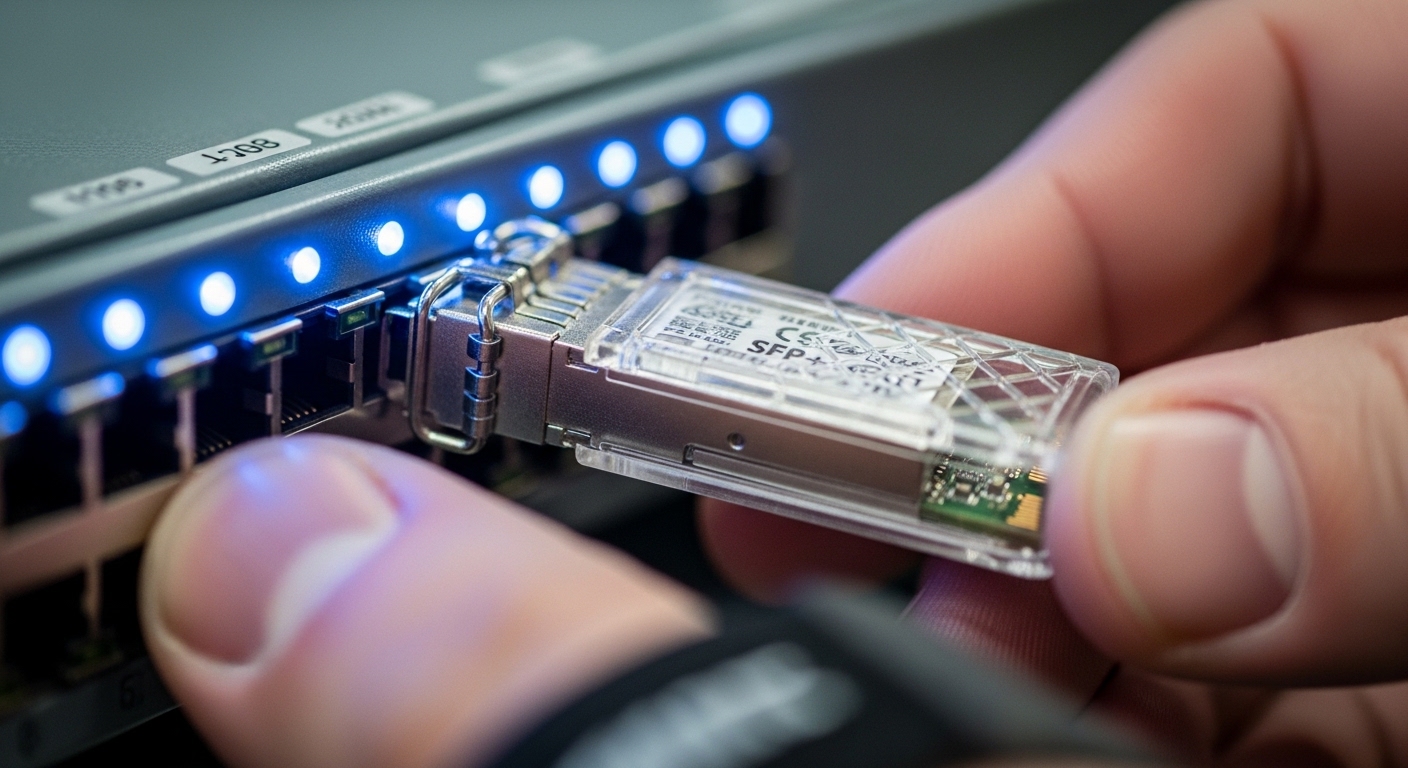
Authenticity is not just branding; it is the ability to meet optical and electrical specs over temperature and time. The most meaningful parameters are wavelength, reach, connector type, data rate, and DOM support. For engineers auditing compatibility, also note operating temperature range and whether the module is specified for the same optical standard expected by the switch.
Quick comparison: 10G SR vs 10G LR style optics
Below is a practical comparison template using common SFP-class optics. Always confirm the exact part number against the switch vendor’s compatibility list and the module datasheet.
| Parameter | 10G SR (850 nm) | 10G LR (1310 nm) |
|---|---|---|
| Typical data rate | 10.3125 Gb/s | 10.3125 Gb/s |
| Wavelength | 850 nm | 1310 nm |
| Connector | LC (duplex) | LC (duplex) |
| Typical reach | ~300 m over OM3 | ~10 km over SMF |
| DOM support | Commonly supported | Commonly supported |
| Operating temperature | Often 0 to 70 C (or extended) | Often -10 to 70 C (or extended) |
| Typical compliance focus | IEEE 802.3 optical requirements for SR | IEEE 802.3 optical requirements for LR |
If you are auditing a batch, compare DOM-reported temperature and optical power trend under controlled airflow. A genuine module will show a coherent relationship between temperature rise and laser bias behavior; a counterfeit may report values that do not track physically plausible thermal dynamics. For product-level verification, cross-check with vendor datasheets for known parts such as Cisco SFP-10G-SR, Finisar FTLX8571D3BCL, or FS.com SFP-10GSR-85. anchor-text: Cisco optical transceiver documentation anchor-text: Finisar transceiver datasheets anchor-text: FS.com SFP module specifications
Field-ready selection criteria to reduce counterfeit risk
Procurement and engineering have to agree on a verification path. The goal is not perfection; it is to reduce the probability that a bad module enters production undetected. Use this decision checklist during every order cycle for an authentic fiber module.
- Distance and fiber type: Confirm SR vs LR, OM3 vs OM4 vs SMF, and connector cleanliness requirements. Verify budget math end-to-end, not only at the switch port.
- Switch compatibility: Use the switch vendor’s optics compatibility list. Some platforms enforce stricter threshold behavior for DOM alarms.
- DOM and threshold behavior: Ensure the module reports consistent thresholds and alarm flags. Plan to log DOM after insertion and during thermal cycling.
- Operating temperature class: Choose standard or extended temperature parts based on hot-aisle and rack inlet readings. Extended temperature optics cost more but reduce failure rates.
- DOM calibration and variance: Compare multiple units from the same batch for realistic variance. If every module reports nearly identical values, treat it as a red flag.
- Vendor lock-in risk: Weigh OEM modules against reputable third-party brands. Build a qualification set for your specific switch models.
- Supply chain controls: Prefer authorized distributors, request traceability documents, and require lot-level documentation when possible.

Common pitfalls and troubleshooting that uncover counterfeits
When links misbehave, it is tempting to blame fiber plants or switch firmware. In practice, counterfeits have repeatable failure modes. Here are concrete issues I have seen, with root causes and fixes.
-
Pitfall: DOM values look frozen while temperature changes
Root cause: EEPROM spoofing or a module that does not implement true monitoring, so reported Tx power does not track thermal bias.
Solution: Log DOM every minute for 30 minutes during a controlled airflow change; replace the batch and compare against a known-good module. -
Pitfall: Works at first, then errors spike after warm-up
Root cause: Laser driver instability or non-matching calibration leading to higher BER at operating temperature.
Solution: Check optical power at the receiver; confirm it remains inside spec across temperature. If it drifts, quarantine those modules. -
Pitfall: LOS flaps under vibration or cable movement
Root cause: Mechanical tolerances differ from the original module, causing connector misalignment or weak latch performance.
Solution: Inspect latch engagement, reseat with correct torque where applicable, and test with a different known-good module to isolate the mechanical mismatch. -
Pitfall: Link negotiation inconsistent across ports
Root cause: Electrical front-end mismatch, incorrect compliance parameters, or poor signal conditioning in the counterfeit.
Solution: Move the module across multiple ports; if behavior follows the module, validate with a qualified part number from the compatibility list.
Cost and ROI: what authenticity costs, and what it saves
OEM optics typically cost more upfront, while third-party modules can be cheaper per transceiver. In practice, a realistic price range for common 10G optics varies widely by volume and temperature class; budget planning often shows a meaningful premium for extended temperature and traceable supply. The ROI comes from reduced downtime, fewer truck rolls, and lower incident rates tied to intermittent BER and link flaps.
When TCO is calculated correctly, the cheapest module is rarely the lowest total cost. Consider failure rates, labor hours for swaps, and the operational cost of degraded performance. A small batch of counterfeit or noncompliant optics can trigger a cascade of troubleshooting time across switches and fiber endpoints, easily outweighing the initial savings.
FAQ
How do I confirm an authentic fiber module without specialized lab gear?
Start with DOM sanity checks and trend logging after insertion. Compare reported Tx power, temperature, and alarm thresholds against the vendor datasheet, and validate behavior across multiple ports.
Are third-party transceivers always counterfeit?
No. Many third-party brands produce legitimate modules, but authenticity depends on supply chain traceability and qualification against your switch models. Always test a batch with your platform before scaling.
What is the fastest way to detect spoofed EEPROM data?
Look for unrealistic uniformity across units and DOM values that do not track temperature or optical power physics. If multiple modules show identical “calibration” patterns that no real manufacturing process would produce, investigate immediately.
Can counterfeit optics damage my switch?
Typically, optics are designed with safety limits, but noncompliant transmitters can still stress receivers or create persistent error conditions. The practical risk is downtime and degraded link health, not only hardware damage.
Do I need to match wavelength and reach exactly?
Yes. SR versus LR mismatches and OM type mismatches can cause link instability or total failure. Confirm wavelength, fiber type, connector style, and the optical budget for your specific run length.
What documentation should I request from suppliers?
Request lot-level traceability, part numbers that match datasheets, and evidence of authorized distribution when possible. For critical networks, keep a qualification record of DOM behavior and performance metrics.
Next step: build a small “known-good” optics vault for each switch model and log DOM trends for every new batch via authenticity verification workflow. That single practice turns counterfeit risk into measurable, manageable engineering data.
Author bio: I am a field-focused photographer-turned-network writer who has handled optics swaps in live racks, logging DOM trends and troubleshooting BER issues under real thermal cycles. I write with the discipline of a field engineer: precise specs, operational limits, and post-processing clarity for evidence you can trust.