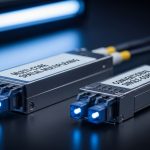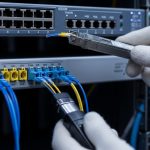
Industrial networks fail in ways data center checklists often miss: forklifts snag cables, coolant mist creeps into panels, and vibration loosens connectors. This guide helps plant engineers and field techs choose and deploy an armored fiber cable SFP link that survives harsh environments while staying within IEEE link budgets. You will get practical selection steps, a spec comparison table, and troubleshooting patterns from real deployments.
Industrial reality: where armored fiber cable SFP links succeed
In a factory, the transceiver is only half the story; the cable jacket, termination quality, and strain relief determine whether the SFP sees stable optical power. For typical industrial runs, engineers route fiber from a control cabinet to machine cells across 30 to 300 meters, sometimes with flexing at cable trays and periodic re-termination after maintenance. Armored fiber cable SFP deployments typically use rugged simplex or duplex armored assemblies that resist abrasion and crushing, while the SFP provides the optical interface to Ethernet switches.
Common optical standards for SFP in industrial switches include 10GBase-SR (short reach, multimode) and 1000Base-SX (1G multimode). The physical fiber type matters: a 10GBase-SR link expects multimode bandwidth performance (often OM3 or OM4), and a mismatch can pass link training but degrade BER under load. For reference, IEEE 802.3 defines the Ethernet optical PHY behavior for these link types, including reach assumptions and receiver sensitivity. IEEE 802.3
Key specs that decide compatibility before you pull cable
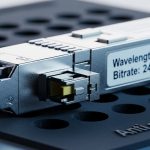
Before ordering, verify that the SFP module matches your switch cage, fiber type, and target distance. Field teams often treat “SR means short reach” as a shortcut; instead, treat it like a budget line item: wavelength, reach class, optical power, and connector style must align with the cable plant.
The table below compares representative armored fiber cable SFP use cases. Note: armored cable affects mechanical protection; the optical parameters come from the SFP and the fiber plant.
| Use case | Typical SFP optical standard | Wavelength | Reach (typ.) | Fiber type | Connector | Power range (typ.) | Operating temp (typ.) |
|---|---|---|---|---|---|---|---|
| 10G to machine cell | 10GBase-SR (SFP+) | 850 nm | 300 m on OM4 (class-dependent) | OM3/OM4 multimode | LC | ~0.5–1.5 W class | -5 to 70 C (varies by vendor) |
| 1G control cabinet uplink | 1000Base-SX (SFP) | 850 nm | 550 m on OM3 (class-dependent) | OM3/OM4 multimode | LC | ~0.8–1.0 W class | -5 to 70 C (varies) |
| Longer runs across a plant | 10GBase-LR (SFP+) | 1310 nm | ~10 km on SMF | Single-mode fiber | LC | ~1.0–1.8 W class | -40 to 85 C (typ.) |
For concrete module examples that many integrators deploy, you will commonly see vendor families such as Cisco branded optics and third-party equivalents like Finisar and FS. Examples include Cisco SFP-10G-SR and Finisar optics such as FTLX8571D3BCL for 10G SR-class operation, plus FS.com catalog variants like SFP-10GSR-85 (exact part numbers vary by revision). Always verify the datasheet for DOM behavior, temperature grade, and link diagnostics. Cisco product documentation Finisar datasheets FS.com transceiver specs
Pro Tip: In industrial cabinets with vibration, watch for “it links today, it flaps tomorrow.” A high-count of marginal optical power changes can be caused by micro-movement at LC ferrules, not the SFP electronics. Use DOM readings (Tx bias current and received power) and log them during vibration cycles, then re-seat with proper strain relief and fiber slack management.
Deployment scenario: 10G to machine cells with armored routing
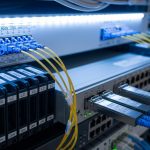
Picture a 3-tier plant network: 48-port 10G ToR switches in each equipment row connect to a central aggregation pair. Each ToR serves eight machine cells, each with a rugged industrial switch and a vision controller. Engineers run 12 duplex OM4 armored fiber drops per row, each drop about 120 meters, routed through cable trays with occasional forklift crossings and periodic maintenance access. They install 10GBase-SR SFP+ modules at both ends and rely on the armored fiber cable to prevent abrasion at tray edges and crushing near floor transitions.
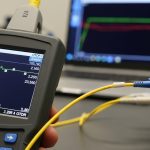
Operationally, the field team verifies optical budget with a test set (OTDR for continuity and attenuation checks, plus a power meter for receive levels). They target a healthy receive power window per the SFP datasheet and measure end-to-end insertion loss after termination. On first power-up, they confirm link up, then record DOM metrics for a 24-hour period to detect drift from connector looseness or thermal cycling inside the cabinet.
Selection checklist: choosing the right armored fiber cable SFP for the job
Use this decision checklist in order. It is how field teams avoid expensive rework after installation.
- Distance and fiber type: confirm OM3/OM4 vs SMF, then match the SFP optical standard to the reach class (SR for multimode, LR for single-mode).
- Switch compatibility: confirm the switch supports the SFP model and diagnostic expectations; check vendor compatibility matrices and DOM support requirements.
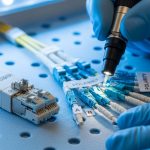
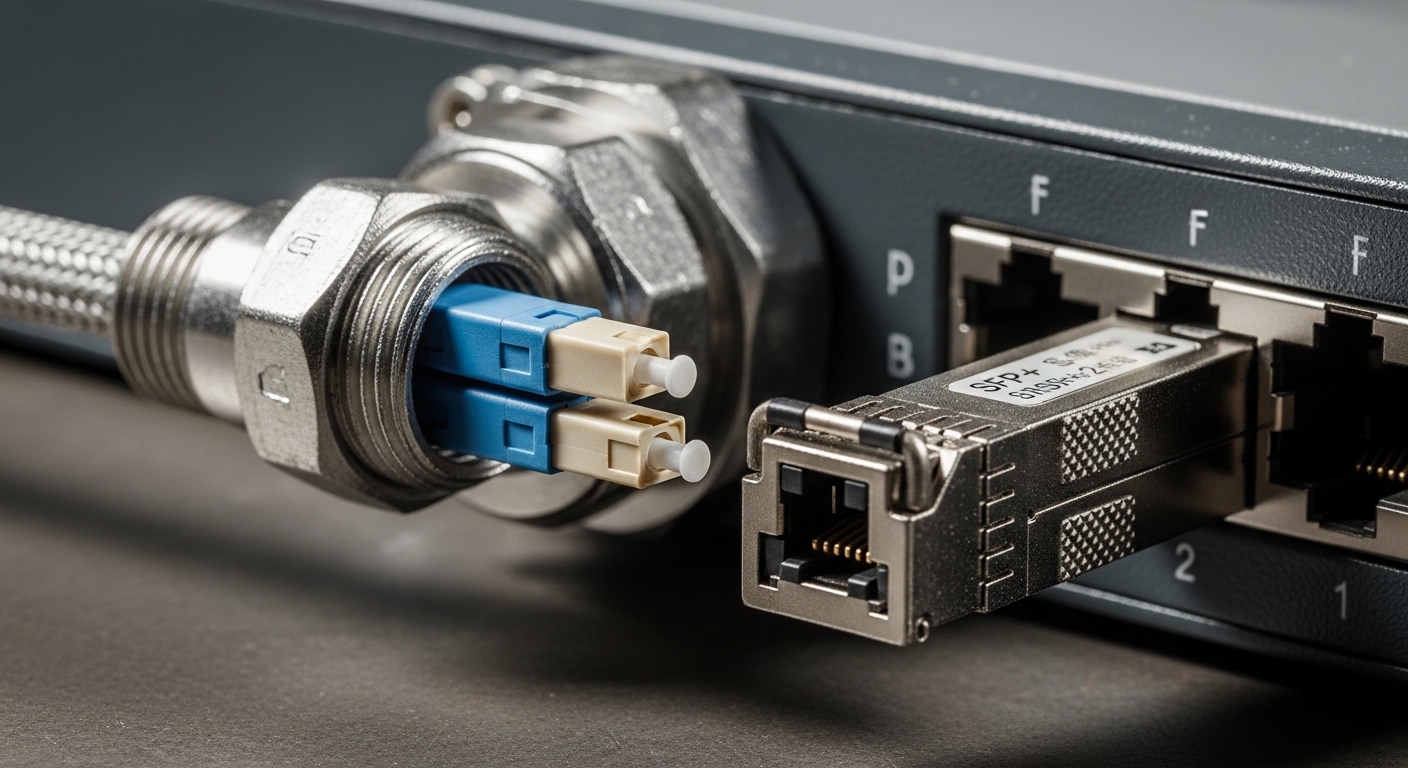
- Connector and termination style: LC vs SC, and whether you need armored cable termination kits; verify bend radius requirements for the armored assembly.
- Optical power and budget: compare SFP Tx power and receiver sensitivity from datasheets to the measured end-to-end loss and connector reflectance.
- Operating temperature and environmental grade: industrial cabinets may exceed consumer grades; verify module temperature range and whether the cable jacket tolerates coolant and oils.
- Vendor lock-in risk: plan for spares and validate third-party optics behavior with your switch firmware; test at least one spare pair before scaling.
- Maintenance model: choose modules with stable DOM readings and a clear diagnostic interpretation so technicians can isolate faults quickly.
If you must mix OEM and third-party optics, do it intentionally: test one cabinet first, log DOM and link error counters, then roll out. Compatibility is not only about “works at link up,” but about long-term BER stability and predictable DOM reporting.
Common pitfalls and troubleshooting patterns in the field
Industrial failures often look like network problems, but their root causes are physical or optical. Here are concrete mistakes and how to correct them.
-
Pitfall 1: Link up, then intermittent drops during cabinet vibration.
Root cause: LC ferrule micro-movement or insufficient strain relief causes tiny alignment changes and receiver margin collapse.
Solution: re-terminate with proper polishing/cleaning, add strain relief, ensure fiber slack loops are correct, then confirm DOM receive power remains within spec across a vibration cycle. -
Pitfall 2: “It should reach 300 m,” yet errors appear at the far end.
Root cause: fiber plant is not truly OM4 bandwidth-grade, or insertion loss is higher than assumed due to bends or dirty connectors.
Solution: verify fiber grade with documentation or test results, clean connectors with lint-free methods, then measure insertion loss with a power meter and check OTDR for high-loss events. -
Pitfall 3: Third-party SFP works for a while, then the switch flags it or throttles diagnostics.
Root cause: DOM interpretation differences or firmware compatibility issues; some platforms require specific ID behavior.
Solution: test against your exact switch model and firmware version; validate DOM fields and link error counters after 48 hours, then standardize on a tested optic family. -
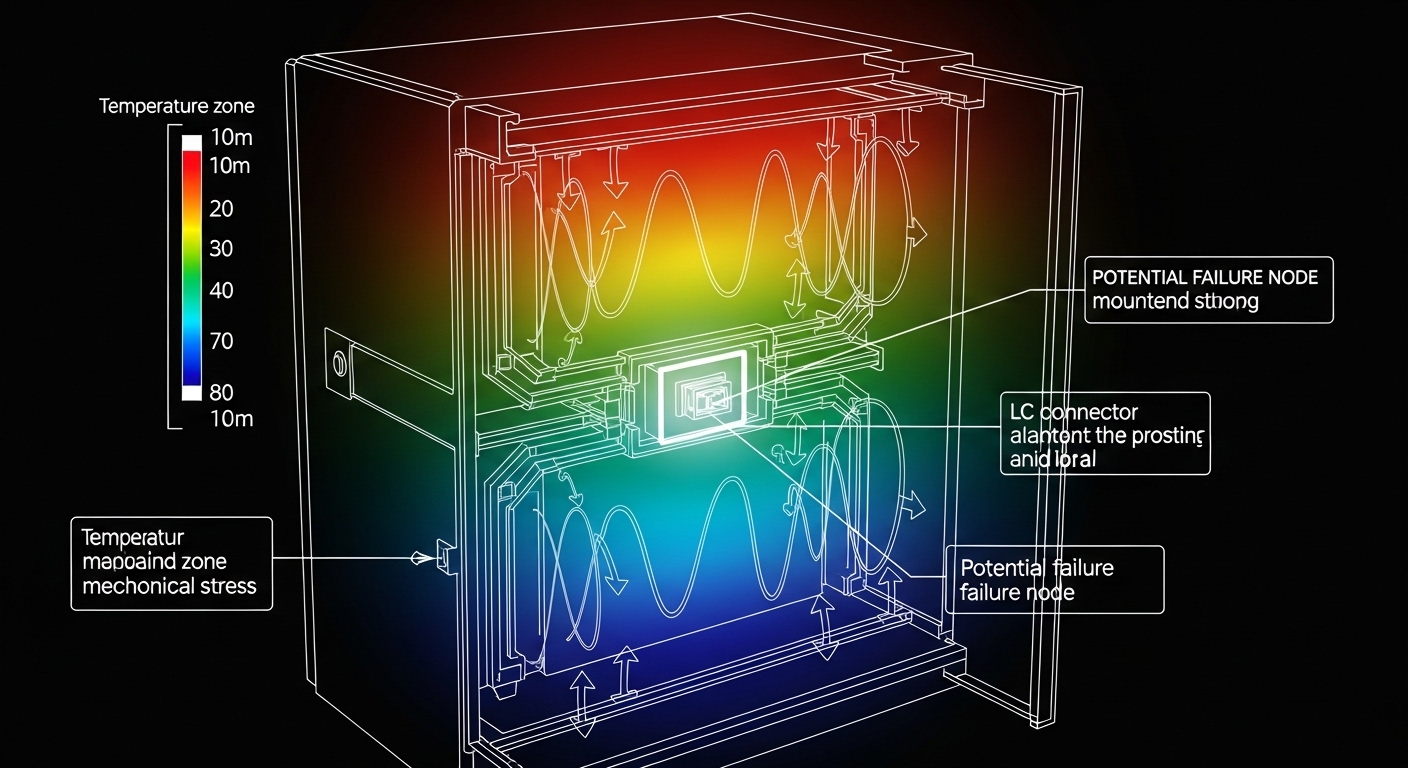
Pitfall 4: Over-temperature operation inside sealed enclosures.
Root cause: cabinet airflow is blocked; the transceiver exceeds its temperature threshold even if the cable is fine.
Solution: measure internal cabinet temperature, add ventilation or thermal management, and ensure the module temperature grade matches the environment.
Cost and ROI: budgeting armored fiber cable SFP deployments
Pricing varies by optics standard, temperature grade, and whether the SFP is OEM or third-party. As a realistic planning range, many 10G SR SFP+ modules land roughly in the $80 to $250 per unit bracket depending on brand and grade, while OEM-branded optics may cost more. Armored fiber cable assemblies and termination kits add cost up front, but they reduce downtime from abrasion and connector damage.
TCO comes from spares, labor, and failure rate. If a single rework visit costs a crew day plus downtime penalties, preventing even a few truck rolls can outpace the incremental cost of armored routing and better termination discipline. A conservative ROI model uses: (1) expected annual failures, (2) mean time to repair based on diagnostics availability (DOM visibility), and (3) probability that a failure is physical rather than electronic. OEM optics can reduce compatibility friction, but third-party can be economical when you validate them on your switch platform first.
FAQ: armored fiber cable SFP decisions engineers ask before buying
Q1: Can I use an armored fiber cable with any SFP?
Mechanically, armored cable can pair with standard LC or SC terminations, but optically you still need a matching SFP standard (SR vs LR) and correct fiber type (multimode vs single-mode). Confirm connector style and verify optical budget with measured insertion loss.
Q2: What is the safest way to validate compatibility with my switch?
Buy one qualified SFP pair, test link up and stability, then log DOM plus interface counters for at least 48 hours. Do this on the exact switch model and firmware version, not just the series.
Q3: Are DOM readings reliable for diagnosing industrial link issues?
DOM is useful when the vendor and switch interpret diagnostics consistently. Track receive power and Tx bias trends; if those drift while the cable is mechanically stable, you likely have fiber plant loss or connector contamination.
Q4: How do I prevent connector problems in armored cable installs?
Use correct strain relief and avoid bending at the patch transition. Clean connectors before every re-seat, and keep a documented cleaning workflow so technicians do not improvise during maintenance windows.
Q5: Should I choose OM4 or single-mode for an industrial plant?
OM4 multimode is often cheaper for short runs and dense machine-cell wiring. Single-mode (with LR-class optics) can reduce limitations when distances grow, but it changes the SFP selection and cable plant design.
Next step
Armored fiber cable S