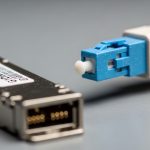
Airport fiber networks carry more than connectivity: baggage handling, passenger screening, access control, and video surveillance depend on stable links under vibration, temperature swings, and tight service windows. This article helps security, facilities, and network engineers choose security network optics SFP modules for baggage and security systems without blind spots in reach, power, and compatibility. You will compare key SFP options, map them to real deployment distances, and get practical troubleshooting steps from field-style failure modes.
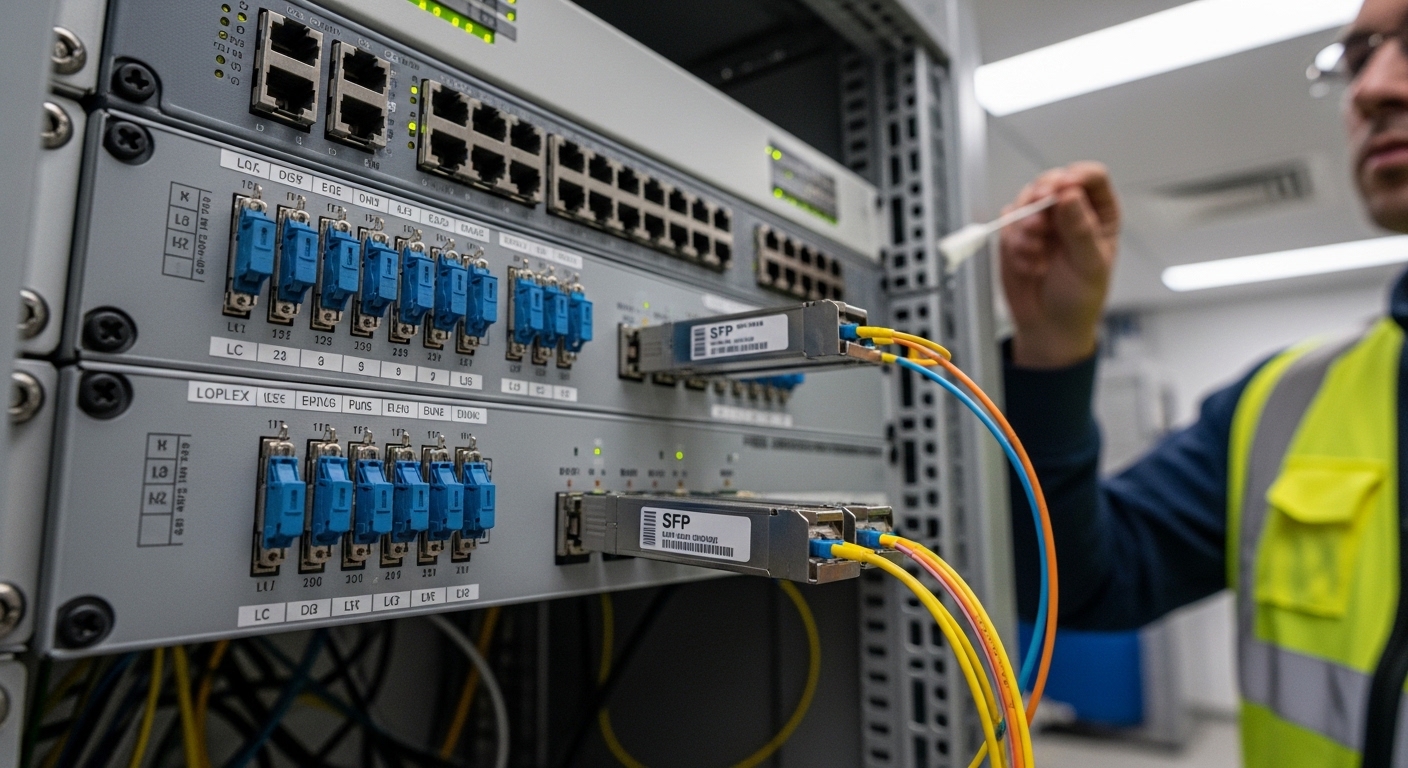
Reach and signal budget: which SFP type survives airport fiber runs?
In airport security networks, the biggest “gotcha” is not just distance—it is the total optical budget after connectors, splices, patch cords, and aging. Most SFP choices for enterprise security links fall into two practical buckets: short-reach multimode (MMF) and longer-reach single-mode (SMF). A baggage zone might use MMF for the first 100 to 300 meters, while perimeter cameras and screening areas often shift to SMF for kilometers.
Quick spec reality check for common airport segments
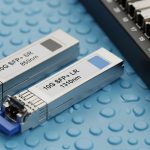
- 10G SR (MMF, typically 850 nm): practical for patch-panel to rack and within terminal equipment rooms.
- 10G LR (SMF, typically 1310 nm): used for inter-building runs and longer spurs to security control cabinets.
- 25G/40G variants: appear in newer high-capacity video backbones, but SFP (not QSFP) is still common for lower-port-count security switches and legacy integration.
How to translate “reach” into engineering constraints
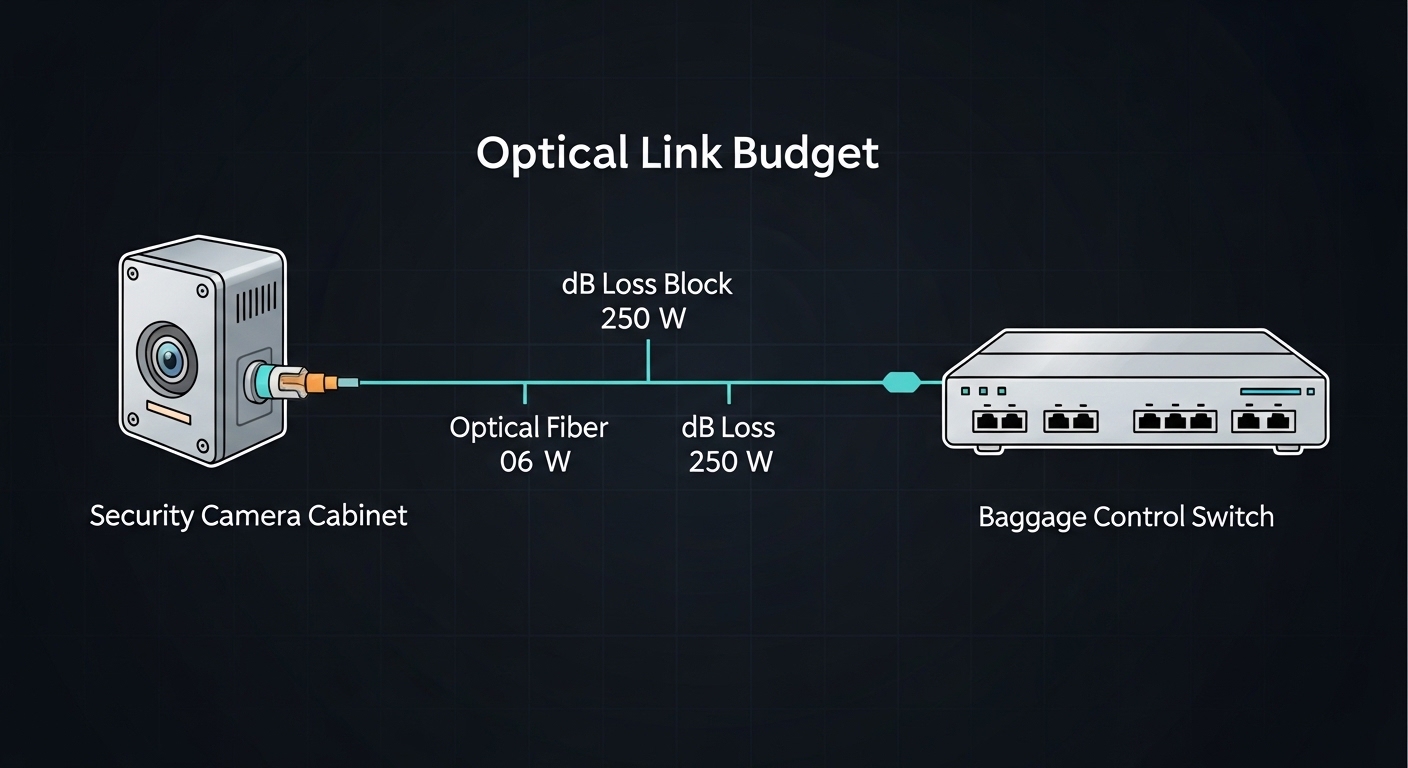
Vendor reach claims assume ideal conditions. Engineers should compute a margin using fiber attenuation (dB/km), connector loss (dB per end), splice loss, and patch cord loss. For example, a 500 m SMF run with 8 connectors and 6 splices can consume several dB before you even account for conservative system margins. IEEE 802.3 link budgets are the baseline framing for link behavior, but your specific patching and cleanliness drive real-world performance. Reference: [[EXT:https://standards.ieee.org/standard/802_3 IEEE 802.3]]
| Module family (examples) | Data rate | Wavelength | Typical reach | Fiber type | Connector | Operating temp | Power class (typ.) |
|---|---|---|---|---|---|---|---|
| Cisco SFP-10G-SR | 10G | 850 nm | ~300 m (MMF) | OM3/OM4 | LC duplex | 0 to 70 C (varies by vendor) | ~1 to 2.5 W |
| Finisar FTLX8571D3BCL / similar 10G SR | 10G | 850 nm | ~300 m (MMF) | OM3/OM4 | LC duplex | -5 to 70 C (vendor-dependent) | ~1 to 2.5 W |
| FS.com SFP-10GSR-85 (example third-party) | 10G | 850 nm | ~300 m (MMF) | OM3/OM4 | LC duplex | -5 to 70 C (common) | ~1 to 2.5 W |
| 10G LR SFP (SMF, 1310 nm, vendor-specific) | 10G | 1310 nm | ~10 km (SMF, typical) | Single-mode | LC duplex | -5 to 70 C or wider | ~1 to 2.5 W |
For airport security optics, the engineering target is stable receive power and low BER under temperature drift. Many failures look like “random packet drops” but root cause is optical budget collapse, dirty connectors, or a mismatch between the fiber type installed and the module’s expected mode. Reference: [[Source: Finisar Application Notes on optical transceivers]] and vendor datasheets for each part number you deploy.
Pro Tip: In airport rooms, the most common “link works on day one” failure is not the SFP itself; it is connector contamination after maintenance. Treat every LC face as suspect—clean both ends and re-check receive power before swapping modules, because marginal links can pass initial tests yet fail during peak load when BER headroom shrinks.
Cost vs reliability: OEM security network optics or third-party SFP?
Budget pressure is real, but security networks have a different risk profile: a flaky link can interrupt baggage tracking or degrade video feeds. OEM SFPs often offer tighter compatibility validation with specific switch platforms, while third-party optics can cut unit cost but may introduce compatibility or DOM behavior differences. The correct strategy is to compare not only price per module but also total installed spare strategy, warranty terms, and how quickly you can source replacements.
Field-oriented comparison points that matter
- DOM support: Most modern switches read Digital Optical Monitoring (DOM) via I2C. Verify that the switch accepts the SFP’s transceiver ID and DOM data layout.
- Vendor compatibility lists: Many switches enforce optics qualification; an “unsupported” SFP may still light but fail diagnostics or rate-limit.
- Temperature grade: Airport equipment rooms can exceed comfortable ranges in summer or near HVAC failures. Confirm the module’s rated operating temperature and derating guidance.
What engineers see in practice
In one common rollout pattern, teams start with OEM optics for the first terminal expansion to reduce integration risk, then qualify third-party spares for non-critical segments after they observe stable DOM readings for at least one seasonal cycle. You can measure reliability by tracking link flaps, CRC error counters, and transceiver DOM alarms (for example, high laser bias current). If your management system flags DOM warnings, treat them as precursors—not as noise.
Reference for transceiver monitoring behavior is typically vendor-specific, but the general framework for optical transceivers and Ethernet PHY behavior is covered under IEEE 802.3. For DOM concepts, use the vendor datasheets and switch hardware guides; also consult vendor interoperability matrices. Reference: [[Source: Cisco SFP transceiver documentation]] and [[Source: IEEE 802.3]]
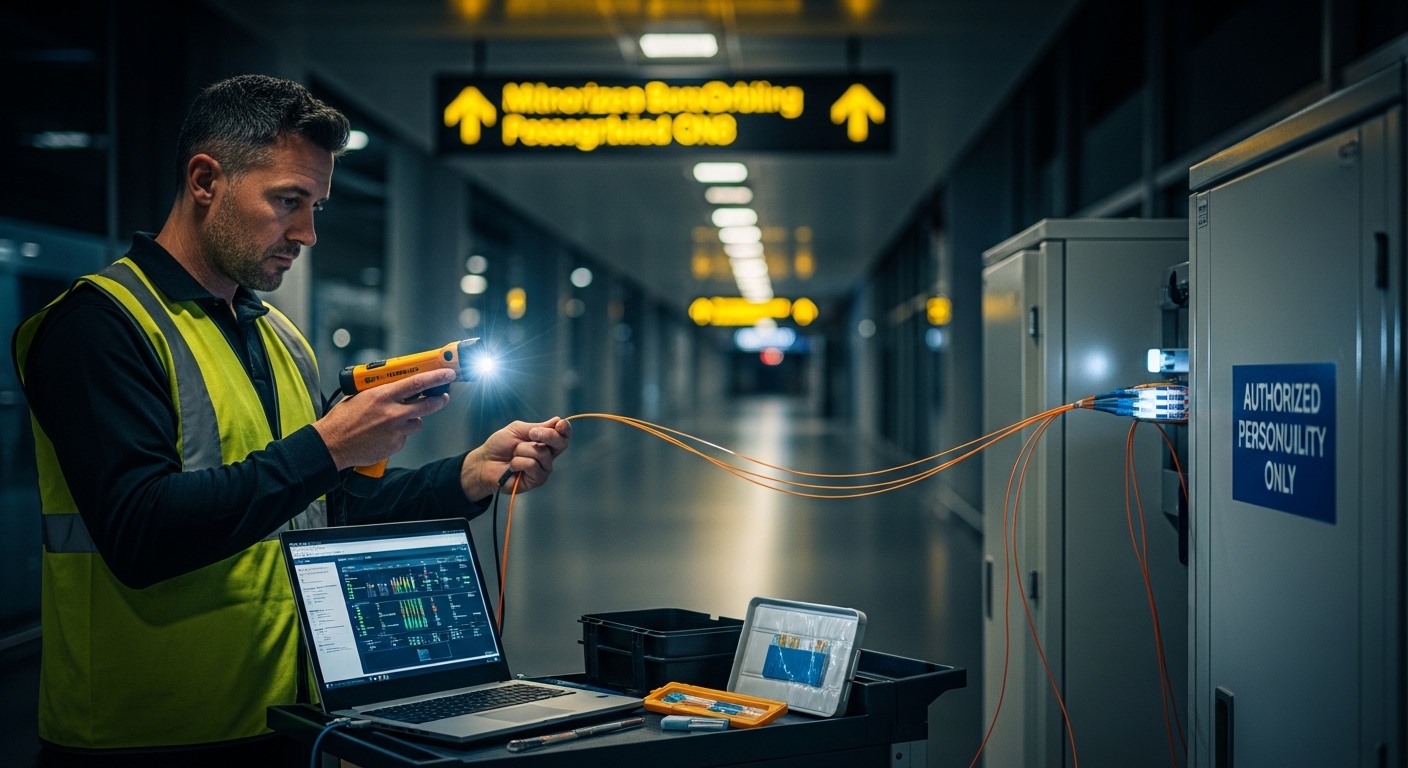
Use-case mapping: baggage handling, screening, and camera backhaul
Airport security network optics are often deployed in mixed environments: deterministic control traffic for baggage, latency-sensitive video, and management traffic for access control and alarms. SFP selection should reflect the traffic pattern and the operational tolerance for errors. A baggage tracking system may tolerate brief packet loss but not link instability; a camera uplink may be more sensitive to sustained BER that causes buffer underflows.
Typical segment patterns
- Baggage zone to ToR switch (within a terminal): 10G SR SFP over OM4, usually under a few hundred meters across cable trays.
- Security screening control cabinets across building wings: 10G LR SFP over SMF to reduce reliance on high-quality multimode runs.
- Spare and patch-panel consolidation: prefer optics with robust DOM and clear alarm thresholds for faster incident response.
Compatibility constraints you cannot ignore
Even when the wavelength and data rate match, switches can differ in how they validate transceiver IDs and how they interpret DOM alarms. Always test with your exact switch model and firmware revision. For example, a switch may accept “10G SR” optics but reject a non-standard transceiver ID, forcing you into a different optical vendor. Use the switch vendor’s compatibility guide and validate with a short acceptance test plan: link up stability, error counters over 24 hours, and DOM alarm thresholds under normal temperature.
Decision checklist for security network optics in airport deployments
Engineers usually decide quickly, but good decisions are structured. Use this ordered checklist to avoid the most expensive mistakes: swapping optics repeatedly while the true issue is fiber type, budget, or compatibility.
- Distance and fiber type: Confirm MMF vs SMF, and measure actual run length including patch cords and jumpers.
- Budget calculation: Include connector and splice losses; keep a margin for aging and cleaning variability.
- Switch compatibility: Check the vendor-qualified optics list for your exact switch model and software release.
- DOM behavior: Verify that your monitoring platform can read temperature, bias current, and received power reliably.
- Operating temperature: Match or exceed the worst-case enclosure temperature; verify any derating notes in the datasheet.
- Connector cleanliness and polarity: Confirm LC polarity requirements and standardize cleaning procedures before installation.
- Vendor lock-in risk: Evaluate whether you can maintain a multi-vendor spare pool without triggering unsupported-module behavior.
- Spare strategy and lead time: For security networks, keep spares staged near the terminal so you can restore service within minutes.
Common pitfalls and troubleshooting tips
Below are failure modes that show up in the field and how to resolve them efficiently. The goal is to reduce downtime during peak airport operations.
Link flaps after connector work (root cause: contamination)
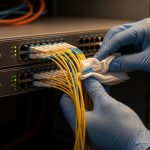
Symptom: Link comes up, then drops intermittently; CRC or FCS errors climb. Root cause: Dirty LC faces after maintenance, plus marginal optical margin. Solution: Clean both ends with a proper fiber cleaning kit, inspect with a scope, and re-check receive power and error counters before swapping optics.
“Unsupported transceiver” alerts or missing DOM (root cause: compatibility mismatch)
Symptom: Switch logs show unsupported optics, or monitoring shows blanks for DOM fields. Root cause: Transceiver ID format or DOM interpretation differences between vendor optics and the switch. Solution: Use vendor-qualified SFPs for the switch platform, or validate third-party optics in a lab with the same firmware.
Works on short cables but fails on real runs (root cause: wrong fiber type or budget)
Symptom: A module passes in a bench test but fails when installed in the field. Root cause: Fiber type mismatch (for example, OM3 expected but installed cable behaves like a different grade), underestimated patch cord losses, or too many connectors. Solution: Verify fiber grade at the patch panel, re-run the budget with measured loss assumptions, and consider SMF LR optics when the environment is unpredictable.
Persistent high BER under heat (root cause: temperature margin or derating)
Symptom: Errors increase during hot afternoons; the link may degrade without fully dropping. Root cause: Operating temperature above the module’s effective range or poor airflow in the cabinet. Solution: Confirm enclosure thermal data, validate module temperature rating, improve airflow, and consider a wider temperature-grade transceiver.
Cost and ROI note: what to budget for over a 5-year horizon
Typical pricing varies by vendor and speed, but many 10G SFP modules land in a practical range of roughly $60 to $300 per unit depending on OEM vs third-party and reach (SR vs LR). The ROI question is not only purchase price; it is downtime cost and spares logistics. In airport environments, a single hour of degraded security monitoring can outweigh module cost, so teams often spend more upfront on optics that provide predictable compatibility and trustworthy DOM telemetry.
Total cost of ownership (TCO) should include: cleaning consumables, acceptance testing time, spare inventory, and failure rate expectations. OEM optics may cost more per unit, but they can reduce the number of failed deployments and avoid extended incident response. Third-party optics can be cost-effective when you qualify them with your switch models and lock in a repeatable cleaning and testing process.
Decision matrix: head-to-head selection for airport security optics
Use the matrix below to choose the most appropriate option for each airport segment. Scores are qualitative and intended to help engineers decide quickly, not replace a budget calculation.
| Option | Best for airport segments | Operational risk | Compatibility effort | Cost level | DOM/monitoring confidence |
|---|---|---|---|---|---|
| 10G SR SFP (MMF, 850 nm) | In-terminal baggage and cabinet-to-rack links | Low to medium if MMF is correct | Low with known switch compatibility | Low to medium | Medium to high (verify DOM) |
| 10G LR SFP (SMF, 1310 nm) | Perimeter and inter-building security runs | Low if budget is confirmed | Medium (test switch support and DOM) | Medium | Medium to high (verify) |
| OEM SFP | High-availability security links needing predictable behavior | Lowest | Lowest | Highest | Highest |
| Qualified third-party SFP | Cost-controlled spares and scaled rollouts after lab validation | Medium (depends on qualification) | Medium to high | Lowest to medium | Medium (verify DOM and alarms) |
Which option should you choose?
If you manage critical security network optics where link stability directly affects screening visibility and baggage tracking operations, start with OEM optics for the first deployment wave and keep a validated spare set. If you are building out repeatable terminal segments over known MMF runs, 10G SR SFP is usually the most cost-efficient choice, provided you confirm OM4 grade and connector cleanliness discipline. For inter-building or longer perimeter links where you cannot trust patching density or spares availability, choose 10G LR SFP over SMF and require a documented optical budget plus DOM monitoring verification.
Next step: align your optics selection with your switch and monitoring design by reviewing optical-transceiver-dom-and-monitoring-best-practices.
FAQ
What makes security network optics different from generic data center optics?
Security networks prioritize predictable uptime and fast incident response. That means you should validate DOM telemetry, understand switch compatibility behavior, and enforce strict cleaning procedures to prevent marginal optical links from causing security feed instability. The engineering process is the same physics, but the operational tolerance for repeated failures is much lower.
Can I use 10G SR SFPs for baggage systems across multiple rooms?
Often yes, but only if the installed multimode fiber grade and the full patch-and-splice path fit the optical budget. A bench test with short patch cords can hide real losses from cable trays, connectors, and extra splices. Always compute budget with realistic loss assumptions and confirm receive power after installation.
How do I verify DOM compatibility with my airport switches?
Check the switch hardware guide for supported transceiver types and how it reports DOM fields. Then run a controlled acceptance test: insert the SFP, confirm link stability, read DOM values (temperature, laser bias, received power), and monitor error counters over at least a full workday. If your monitoring stack expects specific thresholds, validate those thresholds with the optics you plan to deploy.
Are third-party optics safe for security links?
They can be, but only after qualification with your exact switch models and firmware versions. The main risks are unsupported-module behavior and differences in DOM interpretation, not the optical wavelength itself. Treat third-party optics as a managed spare pool: qualify once, track DOM trends, and replace any optics that show early warning alarms.
What should I do first when a link fails after maintenance?
Clean and inspect connectors first, then check optical receive power and error counters. Many failures are contamination or polarity issues rather than a bad transceiver. Only after you confirm cleanliness and budget alignment should you swap optics, because repeated swaps waste time and can leave the contamination problem unresolved.
How many spares should an airport keep for SFP optics?
A common approach is to stage a small buffer near the terminal for each module type and keep replacement units staged to match your lead time. The exact number depends on your criticality, failure history, and whether the segment is single-homed. For high-impact security links, consider higher spare coverage and faster logistics over minimizing unit cost.
Author bio: I have deployed and troubleshot fiber optic transceivers in high-availability environments, including staged acceptance testing with DOM telemetry and measured link budgets. I write from field experience around operational procedures, compatibility validation, and incident-driven optics selection.