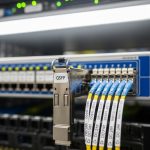
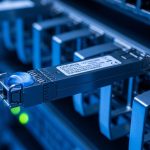
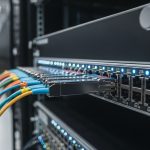
When a 400G optical link goes unstable, the clockwork failure pattern is rarely “mystery noise.” It is usually a concrete mismatch: optics DOM data, fiber cleanliness, lane mapping, or power/temperature margins drifting out of spec. This article helps data center and transport engineers perform practical 400G troubleshooting with fast isolation steps, realistic measurements, and compatibility caveats across common QSFP-DD and OSFP style optics.
Confirm the exact 400G optics type, interface, and lane map
Before you touch fibers, verify that both ends are using the same optics form factor and that the switch is expecting the same electrical interface. In many 400G deployments, optics are available in multiple packaging and electrical lane groupings, and mismatches can present as link flaps, high FEC events, or “link up but no traffic” symptoms.
What to check (field checklist)
- Transceiver model and vendor (example: Cisco SFP-10G-SR is not a 400G part; for 400G you will see QSFP-DD or OSFP variants such as Finisar/FS/others).
- Connector type and expected optic: SR4 (for 100G-class lanes aggregated) versus DR4, FR4, LR4, or coherent variants. For short reach, you will typically see 400GBASE-SR8 style optics on MPO/MTP fiber.
- Switch port capability and optics profile: ensure the port supports the specific speed and modulation mode.
- Lane mapping and breakout mode: some platforms can remap lanes for diagnostics; wrong mapping can silently break optics alignment assumptions.
- Pros: Prevents chasing fiber issues that are actually electrical expectations.
- Cons: Requires console access and careful port/optics inventory.
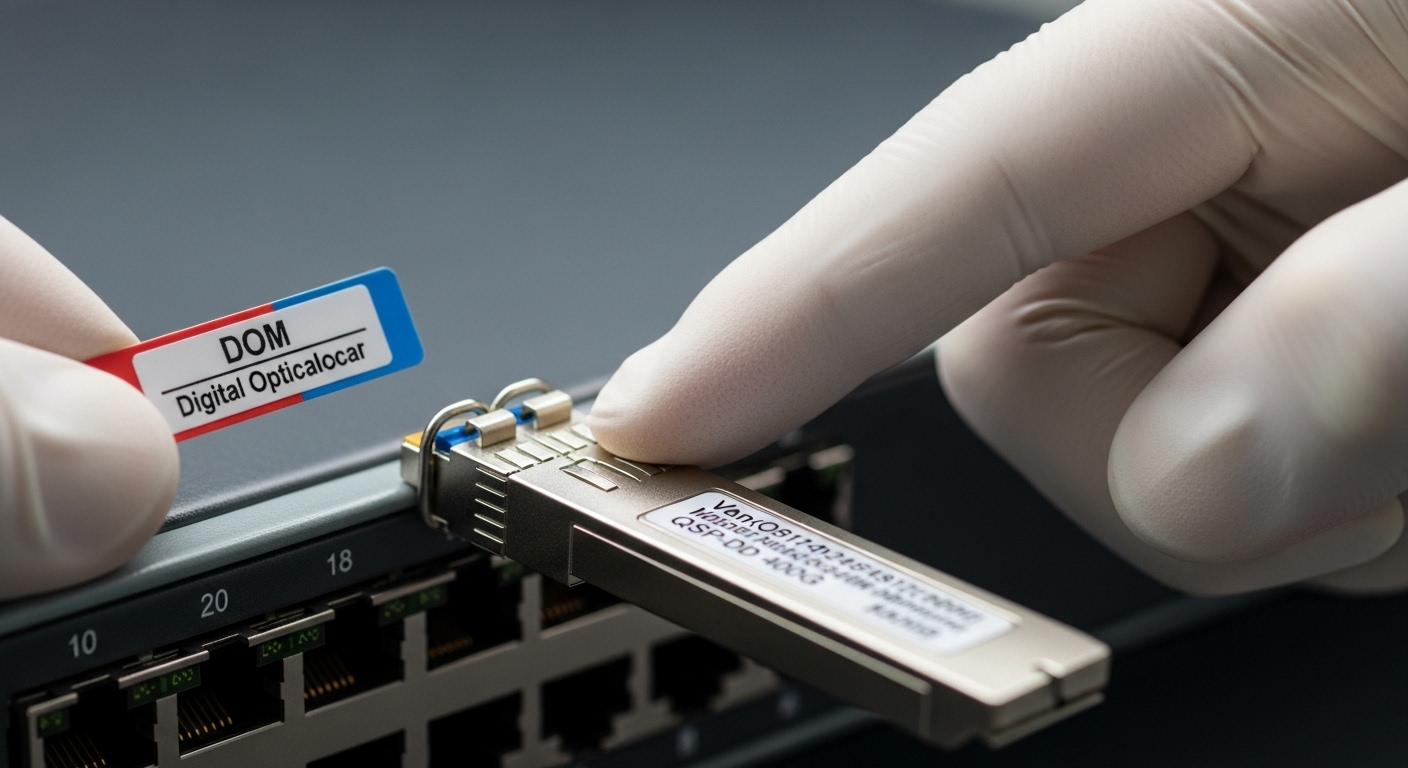
Use DOM telemetry to verify power, bias, temperature, and error counters
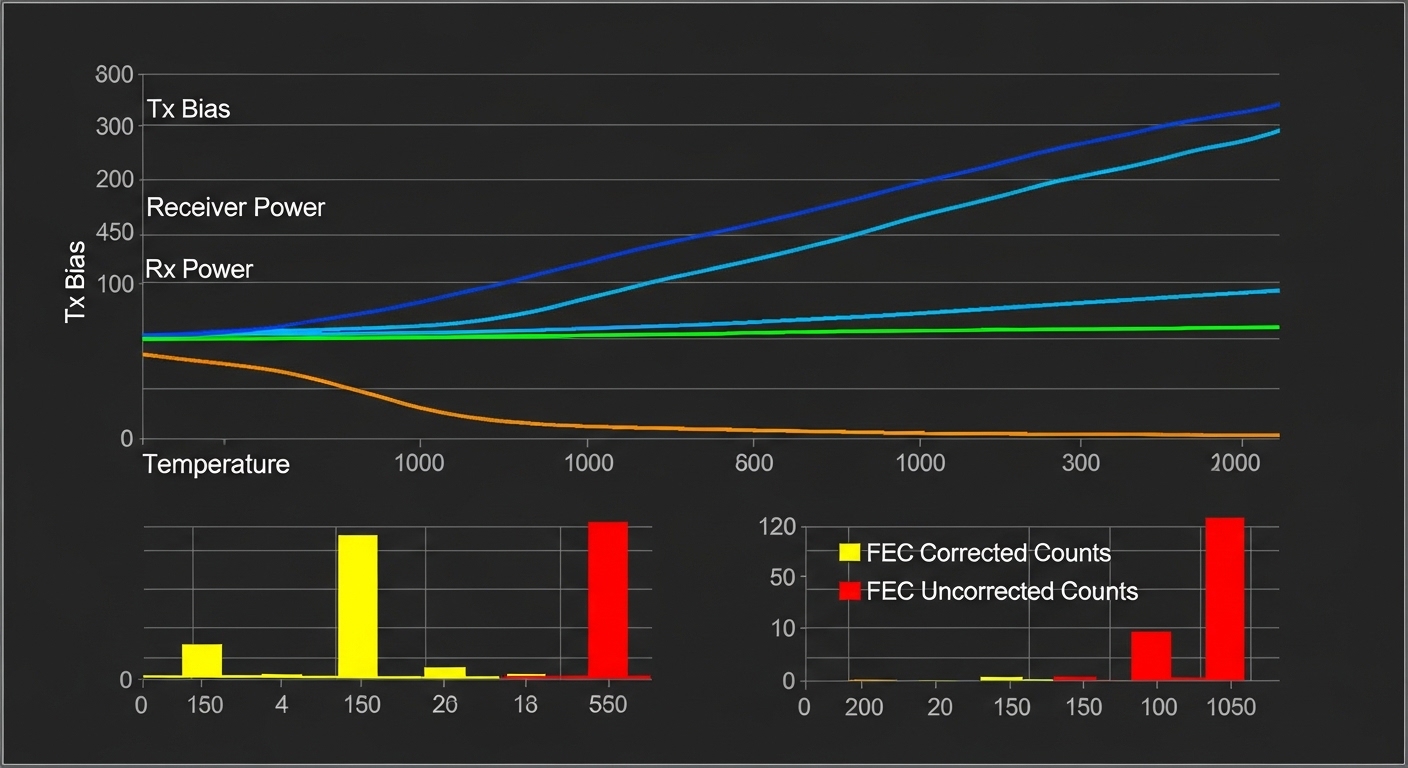
DOM (Digital Optical Monitoring) data is your fastest non-invasive truth source. In 400G troubleshooting, focus on receive optical power (Rx), transmit bias/current, temperature, and the error counters tied to the FEC/PCS layer. If the link is flapping, capture a short time series: the “trend” often reveals whether the failure is gradual (aging, dust) or abrupt (connector damage, wrong fiber pair).
Targets and how to interpret them
Exact thresholds vary by vendor and reach class, but a robust workflow is consistent: compare Rx power against the vendor’s recommended operating range and watch for drift. Temperature excursions can correlate with elevated bias and rising error rates. If you see Rx power near the low end while errors climb, the link is likely operating with insufficient optical margin.
- Pros: Pinpoints marginal optics and thermal instability early.
- Cons: Requires vendor-specific telemetry interpretation; raw numbers can be misleading without the datasheet.
Validate fiber cleanliness and polarity on MPO/MTP trunks
For most short-reach 400G optical links (especially 400GBASE-SR8 style), you will use MPO/MTP cabling with multiple fibers grouped into a single ferrule. Dust, micro-scratches, incorrect polarity, or partially seated connectors can create lane-specific power loss. The result is often high FEC corrections, intermittent link events, or “link up only after re-seating.”
Practical steps that work
- Inspect both ends using a fiber microscope (end-face inspection). Look for dust particles, scratches, or epoxy residue.
- Clean with appropriate wipes and solvent/contact-cleaner per your site procedure; then re-inspect.
- Verify polarity using the vendor’s polarity map for SR8 or the specific MPO harness type (some systems use polarity A/B conventions; coherent links differ).
- Confirm seating: MPO connectors should “click” or lock fully; verify latch engagement.
Field reality: in 10G and 25G links you might get away with borderline cleanliness, but at 400G the margin is tighter and lane-to-lane imbalances show up sooner.
- Pros: Highest probability fix when symptoms include intermittent traffic and uneven lane errors.
- Cons: Requires fiber inspection tooling and disciplined cleaning workflow.
Check optical power budget and receiver sensitivity against reach class
Even when the link is “supposed to be SR,” the actual installed loss can exceed budget. In 400G troubleshooting, measure the real channel loss: include patch cords, harnesses, splitters (if any), and connector loss. If you have an optical power meter plus attenuator test plan, you can isolate whether the issue is cabling loss or optics malfunction.
Quick budgeting method
- Identify the reach class of the optic (for example, short-reach multimode vs extended reach).
- Use your cabling map to count connectors and patch points; each adds insertion loss.
- Compare against the vendor’s optical budget and the required minimum Rx optical power margin.
- If available, compare DOM Rx power at both “working” and “failed” links under identical conditions.
For reference, IEEE 802.3 defines Ethernet optical interfaces and performance expectations, while vendor datasheets provide the actual power budget and receiver sensitivity limits. Always treat the datasheet as the ground truth for your specific part number. IEEE 802.3
- Pros: Separates “loss problem” from “optics problem.”
- Cons: Requires accurate inventory of cabling components and their insertion loss.
Correlate FEC behavior with physical-layer causes
400G systems frequently rely on FEC (forward error correction) to close the link budget. A key insight for 400G troubleshooting is that FEC counters can tell you whether the link is failing due to optical margin, lane skew, or signal integrity. For example, rising corrected-error counts with stable Rx power can point to jitter or electrical issues; sudden uncorrectable errors often indicate a physical interruption or severe optical loss.
How to interpret common patterns
- High corrected errors, low uncorrectable: marginal optical power or intermittent dust.
- Rapid uncorrectable spikes: connector seating, broken fiber, or lane-specific failure.
- Errors increase with temperature: thermal drift or airflow constraints causing bias changes.
Pro Tip: If you can capture telemetry at 1-second granularity, compare corrected-error rate slope before the first traffic drop. A slow slope usually means a “margin shrink” problem (aging/dirt/cabling loss), while a step change almost always means a physical event (connector disturbance, patch cord swap, or harness damage).
- Pros: Turns “it’s down” into a measurable physical-layer story.
- Cons: Requires familiarity with your switch’s exact counter names and meanings.
Verify switch compatibility, firmware, and optics support profiles
Not every optics transceiver behaves identically across platforms, even when it is “rated” for 400G. Some switches enforce optics support profiles, DOM parsing strictness, or specific electrical interface settings. During 400G troubleshooting, firmware mismatches can manifest as link training failures, repeated initialization, or inconsistent error counters after a warm reboot.
What to do in practice
- Confirm the transceiver is on the platform’s approved optics list (or at least supported by the switch vendor’s compatibility guidance).
- Check switch firmware version and known issues: search release notes for optics training or FEC counter bugs.
- Clear and reapply port configuration only after you have baseline DOM data logged.
- If you must test third-party optics, do it in a controlled A/B swap with known-good optics from the same vendor family.
- Pros: Prevents chasing a cabling fault when it is actually a training/profile issue.
- Cons: Compatibility checks can slow down incident response if you lack an optics inventory.

Run targeted swaps: optics A/B, fiber A/B, and port A/B to isolate root cause
When the link is intermittent, the fastest deterministic method is structured swapping. Instead of randomly re-cabling, run a controlled A/B test: swap optics between two ports that share the same fiber path, then swap fibers between the same ports. If optics swap follows the failure, you likely have a bad transceiver or marginal module; if fiber swap follows the failure, you likely have a channel loss or polarity/cleanliness issue.
Field test matrix
- Optics A/B: Same port, same fiber, different transceiver pair.
- Fiber A/B: Same optics, same port, different MPO trunk.
- Port A/B: Same optics and fiber, different switch ports (to rule out port hardware).
Document results with timestamps and DOM snapshots; this shortens mean time to repair and helps you create a repeatable playbook for the next incident.
- Pros: Produces a clear root cause with minimal downtime.
- Cons: Requires spare optics, spare fiber, and change control discipline.
400G optics spec comparison for troubleshooting context
Different 400G reach classes have different wavelength, connector, reach, and operating conditions. Use the table below to align your troubleshooting assumptions with what the module is actually designed to do. For authoritative numbers, always reconcile this with the specific vendor datasheet for your exact part number. IEEE
| Optics / Interface (example) | Wavelength | Typical Reach | Connector / Fiber | Data rate | DOM support | Operating temp (typ.) |
|---|---|---|---|---|---|---|
| 400GBASE-SR8 (multimode) | 850 nm class | ~70 m typical (depends on OM4/OM5 and budget) | MPO/MTP (8-fiber lane grouping) | 400G | Yes (Tx/Rx power, bias, temp) | Commercial to industrial variants (check datasheet) |
| 400GBASE-DR4 (multimode) | ~1310 nm class | ~500 m typical (budget dependent) | LC duplex (or specified connector type) | 400G | Yes | Check datasheet |
| 400GBASE-LR4 (single-mode) | ~1310 nm class | ~10 km typical | LC duplex (4-lane aggregation) | 400G | Yes | Check datasheet |
Selection checklist engineers use before and during 400G troubleshooting
If you want fewer incidents, selection must be part of the troubleshooting workflow. Use this ordered checklist to avoid “fixing” symptoms with the wrong optics, wrong fiber type, or mismatched temperature class.
- Distance vs reach class: confirm installed loss and fiber type (OM4 vs OM5; SMF specs if applicable).
- Switch compatibility: verify the exact transceiver part number is supported by your switch model and firmware.
- DOM support and telemetry access: ensure you can read Rx power, bias, temp, and error counters.
- Operating temperature: match commercial vs industrial modules to your rack airflow and ambient conditions.
- Connector and polarity plan: confirm MPO/MTP polarity and harness type before installation.
- Error correction behavior: understand how your platform reports corrected and uncorrected errors.
- Vendor lock-in risk: consider multi-vendor support policies and your procurement strategy to reduce future swaps friction.
- Pros: Prevents repeat failures and reduces time spent in reactive mode.
- Cons: Requires good cabling documentation and optics inventory.
Common mistakes and troubleshooting failures (with root causes and fixes)
Even experienced engineers can fall into patterns that waste hours. Here are the most frequent 400G troubleshooting failure modes I see in the field, with concrete root causes and solutions.
Cleaning only one end or skipping end-face re-inspection
Root cause: You clean the connector that “looks dirty,” but the opposite end has micro-dust or scratches. Lane groups can be uneven, so some lanes still fail. Solution: clean both ends and re-inspect with a fiber microscope before reconnecting.
Swapping fibers without verifying polarity and harness mapping
Root cause: MPO polarity assumptions are reversed, or the harness is not the one you think it is. In 400G lane aggregation, polarity errors can cause persistent high error rates that look like marginal optics. Solution: verify polarity against the harness labeling and the vendor’s polarity guidance; re-terminate or swap to a known-good harness.
Assuming DOM telemetry is comparable across vendors
Root cause: DOM implementations can scale values differently; “high” or “low” isn’t universal. Engineers may misinterpret Tx bias or Rx power and chase the wrong root cause. Solution: use the exact optics datasheet for the module part number and compare against the recommended operating window.
Blaming optics when the real issue is switch firmware or port profile
Root cause: A firmware change can alter optics training thresholds or error counter behavior, causing spurious link drops. Solution: roll back or upgrade within the vendor’s known-good release set, and confirm optics are on the approved list for that firmware.
- Pros: These fixes reduce “trial-and-error” time.
- Cons: Requires discipline in documentation and change management.
Cost and ROI note for 400G link reliability
In practice, 400G optics pricing varies widely by reach class and brand. Typical street ranges for common deployments can land around $2000 to $6000 per module depending on whether you are buying from OEM channels or third-party suppliers, with coherent links often higher. TCO is dominated by downtime costs, truck rolls, and replacement labor; a slightly higher module price that reduces field failures can pay back quickly.
Also factor in power and cooling: stable links reduce retransmissions and keep utilization predictable. If you are running in an environment with high ambient temperature swings, the ROI of industrial-grade optics and better airflow can be meaningful. For standards context on performance expectations, see [Source: IEEE 802.3] and vendor datasheets for your optics part numbers.
Summary ranking table: fastest to try first for 400G troubleshooting
| Rank | Fix Category | Best for | Time to validate | Most common root cause |
|---|---|---|---|---|
| 1 | MPO/MTP cleanliness and polarity | Intermittent flaps, high corrected errors | 15 to 45 minutes | Dust, polarity mismatch, poor seating |
| 2 | DOM telemetry trend check | Marginal Rx power, thermal drift | 5 to 20 minutes | Low optical margin, rising bias |
| 3 | FEC/error counter correlation | Differentiate optical vs signal integrity | 10 to 30 minutes | Jitter, lane imbalance, severe loss |
| 4 | Switch compatibility and firmware profile | Link training failures after changes | 30 to 120 minutes | Unsupported optics, firmware threshold change |
| 5 | Power budget validation | Persistent errors across multiple optics | 1 to 4 hours | Channel loss too high |
| 6 | Controlled swap matrix | Unclear root cause, intermittent behavior | 30 to 180 minutes | Bad module, damaged fiber, faulty port |
| 7 | Lane map and interface verification | Link up but no traffic, consistent training mismatch | 20 to 60 minutes | Electrical expectations mismatch |
FAQ
What are the first signs of a 400G link that is failing due to optical margin?
You often see rising corrected-error counts with intermittent traffic drops, followed by uncorrectable spikes under certain temperatures or after connector disturbance. DOM Rx power will trend toward the low end of the vendor’s recommended operating window. If you can capture telemetry over time, the slope is very informative.
Can I troubleshoot 400G without a fiber microscope?
You can narrow down many causes using DOM telemetry, switch error counters, and swapping optics/fibers. However, skipping end-face inspection tends to prolong incidents because dust and micro-scratches are lane-specific and can evade “looks clean” checks. For repeat reliability, a microscope and disciplined cleaning process are worth the investment.