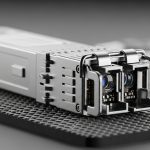
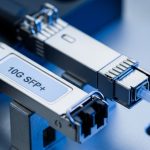
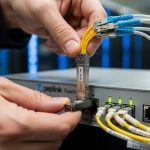
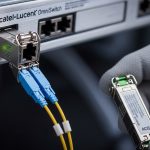
Your switch uplinks are acting like a diva: link flaps, weird duplex behavior, or “unsupported module” messages. This article helps network owners and field engineers compare a 1000BASE-T module RJ45 copper SFP option against common RJ45 1G copper SFP transceivers, with the practical constraints that actually show up in racks. You will get selection criteria, a troubleshooting checklist, and a decision matrix you can use before buying spares.
What a 1000BASE-T module really changes in an RJ45 SFP uplink
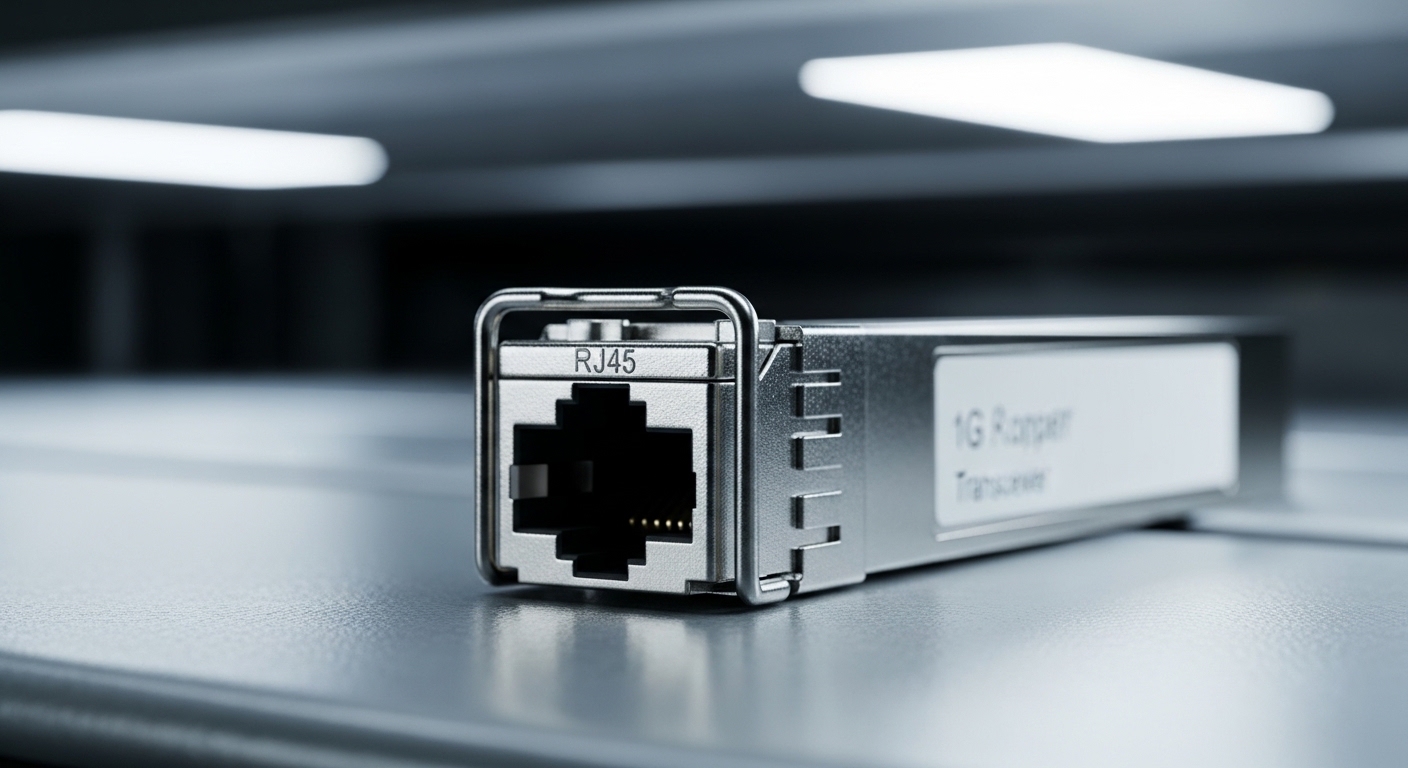
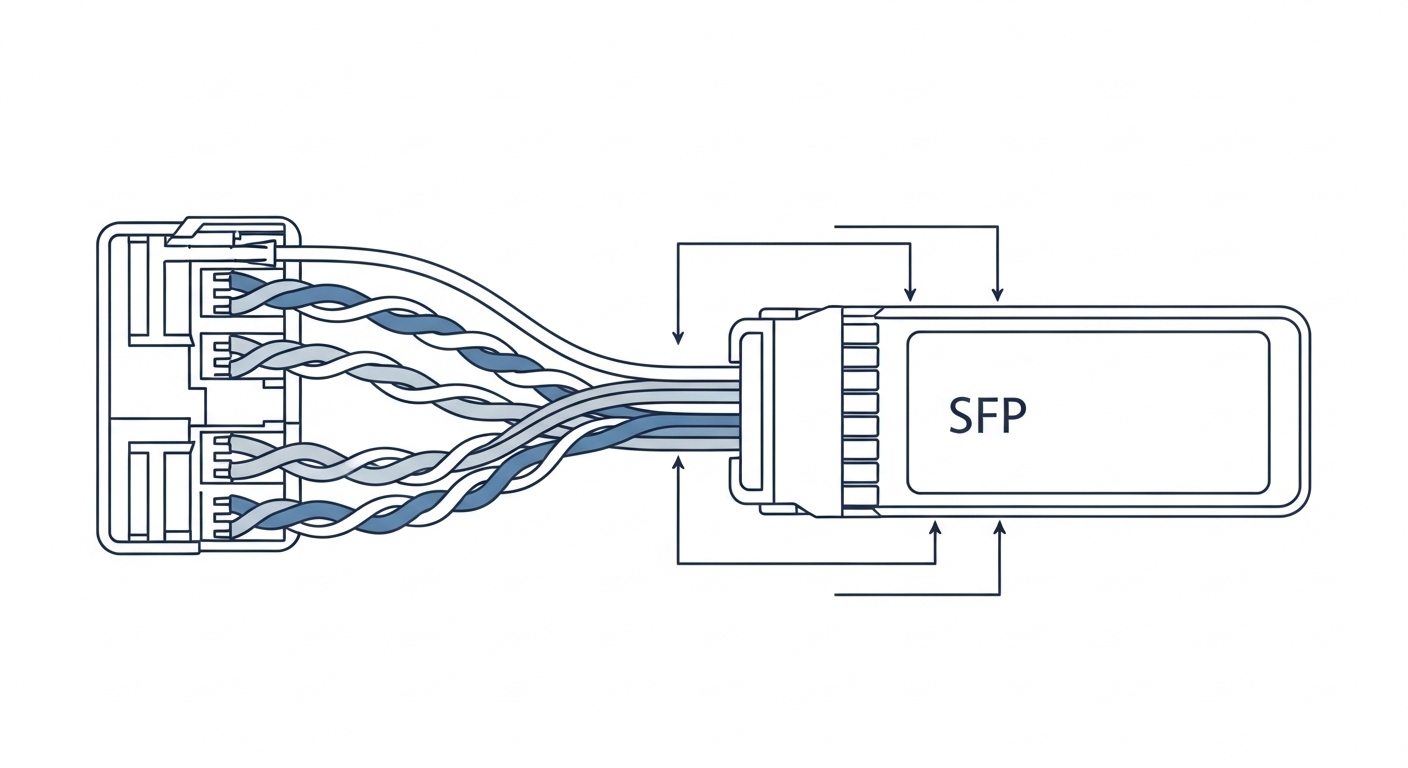
At 1 Gbps over copper, the 1000BASE-T module is not “just a cable with attitude.” It is a specific electrical/PHY implementation that expects IEEE 802.3ab compliant 1000BASE-T signaling, typically using four twisted pairs in Cat5e or better. In a server or switch uplink, that impacts auto-negotiation behavior, link power draw, and how your switch handles diagnostics like DOM. If you are mixing vendors, the big risk is not raw speed; it is compatibility with the host’s optics and management expectations.
Key electrical and operational expectations
Most 1G RJ45 SFP copper modules are specified for 100 m maximum reach on Cat5e (and sometimes longer only under ideal cable quality). The module uses internal magnetics and echo cancellation, so it is sensitive to poor patch cords, bad terminations, and mismatched cabling. Expect autoneg to converge, but convergence time and link stability can vary by module vendor and firmware/ASIC generation in the host switch.
DOM and what your switch should see
Many modern copper SFPs support Digital Optical Monitoring style interfaces (DOM) even though they are not optical. In practice, the host may read temperature, supply voltage, and sometimes vendor-specific diagnostics. If your switch firmware is picky, a third-party module might link up but fail to populate monitoring fields, which can break your NMS alerts or threshold logic.
Head-to-head: performance, reach, power, and temperature limits
Let’s compare the practical specs you care about: data rate, reach, connector type, operating temperature, and typical power. The goal is to predict whether your uplink will behave under load and during real-world environmental swings, not just pass a spec sheet.
| Spec | 1000BASE-T module (RJ45 copper SFP) | Common 1G copper RJ45 SFP (variant examples) |
|---|---|---|
| Data rate | 1.25 Gbps line rate for 1000BASE-T | Typically 1.25 Gbps as well |
| Standard | IEEE 802.3ab | Often 802.3ab compliant, may vary by vendor implementation |
| Reach | Up to 100 m on Cat5e (measured end-to-end) | Often similar, but real-world stability depends on cable plant quality |
| Connector | RJ45 copper | RJ45 copper |
| Operating temp | Common: 0 to 70 C (commercial) or -40 to 85 C (industrial) | Varies by SKU; check exact part number |
| Typical power | Often in the ~1 to 3 W class (module dependent) | Varies by vendor and diagnostics support |
| DOM/management | May support temperature/voltage; varies by host compatibility | May differ in threshold defaults and readout behavior |
Concrete module examples you might encounter
In the field, you will see OEM and third-party SKUs with “compatible with” claims. Examples include Cisco-branded copper SFPs (often sold as a 1000BASE-T RJ45 family), plus third-party modules such as FS.com copper 1G RJ45 SFP variants and Finisar-branded equivalents depending on channel availability. Always validate against your switch’s compatibility list and the exact DOM behavior, not just the label that says “1G RJ45.”
For standards grounding, see IEEE’s copper gigabit framework for 1000BASE-T behavior: IEEE 802.3ab standard page. For general SFP electrical/management expectations, consult the SFP Multi-Source Agreement documentation: SFF Committee (for MSAs and related transceiver guidance).
Cost and ROI: why the cheapest copper SFP can get expensive fast
Yes, copper SFP modules are usually cheaper than optics, but ROI is not just purchase price. A failed module that causes intermittent uplink resets can burn admin time and trigger production incidents. Typical pricing ranges vary by OEM vs third-party and temperature grade; budget tiers often land around tens of dollars per module, while OEM-branded or industrial-grade parts cost more. TCO becomes a function of failure rate, warranty, and how quickly you can swap and validate.
Realistic TCO math for a switch uplink refresh
Imagine 20 ToR switches, each with two 1G copper uplinks using RJ45 SFPs: 40 modules. If an OEM module costs $70 and a third-party module costs $35, you save $1,400 upfront. But if the third-party modules have a higher infant failure rate and you replace 3 units within a year, add downtime and labor: even 2 hours of engineer time per event at $100/hour plus incident overhead can erase much of the savings. If your NMS depends on DOM thresholds, partial DOM support can also create “ghost alarms” that waste monitoring effort.
Power and cooling angle
Power differences between copper SFPs are usually modest compared to switch chassis consumption, but at scale (hundreds of ports) the delta can matter. Still, ROI hinges more on stability than micro-watt heroics. If you have a dense aggregation layer, ensure your power budget and port utilization assumptions match your actual module class.
Pro Tip: Before you buy 40 modules, test one known-good unit in the exact switch model and firmware version you run in production. Then verify not only link up, but also that your monitoring stack reads DOM fields (temperature/voltage) without throwing parser errors. Field teams learn this the hard way when “compatible” modules link fine yet silently break NMS graphs.
Compatibility and vendor lock-in: the sneaky part of copper uplinks
With fiber optics, compatibility issues often show up as “no link.” With copper SFPs, the module may link but behave differently: autoneg quirks, marginal link budget on long runs, or unexpected energy-saving modes. Host switches implement SFP control logic per their ASIC and firmware. Some vendors are stricter about DOM type, module ID fields, or whether the module advertises certain diagnostics.
Selection criteria engineers actually weigh
- Distance and cable quality: confirm Cat5e or better, patch cord length, and whether the run is truly under 100 m end-to-end.
- Host switch compatibility: check the switch’s transceiver/optics compatibility list and firmware release notes.
- DOM support: verify your NMS can read and interpret the module’s diagnostics fields.
- Operating temperature: match the module grade to your environment (commercial vs industrial).
- Budget and warranty: compare warranty terms; a low price with no meaningful RMA is a false economy.
- Vendor lock-in risk: decide whether you can standardize across multiple vendors or must stick to OEM for predictable behavior.
How to validate before deployment
Perform a controlled test with a loopback or a known-good endpoint, run traffic with your expected profile (1 G full duplex, typical packet sizes), and monitor CRC errors, link resets, and autoneg events. On many switches, you can inspect interface counters and transceiver diagnostics pages to confirm stability. If you have a cable tester, validate return loss and pair skew; copper gigabit punishes bad cabling with interest.

Common mistakes and troubleshooting tips for RJ45 copper SFP links
Here are failure modes that show up repeatedly in audits and after-hours firefights. Each includes likely root cause and what to do next.
Link up but high CRC errors under load
Root cause: marginal cabling (too-long run, poor patch cord, or damaged termination) causing signal integrity issues. Cat5e can be “rated” yet still fail return loss requirements depending on installation quality.
Solution: test the run end-to-end with a certification tool if available, replace patch cords first, then swap the module only after confirming physical layer quality. Keep the total channel length within 100 m including patch cords.
Flapping link or repeated autoneg events
Root cause: duplex mismatch is less common with 1000BASE-T (it should autonegotiate), but it can still happen if the host port or transceiver is in a mode that conflicts with endpoint settings, or if the module’s DOM/ID triggers a fallback behavior.
Solution: confirm both ends are set to autoneg at the switch and that the endpoint NIC is not forcing odd settings. Update switch firmware if release notes mention copper transceiver fixes.
“Module not supported” or missing diagnostics in monitoring
Root cause: DOM interpretation mismatch: the module links electrically, but the host rejects it for diagnostics parsing or applies a compatibility blacklist. Your NMS might treat missing fields as failures.
Solution: use the vendor compatibility list, validate DOM fields in the interface detail page, and adjust NMS thresholds or parsers only after confirming the module behavior is correct. Do not ignore “unsupported” messages; they often correlate with reduced diagnostics or restricted control.
Works on bench, fails in the rack
Root cause: environmental differences: higher ambient temperature, airflow issues, or EMI from nearby power equipment affecting marginal copper links.
Solution: measure inlet temperatures near the switch, ensure proper airflow, and test with a shorter known-good patch cord. If you need higher margin, choose an industrial temperature -40 to 85 C grade module.
Which option should you choose? (1000BASE-T module decision matrix)
Use this matrix to decide whether you should standardize on OEM, third-party compatible modules, or keep a mixed fleet. The “right answer” depends on your tolerance for validation work versus the cost of downtime.
| Your situation | Best fit | Why | Watch-outs |
|---|---|---|---|
| Production uplinks where stability matters most | OEM or switch-vetted 1000BASE-T module | Highest chance of consistent autoneg and DOM behavior | Higher upfront cost; still test one unit per switch model |
| Cost-sensitive labs and staging environments | Third-party compatible RJ45 SFP modules | Lower purchase price for non-critical uptime | Validate DOM parsing and link stability at your actual cable lengths |
| Harsh environments with temperature swings | Industrial-grade 1000BASE-T modules | Better operating margin and fewer thermal surprises | Confirm exact temperature rating and airflow assumptions |
| Large fleet with standardized switch models | Single-vendor module standard | Predictable support and simpler spares management | Plan RMA logistics and keep spares rotated |
FAQ
What is a 1000BASE-T module used for in an SFP slot?
A 1000BASE-T module is a copper SFP that provides 1 Gbps Ethernet over RJ45 using four twisted pairs. It is typically used for switch uplinks or server-to-switch connections when you want copper cabling instead of fiber.
What cable do I need for a 1000BASE-T module?
Plan for Cat5e or better, and keep total channel length within 100 m end-to-end. Real stability depends on cable quality, termination, and patch cords, not just the “Cat” label.
Will a third-party RJ45 copper SFP work with my switch?
Often yes, but not always. You must check the host switch compatibility list and validate DOM behavior, because “links up” does not guarantee your monitoring and diagnostics will behave correctly.
Why does my link flap even though speed shows 1G?
Link flaps are commonly caused by marginal cabling, damaged patch cords, or firmware/compatibility quirks that trigger repeated autoneg events. Replace patch cords, verify cable integrity, and check interface counters for CRC and link reset reasons.
Do 1000BASE-T modules support DOM?
Many do, even though they are copper. Support and field names vary by vendor and host implementation, so verify what your switch exposes in the transceiver details page.
How should I budget for spares and failure risk?
Budget spares based on warranty and your tolerance for downtime. OEM modules cost more, but third-party modules can be cost-effective if you validate them on your exact switch model and cable environment first.
If you want fewer late-night uplink fires, treat the 1000BASE-T module decision like a mini project: validate compatibility, confirm cable integrity, and verify DOM/monitoring behavior. Next step: review Choosing SFP modules for switch uplinks to map your port types, reach, and operational constraints before you order.
Author bio
Alex Martin is an infrastructure operator who has deployed copper and fiber transceivers across multi-vendor switch fleets, with hands-on break-fix experience in real racks. He writes like a field engineer: measured checks, ROI math, and fewer “it should work” surprises.