
In a colocation data center, your uptime depends on more than picking “the right fiber.” Tenants often get stuck during turn-up because their colo data center fiber choices and optical transceiver requirements do not align with the provider’s patching, link budget, and switch optics. This article helps network engineers and colo operations teams specify tenant transceivers with confidence, covering reach, wavelength, connector types, DOM, temperature ratings, and practical compatibility checks.
What colo data center fiber really constrains for tenants
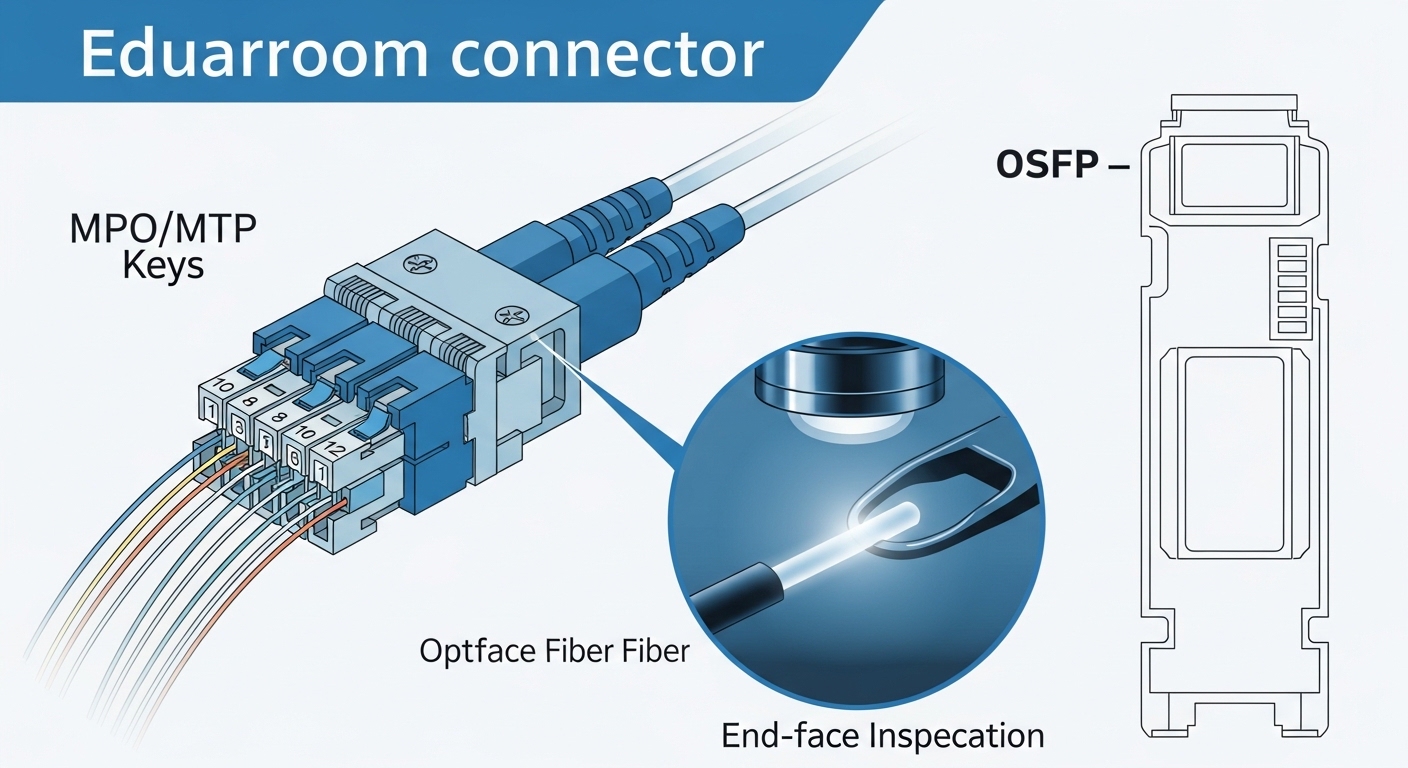
Colo facilities typically standardize cabling plants, patch panels, and transceiver expectations, but the details vary by site and vendor. Your tenant handoff usually includes a specific fiber type (for example, OM3/OM4 multimode or OS2 single-mode), a measured end-to-end distance, and a connector standard (commonly LC). The most common constraint is that the transceiver must meet the switch’s electrical and optical requirements while also staying within the facility’s optical budget after patch cords, adapters, and splices.
Link budget basics you can apply during tenant onboarding
Even when the facility provides “measured distance,” you still need to account for real losses. Typical contributors include patch cords (often specified in dB per 1 m), insertion loss from adapters, and splice loss. On the optical side, you also need to respect the transmitter’s output power and receiver sensitivity for the exact optic class (for example, 10GBASE-SR vs 10GBASE-LR).
From an engineering workflow perspective, treat the link as: transceiver power and sensitivity minus all physical losses must remain with adequate margin for aging and dust contamination. For multimode, modal bandwidth and launch conditions matter; for single-mode, connector cleanliness and bend radius are the usual culprits.
Switch compatibility is not optional
Most modern switches support common optical standards, but “supported” does not always mean “interoperable.” You must confirm that the switch model and port profile accept the transceiver type and lane speed, and that any vendor-specific features (like DOM format and vendor-qualified optics lists) match what you plan to deploy. Many failures during colo turn-up come from a mismatch between the expected optics class and the actual transceiver’s configuration or firmware compatibility.
Pro Tip: Before you order, ask the colo provider for their “fiber type plus optics expectations” note, including whether they require an approved transceiver list. In the field, we have seen links pass basic optical tests but still fail link bring-up due to DOM interpretation differences or vendor-specific reset behavior after the first link negotiation.
Tenant transceiver requirements: optics type, reach, and DOM
Tenant transceivers should be selected as a system: switch port standard, fiber plant type, distance, and transceiver capabilities. For common data center speeds, you will typically choose between multimode SR optics and single-mode LR/ER optics depending on reach and cabling type. In practice, the “colo data center fiber” decision often determines whether you can use lower-cost multimode optics or must switch to single-mode.
Common standards you will map to your fiber plant
For 10G and 25G, the most frequent mappings include 10GBASE-SR on OM3/OM4 and 10GBASE-LR on OS2. For 40G and 100G, you may see SR4 or LR4 depending on the port type and duplex arrangement. Always verify the exact standard supported by your switch and the transceiver’s compliance with that standard.
DOM and operational telemetry during maintenance windows
DOM (Digital Optical Monitoring) is essential for colo environments where remote teams need to monitor optics health without opening every panel. Look for DOM features that your switch can read reliably: vendor-implemented DOM tables can differ, and some switches are picky about how threshold alarms are encoded. If you plan proactive maintenance, confirm that the switch can display DOM parameters such as laser bias current, received power, transmit power, and temperature.
Technical specifications table for tenant planning
Below is a practical comparison of typical tenant optics used with colo data center fiber plants. Exact values can vary by vendor and part number, so treat this as a planning baseline and confirm using your transceiver datasheets and switch compatibility matrix.
| Standard / Use | Form factor | Wavelength | Typical reach | Fiber type | Connector | DOM | Operating temp |
|---|---|---|---|---|---|---|---|
| 10GBASE-SR | SFP+ (common) | 850 nm | ~300 m (OM3) / ~400 m (OM4) | OM3 or OM4 MM | LC | Yes (typically) | 0 to 70 C (industrial options exist) |
| 10GBASE-LR | SFP+ (common) | 1310 nm | ~10 km | OS2 SM | LC | Yes (typically) | -5 to 70 C (varies by vendor) |
| 25GBASE-SR | SFP28 (common) | 850 nm | ~100 m (OM3) / ~150 m (OM4) | OM3 or OM4 MM | LC | Yes (typically) | 0 to 70 C (varies) |
| 40GBASE-LR4 | QSFP+ (common) | 1310 nm (4 lanes) | ~10 km | OS2 SM | LC | Yes (typically) | 0 to 70 C (varies) |
| 100GBASE-SR4 | QSFP28 (common) | 850 nm (4 lanes) | ~100 m (OM4 typical) | OM4 MM | LC | Yes (typically) | 0 to 70 C (varies) |
For standards reference, consult IEEE 802.3 for the relevant Ethernet PHY definitions and reach requirements, and vendor datasheets for the exact power and sensitivity budgets. [Source: IEEE 802.3] [Source: Cisco SFP and QSFP transceiver documentation] [Source: Finisar and FS transceiver datasheets]
How to choose the right tenant transceiver for your colo link
Engineers typically start with speed and port type, then choose optics based on distance and the colo provider’s fiber type. The key is to align your selection with the facility’s patching reality, not just the nominal distance between racks.
Selection criteria checklist (ordered like a real ticket)
- Distance and measured route: confirm end-to-end fiber length including patch cords and cross-connects; add a margin for future re-patching.
- Fiber type and grade: verify OM3 vs OM4 for multimode, or OS2 for single-mode; do not assume all “multimode” is OM4.
- Switch port support: check the switch model’s qualified optics list and whether the port expects SFP+, SFP28, QSFP+, or QSFP28.
- Wavelength and standard: map to SR, LR, ER, or LR4/ SR4 based on your speed and fiber type.
- DOM compatibility: confirm the switch reads DOM thresholds and received power correctly; validate alarms in a maintenance window.
- Operating temperature and airflow: ensure the transceiver’s spec matches the rack environment; heat can reduce optical margins over time.
- Connector and polarity: confirm LC connector type, duplex orientation, and whether polarity is managed with MPO breakout cassettes for higher speeds.
- Vendor lock-in risk and spares strategy: weigh OEM transceivers vs third-party; plan spares that match your switch’s behavior during hot swap.
Concrete deployment example in a typical colo topology
Consider a 3-tier data center topology in a colo site with 48-port 10G ToR switches feeding an aggregation layer. A tenant connects two racks using 10G links over a provider patching area: the measured fiber run is 185 m including patch cords and adapters, and the site uses OM4 multimode with LC connectors. Because the run is within OM4 SR reach, the tenant selects 10GBASE-SR SFP+ optics (850 nm) with DOM support. During bring-up, the tenant verifies received power and link status on the switch, then records DOM thresholds for monthly monitoring to catch dust-related degradation early.
Common pitfalls and troubleshooting in colo fiber optics
Even when the transceiver model number matches the intended standard, colo environments introduce operational variables: dust, patch changes, port profiles, and temperature swings. Below are common failure modes you can expect during tenant onboarding and routine maintenance.
Link stays down after insertion: wrong port profile or unsupported optic
Root cause: The switch expects a specific electrical/optical profile (for example, SFP28 vs SFP+) or the transceiver is not compatible with that port’s optics table. Some vendors also enforce qualified optics lists or DOM behavior.
Solution: Confirm the switch model and exact port type; check the vendor compatibility matrix. Power-cycle the affected port if allowed by operations policy, and validate DOM readout before concluding the fiber is bad.
Intermittent errors: connector cleanliness or marginal optical power
Root cause: Dirty LC end faces or misaligned connectors can cause high attenuation that passes at first but fails under temperature or vibration. In multimode, improper cleaning can also worsen modal coupling.
Solution: Use lint-free wipes and approved cleaning tools, then re-seat the connector with inspection under a fiber microscope. If available, measure optical power and compare with transceiver-reported DOM thresholds; schedule cleaning after any patch rework.
Works at short distance but fails after re-patch: budget not recalculated
Root cause: Teams often validate distance once, then later extend patch cords or change cross-connect paths. The revised path may exceed the transceiver’s link budget, especially for higher speeds like 25G or 100G over multimode.
Solution: Recompute link budget after every patch change using actual patch cord lengths and adapter/splice losses. Keep spare patch cords with known insertion loss characteristics and standardize adapter types.
DOM alarms or missing telemetry: monitoring blind spots
Root cause: Some third-party transceivers implement DOM tables differently, or the switch reads DOM but does not map thresholds correctly. This can lead to “green link, red health” situations.
Solution: Validate DOM fields during commissioning. Confirm that the switch displays transmit power, receive power, temperature, and that threshold alarms trigger in your monitoring system.
Cost and ROI considerations for colo tenant transceiver spend
Optics cost varies widely by speed, reach, and whether you buy OEM or third-party modules. In many colo deployments, the largest cost driver is not just purchase price; it is operational downtime risk, failed link bring-up time, and the effort required to maintain compatibility across switch models.
Realistic price ranges and total cost of ownership
Typical street pricing (varies by region and volume) often looks like: 10G SR SFP+ in the low tens of dollars, 10G LR SFP+ higher, and 100G SR4 QSFP28 significantly higher. OEM modules can cost a premium, while third-party modules reduce upfront cost but can introduce compatibility and DOM mapping risks. For ROI, include the cost of: (1) engineer time during turn-up, (2) spares inventory, (3) cleaning and inspection tools, and (4) any repeat troubleshooting caused by telemetry or DOM differences.
In a stable environment, third-party optics can be cost-effective if you qualify them for your exact switch model and DOM behavior. In environments with frequent vendor refreshes or multi-platform switching, OEM or carefully qualified optics may reduce operational risk, even if the unit cost is higher.
For reliability considerations and compliance expectations, use vendor datasheets and transceiver qualification notes, and follow the relevant Ethernet PHY requirements from IEEE 802.3. [Source: IEEE 802.3] [Source: vendor transceiver datasheets]
FAQ: tenant fiber optics requirements in colo data centers
What fiber type should I request for colo data center fiber links?
Ask the provider for the exact grade: OM3 or OM4 for multimode, and OS2 for single-mode. Also request whether your run includes patch panel adapters, and confirm connector type (commonly LC) and expected polarity handling for higher-speed links. This prevents ordering an SR optic for a path that actually requires OS2.
How do I confirm transceiver reach beyond the nominal distance?
Use the measured end-to-end length provided by the colo site, then add patch cord lengths and any known insertion losses from adapters and splices. Compare the result to the transceiver’s published optical budget and ensure margin remains for aging. For multimode, also consider that launch conditions and connector cleanliness affect margin.
Do I need DOM support for tenant monitoring?
In most colo operations, yes. DOM enables received power and temperature monitoring, which helps detect degradation before a full outage. Confirm that your switch can read and interpret DOM fields correctly, especially with third-party optics.
Are third-party transceivers safe to use in colocation?
They can be safe if you qualify them against your specific switch model and port type, and if the colo provider allows them. The main risk is compatibility: link negotiation failures or incorrect DOM mapping. Qualify with a pilot pair and verify link stability plus telemetry.
What are the first troubleshooting steps when a link does not come up?
Check that the transceiver is the correct form factor and standard for the port. Then verify fiber polarity and connector cleanliness, reseating and cleaning LC ends, and confirming the switch sees DOM values. If the link still fails, run an optics compatibility check against the switch’s qualified list.
How can I reduce downtime during re-patching events?
Standardize patch cord lengths and adapter types, and keep a documented link budget worksheet per circuit. After any rework, validate link status and DOM receive power immediately, then schedule a follow-up check after thermal equilibrium. Clean and inspect connectors every time you open a patch.
If you are planning new tenant connectivity, start by aligning your colo data center fiber grade and measured path to the correct SR or LR standard, then validate transceiver DOM behavior on the exact switch model. Next, review how your provider’s patching practices affect optical budget assumptions using fiber patch panel loss and connector best practices.
Author bio: I have deployed and troubleshot SFP/SFP28 and QSFP28 optics in real colo turn-ups, using DOM telemetry, optical power checks, and connector microscope inspections to reduce repeat incidents. I now focus on practical tenant requirements and roadmap planning for interoperable, supportable fiber and optics workflows.
