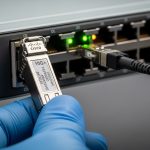
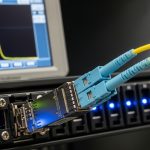
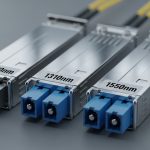
If your stacked switches are flapping, not forming the stack, or dropping uplinks after a transceiver swap, the culprit is often the switch stack uplink SFP choice and its compatibility with VSS or IRF-style stacking. This article helps network engineers and field techs choose the right optics for stack ports, validate DOM and power behavior, and troubleshoot the most common failure modes. You will also get a practical decision checklist and a head-to-head comparison matrix for real deployment constraints.
VSS vs IRF stack uplink SFP: what changes in practice?
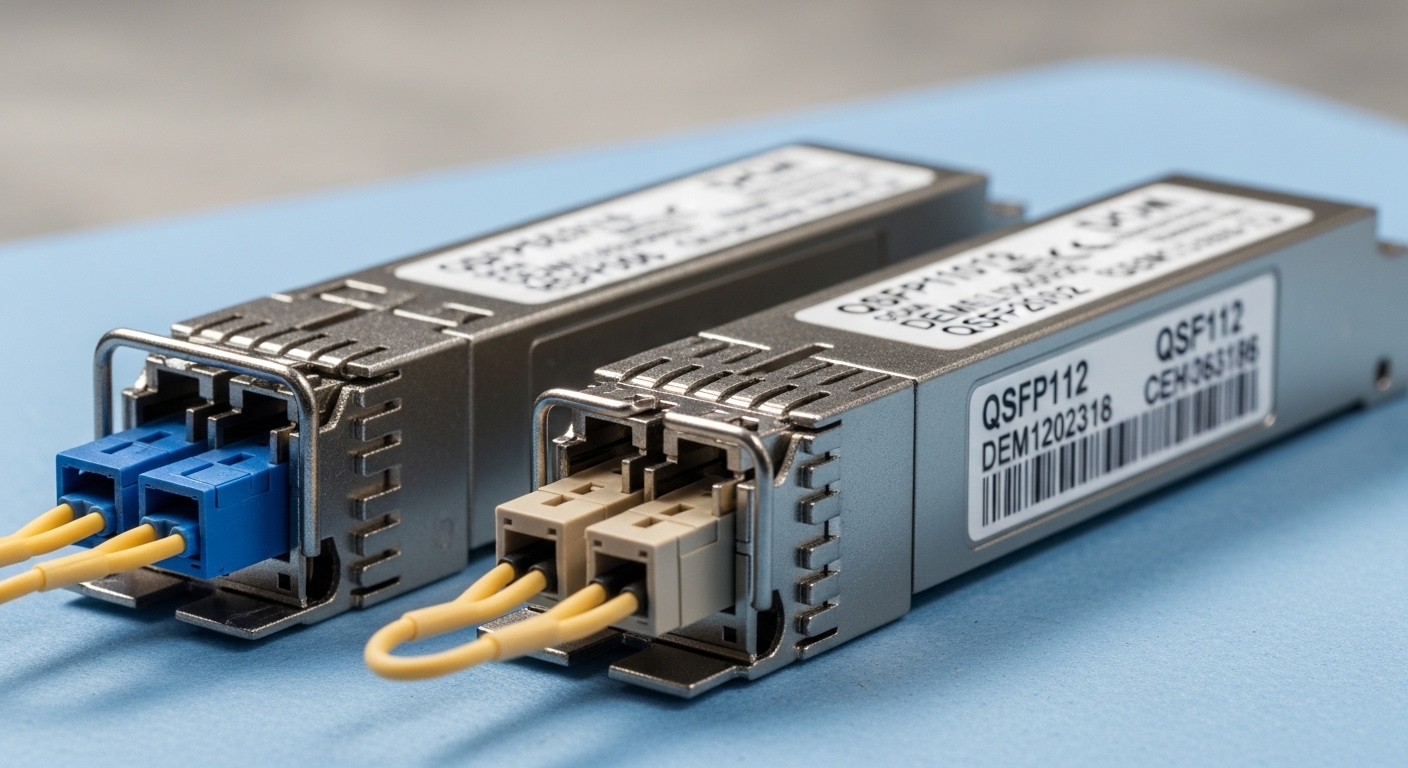
VSS (Virtual Switching System) and IRF (Intelligent Resilient Framework) both use dedicated inter-switch links, but the optics expectations can differ by platform and firmware. In the field, I see vendors enforce strict electrical characteristics: expected optical power range, acceptable lane mapping, and sometimes specific DOM behavior for stack stability. Even when a module is “compatible by wavelength,” it can still fail stack bring-up if the switch’s transceiver monitor thresholds are not met.
For most modern stack designs, the uplink optics are typically 10G/25G/40G class depending on your platform generation, and the stack links are engineered for low latency and stable link training. Your safest path is to match data rate, connector type, fiber type, and vendor-qualified compatibility—not just “same wavelength.”
What to verify before inserting a stack uplink SFP
- Exact data rate (for example, 10G vs 25G): mismatched optics can negotiate down or refuse link training.
- Connector and fiber type (LC vs MPO; OM3 vs OM4 vs OS2).
- DOM support: many stacks check temperature, laser bias current, and received power.
- Optical budget headroom: ensure you are not operating near minimum receive power after aging and patch cord losses.
Pro Tip: In VSS/IRF environments, a “works on an access port” SFP can still break a stack link because stack ports often use tighter thresholds for received optical power and DOM sanity checks. Always validate on a stack-capable port model and firmware revision, not just any 10G interface.
Performance and reach comparison: SR vs LR vs ER stack links
When engineers compare switch stack uplink SFP choices, reach is the headline—but power and temperature range decide whether you get stable links in real racks. Below is a practical comparison of common SFP+ optics classes used for stacked deployments. Values come from vendor datasheets and typical industry parameters; always confirm with your specific switch compatibility list.
| Optic class | Typical wavelength | Target reach (typical) | Connector | Data rate | DOM | Operating temp | Common use |
|---|---|---|---|---|---|---|---|
| SR (MMF) | 850 nm | Up to 300 m (OM3) / 400 m (OM4) | LC | 10G | Yes (common) | 0 to 70 C (varies by vendor) | Same row / same room stack links |
| LR (SMF) | 1310 nm | Up to 10 km | LC | 10G | Yes (common) | -5 to 70 C (varies) | Longer spans between cabinets |
| ER (SMF) | 1550 nm | Up to 40 km (module dependent) | LC | 10G | Yes (common) | -5 to 70 C (varies) | Extended interconnects |
In most stacked switch deployments, SR is the default because stack links are usually within the same facility. However, I have used LR in multi-row designs where the two stack members sit in different cabinets with structured cabling between them. In that scenario, I validate fiber type, connector polish, and end-to-end loss before the swap.
Compatibility and DOM behavior: how stacks decide if optics are “safe”
Stack platforms frequently implement compatibility checks that go beyond basic IEEE compliance. While transceivers are generally aligned to standards such as SFP/SFP+/QSFP interfaces and optical module monitoring, vendors can add proprietary thresholds. That is why a third-party switch stack uplink SFP might link on a normal access port yet fail stack formation.
DOM checks you should expect
- Laser bias current and output power within vendor thresholds
- Receiver power not too low (and not saturated)
- Temperature and voltage within allowed range
- EEPROM fields such as vendor ID and part number mapping
For IEEE-aligned optical behavior, reference [Source: IEEE 802.3] and the relevant optical module interface definitions. For module-specific parameters (DOM format, optical power, and temperature), confirm against the transceiver datasheets from the manufacturer or a reputable reseller. If you are using a known third-party module, cross-check the switch vendor’s optics compatibility list.
anchor-text: IEEE 802.3 standard
anchor-text: Vendor compatibility guidance
Cost and ROI: OEM vs third-party stack uplink SFP
Cost is real, but stack uptime is the ROI. OEM optics are often priced higher—commonly a few hundred dollars per transceiver for enterprise 10G/25G class modules—while third-party options can be noticeably cheaper. The hidden TCO factor is failure rate and return logistics: if a module triggers stack instability, the downtime cost can dwarf the price difference.
In a typical 2-node stack with dual inter-switch links, you might stock multiple optics pairs for spares and hot swap readiness. If your site has strict change windows, OEM modules can reduce risk because they are more likely to pass DOM and compatibility thresholds on first insertion. Third-party modules can still be a good value if they are explicitly qualified for your platform and firmware.
Selection criteria checklist for switch stack uplink SFP (VSS/IRF)
- Distance and fiber type: choose SR for short MMF, LR/ER for SMF spans; confirm OM3/OM4 or OS2.
- Switch model and stack generation: validate that the stack port supports that transceiver type at the targeted rate.
- Data rate and speed mode: ensure the module matches stack link speed; avoid “may negotiate” assumptions.
- DOM support and monitoring thresholds: prefer modules with stable DOM readings and known compatibility.
- Operating temperature: check your rack ambient; stacked chassis can run warmer near exhaust paths.
- Budget vs spares strategy: calculate spares count and downtime risk, not just unit price.
- Vendor lock-in risk: decide whether you want OEM-only for stack links or allow qualified third-party modules.
Common mistakes and troubleshooting tips
Below are the issues I see most often during stack maintenance windows.
-
Mistake: Mixing SR and LR optics across stack members “because wavelength is close.”
Root cause: Fiber type mismatch and wrong optical budget leads to low receive power or unstable link training.
Fix: Match MMF vs SMF, verify end-to-end loss, and confirm the module type is intended for the stack port. -
Mistake: Installing a third-party module that works on an access port but fails stack bring-up.
Root cause: DOM fields or vendor-specific compatibility thresholds do not satisfy stack port validation.
Fix: Use vendor-qualified optics for stack links; test in a non-stack port only for basic link sanity, then validate on stack ports. -
Mistake: Ignoring connector cleanliness and patch cord loss after a field re-cabling job.
Root cause: Dirty LC connectors can cause intermittent receive power drops and stack flaps.
Fix: Clean with lint-free wipes and proper fiber inspection; replace suspect patch cords; re-measure loss using an OTDR or calibrated light source/power meter. -
Mistake: Running near temperature limits in high-density closets.
Root cause: Laser output and receiver sensitivity drift with temperature, pushing links outside thresholds.
Fix: Verify rack ambient and module temperature specs; improve airflow and consider modules rated for extended temperature ranges.
Head-to-head decision matrix for stack uplink SFP options
Use this matrix as a quick filter. It is not a substitute for your switch vendor’s qualified optics list, but it helps you avoid the most common selection errors.
| Option | Best for | Compatibility risk | Performance certainty | Typical cost | Operational notes |
|---|---|---|---|---|---|
| OEM-qualified SR (MMF) | Same room stack links | Low | High | Higher | Lowest chance of DOM/threshold issues |
| OEM-qualified LR (SMF) | Longer cabinet-to-cabinet spans | Low | High | Higher | Validate fiber loss and connector cleanliness |
| Qualified third-party SR/LR | Budget-sensitive deployments | Medium | Medium to High | Lower | Only when explicitly supported for your switch/firmware |
| Unqualified third-party | Not recommended for stacks | High | Uncertain | Lowest | May link on access ports but fail stack validation |
Which option should you choose?
If you run a production stack where maintenance windows are tight, choose OEM-qualified switch stack uplink SFP for all stack ports first, especially during initial rollout of VSS or IRF configurations. If you already have a stable baseline and your transceiver is explicitly qualified for your exact switch model and firmware, a qualified third-party SR or LR module can be a cost-effective path. For long-distance interconnects across cabinets, prioritize LR with conservative optical budget planning and strong fiber hygiene practices.
Next, review your stack port speed and optical reach requirements using Choosing fiber optic transceivers for high-density data centers.
FAQ
Q: Can I use