
When leaf and spine switches grow from 100G to 400G, the most expensive surprise is not bandwidth, but optics mismatch: wrong fiber type, unsupported DOM behavior, or link budgets that quietly fail. This article helps data center network engineers and field deployment leads choose spine leaf optics that work on the first installation day, using real module examples and measurable engineering checks. You will also get a troubleshooting playbook for common transceiver failures, plus a cost and ROI view for OEM versus third-party optics. Update date: 2026-04-29.
Where spine leaf optics succeed: link budget, encoding, and standards
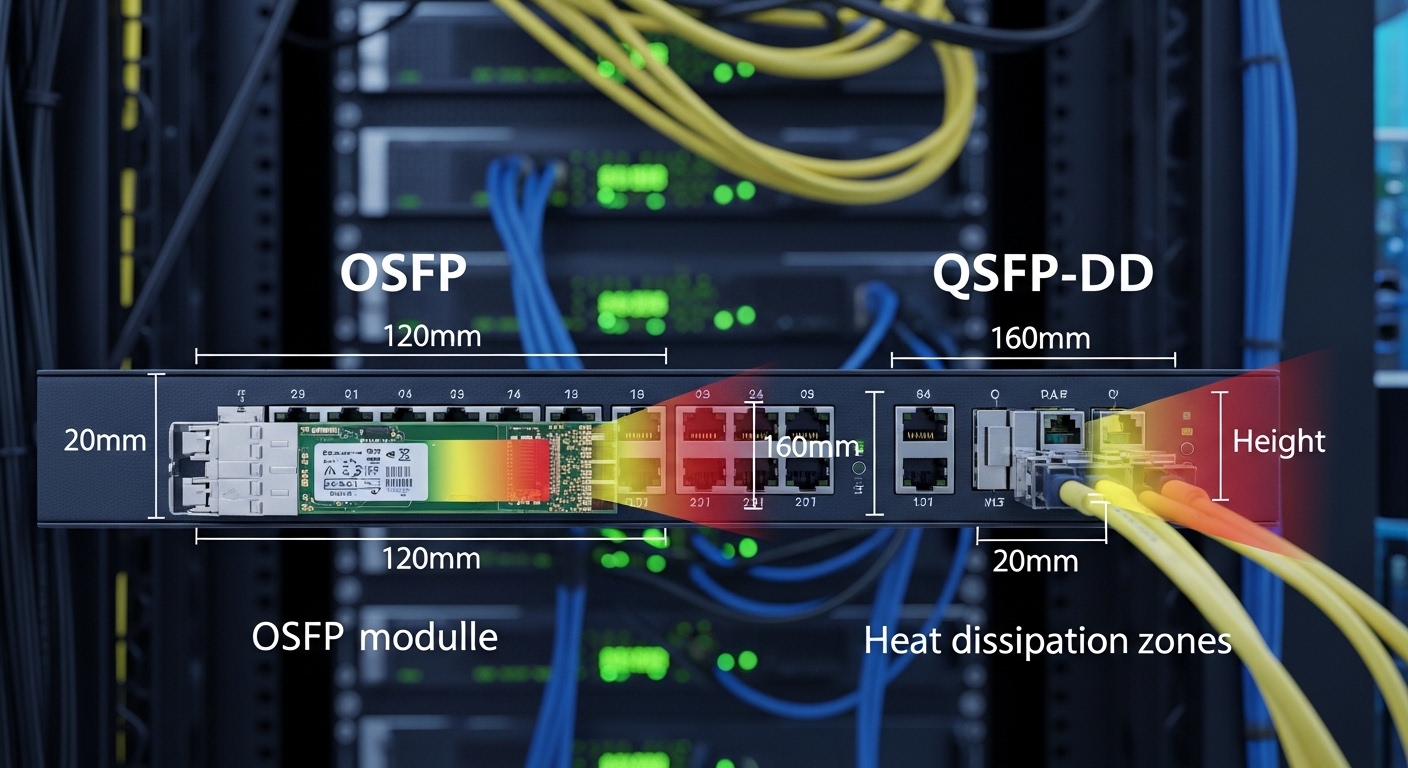
In a spine leaf topology, optics must carry consistent throughput across many parallel links, often with tight power budgets and standardized interfaces. Most 100G deployments use IEEE 802.3 families for Ethernet PHY behavior, while 200G and 400G commonly map to QSFP-DD or OSFP style optics depending on vendor ecosystems. For distance planning, engineers start with a link budget: transmitter launch power, receiver sensitivity, fiber attenuation, and connector/splice loss. The “gotcha” is that vendors publish reach assuming specific fiber parameters and reference test setups.
Reference points you can audit on-site
On real installs, I verify that the optics transceiver type matches both the switch port electrical standard and the fiber plant. For example, 100G SR optics are typically designed for OM4 multimode at 850 nm, while longer reaches often move to LR4 or ER4 class single-mode optics at 1310 nm. For 400G, many designs use either parallel optics over multimode or single-mode optics depending on the data center cabling strategy. Always compare to the vendor datasheet and confirm the switch supports the exact optic part number, not just the general “SR” label.
For standards context, IEEE 802.3 defines Ethernet PHY requirements for these link speeds and distances. Cabling performance is tied to ANSI/TIA-568 and ISO/IEC fiber classifications, which influence attenuation assumptions and test methods. For field credibility, consult the transceiver vendor datasheets and the switch vendor optics compatibility list. IEEE 802.3 standards portal ANSI/TIA standards portal
Spec comparison: 100G to 400G options that fit spine leaf links
Below is a practical comparison of common optics classes used for spine leaf optics decisions. Values vary by vendor and revision, but the table captures the engineering shape: wavelength, reach class, typical connector, and power/temperature constraints you should confirm in the datasheet. I recommend building a spreadsheet that records both switch port speed and optics module form factor to avoid late surprises.
| Optics class (example modules) | Target data rate | Wavelength | Typical reach class | Fiber type | Connector | Form factor | Operating temp (typ.) |
|---|---|---|---|---|---|---|---|
| SR (multimode) | 100G | 850 nm | Up to 100 m (OM4 typical) | OM4/OM5 | LC duplex | QSFP28 | 0 to 70 C (confirm) |
| LR4 (single-mode) | 100G | 1310 nm | Up to 10 km | OS2 | LC duplex | QSFP28 | -5 to 70 C (confirm) |
| SR4 or SR8 (multimode, 200G/400G variants) | 200G/400G | 850 nm | Varies by lane count and MMF | OM4/OM5 | LC (often MPO/MTP for high lane counts) | QSFP-DD or OSFP | 0 to 70 C (confirm) |
| FR4/ER4 (single-mode, 200G/400G variants) | 200G/400G | 1310 nm band | 2 km to 40 km class | OS2 | LC or MPO (vendor-dependent) | QSFP-DD or OSFP | -5 to 70 C (confirm) |
Concrete examples you may encounter in procurement: Cisco and other switch vendors list approved optics, but third-party modules can work if they pass electrical and optical compliance and are recognized by the host. For instance, you might see Finisar-class part numbers for common lanes (check the datasheet for the exact reach and fiber type), and FS.com often supplies compatible transceivers such as FS.com SFP-10GSR-85 for 10G SR use cases; for 100G/400G you will likely move beyond SFP to QSFP28, QSFP-DD, or OSFP. Always verify the exact speed and form factor, not only the wavelength family. [Source: IEEE 802.3 guidance, vendor datasheets and optics compatibility matrices]
FS.com transceiver catalog Finisar transceiver documentation Cisco optics compatibility resources
Field-ready selection checklist for spine leaf optics
When I deploy spine leaf optics in a live data center, I treat selection as an engineering acceptance test, not a shopping decision. The checklist below is ordered the way teams actually discover issues: distance first, then compatibility, then operational constraints. If you follow it, you reduce the probability of “it shipped, but it will not link” events.
- Distance and fiber type: Confirm OM4/OM5 versus OS2, measure end-to-end loss, and include patch panel and splice losses.
- Switch port compatibility: Use the switch vendor optics support list for the exact part number and supported form factor (QSFP28, QSFP-DD, OSFP).
- DOM and management behavior: Ensure the host accepts the module’s Digital Optical Monitoring format (DOM) and that alarms map correctly in the switch UI.
- Reach and link margin: Compare transmitter launch and receiver sensitivity against your measured attenuation, not just published max reach.
- Connector and polarity discipline: For LC duplex and MPO/MTP, confirm polarity method (example: MPO polarity A/B) and labeling in the cable plant.
- Operating temperature: Verify the transceiver temperature range matches expected rack ambient plus airflow patterns.
- Vendor lock-in risk: If you use OEM-only optics, model higher replacement costs and lead times; if third-party, validate compliance and return policies.
Pro Tip: In many spine leaf deployments, the optics “looks correct” but still fails because the MPO/MTP polarity method in the patch cords does not match the transceiver lane direction. The fix is often not the optics at all, but swapping the polarity at the patch-cord level and updating fiber labeling so future technicians do not reverse the lanes.
Common mistakes and troubleshooting steps for failed links
Even mature teams hit failure modes. The goal is to narrow root cause quickly: optics, fiber plant, port configuration, or thermal/DOM issues. Below are concrete pitfalls I have seen repeatedly in 100G to 400G rollouts.
Pitfall 1: “Compatible” optics that do not train the link
Root cause: The switch port may require a specific transceiver electrical signature, or the optics is not on the vendor approved list for that exact host model. Some third-party modules also implement DOM behavior differently, causing the host to refuse activation.
Solution: Confirm the exact switch model and port speed mode, then test the same optics in a known-good spare port. If it still fails, use the vendor compatibility list or request a firmware-supported transceiver revision from the vendor.
Pitfall 2: Distance exceedance masked by optimistic reach claims
Root cause: Published reach assumes reference fiber, clean connectors, and a specific test setup. Real patch panels add loss, and aged fibers may show higher attenuation.
Solution: Measure with an OTDR or certified loss test kit, then recompute margin including connectors, splices, and patch cords. If you are tight, shorten the run or move to a longer-reach optics class.
Pitfall 3: MPO/MTP polarity inversion on high-lane 200G/400G optics
Root cause: Lane direction mismatch can produce one-way or no-way optical signal, often presenting as link flaps or no link. This is especially common when patch cords are reused across projects.
Solution: Inspect patch cord type and polarity, then swap to the correct polarity method and re-test. Update labeling on both ends and add a visual polarity marker to the rack documentation.
Pitfall 4: Dirty optics and connectors causing intermittent CRC and resets
Root cause: Microscopic contamination increases insertion loss and can raise error rates under thermal cycling.
Solution: Clean with approved fiber cleaning tools, inspect with a microscope/inspection scope, and re-seat the transceiver. After cleaning, monitor counters for CRC errors and interface resets.
Cost and ROI: how optics pricing shapes the TCO of spine leaf upgrades
In day-to-day budgeting, optics cost is only part of the total cost of ownership. A realistic range for 100G SR optics can vary widely by OEM versus third-party sourcing, often influenced by warranty length, DOM validation support, and availability. For 400G optics, the unit price can be materially higher, and the most expensive line item is often the labor cost of repeated truck rolls when compatibility is uncertain.
ROI improves when you standardize on a small set of optics classes that match your fiber plant strategy: multimode for short reaches near the racks, single-mode for longer aggregation. OEM optics can reduce integration risk because they follow tighter switch-specific compatibility testing, while third-party optics can cut purchase price but require a disciplined acceptance test plan and clear RMA terms. In practice, I model TCO using: expected annual replacement rate, average lead time, downtime cost per hour, and cleaning/inspection labor.
FAQ
What does “spine leaf optics” mean in practice?
It refers to the optical transceivers used between leaf and spine switches in a data center fabric. The term usually implies high-volume, high-availability links, so compatibility with the host switch and the fiber plant is as important as raw reach.
Should I choose multimode or single-mode for 100G to 400G?
If your measured distances are within the OM4/OM5 reach envelope, multimode SR optics can reduce cabling cost. If you expect longer runs, cross-building links, or future expansion beyond the multimode budget, single-mode OS2 optics are often the more resilient path.
Do third-party optics work reliably for spine leaf links?
They can, but reliability depends on electrical compliance, DOM behavior, and switch compatibility. Use the switch vendor optics list when possible, and run a staged acceptance test with monitoring of link stability and error counters.
What should I check first when a link will not come up?
Start with speed and port configuration, then confirm optics form factor and switch support. Next verify fiber type, connector cleanliness, and MPO/MTP polarity, and finally compare measured attenuation to the optics reach budget.
How do I reduce troubleshooting time during a 400G rollout?
Pre-stage a validated optics inventory: approved part numbers, known-good spares, and labeled patch cords with polarity indicators. Then standardize cleaning procedures and add a checklist for DOM alarms and interface error counters before declaring hardware failure.
Where can I find authoritative compatibility guidance?
Use the switch vendor optics compatibility matrix and the transceiver vendor datasheet for DOM and temperature specifications. For standards context, refer to IEEE 802.3 and applicable cabling standards from ANSI/TIA.
If you want a second view before you order, review fiber link budget and build a measurable link budget from your site loss tests. Then align the optics selection to your switch compatibility list and acceptance-test plan.
Expert author bio: I deploy optical interconnects for leaf-spine fabrics, validating transceiver DOM behavior, polarity, and link budgets in production racks. My work blends IEEE PHY expectations with hands-on fiber plant measurements and operational acceptance testing.
