
If you are keeping legacy SONET SDH transport running, the optics choice can make or break link stability. This article helps network engineers and field techs compare SONET SFP options for OC-48 and OC-192, then pick the right module for distance, switch compatibility, and temperature. You will also get deployment-focused troubleshooting tips and a decision checklist you can apply in a change window.
OC-48 and OC-192 SONET SFP: what changes at the physical layer
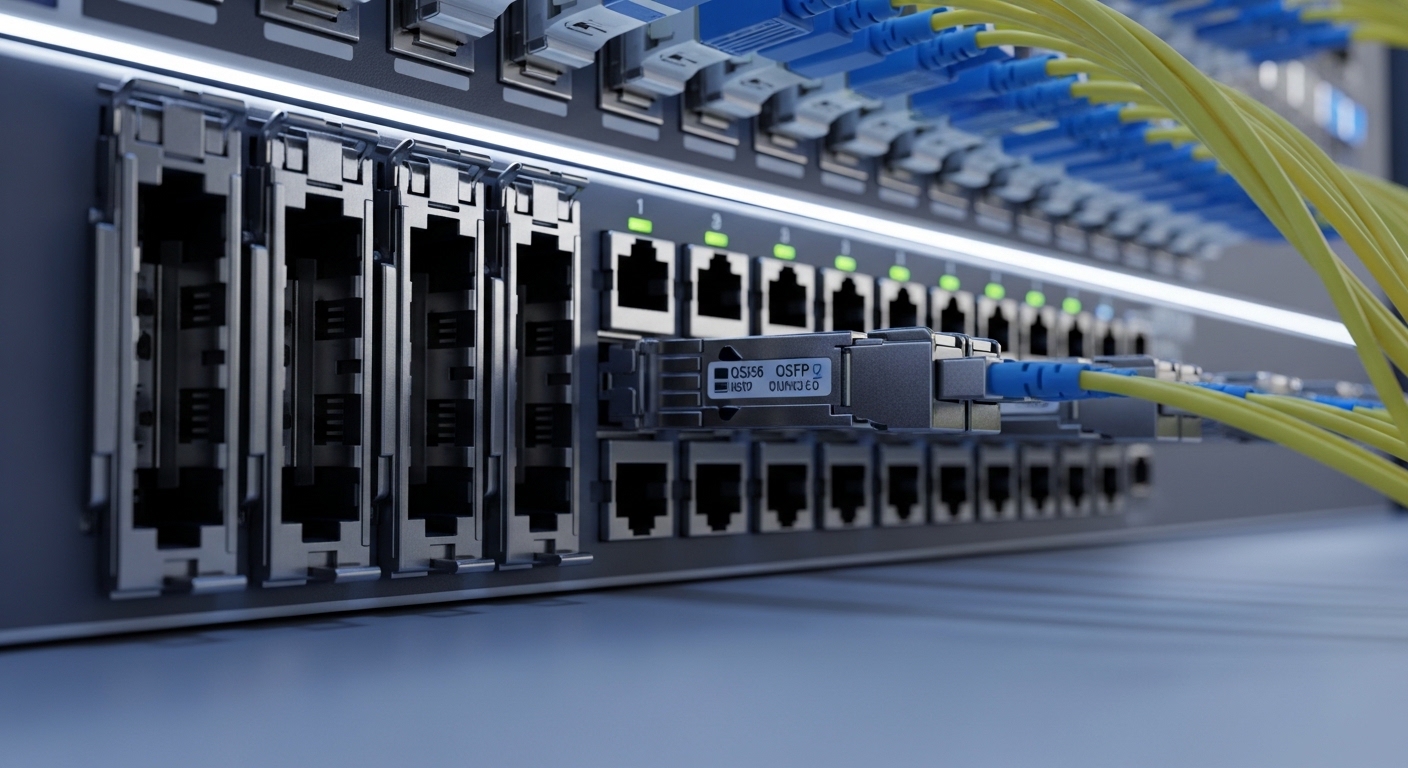
At a high level, OC-48 and OC-192 differ in line rate and optical budgets, so the required transceiver performance is not interchangeable. In practice, many “SONET SFP” parts are used in routers, muxponder platforms, or access transport shelves that expect a particular electrical interface and optical reach class. For OC-48, engineers often target short-to-mid reach using multimode or reach-graded single-mode variants. For OC-192, the optical budgets tighten and the module must meet tighter tolerances on transmitter power, receiver sensitivity, and dispersion tolerance.
Before you buy anything, confirm the platform expects the SFP form factor electrically and that the transceiver is specified for the SONET line rate. Even when the wavelength and connector match, firmware or vendor-specific calibration can affect link bring-up, especially with DOM (digital optical monitoring) and alarm thresholds.
| Key spec | OC-48 SONET SFP (typical) | OC-192 SONET SFP (typical) |
|---|---|---|
| Nominal data rate | 2.488 Gbps | 9.953 Gbps |
| Wavelength (common) | 1310 nm (often used) | 1550 nm or 1310 nm depending on reach class |
| Connector | LC duplex or SC (platform-dependent) | LC duplex or SC (platform-dependent) |
| Reach | OM3/OM4 multimode: up to a few hundred meters (varies) | Single-mode: often multiple kilometers (varies by class) |
| DOM | Often available; confirm thresholds | Often required for monitoring; confirm alarm mapping |
| Operating temp | Commercial or industrial grades; confirm | Typically wider grades for transport shelves |
| Standards alignment | SONET physical requirements via vendor implementation | Same; higher-rate optics and receiver specs are stricter |
Head-to-head: performance, reach, and optical budget reality
Engineers typically select reach class first, then validate power and sensitivity margins. For OC-48, multimode options are common in access and enterprise transport because budgets are forgiving and fiber runs are shorter. For OC-192, single-mode is frequently used due to higher speed and dispersion constraints; if you attempt to run long multimode links at OC-192 rates, you risk eye closure and receiver errors.
What matters operationally is not only the marketing “reach” but also whether the module’s specified transmit power and receiver sensitivity provide margin after connector losses, patch panels, and aging. In field measurements, a typical fiber path includes multiple mated connectors and at least one patching point; each adds loss and return-loss considerations.
Pro Tip: When troubleshooting intermittent LOS on legacy SONET shelves, compare DOM-reported “received optical power” against the module vendor’s absolute min/max for the same temperature grade. A transceiver can still pass basic link negotiation while operating near its receiver floor, and that often shows up only as fluctuating DOM readings before alarms escalate.
Compatibility and provisioning: the hidden risks when swapping SFPs
Compatibility is where many change-outs fail. Even if both optics are “SFP” and both say SONET, your transport platform may require a specific electrical interface mapping, coding mode expectation, and DOM behavior. Some platforms also apply vendor-specific alarm thresholding; if the replacement module reports slightly different calibration values, you may see spurious alarms or stubborn “link down” states.
To reduce risk, verify the exact platform line card or interface type and check whether it lists supported optics. If you cannot find a compatibility matrix, use a staged approach: test one known-good port, confirm error counters after 24 hours, then roll out. For example, OEM modules from mainstream vendors are often listed as compatible for specific shelves, while third-party modules can work but require careful DOM and temperature-grade matching.
Decision matrix engineers actually use
| Selection factor | OC-48 SONET SFP | OC-192 SONET SFP |
|---|---|---|
| Distance class | Multimode may be sufficient | Often single-mode required |
| Optical budget margin | Usually more forgiving | Must be carefully calculated |
| Switch or shelf compatibility | Verify DOM thresholds | Verify DOM plus higher-rate signaling |
| Temperature grade | Commercial sometimes OK | Industrial grade often safer |
| Vendor lock-in risk | Medium | Higher due to stricter timing tolerance |
| Field spares strategy | Keep one spare per shelf | Keep at least two spares if critical |
Real-world deployment scenario: keeping a legacy transport shelf stable
In a 3-tier network with access aggregation and a legacy SONET SDH transport shelf, one operator ran OC-48 handoffs from edge muxes to a regional hub across patch-panel rich pathways. Each link averaged about 1.2 km of single-mode cable plus roughly 6 mated connectors and two patch points, leaving a modest margin after accounting for loss and aging. When they upgraded a subset to OC-192 for additional capacity, they moved to a single-mode reach-graded SONET SFP and validated bring-up by monitoring error counters for 24 hours. The key difference was that the OC-192 module’s received power readings were closer to the minimum threshold, so they cleaned connectors and replaced one suspect patch cable before the final cutover.
Selection criteria checklist for SONET SFP procurement
- Distance and reach class: pick multimode vs single-mode based on actual fiber type and measured loss.
- Link rate: ensure the module is specified for OC-48 or OC-192, not just “SONET-compatible.”
- Wavelength and connector: confirm wavelength (often 1310 nm or 1550 nm depending on class) and connector type (LC duplex vs SC).
- Switch or shelf compatibility: check the platform’s supported optics list; confirm DOM behavior.
- DOM support and alarm thresholds: validate that alarm mapping matches your monitoring expectations.
- Operating temperature: match the module grade to the installation environment.
- Vendor lock-in risk: compare OEM vs third-party with a staged test plan and clear acceptance criteria.
Common mistakes and troubleshooting tips
1) Mismatched reach class (root cause: insufficient optical margin). Engineers sometimes replace an OC-48 module with an OC-192 module of the wrong reach class, or use a “long reach” optics on a shorter link without verifying power levels. Solution: calculate end-to-end loss including connectors, then confirm the replacement’s transmit power and receiver sensitivity provide margin at the expected temperature.
2) Dirty connectors and high return loss (root cause: degraded optical coupling). At higher rates, small contamination can cause intermittent bit errors that look like LOS/LOF flapping. Solution: clean LC/SC ferrules with lint-free swabs and appropriate cleaning tools; inspect with a fiber microscope; re-terminate if scratches are found.
3) DOM threshold mismatch (root cause: different calibration tables or alarm mapping). Some third-party transceivers report DOM values that cause the shelf to trigger alarms even when the link is technically stable. Solution: compare DOM-reported values on a known-good baseline port; if alarms persist, use a module variant confirmed by the platform vendor or perform an approved threshold adjustment if supported.
4) Temperature-grade oversight (root cause: receiver sensitivity drift). Using a commercial-grade module in a hot transport shelf can reduce receiver margin over time. Solution: match industrial or extended temperature grades to the enclosure specs and verify airflow conditions.
Cost and ROI note: what to budget and how to justify it
Pricing varies widely by reach class and whether you buy OEM or compatible third-party optics. In many markets, OEM SONET SFP modules can cost several hundred dollars each, while third-party equivalents may be lower but can increase operational risk if DOM and compatibility are not validated. From a TCO perspective, the ROI comes from reducing truck rolls and downtime: a failed module during a maintenance window can outweigh any upfront savings. For critical OC-192 paths, many teams keep additional spares and prefer optics with stronger documented compatibility and higher reliability history.
Which option should you choose?
If you are operating legacy access links with shorter distances and existing multimode infrastructure, an OC-48 SONET SFP that matches your wavelength, reach class, and DOM expectations is usually the lowest-risk choice. If you are scaling capacity to OC-192, prioritize single-mode reach-graded optics, tighter budget validation, and industrial temperature grade. For teams with strict uptime requirements, choose modules that are explicitly supported by the platform and validate with a staged rollout and 24-hour error-counter acceptance testing.
FAQ
What does “SONET SFP” actually mean? It usually refers to an SFP-form transceiver validated for SONET line rates and the platform’s expected optical/electrical signaling. Always confirm the module is specified for OC-48 or OC-192 and matches your wavelength and connector needs. [Source: IEEE 802.3] IEEE 802.3 overview
Can I use an OC-48 SONET SFP for OC-192? In general, no. The data rate and receiver/transmitter requirements differ materially, so the platform will either refuse link bring-up or the link will be unstable. Buy the correct line-rate module and validate compatibility with DOM and alarm behavior.
How do I calculate whether my fiber run will work? Start with measured fiber attenuation (from OTDR or verified loss testing), then add connector and patch-panel losses. Compare that total to the transceiver’s specified optical budget and ensure margin remains at operating temperature. If you lack margin, clean and re-check patching before swapping optics.
Do third-party SONET SFP modules work in legacy shelves? Often yes, but compatibility is not guaranteed. DOM calibration differences and platform-specific thresholding can create alarms or intermittent errors. Use a staged test on a non-critical port and verify error
