
You are swapping transceivers during a live maintenance window and need the port to come up without CRC storms, flaps, or optics damage. This article targets network engineers and data-center field techs who must perform SFP installation and verify hot-plug behavior using vendor DOM telemetry and link diagnostics. You will get an operational checklist, a spec comparison table, and concrete troubleshooting paths when the link stays down.
Why hot-plug SFP installation fails in real networks
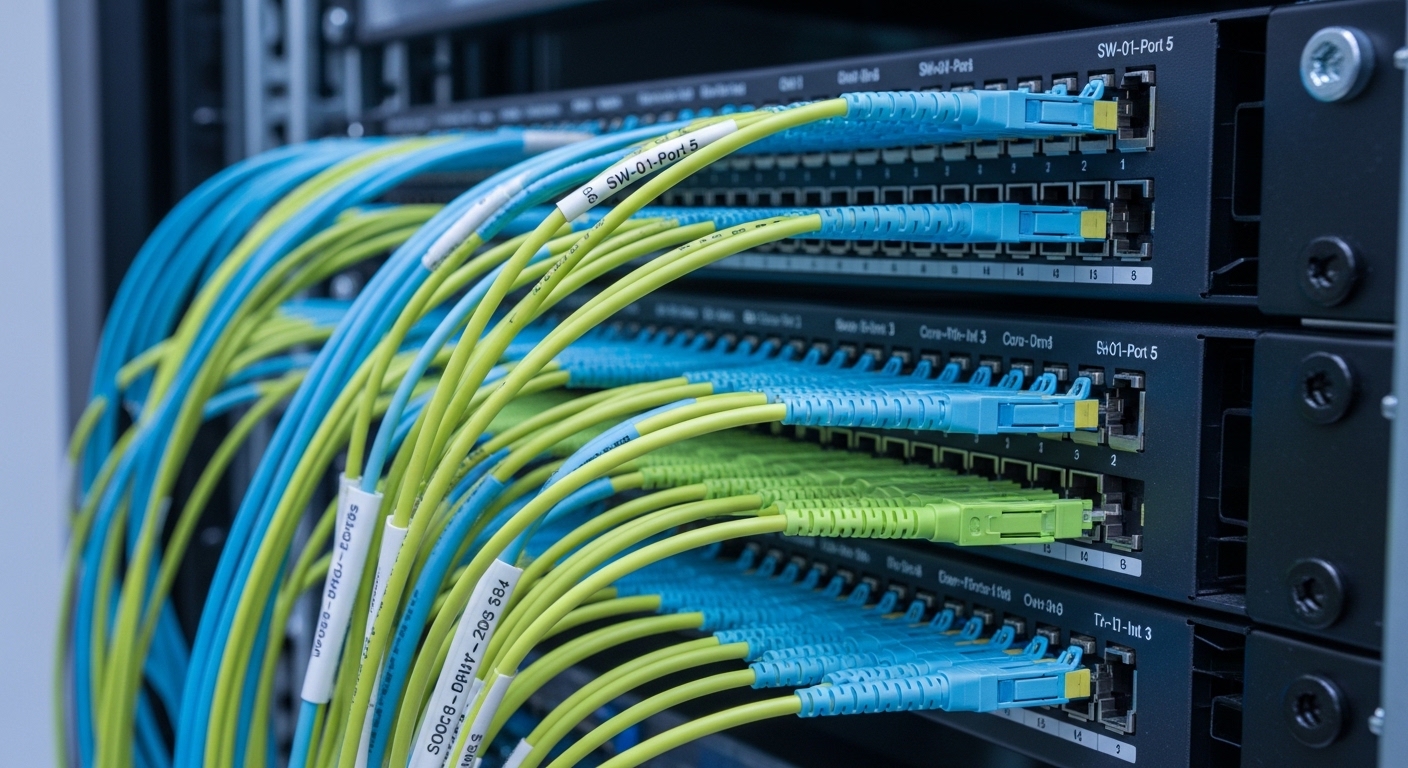
In theory, SFPs are hot-pluggable: you can insert or remove them without powering down the chassis. In practice, failures usually come from three areas: (1) electrical compatibility between the switch port and the transceiver (rate, encoding, and control-plane assumptions), (2) fiber/connector mismatch (wrong standard, wrong fiber type, or dirty endfaces), and (3) optics or firmware interactions (DOM reporting fields missing, threshold alarms not handled, or auto-negotiation not applicable for fixed-rate links). The IEEE 802.3 family defines optical PHY behavior, but vendor implementations differ in how they validate optics and whether they require specific DOM capabilities.
During a live window, engineers often do everything “by the book” yet still see link flaps or high CRC/error counters. Those symptoms typically indicate either a physical-layer problem (fiber cleanliness, polarity, or attenuation) or a timing/threshold issue where the switch rejects the optics until temperature and bias settle. The cure is usually procedural: observe DOM first, then confirm link and error counters after stabilization.
Standards and compatibility: what your switch expects
Hot-plug behavior is governed by the transceiver electrical interface and the switch’s port logic. For 1G/10G Ethernet, the PHY uses standardized lane coding and optical power control, but the management layer may rely on vendor-specific DOM mapping and thresholds. SFP modules also come in different optical classes, such as SR (multimode), LR (single-mode), and ER (extended reach), each aligned to typical wavelengths and link budgets.
Before you touch the hardware, confirm the port’s intended breakout and speed mode. Many enterprise switches expose per-port capabilities: some ports support 1G/10G, others require a specific breakout configuration (for example, a shared physical interface that can be 25G or 100G depending on module type). If you insert an optics that does not match the port’s configured speed, the switch may keep the link down or show a “not supported” message while still reporting DOM.
DOM telemetry you should validate immediately
Most SFP/SFP+ modules expose Digital Optical Monitoring (DOM) data via the I2C bus in the module, including Tx bias current, laser output power, receiver power, module temperature, and optical diagnostics. A practical workflow is: insert the module, wait for DOM to populate, then record baseline values (or compare against known-good optics). If the module reports out-of-range values right away, do not proceed with traffic; treat it as a likely compatibility or damage condition.
Pro Tip: In field deployments, engineers often wait for “Link Up” before checking DOM, but many switches only start applying optics thresholds after the interface is administratively enabled. A safer sequence is: insert SFP, confirm DOM refresh, verify Rx power is within the vendor’s recommended window, then enable the port and start traffic. This reduces the chance of transient flaps that can trigger spanning-tree recalculation or microbursts on sensitive workloads.
Key SFP types and how to map them to fiber plant
SFP installation is only half the job; the other half is matching the module to the installed fiber plant. SR optics typically target 850 nm over multimode fiber (often OM3/OM4). LR/ER optics target 1310 nm or 1550 nm over single-mode fiber. Even when the wavelength matches, connector cleanliness and polarity can still cause receiver overload or near-zero receive power.
Use the table below to align common module families to typical reach and operational constraints. Exact reach depends on link budget, fiber attenuation, patch cord length, splice losses, and the switch’s optics power class.
| Module family (examples) | Wavelength | Typical data rate | Typical reach | Fiber type | Connector | DOM support | Operating temperature |
|---|---|---|---|---|---|---|---|
| Cisco SFP-10G-SR / Finisar FTLX8571D3BCL (SR) | 850 nm | 10GBASE-SR | ~300 m (OM3) / ~400 m (OM4) | Multimode OM3/OM4 | LC | Yes (I2C DOM) | 0 to 70 C (vendor dependent) |
| FS.com SFP-10GSR-85 or equivalent SR modules | 850 nm | 10GBASE-SR | ~300 m class | Multimode OM3/OM4 | LC | Yes | -5 to 70 C or wider variants (check datasheet) |
| Cisco SFP-10G-LR / Finisar FTLX1471D3BCL (LR) | 1310 nm | 10GBASE-LR | ~10 km | Single-mode OS2 | LC | Yes | -5 to 70 C (typical) |
| Finisar or vendor LR/ER variants (ER) | 1550 nm | 10GBASE-ER | ~40 km class | Single-mode OS2 | LC | Yes | -5 to 70 C (vendor dependent) |
Model examples are illustrative; always verify the exact transceiver datasheet and the switch transceiver compatibility list. For standards grounding, consult IEEE 802.3 Ethernet PHY definitions and the transceiver vendor technical notes. [Source: IEEE 802.3 standard] [Source: Cisco SFP module datasheets] [Source: Finisar/II-VI transceiver datasheets]
Step-by-step SFP installation workflow for hot-plug ports
This workflow assumes a powered switch, a live maintenance window, and that you must minimize downtime. It also assumes you can view port state and DOM telemetry via your management interface or CLI.
Pre-check the port and module pairing
- Confirm the port speed setting and whether the port is in a supported mode for the module type (for example, 10G vs 1G).
- Verify the correct optical standard: SR for multimode, LR/ER for single-mode. Do not rely on “looks similar” packaging.
- Inspect the module label for wavelength and reach class, and confirm connector type (most SFP/SFP+ optics use LC).
Handle optics safely to avoid ESD and endface contamination
- Use an ESD-safe workflow: grounded wrist strap if required by your facility policy.
- Clean fiber endfaces with approved wipes and inspection tools before insertion. Dirty endfaces can create intermittent Rx power and high BER.
- Maintain polarity and direction conventions. For standard duplex LC cabling, ensure Tx goes to Rx across the link.
Perform the physical SFP installation
- Remove the dust caps only when ready to insert.
- Insert the module fully until the latch engages. Do not force; if it does not seat, stop and re-check part number and orientation.
- Wait for DOM to populate. Many platforms expose “module present” quickly, but DOM fields may lag by seconds.
Validate DOM and bring the link up deterministically
- Check DOM: module temperature, Tx bias, Tx power, and Rx power (if supported).
- Confirm no optical diagnostic alarms are active. If the switch supports threshold-based actions, ensure your monitoring system is configured.
- Admin-enable the port (if it is currently shut) and verify link state. Then validate traffic counters: CRC errors, symbol errors, and interface discards.
Confirm stability under load
After “Link Up,” run a short traffic validation: for example, a controlled stream from a test host or a brief production workload slice. Watch for transient error counters and link flaps over at least 5 to 15 minutes depending on your change-control window. In environments with aggressive failure detection, even brief flaps can cause route churn or re-convergence events.
Cost, ROI, and the real tradeoffs of OEM vs third-party optics
Budget decisions around SFP installation are rarely about sticker price alone. OEM optics may cost more but can reduce operational risk if your platform enforces strict transceiver compatibility or if you need predictable DOM behavior for monitoring. Third-party optics can be cost-effective, but you must validate compatibility, DOM mapping, and whether the switch supports your module’s vendor ID fields.
Typical market pricing ranges vary by reach and speed. As a realistic planning baseline, many 10G SR optics often land in the range of $25 to $80 per module for common third-party SKUs, while OEM-branded equivalents can be $80 to $200+ depending on vendor and program. Long-reach optics (LR/ER) can be higher, especially for guaranteed OEM compatibility. TCO should include labor time for failed swaps, the cost of outage windows, and the probability of early failure due to handling or thermal stress.
ROI improves when you pair optics with a repeatable installation process: endface cleaning, correct fiber mapping, and DOM-based gating before traffic. If you routinely see optics rejected by the platform, the “savings” from cheaper modules can vanish quickly in labor and downtime.
Common pitfalls and troubleshooting for SFP installation
Below are real failure modes engineers encounter, with root causes and corrective actions. Treat them as a decision tree rather than a list.
Pitfall 1: Port stays down after successful physical insertion
Root cause: wrong module standard (e.g., SR installed on a single-mode run) or port speed mismatch configured on the switch. Another frequent cause is that the fiber is connected but the polarity is reversed, causing Rx power to be near zero.
Solution: verify module wavelength and standard, confirm port speed mode, and measure Rx power via DOM. If Rx is near the noise floor, fix polarity by re-cabling duplex LC with correct Tx-to-Rx mapping.
Pitfall 2: Link comes up but you see CRC errors and rising BER
Root cause: dirty fiber endfaces, micro-scratches in patch cords, or marginal optical power due to excessive attenuation. In some cases, connector geometry mismatch or partially seated LC connectors creates intermittent contact.
Solution: clean both ends, inspect with a fiber scope, re-seat connectors firmly, and compare DOM Rx power to the baseline from a known-good link. If the link remains noisy, check patch cord length and the fiber plant attenuation budget.
Pitfall 3: SFP is “recognized” but DOM alarms trigger and the switch disables the port
Root cause: optics threshold mismatch, unsupported vendor-specific DOM fields, or a module operating outside temperature/power expectations. Some platforms also enforce compliance checks based on vendor IDs stored in EEPROM.
Solution: confirm platform transceiver compatibility list, verify module temperature and Tx bias from DOM, and test the module in a known-good port. If the problem follows the module, replace it; if it follows the port, re-check port configuration and firmware.
Pitfall 4: Intermittent flaps during traffic bursts
Root cause: thermal issues in high-density racks, poor airflow, or marginal optical margin where Rx power hovers near thresholds. Another cause is inconsistent cleaning practices across patch panels.
Solution: validate rack airflow, confirm module temperature via DOM, and compare Rx power under idle vs load (some optics show slight behavior shifts due to laser bias control). If margin is tight, shorten patch cords or upgrade to a higher-reach or lower-attenuation fiber path.
Selection criteria checklist for SFP installation success
Engineers typically evaluate constraints in an ordered sequence to avoid rework. Use this decision checklist before ordering optics and before performing the SFP installation.
- Distance and reach class: map total link distance plus patch cords and splices to the module’s specified reach and power budget.
- Fiber type and wavelength: confirm OM3/OM4 for SR at 850 nm, and OS2 for LR/ER at 1310 nm or 1550 nm.
- Switch compatibility: verify that the port supports the module type and that any transceiver enforcement features are satisfied.
- DOM support and monitoring integration: confirm you can read Tx/Rx power and temperature fields, and that your monitoring thresholds match your optics behavior.
- Operating temperature and airflow: ensure the module’s temperature range aligns with your rack ambient and airflow profile.
- Vendor lock-in risk: evaluate whether third-party optics are allowed and whether firmware updates may change DOM interpretation.
- Connector and polarity plan: ensure LC connector quality and confirm Tx-to-Rx mapping in your patch panel design.
FAQ
How long should I wait after SFP installation before checking link state?
On many switches, “module present” appears quickly, but full DOM refresh and link negotiation can take several seconds. In operational practice, wait long enough to see DOM fields populate consistently, then enable the port and check link state. If it does not come up within your platform’s expected window, proceed with DOM and fiber checks rather than repeatedly reseating.
Can I use third-party SFP modules for SFP installation on managed switches?
Often yes, but compatibility is not universal. Some platforms enforce vendor-specific checks using EEPROM fields and may disable ports or misread DOM thresholds. Validate using your switch vendor’s optics compatibility list and test the module in a known-good port before scaling across production.
What DOM values are most useful for troubleshooting a down or noisy link?
Tx bias current, Tx optical power, Rx optical power, and module temperature are the most actionable. If Rx power is near the noise floor, suspect polarity, connector seating, or fiber mismatch. If Tx power is abnormal or temperature is elevated, suspect a failing module or thermal/airflow issues.
Do I need to clean fiber endfaces every time I do SFP installation?
Yes, especially when swapping modules or touching patch cords. Even small contamination can create intermittent errors that look like “bad optics.” Use approved cleaning tools and inspect with a fiber scope when available; this typically reduces CRC and symbol errors dramatically.
Why does the link flap even though the fiber and module are correct?
Common causes include tight optical margin, airflow problems causing temperature swings, and inconsistent connector quality at patch panels. Check DOM temperature trends and compare Rx power against a known-good baseline. If the module repeatedly crosses thresholds, shorten the link or upgrade to optics with better margin for your attenuation budget.
Is polarity a concern with duplex LC cabling during SFP installation?
Yes. Duplex LC cabling can be wired in multiple conventions, and a reversed mapping can result in near-zero receive power. If the link does not come up, verify Tx-to-Rx mapping using your patch panel labeling and, if needed, swap the fibers at one end while monitoring DOM Rx power.
Successful SFP installation is a controlled process: verify compatibility, ensure fiber cleanliness and polarity, validate DOM telemetry, then confirm link and error counters under load. Next, review your organization’s transceiver monitoring workflow using DOM telemetry monitoring.
Author bio: I have deployed hot-pluggable Ethernet optics in multi-vendor data centers, validating DOM thresholds and diagnosing PHY-layer faults using port counters and optical power budgets. My work focuses on repeatable installation playbooks that minimize outages and reduce error-driven rework.
