
Enterprise networks still run on a mix of copper and fiber, and many rollouts hinge on one decision: which SFP+ 10 gigabit transceiver fits the switch ports, fiber type, and reach targets. This article helps network engineers, data center technicians, and procurement teams choose correctly, validate compatibility, and avoid common failure modes. You will get practical specs, a real deployment scenario, and a checklist you can apply to production builds.
What SFP+ 10 gigabit transceivers actually do in real networks
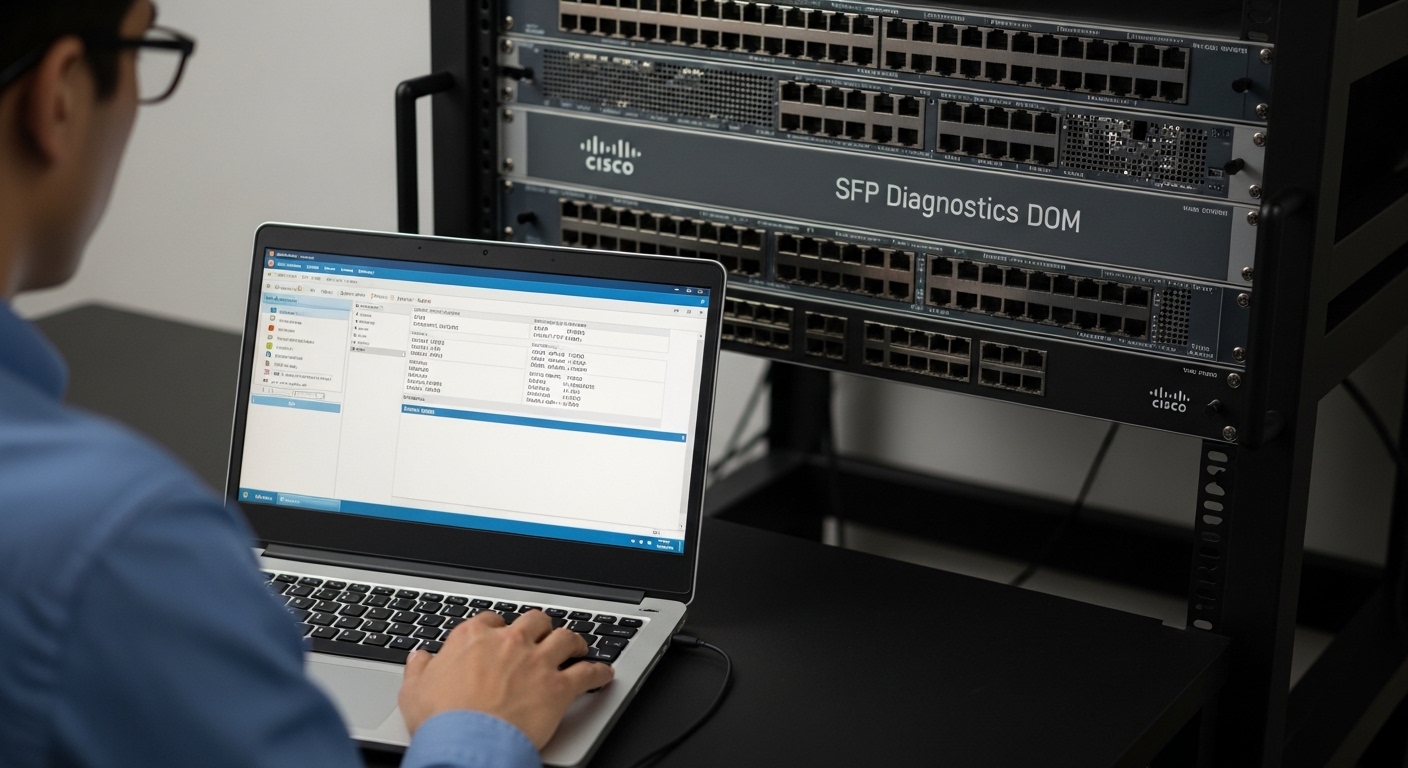
Think of an SFP+ module as a “plug-in optical adapter” that converts electrical signals from your switch into light for fiber, and back again at the far end. In IEEE terms, 10GBASE-SR, 10GBASE-LR, and 10GBASE-ER define how the optics behave electrically and optically; the module then packages the transmitter, receiver, and control interface (often using I2C with Digital Optical Monitoring). On Cisco and many other enterprise switches, the SFP+ presence and transceiver health are monitored via DOM (Digital Optical Monitoring), which typically reports received power (Rx power), transmit bias, and temperature.
In a deployment, the “right” module is not only about speed. It must match the switch’s signaling expectations and optics standard (SR vs LR), the fiber plant (multimode OM3/OM4 vs single-mode OS2), the connector type (LC is most common), and the expected budget after accounting for fiber attenuation and patch cord losses. If you treat this like matching shoes to a runner, you avoid the classic mismatch: the connector fits, but the wavelength and reach do not.
Core specifications you must compare before ordering
The quickest way to prevent bad installs is to compare key fields on the datasheet: wavelength, reach, connector, and optical power levels. The table below summarizes common SFP+ 10 gigabit options used in enterprise access, aggregation, and server-to-switch links.
| Module type | Wavelength (nominal) | Typical reach | Fiber type | Connector | DOM / monitoring | Operating temperature |
|---|---|---|---|---|---|---|
| 10GBASE-SR (MMF) | 850 nm | Up to 300 m (OM3) or 400 m (OM4) | Multimode (OM3/OM4) | LC duplex | Often supported | 0 to 70 C (typ.) |
| 10GBASE-LR (SMF) | 1310 nm | Up to 10 km | Single-mode (OS2) | LC duplex | Often supported | -5 to 70 C (typ.) |
| 10GBASE-ER (SMF) | 1550 nm | Up to 40 km | Single-mode (OS2) | LC duplex | Often supported | -5 to 70 C (typ.) |
When you read vendor datasheets, also check TX power and RX sensitivity (or receiver overload), because those determine your link budget. For short enterprise runs, SR at 850 nm with OM4 is common; for campus or WAN-like metro links, LR at 1310 nm is often the practical default.
Deployment scenario: leaf-spine data center with mixed distances
In a 3-tier data center leaf-spine topology with 48-port 10G ToR switches, a common pattern is server-to-leaf links at 30 to 70 m over OM4, plus leaf-to-spine uplinks at 80 to 120 m over OM3/OM4. Suppose you have 32 servers per leaf with 10G NICs, each using an SR module and LC duplex patching. The uplinks might use SR as well if the distance stays within the OM4 budget, but you may mix in LR for certain cross-row paths where trenching and patching add attenuation.
Operationally, field teams measure link health by reading DOM values (for example, Rx power in dBm) and confirming no threshold alarms. In one real-world troubleshooting workflow, a technician compares Rx power across multiple ports after swapping a single suspect module; if the Rx power drops significantly (often beyond the vendor’s recommended operating window), the fiber patch cord or connector contamination is more likely than the switch port itself. This is why you should keep a small spares kit: one known-good SR module for the same wavelength class and temperature grade.
Selection checklist engineers use for SFP+ 10 gigabit
Below is an ordered checklist you can apply before purchase and before first light. It is designed to reduce rework during cutovers.
- Distance and fiber type: confirm OM3/OM4 for SR, OS2 for LR/ER; measure or estimate total loss including patch cords.
- Wavelength and standard: pick 10GBASE-SR vs 10GBASE-LR vs 10GBASE-ER; do not assume “10G” means interchangeable.
- Switch compatibility: check vendor compatibility lists and transceiver qualification notes; some platforms are sensitive to vendor EEPROM behavior.
- DOM support: verify DOM works on your platform; confirm reported parameters and thresholds match operational expectations.
- Operating temperature: ensure module grade fits your room and airflow; verify whether you need industrial or extended range.
- Connector and polarity: confirm LC duplex and fiber polarity method (typically A-to-B conventions for duplex); label patch cords.
- Vendor lock-in risk and spares strategy: weigh OEM vs third-party; plan for replacements that behave consistently across batches.
Pro Tip: In practice, the fastest “is it the optics or the fiber?” test is to move a known-good SFP+ 10 gigabit module to the suspect port and then move the suspect module to a known-good port. If the issue follows the module, you have a transceiver fault; if it follows the port, you are likely dealing with port optics, firmware quirks, or a patching problem.
Common pitfalls and troubleshooting patterns
Even experienced teams run into predictable issues. Here are frequent mistakes with root causes and practical fixes.
Pitfall 1: SR module installed on the wrong fiber type
Root cause: SR expects multimode behavior at 850 nm. Installing SR into single-mode OS2 runs can cause severe link instability or total loss.
Solution: verify fiber type in documentation and at the patch panel; confirm wavelength standard on the module label and purchase order.
Pitfall 2: DOM shows low Rx power, but the module is blamed first
Root cause: dirty LC connectors or damaged patch cords can reduce received power enough to trigger link flaps. DOM makes this visible, but it does not identify contamination.
Solution: clean connectors with approved tools, then re-check Rx power. Inspect with a fiber microscope when cleaning does not restore margin. Replace patch cords if the microscope shows scratches or residue.
Pitfall 3: “Compatible” third-party modules fail DOM or link negotiation
Root cause: some third-party modules can implement EEPROM fields differently, and certain enterprise switches may enforce stricter transceiver qualification. The link may come up briefly or not at all.
Solution: validate against the specific switch model’s compatibility list; test one module batch in a staging rack; confirm DOM thresholds and alarm behavior match your monitoring system.
Pitfall 4: Temperature and airflow mismatch in dense cabinets
Root cause: a module rated for 0 to 70 C may still run near limits if airflow is blocked by cable bundles or if the cabinet is in a hot aisle without adequate cooling.
Solution: check switch and transceiver temperatures via CLI/management; improve airflow management (cable guides, blank panels) and re-seat modules to ensure proper contact.
Cost and ROI: OEM vs third-party transceivers
Pricing varies by distance class and vendor, but enterprise teams commonly see OEM SFP+ 10 gigabit SR modules in a mid-range per-unit cost band, while third-party equivalents often undercut OEM pricing. For example, you might encounter street prices roughly in the tens of dollars for SR modules and higher for LR/ER, depending on DOM grade and temperature range. The ROI hinges on total installed cost, failure rates over time, and the operational burden of troubleshooting incompatibilities.
From a TCO perspective, the “cheapest module” can cost more if it increases downtime during maintenance windows. A balanced approach is to standardize on one or two approved third-party vendors after lab validation, keep spares that match your dominant wavelengths (often SR 850 nm and LR 1310 nm), and track DOM alarms to predict failures early. For reference module examples, check common models such as Cisco SFP-10G-SR, Finisar FTLX8571D3BCL, and FS.com SFP-10GSR-85, then confirm compatibility with your switch platform and DOM expectations.
FAQ: choosing and deploying SFP+ 10 gigabit optics
Q1: Are all SFP+ 10 gigabit modules interchangeable across my switches?
No. They may look similar, but SR vs LR vs ER behavior differs by wavelength and fiber type. Also, some switches enforce transceiver EEPROM and DOM expectations, so compatibility varies by platform and firmware. Always verify the switch model’s transceiver support guidance and the module’s standard.
Q2: How do I estimate whether SR will work for a specific distance?
Use a link budget: subtract fiber attenuation plus patch cord loss and connector losses from the module’s TX power and compare to receiver sensitivity. For multimode, OM4 typically supports longer runs than OM3 for 850 nm optics. When in doubt, measure end-to-end loss with a tester and validate with DOM readings after installation.
Q3: What DOM thresholds should I watch after installation?
Monitor Rx power trends and temperature for stability over time. If you see frequent link flaps or Rx power near the vendor’s minimum, investigate fiber cleanliness and patching first. For exact thresholds, follow the module datasheet and your switch’s transceiver alarm documentation.
Q4: Can I use third-party SFP+ 10 gigabit modules with enterprise switches?
Often yes, but success depends on the switch model and module implementation. Validate one module batch in a staging environment before rolling out broadly, and confirm link stability plus DOM functionality. Keep spares consistent with the validated vendor to reduce variability during incident response.
Q5: Why does the link come up, then drop after a few minutes?
Common causes include marginal optical power from dirty connectors, slightly damaged patch cords, or a polarity/patching mismatch. Another cause is thermal stress in a poorly ventilated cabinet. Use DOM to confirm whether Rx power is drifting and inspect the physical layer with a fiber microscope.
Q6: Which standard should I choose: SR or LR?
Pick SR for short to moderate runs on multimode OM3/OM4, typically within a few hundred meters depending on the fiber spec and link budget. Choose LR for single-mode OS2 when you need multi-kilometer reach or when the plant is already single-mode. For very long spans, ER may be appropriate, but it requires careful budgeting.
For more on building reliable optical links, review fiber link budget and DOM monitoring to connect the specs to day-two operations. Next, shortlist your wavelengths and validate compatibility in a staging rack before the maintenance window.
Updated on 2026-04-29. Author bio: I have deployed and troubleshot SFP+ and QSFP optics in multi-vendor enterprise networks, including DOM-driven incident workflows and fiber plant acceptance checks. My goal is to translate datasheet specs into operational decisions field teams can execute safely.
