
If your campus is moving from 1G or 2.5G access to multi-gig links, the bottleneck often becomes optics and transceiver compatibility rather than raw switch throughput. This guide helps network engineers and field techs choose the right 5G ethernet transceiver for 5GBASE-T designs, plan deployment, and avoid the failure modes that show up during commissioning. You will get a practical checklist, a troubleshooting section, and a realistic cost and TCO view for OEM vs third-party optics.
Why 5GBASE-T campus upgrades stress transceivers
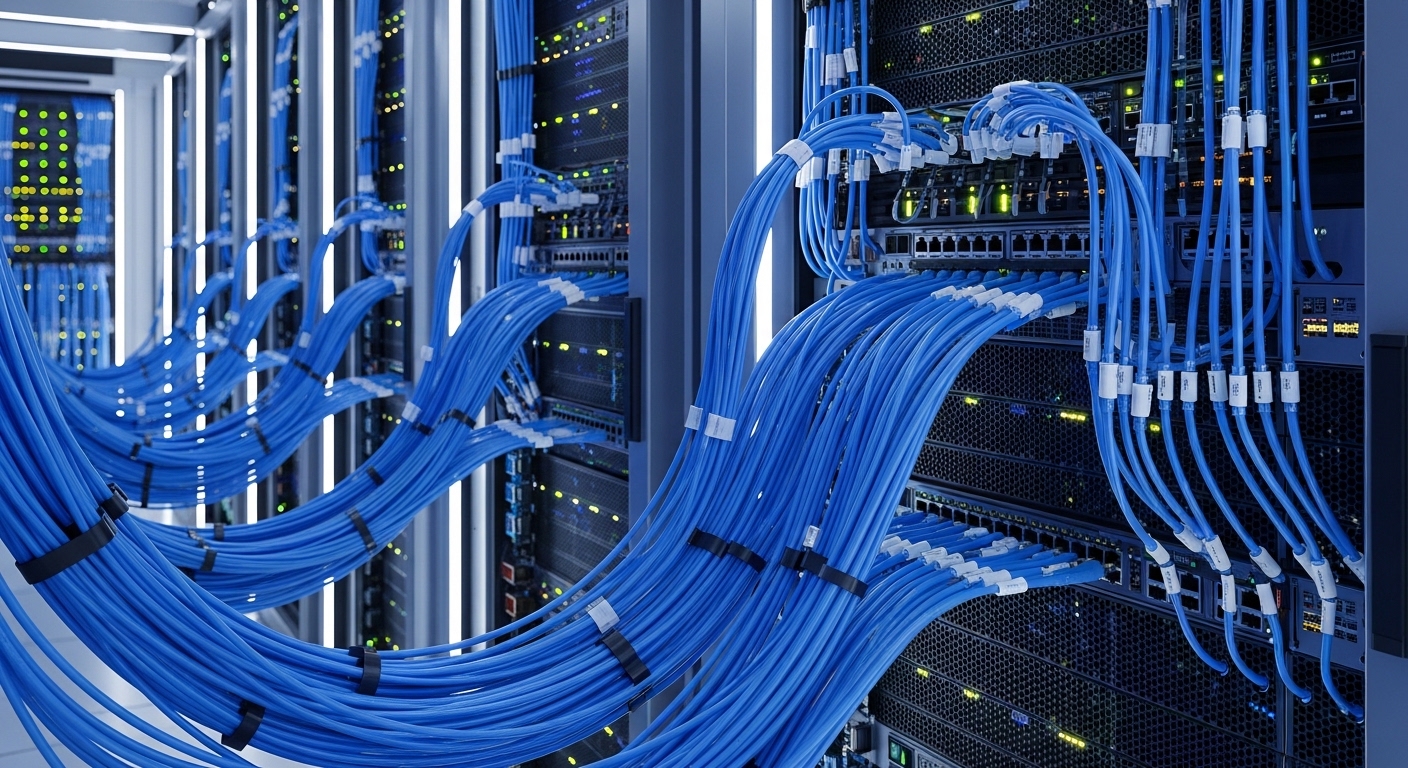
Upgrading access and aggregation to multi-gig changes traffic patterns: more east-west flows, higher burstiness, and tighter latency budgets. In 5GBASE-T style designs, the physical layer must reliably negotiate link parameters on copper or hybrid media, while your distribution layer must keep optics and transceiver management aligned with switch firmware. The result: the 5G ethernet transceiver (or its breakout/paired media counterpart) becomes a dependency for uptime, not a “plug and forget” accessory.
In real campus rollouts, engineers typically see link instability when transceiver electrical characteristics do not match the host’s expected behavior, or when cabling and grounding do not meet the switch vendor’s installation requirements. Even when the link comes up, you can still lose margin through marginal SNR, excessive insertion loss, or temperature drift in the field. ANSI/TIA cabling conformance testing and vendor-specific transceiver compatibility lists remain the deciding factors.
Reference points: Ethernet PHY behaviors are governed by the relevant IEEE family standards for 10/25/40/100G optical and copper; for copper cabling and channel performance, follow ANSI/TIA-568 and TIA-1152 testing practices. For operational monitoring, rely on the host switch’s DOM and transceiver diagnostics (DDM/DOM) where supported. [Source: IEEE 802.3 series], [Source: ANSI/TIA-568.2-D]
5G ethernet transceiver specs that actually matter in the field
When evaluating a 5G ethernet transceiver, focus on what your switch optics stack and your link budget can tolerate. Many failures are not “dead transceivers” but misaligned expectations around wavelength family (for fiber), reach category, connector type, and operating temperature. For 5GBASE-T, the media is copper-based, but the same discipline applies: verify electrical interface support, diagnostics capabilities, and compliance with the host’s transceiver profile.
Key spec comparison table (fiber-oriented example, plus deployment constraints)
Even if you are doing a 5GBASE-T copper upgrade, campuses frequently use mixed media in the same rack: copper-to-fiber uplinks, aggregation, and backup paths. The table below shows the concrete values engineers validate when selecting optics for the adjacent fiber segments, because your upgrade plan must cover end-to-end connectivity.
| Parameter | Example 5G/10G SFP+ SR (multimode) | Example 10G/25G LR (singlemode) | What to check for 5GBASE-T copper |
|---|---|---|---|
| Data rate | 10 Gbps (often used as uplink) | 10 Gbps or 25 Gbps depending on model | Expected 5GBASE-T link rate and host support |
| Wavelength | 850 nm | 1310 nm | Electrical interface; verify PHY negotiation support |
| Reach | Up to 300 m (OM3) / up to 400 m (OM4) | Up to 10 km (typical LR) | Verify channel performance: insertion loss, NEXT/FEXT, return loss |
| Connector | LC duplex | LC duplex | RJ-45 jack type and shielded cabling practices |
| Power (typical) | ~0.6–1.0 W class (varies by vendor) | ~0.9–1.5 W class (varies by vendor) | Check host thermal budget and transceiver power draw limits |
| Operating temp | 0 to 70 C (commercial) | -5 to 70 C (common extended) | Verify copper transceiver operating range and enclosure airflow |
| Diagnostics | DOM/DDM (vendor-specific) | DOM/DDM (vendor-specific) | Check link status counters and PHY diagnostics exposure |
Concrete examples you may encounter in mixed-media campus designs: Cisco SFP-10G-SR, Finisar FTLX8571D3BCL, FS.com SFP-10GSR-85. Always confirm the host compatibility matrix for your specific switch SKU and firmware level. [Source: Cisco SFP module datasheets], [Source: Finisar/II-VI datasheets], [Source: FS.com product pages]
Pro Tip: In campus change windows, engineers often validate link bring-up but forget to validate DOM/DDM thresholds and host alarms. During later temperature swings, a marginal transceiver can pass initial tests yet trigger CRC bursts or “link flap” events. Add a post-install monitoring period (for example, 24 to 72 hours) and capture interface error counters and optical power or PHY counters before declaring success.
Selection criteria checklist for a 5G ethernet transceiver
Use this ordered checklist during procurement and field validation. It is designed to reduce rework after cabling is already pulled and patch panels are labeled.
- Distance and reach category: confirm copper channel length and fiber reach class for any uplink or backup path; treat budget conservatively.
- Switch compatibility: verify the exact transceiver part number is supported by the switch model and firmware; consult the vendor compatibility list.
- Media and connector correctness: for fiber, confirm LC duplex polarity handling and multimode type (OM3 vs OM4); for copper, confirm jack and shielded cabling.
- DOM support and telemetry: ensure the host reads diagnostics (DDM/DOM) and exports them via telemetry (SNMP/streaming telemetry) for your monitoring stack.
- Operating temperature and airflow: compare the module temperature range to the rack environment; validate with planned airflow and worst-case sun/ceiling heat in campus buildings.
- Vendor lock-in risk: quantify the cost and lead time for OEM replacements versus third-party modules; confirm your service policy and RMA handling.
- Compliance and certification: confirm regulatory and vendor compliance expectations (for example, laser safety class for optics) and internal audit requirements.
- Field test plan: define which measurements you will capture (optical receive power for fiber; link counters and PHY status for copper) before and after the cutover.
Portfolio approach: align copper 5GBASE-T with fiber uplinks
Most campus upgrades are not purely copper. A typical design uses 5GBASE-T on access for multi-gig endpoints, while uplinks to aggregation use fiber for reach and resilience. That means the 5G ethernet transceiver decision must be coordinated across both layers so that interface speeds, VLAN tagging, and QoS policies behave consistently end-to-end.
From a management perspective, you also want operational symmetry: consistent transceiver diagnostics visibility, uniform alarm thresholds, and predictable behavior during link renegotiation. If your monitoring stack expects DOM fields from fiber optics, ensure the copper side exposes equivalent counters (CRC/PCS errors, link training events, or vendor-specific PHY telemetry) so you can distinguish cabling faults from transceiver faults.
Real-world deployment scenario (numbers included)
In a 3-tier campus leaf-spine style access-to-aggregation topology, a university rolled out multi-gig uplinks using 48-port access switches in 12 buildings. Each access switch served about 220 endpoints and uplinked to aggregation with 4 x 10G fiber links, while edge closets used 5GBASE-T for select rooms with short runs. The rollout used OM4 multimode for intermediate hops averaging 120 m, and singlemode for two long corridors averaging 4.5 km. During commissioning, the team captured interface counters for 72 hours after each cutover; the only recurrent issue was a subset of copper links with elevated error rates traced to patch panel termination quality rather than the transceiver itself.
Common mistakes and troubleshooting patterns
Below are frequent failure modes seen during campus upgrades. Each includes the likely root cause and a practical fix. Use these as a runbook during go-live week.
Link flaps after temperature rise
Root cause: the transceiver or host thermal margin is insufficient; airflow is blocked by high-density patch panels or cable bundles, causing internal temperature to exceed the module’s spec. Solution: verify rack airflow direction, clear obstructions, and confirm the module’s rated operating temperature; then re-test with monitoring for CRC and link training events over a full day. If you see DOM/DDM temperature alarms, treat the transceiver as suspect even if it initially passed.
High CRC or packet loss despite “link up”
Root cause: marginal optical power, dirty connectors, or copper termination issues (incorrect punch-down, poor shielding, or mismatched patch cords). Solution: clean LC connectors with lint-free wipes and approved cleaning kits, re-seat transceivers, and run optical power checks at the receive end. For copper, re-run TIA-style channel tests and verify return loss and alien crosstalk margins; replace suspect patch cords before replacing modules.
Works on one switch but not another
Root cause: transceiver profile mismatch, unsupported interface mode, or firmware behavior differences (for example, different transceiver authentication or threshold settings). Solution: confirm the exact switch model and firmware; update host firmware when the vendor recommends it, and validate the transceiver part number against the compatibility list. If you must mix vendors, do so only after confirming DOM fields and alarm thresholds map correctly.
Mis-cabled fiber polarity or wrong fiber type
Root cause: LC duplex polarity mismatch, OM3 vs OM4 mismatch, or using the wrong connector style in the tray. Solution: verify polarity using a polarity tester or standardized ribbon/pigtail mapping; confirm multimode type and patch cord specs. Then re-check link stability after cleaning and reseating.
Cost and ROI: OEM vs third-party 5G ethernet transceiver strategy
Pricing varies by region and data rate, but for campus planning you should budget based on module class and warranty terms. OEM optics are commonly priced higher (often a meaningful premium), while third-party modules can reduce unit cost but may increase operational risk if compatibility is not verified.
Typical budgeting guidance: if an OEM 10G-class transceiver for fiber uplinks costs roughly $80 to $200 per unit retail depending on reach and vendor, a third-party equivalent might land in the $40 to $120 range. For copper 5GBASE-T related transceiver components, the pricing model can differ because some platforms use integrated PHY/cabling rather than classic pluggable optics; treat BOM costs as platform-specific. TCO should include expected failure rates, RMA shipping delays, and the engineering time spent on troubleshooting unsupported parts. For ROI, measure avoided downtime: even a single multi-hour outage during exam week can outweigh the unit price savings.
Operationally, select a supplier with documented lead times and consistent part numbering, then standardize on a small set of validated SKUs per switch model. This reduces variance in field troubleshooting and accelerates spares stocking.
FAQ
What should I verify first when buying a 5G ethernet transceiver for a campus upgrade?
Start with switch model and firmware compatibility, then confirm the required reach and media type for any uplinks. For copper 5GBASE-T segments, verify the host supports the negotiated mode and that your channel can meet performance requirements with certified cabling tests. [Source: IEEE 802.3 series]
Can I mix OEM and third-party transceivers in the same switch?
Yes in many deployments, but you must validate each transceiver part number against the host compatibility list. The main risk is inconsistent DOM/DDM behavior or threshold handling across vendors, which complicates monitoring and troubleshooting. If your monitoring depends on specific telemetry fields, standardize vendor SKUs for simplicity.
How long should we monitor after installation before declaring the upgrade stable?
For campus cutovers, plan at least 24 to 72 hours of monitoring of interface error counters and link events. If the building has large temperature swings, extend monitoring through a full daily cycle to catch thermal-related marginality.
What are the most common causes of “link up but poor performance”?
The most common causes are dirty or mis-seated fiber connectors, marginal optical receive power, or copper termination and patch cord quality issues. Do not immediately replace transceivers; first clean, re-seat, and re-test with the correct measurement tools and certified cabling results.
Do I need DOM/DDM for a 5GBASE-T design?
If your platform exposes PHY diagnostics and you have telemetry coverage, you may not need DOM/DDM in the copper segment. However, for any fiber uplinks or backup paths, DOM/DDM is valuable for proactive failure detection and for correlating alarms with error bursts.
Where can I find authoritative compatibility and spec details?
Use the switch vendor’s transceiver compatibility list and the transceiver manufacturer’s datasheet for operating temperature and diagnostics support. For standards and cabling testing, rely on IEEE 802.3 references and ANSI/TIA cabling documentation. IEEE standards portal and TIA standards portal are good starting points.
Choosing the right 5G ethernet transceiver for 5GBASE-T campus upgrades is less about marketing reach claims and more about compatibility, measured link performance, and disciplined commissioning. Next step: review your switch model compatibility list and build a field test plan, then shortlist validated SKUs using the checklist above via optics-compatibility-and-dom-telemetry.
Author bio: I have deployed multi-building campus upgrades using mixed copper and fiber transceivers, validating link stability with telemetry and certified cabling tests. I write from field experience with commissioning runbooks, DOM/DDM alarm interpretation, and vendor compatibility workflows.
