
If your SD-WAN edge routers keep flapping links or negotiating at the wrong speed, the culprit is often the optical layer, not the WAN policy. This article helps network engineers and IT leaders choose the right SD-WAN SFP transceiver for fiber uplinks—balancing reach, compatibility, diagnostics (DOM), and total cost of ownership (TCO). You will get concrete specs, a head-to-head comparison of common optic types, and troubleshooting guidance you can apply on the next service window.
SD-WAN SFP vs other optics: performance tradeoffs that matter at the edge
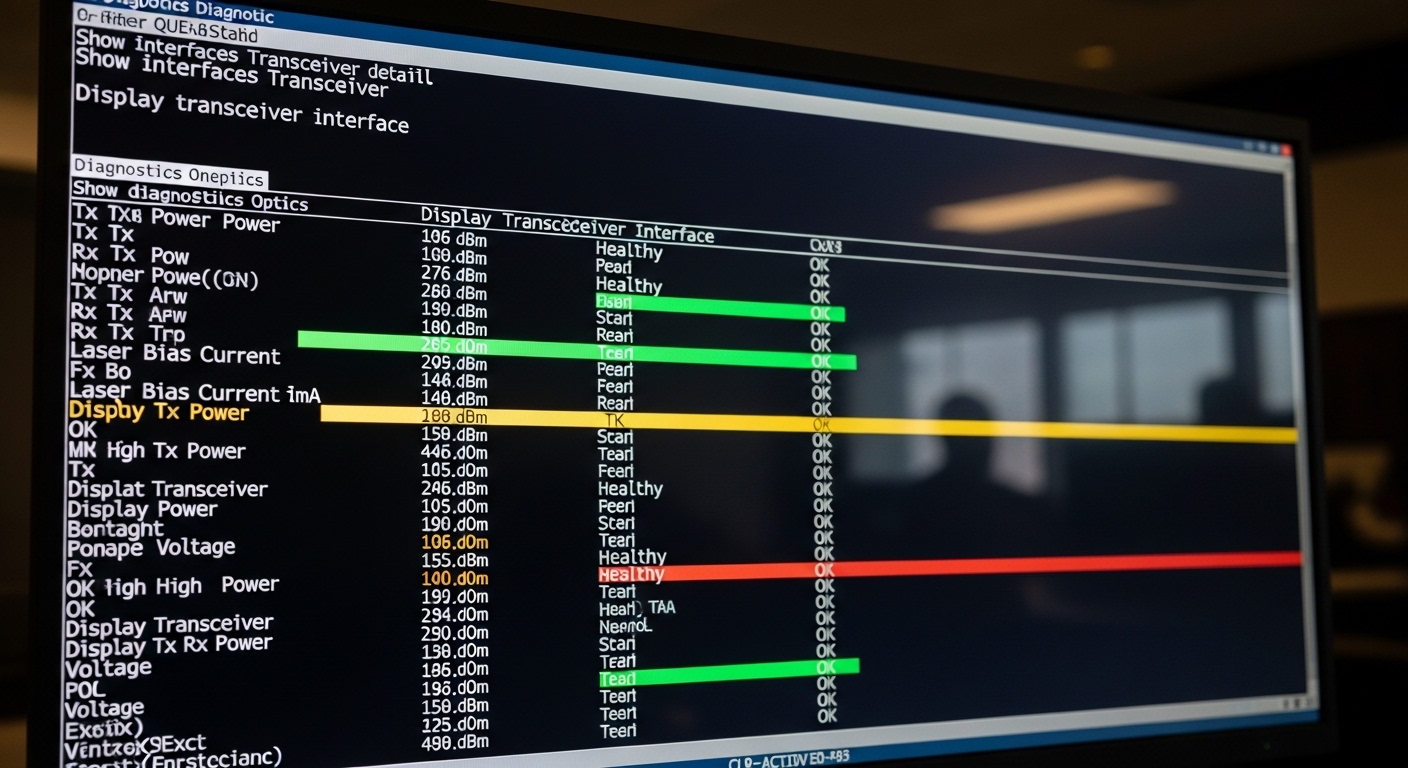
Edge devices are compact, power budgets are tight, and uptime requirements are unforgiving. In practice, SD-WAN SFP modules are usually deployed as the physical uplink for Metro Ethernet, carrier handoffs, or private fiber to a cloud PoP. Compared with copper SFP (short reach) and higher-form-factor optics (QSFP/QSFP28 for higher port density), SFP optics often win on simplicity, widespread router support, and easier field replacement.
At the physical layer, the key constraints are optical wavelength band, link budget (fiber attenuation plus connector/splice loss), and receiver sensitivity. For Ethernet over fiber, most SD-WAN deployments rely on IEEE-aligned Ethernet PHY behavior and vendor-defined SFP electrical interfaces, typically managed through the switch or router optics support list. For standards context, see [Source: IEEE 802.3] and the transceiver vendor datasheets cited later.
What “good” looks like in SD-WAN edge optics
- Correct speed and coding (commonly 1G, 10G, or 25G depending on platform).
- Wavelength match to the fiber plant (850 nm for multimode short reach; 1310/1550 nm for single-mode).
- DOM compatibility so the edge OS can read temperature, voltage, and optical power for monitoring and alerting.
- Operating temperature alignment with the environment at the edge site (some outdoor cabinets exceed 55 C).
Pro Tip: In the field, many “mystery WAN flaps” trace back to DOM mismatch or overly aggressive alarm thresholds. Even when the link light turns green, an edge router may mark the interface unstable if the transceiver’s diagnostic data is out of expected ranges. Validate DOM support in the router’s optics compatibility list before you standardize.
Reach and wavelength: the head-to-head comparison that prevents costly re-cabling
Most selection failures happen before you even touch the SD-WAN configuration. Engineers choose an optic based on speed and forget distance, or they assume multimode will work because “it’s fiber.” The right approach is to match wavelength and reach to your measured link budget and fiber type.
Side-by-side spec comparison (typical SFP optics for edge deployments)
The table below compares common SD-WAN SFP optics families used for edge uplinks. Exact part numbers vary by vendor, but these bands and interfaces are consistent across the market.
| Optic type (SFP) | Typical wavelength | Target reach | Fiber type | Connector | DOM | Operating temp | Common use in SD-WAN |
|---|---|---|---|---|---|---|---|
| 10G SR SFP+ | 850 nm | Up to 300 m (MMF) | OM3/OM4 multimode | LC | Often yes (per vendor) | Typically 0 to 70 C | Short metro runs, data hall to aggregation |
| 10G LR SFP+ | 1310 nm | Up to 10 km (SMF) | Single-mode | LC | Often yes | Typically -5 to 70 C or 0 to 70 C | Carrier handoff to regional PoP |
| 10G ER SFP+ | 1550 nm | Up to 40 km (SMF) | Single-mode | LC | Often yes | Typically -5 to 70 C or 0 to 70 C | Long-haul metro, remote sites |
| 1G SX SFP | 850 nm | Up to 550 m (OM2) / 300 m (OM3) | Multimode | LC | Often yes | Typically 0 to 70 C | Legacy edge refresh, 1G uplinks |
When you map this to SD-WAN, you should also consider the WAN transport. If your SD-WAN overlay uses encrypted tunnels over a carrier network, the optic’s stability becomes a prerequisite for consistent jitter and packet loss. A single marginal optic can create periodic micro-outages that look like “application latency spikes.”
Examples of widely used module families include Cisco-style 10G SR optics such as Cisco SFP-10G-SR, Finisar-style parts like FTLX8571D3BCL, and third-party options such as FS.com SFP-10GSR-85 (verify exact compatibility with your edge router model). For specification baselines, consult each vendor datasheet and the SFP MSA documentation.
Fiber link budget reality check
- Measure fiber attenuation and include connector and splice loss (often 0.2 dB to 0.5 dB per event depending on polishing and cleanliness).
- For multimode SR, verify OM3/OM4 quality and keep patch cords short; SR performance can collapse with dirty LC ends.
- For LR/ER, ensure single-mode wavelength alignment and avoid accidentally mixing legacy multimode patching.
Cost and TCO: OEM vs third-party SD-WAN SFP modules at scale
Cost is not just the purchase price. In SD-WAN rollouts, your TCO includes spares inventory, RMA handling, downtime during swap-outs, and monitoring compatibility. OEM optics often command a premium, but they usually provide tighter integration with platform diagnostics and predictable behavior during link training.
Third-party optics can be cost-effective, especially when you standardize on vendors that provide consistent DOM behavior and publish detailed datasheets. However, edge routers can be picky: some platforms enforce strict vendor ID checks, while others accept standards-compliant modules but still show different DOM calibration values.
Typical price and TCO ranges (planning numbers)
- OEM 10G SR SFP+: commonly roughly $150 to $350 per module.
- Third-party 10G SR SFP+: often roughly $60 to $180 per module, depending on warranty and temperature grade.
- OEM 10G LR/ER SFP+: commonly roughly $250 to $600 per module.
- Third-party 10G LR/ER SFP+: often roughly $120 to $350.
Field experience suggests the “hidden cost” is operational: if an optic triggers DOM alarms or fails platform compatibility checks, you lose engineering time and increase outage windows. That cost can exceed the savings on unit price—especially during large SD-WAN site waves.
For authoritative guidance on SFP electrical and diagnostic interfaces, review the SFP MSA and vendor datasheets. For general Ethernet PHY behavior, see [Source: IEEE 802.3]. For example module families, consult manufacturer pages for specific power, reach, and DOM support.
External references: IEEE 802.3 Ethernet standard and SNIAs storage networking resources for optics ecosystem context (use vendor datasheets for exact DOM and electrical limits).
Compatibility and DOM: the subtle SD-WAN SFP requirement that breaks deployments
Even when the optic is “the right type,” compatibility can fail due to DOM interpretation, vendor ID enforcement, or power level behavior. SD-WAN edge devices often run strict interface policies: they may log events, throttle, or mark the link as degraded if optical receive power is out of range based on their DOM thresholds.
DOM fields engineers actually validate
- Tx power and Rx power readings (calibration can differ across vendors).
- Temperature and laser bias stability.
- Voltage and module type identification.
Operational limits to check before rollout
- Confirm the platform supports the module speed mode you intend (for example, 10G vs 1G negotiation behavior).
- Verify the SFP cage and media are matched (SFP vs SFP+ physical compatibility is not guaranteed across all devices).
- Confirm the temperature grade for edge cabinets or outdoor enclosures.
Pro Tip: If you standardize on third-party optics, build a small “optics bake test” in your lab: swap modules across at least two router models and run 24 to 72 hours of continuous traffic while watching DOM alarms. This catches DOM calibration quirks and platform-specific threshold issues before you touch production.
Selection checklist: how engineers choose the right SD-WAN SFP on the first try
Use this ordered checklist during design and procurement. It is tuned for SD-WAN edge deployments where fiber distance, monitoring, and spares planning are equal priorities.
- Distance and fiber type: determine SMF vs MMF and measure attenuation plus connector/splice loss.
- Speed and interface support: confirm the edge device supports the optic’s data rate and whether it expects SFP or SFP+.
- Wavelength match: SR at 850 nm for OM3/OM4, LR at 1310 nm, ER at 1550 nm.
- Switch and router compatibility: consult the vendor optics compatibility list and validate DOM behavior.
- DOM support and monitoring: confirm the platform can read and interpret diagnostic thresholds.
- Operating temperature: match the module temperature grade to the edge site environment.
- Vendor lock-in risk: decide between OEM premium and third-party savings; plan a tested spare pool.
Common mistakes and troubleshooting tips for SD-WAN SFP optics
When SD-WAN performance degrades, engineers often jump to routing policies or VPN settings. Start at Layer 1 and Layer 2 first. Below are frequent failure modes with root causes and practical solutions.
Link comes up but flaps under load
Root cause: marginal optical power due to dirty connectors, excessive patch cord length, or fiber contamination. Some optics tolerate quiet conditions but fail when traffic triggers higher laser bias behavior.
Solution: clean LC ends with lint-free wipes and isopropyl alcohol or certified fiber cleaning tools; re-seat the fibers; verify link budget with an optical power meter.
Incorrect speed negotiation or “up/down” at boot
Root cause: using an optic that is electrically compatible in the cage but not supported by the edge device’s PHY policy, or a mismatch between SFP and SFP+ expectations.
Solution: confirm the module type and data rate in the device documentation; update platform firmware if supported; test the optic in a lab with the same router model.
DOM alarms trigger, interface marked degraded
Root cause: third-party DOM calibration differences or threshold expectations that do not match the module’s reported Tx/Rx power ranges.
Solution: compare DOM readings between a known-good OEM module and the third-party module; adjust monitoring thresholds only if your change control allows it and documentation supports it.
Works on one port but not another
Root cause: port-level optics settings or transceiver presence detection behavior differs by port profile; also possible cage damage.
Solution: move the optic to a known-good port; inspect the cage for bent pins or debris; capture syslog entries around link events.
Decision matrix: OEM vs third-party and SR vs LR vs ER
Use this matrix to pick a path that matches your risk tolerance and rollout schedule. It is designed for SD-WAN edge scenarios where repeatability matters.
| Scenario | Recommended optic | OEM vs third-party | Why |
|---|---|---|---|
| Short data-hall to aggregation uplink, MMF available | 10G SR SFP+ | Third-party acceptable after lab DOM validation | Lower cost and easy spares; keep connectors clean |
| Metro distance to PoP over SMF, predictable handoff | 10G LR SFP+ | OEM preferred if you cannot test DOM thresholds | Fewer compatibility surprises; stable monitoring |
| Remote sites with long SMF runs and limited maintenance windows | 10G ER SFP+ | OEM or top-tier third-party with strict warranty | Higher unit cost is justified by reduced truck rolls |
| Legacy 1G edge refresh | 1G SX SFP | Third-party okay if DOM supported and verified | Cost-effective; confirm OM2/OM3 reach assumptions |
Which option should you choose?
If you are standardizing new SD-WAN edge deployments, pick optics by reach and fiber type first, then by compatibility and DOM behavior. For engineering teams that can run a 24 to 72 hour optics bake test, third-party SD-WAN SFP modules can deliver strong savings without sacrificing uptime—provided you validate DOM alarms and speed negotiation in your exact router models.
For high-risk environments with limited lab time (or where change windows are rare), lean toward OEM modules for LR/ER links and any interface where DOM thresholds are tightly enforced. If you tell me your edge router model, target link distance, and fiber type (SMF or OM3/OM4), I can recommend a shortlist of specific module families and the validation steps to deploy them safely.
FAQ
What does SD-WAN SFP mean in practice?
“SD-WAN SFP” usually refers to the SFP or SFP+ optical transceiver used by SD-WAN edge routers for the WAN uplink. The SD-WAN software is separate; the optics must still meet Ethernet PHY requirements, wavelength expectations, and DOM monitoring needs.
How do I choose between SR, LR, and ER for SD-WAN?
Choose based on fiber type
