
If your network is growing faster than procurement cycles, the wrong optical transceiver plan can turn into outages, stranded ports, and expensive rewrites. This guide helps network engineers, field techs, and early-stage teams choose a scalable fiber optics strategy for future capacity while minimizing lock-in and compatibility risk. You will get decision checklists, real deployment scenarios, and practical troubleshooting patterns tied to how optics actually fail in production.
Why optical transceiver choices make or break scalability
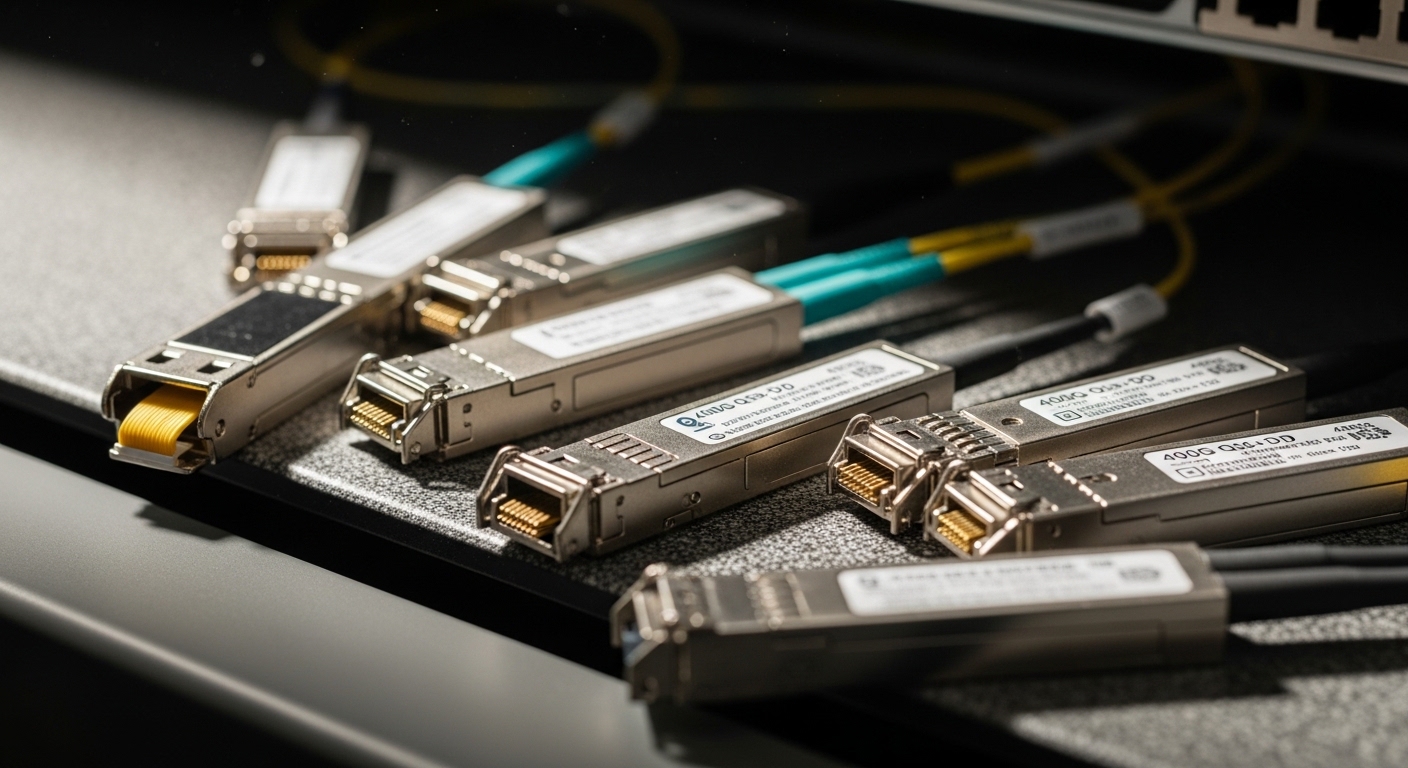
Scalable fiber optics is not only about buying “higher speed” gear; it is about matching transceiver optics, optics reach, and management features to the switching platform you already run. In the real world, the fastest path to capacity is often upgrading optics and cabling within the same physical footprint, rather than replacing the entire switch fabric. The common constraint is electrical compatibility (e.g., SR vs LR optics), signaling mode (Ethernet 10G/25G/40G/100G), and switch optics support (vendor-qualified transceivers and DOM behavior). When those align, growth can be staged; when they do not, you get port failures, link flaps, or forced re-cabling.
What “future-proof” really means in optics
Engineers usually mean three things: (1) the ability to step up data rates over time, (2) predictable link budgets for the installed fiber plant, and (3) operational manageability via diagnostics like DOM (Digital Optical Monitoring). For Ethernet optics, IEEE 802.3 defines PHY behavior, but the practical “success” depends on vendor-specific SFP/QSFP implementation details and supported optical power ranges. In production, you must also consider temperature range and DOM thresholds because transceivers can pass initial link bring-up yet degrade later.
Pro Tip: Before standardizing on any optics family, run a staged validation: connect one spare transceiver per vendor to a non-critical switch port, verify link stability for at least 30 minutes under normal load, then reboot the switch once. Many “it works on day one” failures show up only after a cold start because DOM calibration and vendor-specific initialization differ.
Pick optics by reach math, wavelength, and interface type
Start with your physical plant and the target Ethernet rate, then map to the correct optics standard and fiber type. For multimode, the typical goal is short-reach at 850 nm (e.g., 10GBASE-SR, 25GBASE-SR, 40GBASE-SR, 100GBASE-SR4). For single-mode, the typical goal is longer reach at 1310/1550 nm (e.g., 10GBASE-LR, 40GBASE-LR4, 100GBASE-LR4). If your cabling is already installed, your “scalability” depends on the real link budget margin, not the marketing reach number.
Key spec table to compare common transceiver families
Below are representative values you will see in vendor datasheets for widely deployed optics. Always confirm with your switch vendor’s compatibility list and the optics manufacturer’s temperature and power specs.
| Optics type (Ethernet) | Wavelength | Typical reach | Connector | Data rate | DOM | Operating temp (typ.) |
|---|---|---|---|---|---|---|
| SFP+ SR (10GBASE-SR) | 850 nm | 300 m (OM3) / 400 m (OM4) | LC | 10G | Common | 0 to 70 C (commercial) |
| SFP28 SR (25GBASE-SR) | 850 nm | 100 m (common OM3) / 150 m (OM4) | LC | 25G | Common | -10 to 70 C (often) |
| QSFP28 SR4 (100GBASE-SR4) | 850 nm | 100 m (OM3) / 150 m (OM4) | LC | 100G | Common | 0 to 70 C (varies) |
| QSFP28 LR4 (100GBASE-LR4) | ~1310 nm | 10 km (single-mode) | LC | 100G | Common | -5 to 70 C (varies) |
Concrete product references you may encounter
- Cisco SFP-10G-SR (10GBASE-SR, LC, multimode)
- Finisar FTLX8571D3BCL (25GBASE-SR class optics; verify exact SKU and reach)
- FS.com SFP-10GSR-85 (10GBASE-SR class optics; verify exact OM rating and DOM support)
These examples are representative; your procurement decision should be based on your switch’s optics matrix and the datasheet parameters that match your fiber type (OM3 vs OM4 vs OS2), connector cleanliness requirements, and the physical link length.
Design for staged upgrades: 10G to 25G to 100G without rework
Scalable fiber optics works best when you plan the upgrade path at the port, fiber, and optics layers. In practice, many teams start with 10G/25G at the edge, then consolidate to 100G uplinks once oversubscription pressure rises. The biggest win is preserving the fiber backbone and patching strategy so you do not rebuild the cable plant each time you change line rate.
Use a “rate stepping” plan aligned to switch port capabilities
Most modern switches support multiple optical port speeds, but only within vendor-approved optics types. Before you standardize, confirm whether the switch can negotiate the target speed with the optics family you plan to deploy. If the switch supports “speed match” only for certain part numbers, your scalability is limited by qualification, not by IEEE standards alone.
- Port constraint: verify the exact transceiver form factor (SFP+, SFP28, QSFP+, QSFP28) and whether the chassis supports mixed optics per slot.
- Fiber constraint: confirm OM type and end-to-end attenuation; for multimode SR optics, OM3 vs OM4 can be the difference between stable links and intermittent errors.
- Upgrade constraint: plan patch panel labeling so you can repoint fibers with minimal downtime.
Deployment scenario: 3-tier data center leaf-spine
In a typical 3-tier data center leaf-spine topology, you might run 48-port 10G ToR switches at the leaf and spine uplinks at 100G. Suppose you have OM4 cabling with patch cords totaling 65 m from ToR to aggregation and 80 m from aggregation to spine. You begin with 10GBASE-SR optics for server downlinks and 100GBASE-SR4 for uplinks using QSFP28 SR4. When traffic growth pushes utilization above 70%, you move selected server pools to 25GBASE-SR using SFP28 optics, while keeping the same OM4 fiber runs and reusing the patching plan.
This approach reduces re-cabling risk because SR optics remain on the same wavelength family (850 nm) and LC connector ecosystem. It still requires careful switch qualification, but staged upgrades are feasible when you choose optics that match the switch’s supported transceiver list and DOM expectations.
Selection criteria checklist engineers actually use
When procurement and operations are both on the line, teams need a fast, repeatable decision process. Use the checklist below in order; it maps directly to failure modes seen in the field.
- Distance and fiber type: confirm OM3/OM4/OS2 and measure end-to-end length including patch cords. Validate against the optics reach and the switch vendor’s link margin guidance.
- Data rate and Ethernet PHY support: match the line rate (10G/25G/40G/100G) and the correct optics standard (SR, LR, LR4, ER, etc.).
- Switch compatibility matrix: check the exact model and firmware version for accepted optics part numbers and whether third-party optics are allowed.
- DOM support and threshold behavior: ensure the switch reads DOM fields (TX power, RX power, temperature, bias current) without throwing alarms. Confirm it supports the transceiver’s calibration scheme.
- Operating temperature and airflow: compare transceiver spec to ambient and measured airflow. In cabinets, temperature swings can exceed expectations during maintenance windows.
- Vendor lock-in risk: if the switch only accepts a narrow set of part numbers, negotiate multi-source options early or plan for staged replacement budgets.
- Connector and cleaning process: LC cleanliness and dust control matter; plan for lint-free wipes, compressed air discipline, and inspection routines.
Common pitfalls and troubleshooting patterns
Most optical issues are not “mystery problems.” They map to predictable root causes: wrong optics category, fiber mismatch, poor connector hygiene, and DOM/threshold mismatches. Below are field-tested mistakes with what to check and how to fix.
Pitfall 1: Link flaps only after reboot or traffic bursts
Root cause: some transceivers initialize differently and pass basic link training but exhibit marginal optical power under real load, especially if RX power is near the switch’s sensitivity limit. DOM thresholds may also trigger resets only under certain temperature states.
Solution: read DOM values (TX bias, TX power, RX power, temperature) right after reboot and during load. If RX power is near the lower bound, clean connectors, reseat, and verify the fiber attenuation with a proper optical test (OTDR for troubleshooting, power meter plus reference for quick checks).
Pitfall 2: “Works in the lab” but fails on OM3 vs OM4 systems
Root cause: multimode reach depends on modal bandwidth and fiber conditioning. A transceiver rated for a higher OM class may still “link up” at short distances but fail as soon as patch cords, bends, or additional loss push the link budget over the margin.
Solution: confirm the actual fiber type in the field (label audits are not enough). Replace patch cords with the correct OM grade and re-measure end-to-end loss. If you must bridge beyond the guaranteed reach, consider single-mode optics with OS2 (where the cabling plant supports it).
Pitfall 3: Switch alarms about unsupported DOM or “non-qualified optics”
Root cause: the optics may be electrically compatible but the switch firmware rejects DOM fields, vendor OUI patterns, or calibration formats. Symptoms include “port up/down” cycles, excessive syslog entries, or degraded error performance.
Solution: check the switch’s optics compatibility note for your firmware version. If you must use third-party optics, buy from vendors that publish DOM behavior and provide documented compatibility for your exact switch model. Keep one known-good Cisco/Arista/Juniper/OEM reference transceiver for A/B comparisons.
Pitfall 4: High error rates with no link-down event
Root cause: fiber contamination at the connector face can cause elevated bit error rate while still maintaining link. This is common when multiple technicians handle patch cords during moves.
Solution: inspect with a microscope, clean with lint-free methods, and test with a known-clean spare patch cord. If errors persist, verify polarity and ensure proper duplex mapping for LC connectors.
Cost & ROI: what to expect in total cost of ownership
Optics pricing varies widely by speed, reach, and whether you purchase OEM vs third-party. In many data centers, OEM transceivers cost more upfront, but third-party optics can reduce capex while increasing validation work. A realistic budgeting approach is to treat optics as an operational reliability component, not just a commodity.
- Typical price ranges (ballpark): 10G SR optics often fall in the low tens to low hundreds USD per unit; 25G SR and 100G SR4 can be higher, depending on DOM support and temperature grade.
- TCO drivers: validation labor, spare inventory, failure rates, and downtime cost during replacements.
- ROI pattern: if your upgrade cadence is frequent, investing in a broader compatibility-tested optics set can reduce stranded ports and emergency purchases.
Also account for power and cooling indirectly. While transceiver power is usually small compared to switch chassis power, inefficient optics in marginal airflow can increase thermal stress and early failures, which increases spares usage and maintenance time.
FAQ
What does scalable fiber optics mean for a small network team?
It means you can upgrade bandwidth without rebuilding the fiber plant or replacing the entire switching platform. Practically, it is choosing the right optics families (SFP28/QSFP28), matching them to your switch compatibility matrix, and keeping patch panel labeling consistent so future moves are fast.
Can I mix OEM and third-party optics in the same switch?
Sometimes yes, but it depends on the switch model, firmware version, and DOM behavior. Even if the physical layer links up, you may see different alarm thresholds or error performance, so validate with a small batch before scaling.
How do I avoid stranded ports when upgrading from 10G to 25G?
Check whether your switch supports multiple optics types per port or per slot, and plan the upgrade order. If the switch only accepts SFP+ at first but requires different hardware or slot usage for 25G, you will need a staged plan that aligns with the chassis architecture.
Is DOM support required for scalability?
DOM is not strictly required for link up, but it is crucial for operational scalability because it enables proactive monitoring and faster root cause analysis. Without DOM, you lose visibility into TX/RX power drift and temperature stress, which increases time-to-repair.
What is the fastest troubleshooting workflow for optics issues?
Start with connector hygiene and reseating, then read DOM values and check RX power margins. If link errors persist, swap optics with a known-good reference and test with a known-clean patch cord; only then move to deeper fiber tests like OTDR.
Which standards should I reference when planning fiber optics?
Use IEEE 802.3 for the Ethernet PHY behavior and optics definitions, then rely on vendor datasheets for exact power and temperature specifications. For structured cabling practices, consult relevant ANSI/TIA guidance and your internal plant test results. [Source: IEEE 802.3] [Source: ANSI/TIA-568]
If you want scalable fiber optics to actually survive growth, treat optics selection like a staged engineering program: validate compatibility, confirm reach with link budget math, and standardize on DOM-visible transceivers. Next, review your current fiber plant and create a port-by-port upgrade map using transceiver compatibility planning as your starting point.
Author bio: I build and validate data center and campus links end to end, from switch port negotiation to DOM-based monitoring and field replacement workflows. I focus on PMF for infrastructure: fast iteration, measured reliability targets, and deployment plans that teams can execute under real constraints.
