
If your Allen-Bradley or Rockwell Automation network starts dropping packets at 2 a.m., it is usually not “mystical Ethernet.” It is often a mismatched Rockwell transceiver (wrong optics, bad DOM data, or fiber type issues) between PLCs, managed switches, and gateways. This article helps automation engineers and field techs choose the right EtherNet/IP fiber SFP quickly, with real deployment constraints like temperature, link budgets, and switch compatibility.
Top 1: 100 Mbps Fiber SFP for EtherNet/IP to reduce copper noise
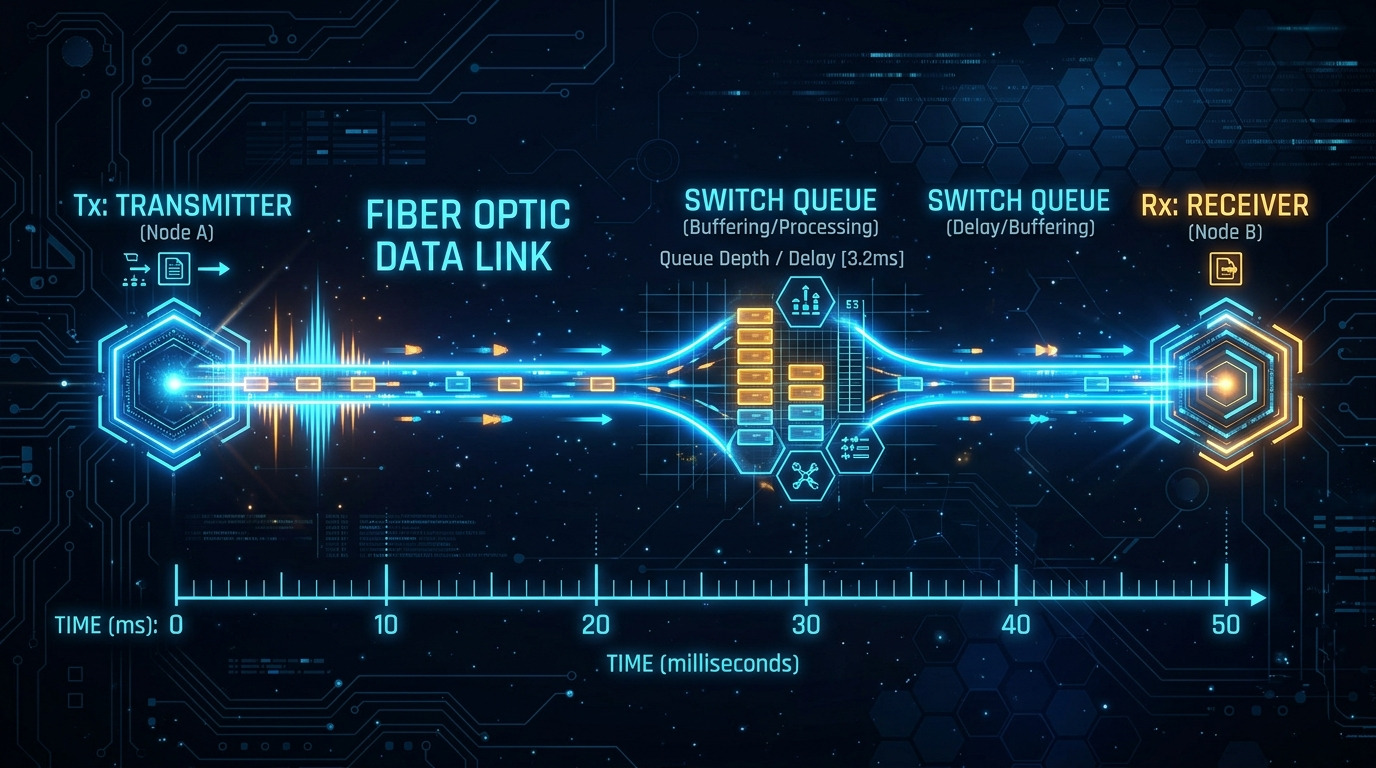
When you need deterministic industrial links but copper runs are noisy, a fiber EtherNet/IP Fiber SFP is the classic move. For many plants, the key win is lower EMI susceptibility and longer reach without the “cable gremlins” that show up after equipment relocations.
Key specs and what to check
- Data rate: 100BASE-FX (common for legacy EtherNet/IP segments)
- Wavelength: typically 1310 nm for FX
- Connector: LC (most frequent)
- Reach: often up to 2 km on single-mode; less on multimode depending on optics
- DOM: presence of diagnostics via I2C (vendors vary)
Best-fit scenario: A 3-zone factory where PLC IO racks connect back to a cell controller over 1.2 km fiber to avoid inductive noise from VFDs and welding stations.
- Pros: Great reach vs copper; stable under EMI
- Cons: Must match fiber type and optic wavelength; some switches are picky about DOM
Top 2: 1 Gbps SFP (1000BASE-LX) when you outgrow FX segments
Once you add cameras, higher scan-rate controllers, or more frequent diagnostics, 100 Mbps can feel like driving with a paper map in a hurricane. A 1 Gbps SFP (often LX for longer reach) can smooth traffic while keeping your topology intact.
Key specs
- Data rate: 1000BASE-LX
- Wavelength: commonly 1310 nm
- Reach: up to 10 km on single-mode (model-dependent)
- Power: usually a few hundred mW; check vendor power class for switch thermal headroom
- Temperature: industrial ranges often -40 to 85 C
Best-fit scenario: Leaf-spine-ish industrial topology where aggregation switches feed multiple cell controllers; a 1310 nm LX link carries 1 Gbps between a control room switch and a remote skid switch.
- Pros: Higher throughput without changing PLC logic
- Cons: Requires correct single-mode fiber and cleaning discipline
Top 3: 10 Gbps SFP+ only if your control network actually needs it
Yes, 10 Gbps exists. No, it is not automatically a win for EtherNet/IP. If your bottleneck is PLC scan time, 10 Gbps will not rescue your cycle time. Still, 10 Gbps can be useful for backhaul to historians, engineering stations, and OT-to-IT gateways.
Key specs
- Data rate: 10GBASE-LR or SR depending on fiber
- Wavelength: 1310 nm for LR; 850 nm for SR
- Reach: LR often up to 10 km; SR typically shorter on multimode
- Connector: LC
- Compatibility caveat: some switch ports require specific transceiver EEPROM behavior and DOM format
Best-fit scenario: A data concentrator switch that aggregates multiple 1 Gbps industrial segments and forwards to a DMZ historian at 10 Gbps.
- Pros: Big backhaul headroom
- Cons: Higher cost; more sensitive to optics/fiber quality
Top 4: Rockwell-compatible DOM support to avoid “it links, but it lies”
DOM (Digital Optical Monitoring) is how the switch and your management tools infer optical power and temperature. In the field, the failure mode is not always “link down.” Sometimes the link stays up, but the automation monitoring flags optical degradation early—or worse, misses it because the transceiver does not report DOM values in the expected way.
What to verify before installing
- DOM support: confirm the vendor explicitly states DOM compatibility with your target switch model
- EEPROM fields: check vendor documentation for standard compliance
- Monitoring workflow: verify what your Rockwell management stack actually reads (if you rely on it)
Pro Tip: If you see intermittent link flaps that correlate with temperature swings, check DOM-reported bias/receive power trends. A “bad fiber cleaning” event often shows up as a gradual optical power drift before the port fully drops.
Best-fit scenario: A cabinet with poor airflow where transceivers run warm; DOM lets you detect degradation before the next scheduled shutdown.
- Pros: Better predictive maintenance; clearer alarms
- Cons: Non-standard DOM can cause misleading telemetry
Top 5: Single-mode vs multimode selection that stops the silent budget killer
The most common fiber transceiver failure is not the transceiver. It is the fiber mismatch (or budget mismatch) that turns “works on the bench” into “fails in the field.” For EtherNet/IP fiber SFPs, the reach and margin depend on wavelength, fiber core type, connectors, splices, and patch panel loss.
Quick decision logic
- If runs exceed typical multimode distances or you have uncertain cabling history, choose single-mode
- Use vendor link budget guidance and include worst-case patch/splice loss
- Plan for aging: dust and micro-bends increase attenuation over time
Technical specifications comparison (examples you will actually see)
| Model example | Data rate | Wavelength | Reach (typical) | Connector | Optic type | Temp range | DOM |
|---|---|---|---|---|---|---|---|
| Cisco SFP-10G-SR (example reference) | 10 Gbps | 850 nm | ~300 m (multimode) | LC | SR | Industrial variants vary | Commonly supported |
| Finisar FTLX8571D3BCL (example reference) | 10 Gbps | 850 nm | ~300 m (multimode) | LC | SR | 0 to 70 C (varies by SKU) | Commonly supported |
| FS.com SFP-10GSR-85 (example reference) | 10 Gbps | 850 nm | ~300 m | LC | SR | -40 to 85 C (often) | Often supported |
| Rockwell / OEM EtherNet/IP fiber SFP (varies) | 100 Mbps or 1 Gbps (model-dependent) | 1310 nm common | Up to km range (depends) | LC common | FX or LX | -40 to 85 C common | Varies by SKU |
Best-fit scenario: A plant with patch panels and mixed contractors where you cannot guarantee consistent multimode cabling quality; single-mode reduces the “surprise attenuation” factor.
- Pros: More predictable reach; fewer fiber-type surprises
- Cons: Single-mode optics and cabling can cost more
Top 6: Connector and cleaning discipline for LC ends that stay in spec
Fiber transceivers can be perfect and still fail because the connector endface looks like it survived a flour apocalypse. In industrial sites, LC connectors get handled, swapped, and “temporarily cleaned” with whatever is in the maintenance drawer.
Operational checks
- Use lint-free wipes and approved fiber cleaning tools
- Inspect with a fiber scope before blaming the Rockwell transceiver
- Manage dust caps when not in use
Best-fit scenario: Commissioning day where multiple techs swap patch cords; you need consistent link stability across 50+ ports.
- Pros: Prevents “it links today, fails tomorrow” events
- Cons: Requires a simple process and tools, not vibes
Top 7: Temperature and power headroom to survive hot cabinets
In the real world, transceivers live near power supplies, drives, and cabinet heaters. If the switch chassis lacks thermal margin, optical power can drift and your link will start behaving like a soap opera.
What to measure in the field
- Ambient temperature in the cabinet (not the room)
- Switch airflow and fan health
- Transceiver temp via DOM if supported
Best-fit scenario: A machine control cabinet running at elevated ambient where you replace standard optics with industrial-rated modules rated down to -40 C and up to 85 C (SKU-dependent).
- Pros: Fewer thermal-related link flaps
- Cons: Industrial SKUs cost more; verify the exact rating
Top 8: OEM vs third-party Rockwell transceiver strategy for fast PMF in your own network
Choosing between OEM and third-party transceivers is a classic trade: reliability vs flexibility. In OT, “fast validation” means you test a small batch under real conditions and track optics and link stability, not just whether the port negotiates.
Cost & ROI reality check
OEM transceivers often cost more (commonly 1.5x to 3x third-party on the same optics class), but they reduce compatibility surprises. Third-party units can be cheaper and plentiful, yet you must validate DOM behavior and switch acceptance on your specific port models. For TCO, include labor time for troubleshooting, downtime risk, and expected failure rates; a slightly higher unit cost can win if it prevents even one unplanned outage.
- Pros: OEM reduces risk; third-party improves inventory flexibility
- Cons: Compatibility can be port-specific; DOM mismatches can complicate monitoring
Selection criteria and decision checklist for EtherNet/IP fiber SFPs
- Distance & fiber type: confirm single-mode vs multimode and actual patch/splice loss
- Switch and port compatibility: verify the switch model supports the transceiver class and speed
- Optics wavelength: match 1310 nm vs 850 nm to the fiber plant design
- DOM support: confirm diagnostics behavior aligns with your monitoring stack
- Operating temperature: choose industrial-rated modules for hot cabinets
- Connector standard: LC vs SC and cleaning-ready handling practices
- Vendor lock-in risk: plan a qualification path for a second vendor to reduce supply chain pain
- Documentation quality: prefer vendors that publish link budgets, DOM specs, and compliance notes
Common mistakes and troubleshooting tips (because physics is petty)
Mistake 1: Fiber type mismatch (single-mode vs multimode)
Root cause: Using an SR-style transceiver on multimode when the run is actually single-mode (or vice versa) causes marginal optical power and intermittent errors.
Solution: Verify fiber type at the patch panel, re-label properly, and confirm wavelength compatibility with the transceiver model.
