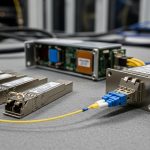
In day to day operations, RJ45 SFP modules often fail for reasons that look mysterious from the switch CLI. This article compares 1G copper RJ45 SFP transceivers for uplinks, so network teams can pick the right reach class, avoid compatibility traps, and cut downtime. It is written for field engineers and data center operators who need concrete specs, deployment details, and rapid troubleshooting steps.
RJ45 SFP copper vs fiber: what changes at the physical layer?
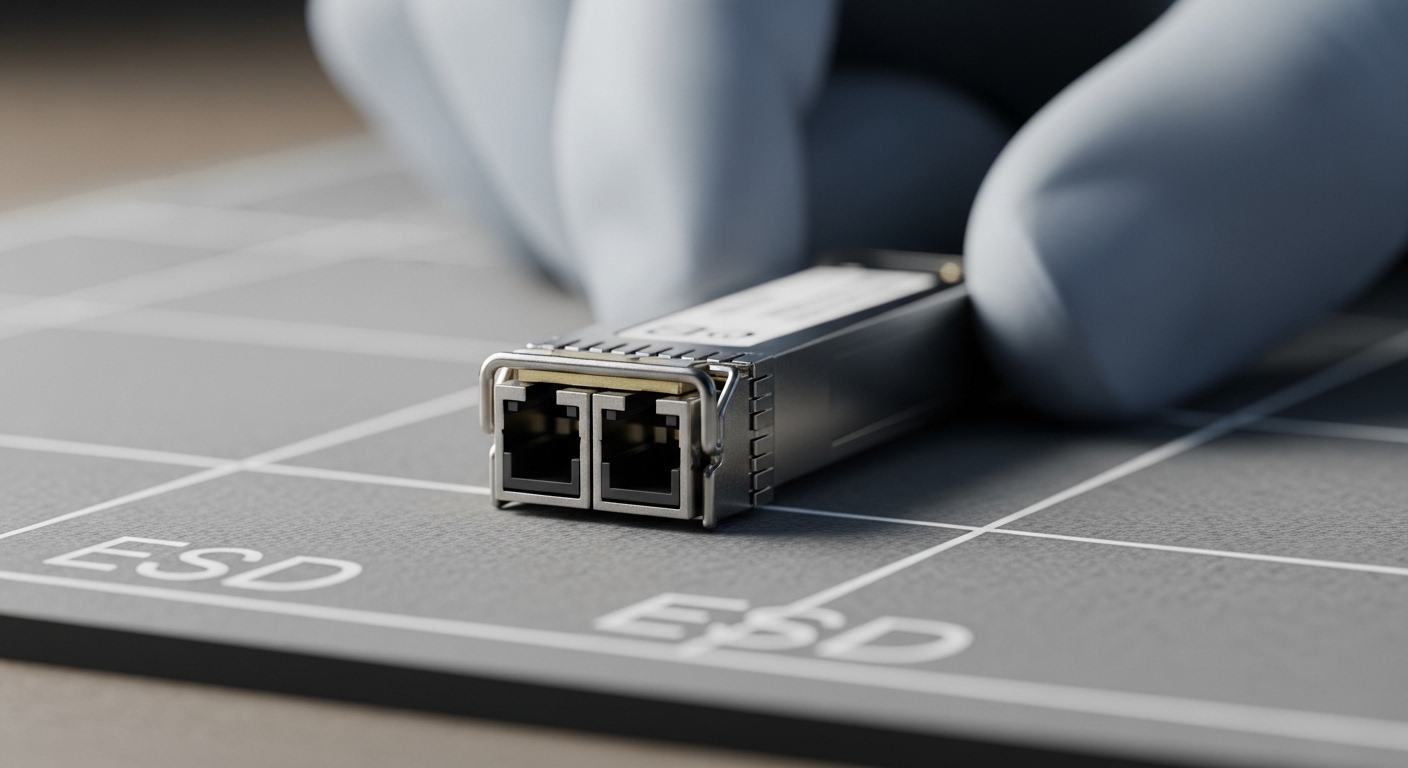
RJ45 SFP copper uses twisted pair and an electrical PHY interface inside the switch, while fiber SFP depends on optical transceivers and link budgets. For 1G uplinks, the practical differentiator is reach and connector behavior: copper RJ45 is limited by attenuation and crosstalk, but it is faster to deploy when you already have Cat5e or Cat6 cabling. Fiber can extend distance and reduce noise sensitivity, but it adds polishing, cleaning, and optical power checks.
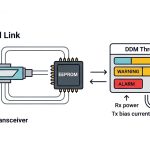
From an IEEE perspective, 1000BASE-T over copper is specified under IEEE 802.3, while SFP signaling is module specific; the switch port typically expects a compatible 1G electrical profile. Field teams also verify that the module supports standard SFP management via the serial ID, including DOM if the platform expects it.
Typical spec snapshot for 1G RJ45 SFP modules
| Parameter | RJ45 SFP 1G Copper (Typical) | Fiber SFP 1G (Typical) |
|---|---|---|
| Data rate | 1.25G line rate (1G Ethernet) | 1.25G line rate (1G Ethernet) |
| Wavelength | N/A (electrical) | e.g., 850 nm (SX) or 1310 nm (LX) |
| Reach (rated) | Up to 100 m on Cat5e/Cat6 | e.g., 550 m (850 nm multimode) or more |
| Connector | RJ45 | LC (typical) |
| Power (module) | ~1.5 W to 2.5 W typical | ~0.8 W to 2.0 W typical |
| Operating temp | 0 C to 70 C (common) or wider (industrial) | Varies by grade |
| DOM support | Some models support DOM; verify | Often DOM capable |
anchor-text:IEEE 802.3 reference
Head-to-head: RJ45 SFP options by reach class and cabling reality
Not all RJ45 SFP modules behave the same on real cabling. Most “1G copper RJ45 SFP” products target 100 m with Cat5e or Cat6, but link stability can drop when the plant uses patch panel adapters, mixed cable grades, or poor termination. In contrast, fiber SFP modules are governed by optical budgets and cleanliness, which shift failure modes from cabling attenuation to dust and receive power.
Deployment scenario with measurable constraints
In a 3-tier data center leaf-spine topology, a team used 48-port ToR switches with 12 uplinks per rack, each uplink requiring 1G connectivity to an aggregation layer. They replaced short patch runs with RJ45 SFP modules because the cabling was already Cat6 rated and the rack elevation kept runs under 35 m. During commissioning, two uplinks flapped when the patch cords were swapped to a different brand; the root cause was marginal termination quality and higher insertion loss, confirmed by consistent link negotiation failure and CRC bursts in counters. After swapping to known Cat6 cords and reseating keystoned jacks, the links stabilized with no further CRC growth over a 72 hour observation window.
Compatibility and management: the hidden cost of “works on my switch”
RJ45 SFP compatibility issues usually come from three areas: SFP cage expectations, electrical signaling profiles, and DOM/management behavior. Many enterprise switches enforce vendor or platform validation lists, and some platforms mis-handle modules that report unexpected diagnostic registers. Field engineers should check whether the switch supports “SFP copper” electrically and whether it expects DOM fields for monitoring.
Pro Tip: Before you pull a working module, capture the switch port’s transceiver diagnostics baseline (DOM values if present, link state, negotiated speed/duplex, and error counters). When a replacement RJ45 SFP fails later, you can compare register patterns and pinpoint whether the issue is cable plant, module EEPROM identity, or port electrical compatibility.
What to verify in the field (fast checklist)
- Distance vs cabling rating: confirm the run length and cable class (Cat5e vs Cat6) and account for patch panel adapters.
- Switch compatibility: confirm the platform’s supported transceiver list for RJ45 SFP copper at 1G.
- DOM support: verify the module provides DOM if monitoring is required; otherwise expect “DOM not available” alerts.
- Operating temperature: match the module grade to your environment; avoid deploying standard 0 C to 70 C in hot aisles without airflow validation.
- Budget and lock-in risk: compare OEM vs third-party total cost, including spares and support time.
- Electrical behavior: watch for link flaps, CRC spikes, and FEC is not applicable at 1G copper; stability depends on clean signal integrity.
Common pitfalls and troubleshooting tips for RJ45 SFP uplinks
Below are frequent failure modes seen in operations, with root cause and practical fixes.
- Pitfall 1: Link up but heavy CRC/late errors
Root cause: marginal cabling insertion loss, damaged patch cord, or poor termination on keystones/jacks.
Solution: replace patch cords first, then run a cable test (end to end) and re-terminate if needed; monitor CRC and link error counters after each change. - Pitfall 2: Port flaps at random intervals
Root cause: connector wear, intermittent seating, or vibration in rack environments.
Solution: reseat both the RJ45 SFP and the cable ends; inspect for bent pins or loose latch; secure cable management to reduce strain. - Pitfall 3: “Transceiver not recognized” or DOM alarms
Root cause: EEPROM ID mismatch, unsupported diagnostics layout, or DOM fields not aligned with the switch’s expectations.
Solution: use a module from the same compatibility class as the vendor-approved list; if third-party, confirm “DOM compatible” in the datasheet and test in a non-production port. - Pitfall 4: Works on one port, fails on another
Root cause: per-port cage configuration differences, optics power budget differences, or a port-level hardware issue.
Solution: swap ports with the same module; if the failure follows the port, initiate hardware diagnostics on the switch.
Cost and ROI: OEM vs third-party RJ45 SFP modules
Typical street pricing varies by brand, DOM support, and temperature grade. In many deployments, OEM RJ45 SFP 1G copper modules range roughly from $60 to $120 each, while third-party modules (carefully validated) may be $25 to $70 each. The ROI hinges on failure rate, RMA friction, and time-to-replace during incidents. If your spare strategy is strict and you can test replacements quickly, third-party can reduce TCO; if your organization relies on vendor TAC diagnostics, OEM can reduce escalation cycles.
Power differences are usually small at 1G, but operational savings come from fewer truck rolls and faster swap confirmation. Track mean time to repair and RMA turnaround; these often dominate the ROI calculation more than the module purchase price.
Decision matrix: which RJ45 SFP should you buy?
Use this matrix to align technical fit with operational risk.
| Criteria | OEM RJ45 SFP | Third-party RJ45 SFP (validated) | Third-party RJ45 SFP (unknown) |
|---|---|---|---|
| Switch compatibility | High confidence | Medium to high (if tested) | Low |
| DOM/monitoring accuracy | High | Medium to high | Uncertain |
| Upfront cost | Highest | Lower | Lowest |
| Incident response speed | Fast (standardization) | Fast if spare inventory is consistent | Slow due to compatibility checks |
| Risk of port instability | Lowest | Low to medium | High |
Which option should you choose?
If you run production uplinks where change windows are tight and vendor TAC involvement is likely, choose OEM RJ45 SFP for maximum compatibility and predictable DOM behavior. If you have a testing process and can validate modules against your exact switch model, choose third-party RJ45 SFP (validated) to reduce purchase cost without increasing downtime risk. Avoid unknown third-party modules for core uplinks; treat them as lab-only until you confirm stability, error counters, and transceiver recognition.
FAQ
What