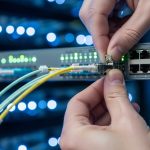
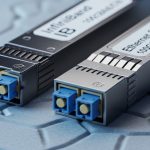
Transceiver failures in production are rarely sudden; they usually show up first as rising laser bias current, temperature drift, or low optical power. This article shows how to run an optics health check using Nagios and Zabbix with vendor telemetry over standard management interfaces. It helps network engineers and field operators turn SFP/SFP+/QSFP data into actionable alerts that reduce outage risk.
Telemetry first: what Nagios and Zabbix must read
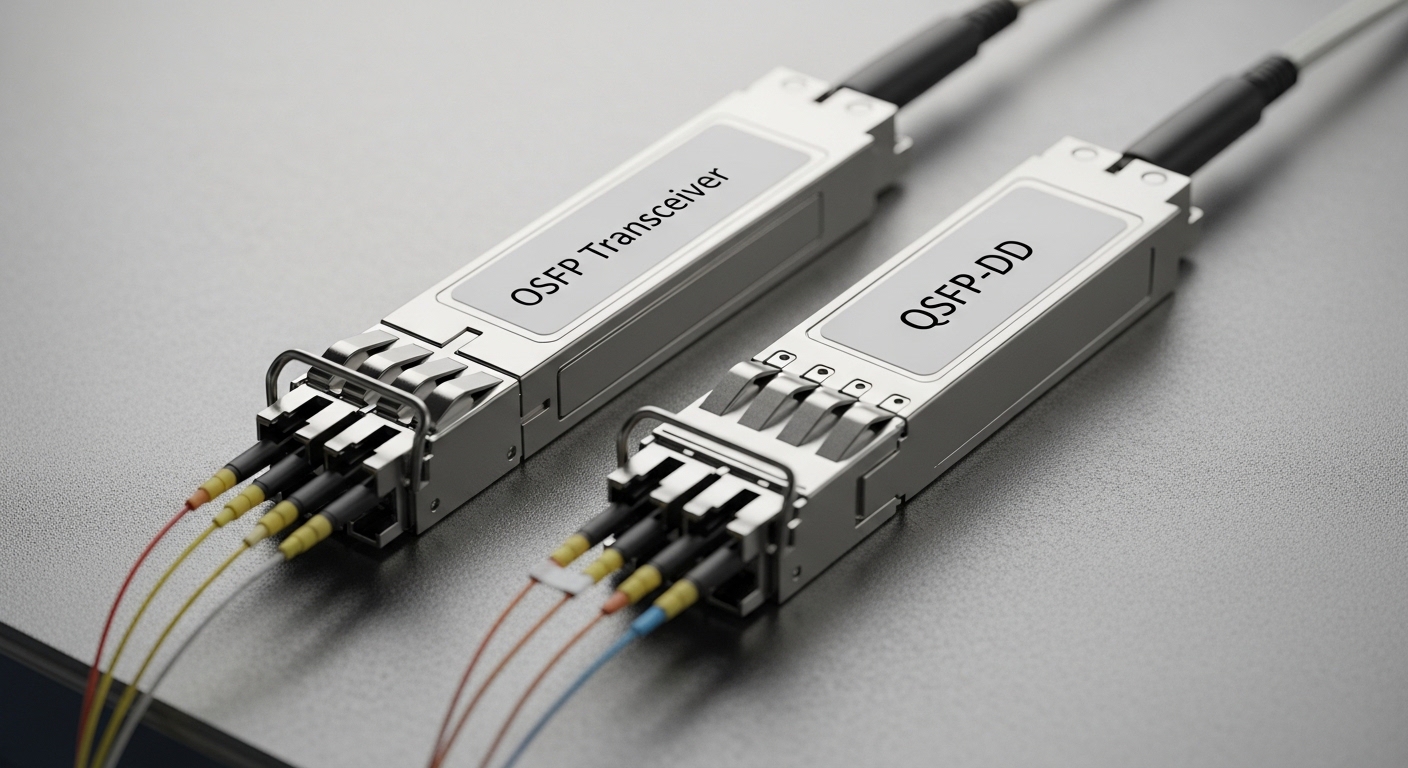
Most modern pluggables expose diagnostic registers via DOM (Digital Optical Monitoring) in the MSA-compatible management plane. Your monitoring stack should pull key fields at a fixed cadence (for example, every 60 seconds) and store time series for trend correlation. In a health check, the critical signals are typically TX optical power, RX optical power, laser bias current, and module temperature. If your optics health check only verifies link up/down, you will miss early degradation.
Minimum telemetry set for a reliable optics health check
- Temperature: catch thermal stress and poor airflow conditions.
- TX power and RX power: detect fiber issues, aging lasers, and dirty connectors.
- Bias current (or laser current): identify aging before power collapses.
- Supply voltage: flag marginal power rails inside the module.
Standards and vendor realities
DOM behavior depends on the transceiver generation and vendor implementation; always confirm register mapping in the vendor datasheet and the module’s supported interface. IEEE 802.3 defines the Ethernet PHY behavior, while DOM specifics are generally handled via vendor MSA and diagnostic pages. For interface behavior and management expectations, validate against the transceiver’s documentation and your switch vendor’s telemetry API. [Source: IEEE 802.3]
Field-ready comparison: optics health check data sources
You can implement optics health check alerts either by reading telemetry directly from the switch/sensor interface or by polling transceiver diagnostics through an out-of-band management path. Nagios typically excels at discrete state checks, while Zabbix adds strong trend analytics and automated correlation. The best design is to normalize telemetry into consistent units (mW vs dBm, C, mA) before alerting. Below is a practical comparison of common optics health check approaches.
| Approach | Typical data path | Strength | Limitation | Best fit |
|---|---|---|---|---|
| Nagios check via SNMP | Switch SNMP tables for DOM | Fast alerting, low overhead | Trend logic is limited | Link-impacting faults |
| Zabbix SNMP + trends | SNMP polling into time series | Graphing, forecasting, correlation | Requires careful tuning | Early degradation detection |
| Switch telemetry streaming | Telemetry/stream to collector | High fidelity and low jitter | More integration work | Large fabrics |
Example optical parameters you should alert on
Use thresholds that reflect the link budget and module class, not one-size-fits-all values. Many teams start with relative thresholds (for example, TX drop and RX low-water marks) plus absolute bounds for temperature and bias current. If you have calibration offsets across vendors, store per-port baselines and alert on deviation rather than only fixed limits.
Pro Tip: In field incidents, the most useful optics health check signal is often bias current trend rather than instantaneous TX power. A rising bias current with stable TX can indicate early aging while power is still within nominal range, giving you a larger maintenance window.
Deployment scenario: leaf-spine data center with 10G optics
In a 3-tier data center leaf-spine topology with 48-port 10G ToR switches and dual 10G uplinks per server rack, an engineer typically monitors 96 uplink transceivers per pod. The team polls DOM telemetry every 60 seconds and runs optics health check alerts for temperature above 80 C, RX power below a calibrated low-water mark, and bias current above a vendor-specific upper bound. Nagios triggers immediate ticket creation when thresholds breach, while Zabbix correlates the same port’s telemetry over 6 to 24 hours to separate fiber contamination from normal aging. This design reduces “mystery” outages because connector contamination often shows an RX power dip first, then temperature and bias drift follow.
Selection checklist: building an optics health check that operators trust
- Distance and link budget: verify reach requirements (for example, SR vs LR) and ensure RX power has margin under normal attenuation.
- Switch compatibility: confirm the switch exposes DOM via SNMP or telemetry for your specific transceiver types.
- DOM support and units: validate whether registers report in mW, dBm, or vendor-specific scaling.
- Threshold strategy: prefer baseline deviation plus absolute guardrails to avoid false positives during routine optics swaps.
- Operating temperature: match alert limits to your thermal environment and airflow patterns, not just module max specs.
- Vendor lock-in risk: if you rely on proprietary telemetry formats, confirm you can migrate without losing alert fidelity.
- Operational workflow: ensure alerts map cleanly to change tickets (port, transceiver ID, serial number, last swap time).
Common pitfalls and troubleshooting for optics health check alerts
Even well-designed monitoring can fail if telemetry is misread or thresholds are wrong. Below are recurring failure modes from real operations.
False alarms from unit mismatch
Root cause: RX power reported in dBm is compared against a threshold intended for mW (or vice versa). Solution: normalize telemetry in your collector layer and document conversions per OID or per switch vendor.
Stale data due to polling interval drift
Root cause: SNMP timeouts or slow polling cause gaps; Nagios may flip states while Zabbix graphs show flat lines. Solution: monitor poll success rate, increase timeout/retries, and set alerting to require consecutive failures.
Thresholds that ignore vendor calibration
Root cause: Using identical thresholds across different transceiver models (for example, OEM vs third-party) ignores calibration differences. Solution: set model-specific thresholds or compute per-port baselines after installation and burn-in.
Connector contamination masquerading as aging
Root cause: Dirty fiber ends reduce RX power; bias current and temperature may later shift, confusing the diagnosis. Solution: include a playbook step: inspect and clean connectors before replacing optics; log cleaning events in Zabbix as maintenance notes.
Cost and ROI note: what optics health check usually saves
Pricing varies by vendor and platform, but monitoring value is mostly in labor avoidance and reduced downtime. Third-party transceivers can cost less upfront, but if DOM telemetry support is inconsistent, your optics health check may lose data fidelity and increase false positives. A realistic TCO approach includes: monitoring integration effort, SNMP/telemetry collector overhead, and maintenance time for cleaning and replacements. Teams often see ROI when they prevent even a small number of link outages or reduce emergency optic swaps by catching degradation early.
FAQ
How do I verify my optics health check is reading DOM correctly?
Start by validating a single known-good transceiver: confirm temperature, bias current, and RX power update over time. Compare values against the switch vendor’s DOM interpretation and confirm units match your thresholds. Then run a controlled threshold test in a lab port before production deployment.
Nagios or Zabbix: which is better for optics health check?
Nagios is strong for fast state changes and ticket-triggering logic. Zabbix is stronger when you need trend graphs, anomaly detection, and correlation across multiple telemetry fields. Many teams run both: Nagios for immediate escalation and Zabbix for long-term trending.
What thresholds should I start with?
Use vendor datasheets and your switch’s DOM guidance as the baseline, then refine using observed distributions for your specific fleet. Apply absolute guardrails for temperature and voltage, and use deviation-based triggers for RX/TX and bias current to reduce false alarms.
Why do I see alerts after an optics swap?
Telemetry baselines may reset, and some modules report transient values during initialization. Ensure your optics health check has a short “settling” window after insert events and suppress alerts until values stabilize.
Can I monitor third-party transceivers reliably?
Only if your switch fully supports DOM for that transceiver model and the vendor maps registers consistently. Otherwise, you may get missing fields or scaled values that break thresholds. Test with a small batch and confirm telemetry completeness before scaling.
What is the fastest way to troubleshoot a low RX power alert?
First check optics health check telemetry for the same port: verify RX power drop pattern and whether temperature or bias current is rising. Then inspect and clean connectors and verify fiber polarity and patching. Replace optics only after ruling out physical layer issues.
With an optics health check built on trustworthy DOM telemetry, Nagios and Zabbix can shift failures from reactive outages to planned interventions. Next step: standardize telemetry normalization and thresholds per transceiver model using DOM telemetry normalization workflow.
Author bio: Field-focused network analyst specializing in telemetry-driven operations for optical interconnects and switch management. Deploys monitoring stacks that translate DOM signals into measurable reliability outcomes.