
A 10G rollout can fail for reasons that have nothing to do with switching gear: mismatched optics, overlooked connector loss, or a transceiver that cannot meet the optical loss budget transceiver requirement. This article helps network engineers and field techs calculate link loss step by step, then validate the choice using vendor-style budgets and measured optics performance. You will also see what we changed after live testing, based on real fiber link numbers and transceiver diagnostics.
Case setup: why the link budget failed in month one
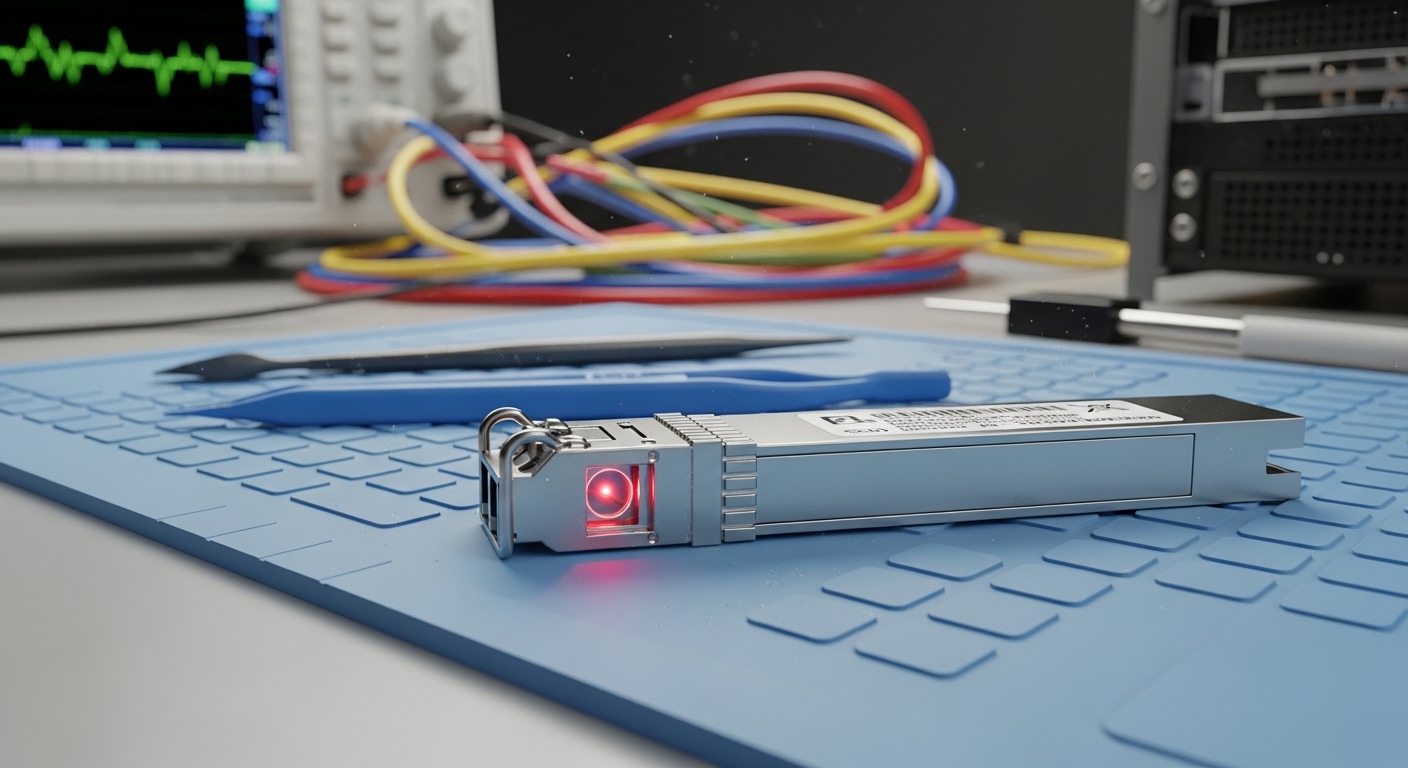
Problem: In a 3-tier data center leaf-spine topology, we connected 48-port 10G Top-of-Rack switches to a pair of spine switches using multimode fiber (OM3). The initial plan assumed short patch-cord runs, but as the rollout expanded, some ToR uplinks used longer pathways and additional patch panels. During acceptance testing, two links would come up intermittently, then drop under traffic bursts.
Environment specs: The affected uplinks were 10GBASE-SR over OM3 with LC connectors. Typical spans were 42 to 58 m from switch to patch panel plus 2 to 3 m patch cords on each side. We also had four connectors per link (two per end), plus one interconnect in the middle. The optics were mixed between OEM and third-party transceivers; only some reported DOM readings reliably.
Optical loss budget transceiver math: step-by-step link validation
Before swapping anything, we recalculated the link using a practical loss model that mirrors how vendors publish budgets. The key is to treat the transceiver as a component with a maximum allowable loss and verify that your measured and estimated losses stay below it, with margin for aging and cleaning variability.
Identify the optics class and wavelength
For 10G over multimode, SR optics typically operate at 850 nm. Confirm whether your transceiver is SR (850 nm) or LR (1310 nm). Mixing an LR transceiver with the wrong fiber type or wavelength will break the budget even if the reach looks “close.”
Compute fiber attenuation and include span length
Use the fiber attenuation spec for your cable grade. For OM3, a common assumption is around 3.0 dB/km at 850 nm, though actual values vary by vendor and test method. For example, a 55 m run contributes about 0.17 dB (55 m = 0.055 km; 0.055 km × 3.0 dB/km).
Add connector and splice losses
Connector loss is often the hidden budget killer. Typical engineering assumptions range from 0.2 to 0.5 dB per mated LC, depending on measurement method and cleanliness. Splice loss assumptions may be 0.1 dB each for well-controlled fusion splicing. In our case, four LC connectors per link plus one interconnect event meant the connector portion dominated the budget.
Include patch cords and system margin
Patch cords add both attenuation and extra connectors. Vendors also expect margin for imperfect mating, dust, and aging. Practitioners commonly reserve at least 10 dB of “real-world buffer” when the published budget is tight, especially when cleaning discipline is inconsistent across teams.
Specs that matter: comparing SR transceivers against a budget
We verified that every optic met the same standard and budget class, then compared real datasheet-style parameters. Below is a representative comparison using common 10G SR modules and typical multimode OM3 assumptions. Always confirm your exact model and vendor datasheet, because “max reach” marketing claims are not the same thing as an optical loss budget transceiver limit.
| Module / Standard | Wavelength | Typical Reach (OM3) | Optical Power (Tx/Rx class) | Connector | Operating Temp | Key Budget Note |
|---|---|---|---|---|---|---|
| Cisco SFP-10G-SR | 850 nm | Up to 300 m | Tx/Rx in datasheet-defined range | LC | 0 to 70 C | Budget depends on Tx power and receiver sensitivity |
| Finisar FTLX8571D3BCL | 850 nm | Up to 300 m (OM3) | Tx power and sensitivity specified per class | LC | 0 to 70 C | Verify DOM format and DOM thresholds |
| FS.com SFP-10GSR-85 | 850 nm | Up to 300 m (OM3) | Tx power and sensitivity specified per class | LC | 0 to 70 C | Some models require strict compatibility validation |
Measured during the incident, the “bad” links showed higher effective connector loss than expected, consistent with either dirty endfaces or substandard mating pressure. Once we improved cleaning and replaced a set of patch cords, the received optical power readings stabilized.
Chosen solution and why: align the transceiver budget with the fiber reality
Chosen solution: We standardized on a single transceiver family for the affected spine uplinks and required that every link meet a calculated budget with margin. We also tightened acceptance testing: every LC pair had to pass an inspection workflow before mating, and every completed link had to be verified with an optical power meter at the far end.
Why this worked: In practice, the optical loss budget transceiver limit is only meaningful if the fiber path loss assumptions match reality. Our earlier spreadsheet used average connector loss values; in the field, connector contamination and panel routing increased loss enough to push the receiver near its sensitivity edge.
Implementation steps we actually followed
- Recalculate each uplink using measured patch cord lengths and the exact connector count.
- Verify transceiver compatibility with the switch vendor and check that DOM readings are supported for your platform. If DOM is not supported, treat diagnostics as non-authoritative.
- Clean and inspect every LC endface using a lint-free wipe and approved cleaner, then re-mate with consistent technique.
- Measure optical power after installation using a calibrated light source and power meter where possible; otherwise confirm receiver thresholds via switch diagnostics.
- Lock the budget: do not accept a link where the calculated loss is within a few dB of the transceiver budget.
Measured results: what changed after the swap and cleaning
After the recalculation, standardization, and connector remediation, the previously unstable uplinks stabilized across multiple traffic profiles. The receiver optical power readings improved by roughly 2 to 4 dB on average for the corrected paths, consistent with removal of high-loss connectors and replacement of a small set of degraded patch cords.
Operationally, we saw fewer link flaps and improved link stability under higher utilization. From an engineering perspective, the key win was not only “getting it to link,” but ensuring margin so that future moves and panel rework did not immediately consume the budget.
Common pitfalls and troubleshooting tips (with root causes)
Pitfall 1: Underestimating connector loss. Root cause: using generic “0.2 dB per connector” assumptions while real connector contamination or mechanical stress increases loss. Solution: enforce endface inspection and re-measure after cleaning; replace patch cords that repeatedly fail.
Pitfall 2: Mixing module vendors without validating compatibility. Root cause: DOM behavior and threshold calibration differ, and some platforms apply vendor-specific optics checks. Solution: standardize transceiver models for a given port group and validate in a staging rack before mass deployment.
Pitfall 3: Ignoring temperature and power aging effects. Root cause: some environments run hotter than expected, shifting laser output and receiver sensitivity. Solution: confirm the module operating range and monitor DOM temperature and bias current where available.
Pro Tip: If your link budget calculation looks “safe” on paper but the link still flaps, treat connector contamination as the primary suspect and verify with an optical power meter after each cleaning iteration. In many real deployments, the effective connector loss dominates the total and can swing by several dB from one cleaning cycle to the next.
Cost and ROI note: OEM vs third-party optics and TCO
Typical street pricing for 10G SR optics varies widely by vendor and form factor. In many markets, OEM-grade SFP+ SR modules often land in the $60 to $150 per unit range, while qualified third-party modules may be $30 to $90 each depending on reach class and DOM support. Over a year, the ROI comes less from unit price and more from reduced truck rolls: a stable link with fewer interventions typically beats marginal savings.
TCO also includes test equipment time, cleaning supplies, and the engineering cost of rework. If your team lacks inspection discipline, the cheaper module can become the more expensive choice once you factor failure rates and downtime.
FAQ
Q1: What exactly does an optical loss budget transceiver requirement include?
It is the maximum allowable end-to-end optical loss between the transmitter launch and the receiver input, using datasheet-defined transmit power and receiver sensitivity. You must add fiber attenuation, connectors, splices, patch cords, and a margin for real-world variability.
Q2: How do I estimate connector loss without test gear?
You can start with conservative assumptions, then reduce risk by enforcing inspection and using conservative margins. For final acceptance, measure with a calibrated light source and power meter when possible, because connector loss can vary by several dB.
Q3: Can I use an SR transceiver on OM3 and OM4 interchangeably?
Often yes for 850 nm SR optics, but you must still validate the reach and budget. Always confirm the transceiver datasheet and your switch vendor compatibility notes for the exact fiber type.
Q4: Why do DOM readings sometimes mislead troubleshooting?
DOM support depends on platform and module implementation. If the switch does not interpret DOM thresholds consistently, you may misread “low power” events. Verify with an external optical power meter if the symptoms persist.
Q5: What testing should be mandatory during deployment?
At minimum: endface inspection before mating, and a post-install verification measurement or receiver threshold check. For critical paths, add link loss measurement with a calibrated setup and document results per circuit.
Q6: Where can I find authoritative calculation and
