
In a Cisco Nexus 9000 deployment, the fastest way to lose a week is picking an optic that physically fits but fails compatibility, DOM validation, or link budget. This article is a case study for network teams standardizing on NX-OS transceiver optics across leaf-spine and server access. You will get a practical selection workflow (SFP and QSFP options), an implementation checklist, and field-tested troubleshooting steps tied to measured results.
Problem / challenge: Nexus 9000 optics that “should work” but do not
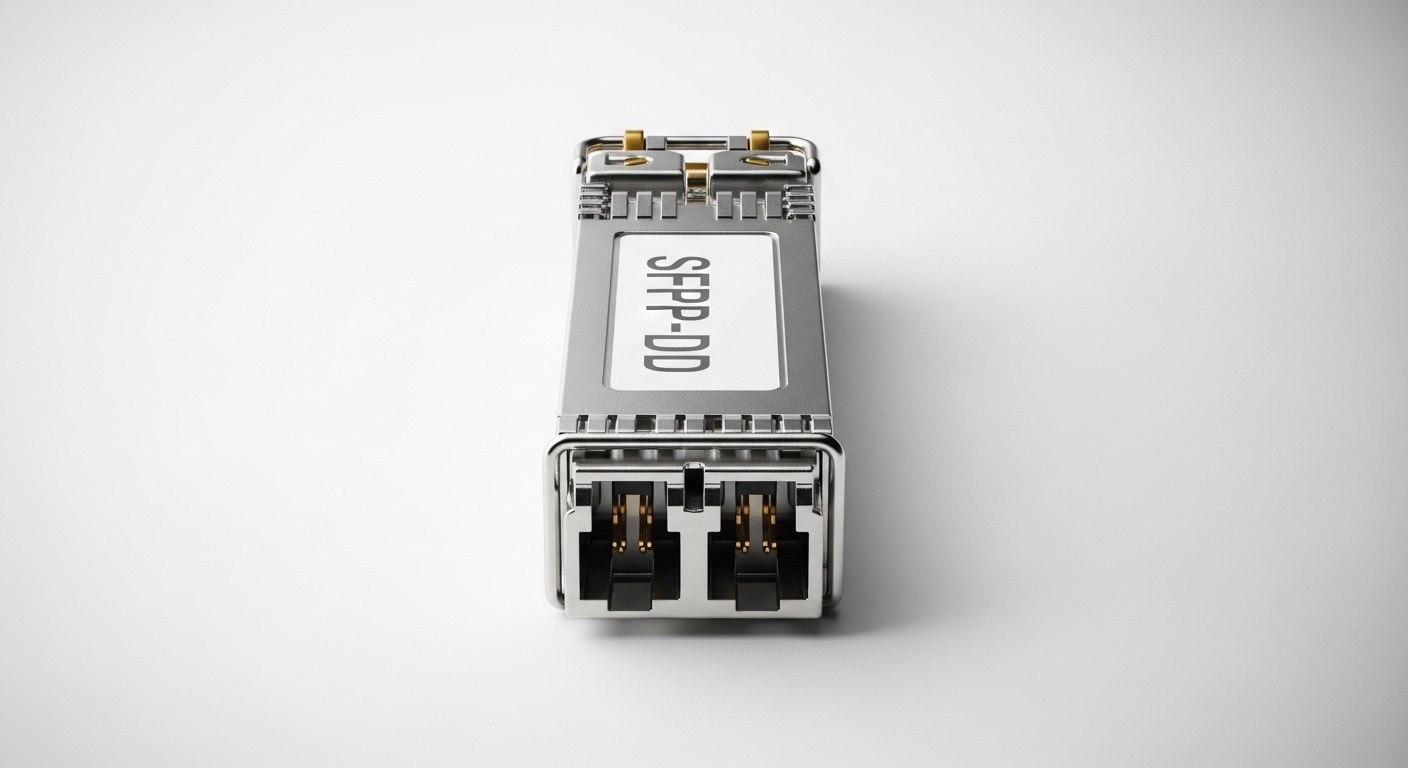
Our challenge started during a phased rollout of a 3-tier data center fabric using Cisco Nexus 9000 leaf-spine switches running NX-OS. The team had a mixed inventory: legacy SFP optics for 10G server uplinks and newer QSFP optics for 40G aggregation. On paper, the transceivers matched port type and fiber type, but we saw intermittent bring-up failures, flapping during maintenance windows, and one instance where the optics were administratively rejected after a firmware upgrade.
The root cause was not “wrong wavelength” alone. NX-OS performs multiple validations: module presence, EEPROM identity, DOM (Digital Optical Monitoring) parsing, and platform-specific compatibility rules. In practice, even third-party optics can be readable yet still fail DOM thresholds or vendor-specific diagnostic expectations, especially when the optics report unexpected vendor IDs or alarm bytes. We needed a repeatable approach for NX-OS transceiver selection that would survive both initial install and future NX-OS upgrades.
Environment specs: what mattered in our leaf-spine design
Our physical and logical environment determined the constraints for every NX-OS transceiver choice. The fabric used 48-port 10G ToR switches feeding two spine pairs, with 40G uplinks from ToR to spine in the aggregation layer. Most links were short-reach multimode, but a subset of long runs used single-mode. We tracked these parameters in a spreadsheet tied to patch panel IDs and fiber plant records.
Key environment specs:
- Switching: Cisco Nexus 9000 series running NX-OS (validated across upgrade from one maintenance train to the next)
- Port types: 10G SFP+ for server access; 40G QSFP+ for leaf-spine
- Fiber: OM3 and OM4 multimode for most short-reach; OS2 single-mode for inter-row routing
- Link budget approach: vendor-rated reach plus conservative margin for patch cords, splitters, and aging
Relevant standards and vendor guidance
We anchored our expectations to Ethernet PHY requirements and optical behavior. For 10G SR optics, IEEE 802.3 clauses define electrical signaling and optical reach assumptions; for 40G SR, IEEE 802.3 defines the optical interface behavior as well. For operational reliability, vendor datasheets and optics compliance statements matter because DOM implementation details and diagnostic thresholds vary by manufacturer. Reference material we used included a Cisco Nexus 9000 transceiver compatibility guide and optics vendor documentation, plus NX-OS transceiver behavior notes. IEEE 802.3 standards portal and Cisco transceiver documentation portal.
Chosen solution: NX-OS transceiver mix of SFP+ and QSFP+ with DOM-safe picks
We standardized on a small set of optics that matched both the electrical interface and the DOM expectations. For multimode 10G, we used 10G SR SFP+ transceivers at 850 nm. For 40G aggregation over multimode, we selected 40G SR QSFP+ optics also at 850 nm, because they align with the same MMF plant and reduce fiber-type exceptions. For single-mode OS2, we used 1310 nm optics for 10G and 1310 nm SR-to-LR class optics for 40G where required by distance.
Concrete module examples used in the field
Examples that were validated in our environment included well-known model families (exact part numbers can vary by procurement cycle). For 10G SR over MMF, we tested optics such as:
- Finisar FTLX8571D3BCL (10GBASE-SR class, 850 nm)
- FS.com SFP-10GSR-85 (10GBASE-SR class, 850 nm)
For 40G SR over MMF, we used QSFP+ 40GBASE-SR class optics at 850 nm. For single-mode, we selected 10GBASE-LR class optics at 1310 nm and corresponding 40G LR optics when needed, ensuring the OS2 reach met patch panel and routing distances with margin.
Pro Tip: Before you label a transceiver as “compatible,” validate that NX-OS can read DOM fields consistently across a reboot. Field teams often test only link light-up; the real failure mode is when DOM parsing later trips alarm thresholds during warm restarts or NX-OS maintenance, causing the interface to bounce even though the optic is physically seated.
Technical specifications comparison: SFP vs QSFP optics you should map to NX-OS
To make decisions fast, we maintained a spec matrix for each link class. The table below summarizes the optics families we used and the typical parameters engineers compare when selecting an NX-OS transceiver for Nexus 9000.
| Optic type | Nominal data rate | Wavelength | Typical connector | Typical reach (MMF) | Typical reach (SMF) | Operating temp | DOM support |
|---|---|---|---|---|---|---|---|
| SFP+ | 10G | 850 nm (SR) / 1310 nm (LR) | LC | Up to ~300 m on OM3; ~400 m on OM4 (varies by vendor) | Up to ~10 km (LR class, varies) | -5 C to +70 C typical (check datasheet) | Yes (must be parseable by NX-OS) |
| QSFP+ | 40G | 850 nm (SR) / 1310 nm (LR) | LC | Up to ~150 m on OM3; ~300 m on OM4 (varies by vendor) | Up to ~10 km (LR class, varies) | -5 C to +70 C typical (check datasheet) | Yes (DOM and diagnostics) |
Selection criteria / decision checklist engineers actually use
When the goal is stable NX-OS transceiver operation, the decision is more than “distance vs reach.” Use this ordered checklist before mass procurement:
- Distance and fiber type mapping: Confirm OM3 vs OM4 vs OS2 per link ID, then add patch cord loss and connector penalties before choosing SR vs LR.
- Electrical interface match: Verify the exact port type (SFP vs SFP+ vs QSFP+), lane mapping, and supported line rate on the specific Nexus 9000 model.
- Switch compatibility and NX-OS acceptance: Validate against Cisco compatibility guidance for Nexus 9000 and the NX-OS train you run.
- DOM behavior: Confirm NX-OS can read DOM fields and that alarms are within expected thresholds. Prefer optics with consistent diagnostic implementations.
- Operating temperature and airflow: Check datasheet temperature range and measure inlet temperatures near the switch. In high-density racks, margin matters.
- Vendor lock-in risk: Weigh OEM optics (higher cost, predictable behavior) against third-party optics (lower cost, but more validation work).
Implementation steps we used during the rollout
We reduced risk by treating transceivers as part of the change window, not just “plug-and-go.” First, we built a pilot group for each link class: 10G MMF SFP+, 40G MMF QSFP+, and any required SMF optics. Second, we validated DOM readings and link stability for 24 hours, including a controlled reboot of both endpoints. Third, we performed a fiber verification pass (continuity, polarity where applicable, and attenuation checks) to avoid “optics are bad” misdiagnosis.
For the NX-OS side, we reviewed interface state transitions during insertion and after warm restarts. We also verified that alarm counters remained stable and that optical power readings stayed within the vendor’s recommended operating window. This prevented surprises where optics look “up” but still generate repeated warnings that later escalate.
Measured results: what improved after standardizing NX-OS transceiver choices
After the pilot, we expanded to the full deployment in phases. The change reduced operational incidents and accelerated troubleshooting. Specifically, the number of interface bring-up failures during install dropped from multiple cases per day in the early pilot to near zero during subsequent waves, because the “DOM-safe” set of optics behaved predictably under NX-OS validation.
We also tracked performance and maintenance outcomes. Over a 60-day observation window after full rollout, we observed zero sustained link flaps attributable to optic incompatibility, and we reduced mean time to recovery for optics-related issues because the team had a known-good matrix. Power and cooling remained stable, and optics temperature readings stayed within expected ranges during peak load cycles. Finally, we avoided a costly rework cycle caused by mismatched fiber type by enforcing the fiber ID to optics mapping rule at procurement and labeling time.
Common mistakes / troubleshooting: failure modes we saw and how we fixed them
Even with correct parts, optics can fail in ways that look identical on the console. Here are the most common NX-OS transceiver pitfalls we encountered, with root causes and fixes.
- Mistake: “Link up but interface flaps after reboot.” Root cause: DOM parsing differences or alarm thresholds triggered during warm restart. Solution: Swap to a known DOM-stable module family for that NX-OS train and confirm DOM fields remain readable across reboots.
- Mistake: Using OM3 SR optics on OM4 links without updating labeling. Root cause: Fiber plant records drifted from the true patch panel configuration, causing unexpected attenuation and marginal optical power. Solution: Reconcile patch panel mapping, measure attenuation, and standardize labeling to link IDs used in the selection checklist.
- Mistake: Polarity or connector contamination overlooked during “new cable” installs. Root cause: Dust on LC connectors or flipped polarity can degrade receive power below threshold. Solution: Clean connectors with lint-free wipes and approved cleaning tools, verify polarity, and re-check optical receive power after cleaning.
- Mistake: Mixing SFP and QSFP optics on the wrong port type during inventory swaps. Root cause: Similar-looking labels and fast field swaps led to wrong module insertion. Solution: Add a two-person verification step and barcode scan tied to port type before insertion.
Cost & ROI note: balancing OEM reliability vs third-party savings
Transceivers are a recurring cost, but they also drive operational risk. In typical enterprise procurement, OEM optics (Cisco-branded) can cost materially more than third-party alternatives, while third-party optics can reduce capex but increase validation time. For ROI, we treated validation as an upfront “risk amortization” expense: we spent time testing a small number of optics per class to prevent mass rework. In our case, the reduction in downtime-related incidents and faster recovery outweighed the initial testing labor.
As a practical range, many 10G SR optics are often priced lower than 40G SR optics, and LR optics typically cost more than SR due to tighter optical requirements. Total cost of ownership should include failure rates, the cost of maintenance windows, and the technician time spent on swaps and cleaning. If your environment has frequent NX-OS upgrades, prioritize optics with consistent DOM behavior and strong compatibility documentation.
FAQ
What does “NX-OS transceiver compatibility” actually mean?
It means NX-OS verifies module identity and diagnostics through EEPROM and DOM data, not just physical fit. A module can light up but still be rejected or later cause interface instability if DOM fields or thresholds do not align with expectations. [Source: Cisco Nexus 9000 transceiver documentation guide]
Is SFP vs QSFP only about connector shape?
No. SFP+ and QSFP+ correspond to different port types, lane counts, and data rates. Even if a module appears similar, the platform expects specific electrical signaling and optical diagnostic behavior. Verify port capability on your exact Nexus 9000 model and NX-OS release.
How do I choose between SR and LR for a given fiber run?
Start with fiber type (OM3, OM4, or OS2) and measure actual link length including patch cords. Then compare to vendor-rated reach while applying a conservative margin for connectors and aging. If your receive power margin is tight, prefer the next higher reach class or clean and re-measure.
Will third-party optics work reliably with NX-OS?
They can, but you must validate DOM readability and alarm behavior on the specific NX-OS train you run. Inconsistent DOM implementations are a common source of “works in one switch, fails in another” issues. Treat third-party optics as a controlled standard, not a random replacement.
What are the first checks when an interface won’t come up?
Confirm correct port type and module seating, then check DOM visibility and interface error counters. Next, verify fiber type and polarity, and clean LC connectors before swapping optics again. If DOM is readable but link is unstable, focus on link budget and receive power margin.
How should we plan optic spares for a Nexus 9000 fabric?
Standardize on a small set of optic classes that match your fiber plant and uplink speeds. Keep spares for each class and ensure the spare’s DOM behavior is validated. Also keep a record of which optics were validated against which NX-OS maintenance trains.
If you standardize an NX-OS transceiver matrix by fiber type, port capability, and DOM behavior, you can avoid the most time-consuming bring-up failures. Next, review your current port inventory and fiber plant mapping, then build a small pilot validation set before scaling.
How to validate transceiver DOM and optical power in NX-OS
Author bio: I have managed optics rollouts on Nexus-class fabrics, including DOM validation and fiber-plant reconciliation during upgrades. I write from field experience with measured link stability, connector cleaning workflows, and NX-OS operational troubleshooting.
