
In modern GPU clusters, optical interconnects are often the difference between stable high-throughput training and hours of debugging link flaps. This article helps platform and network engineers select the right NVLink optical transceivers for AI training environments, focusing on compatibility, optical budgets, and operational checks that matter in the field. You will get concrete selection criteria, a troubleshooting checklist, and realistic cost and risk tradeoffs.
What “NVLink optical” means in practice for GPU training
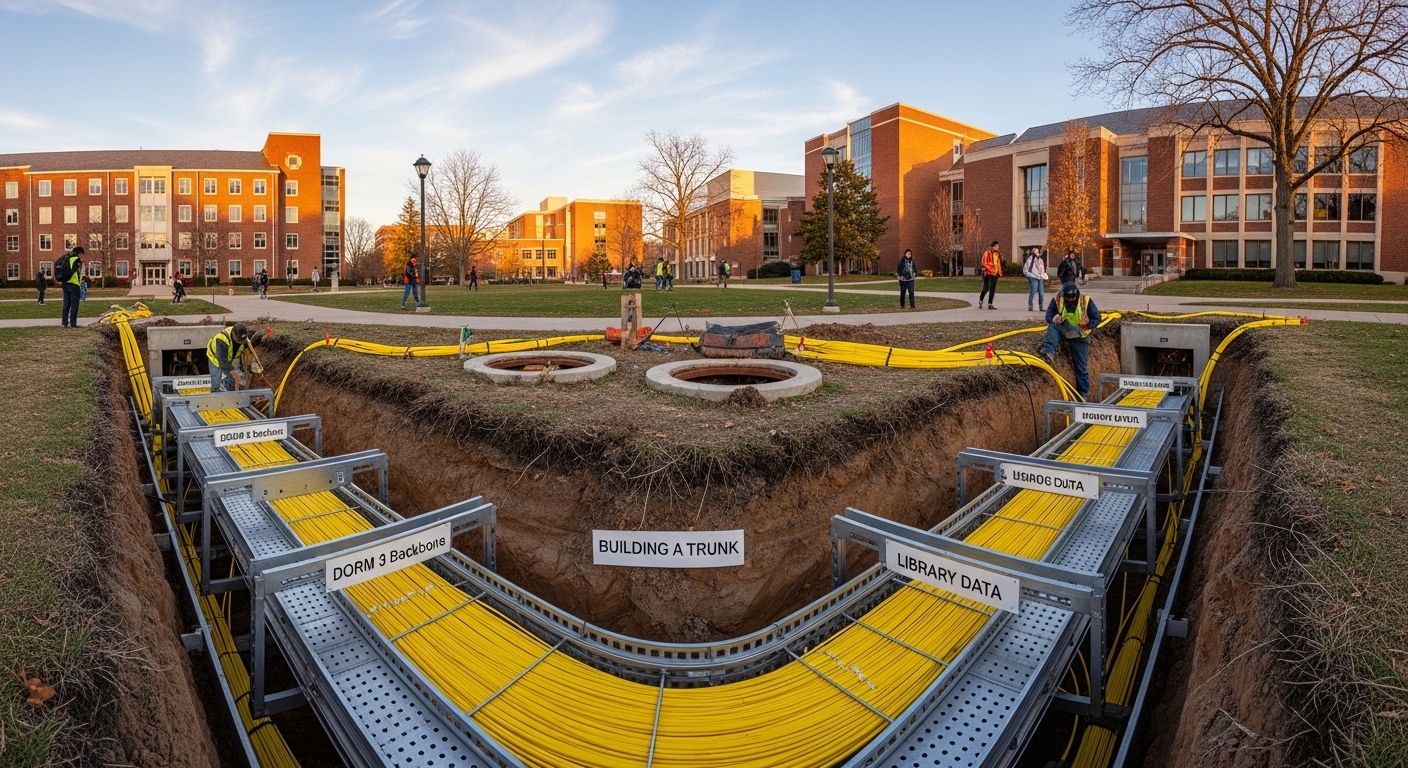
“NVLink optical” typically refers to optical (fiber-based) interconnect solutions used to carry high-bandwidth GPU traffic inside a rack or across short distances in AI training clusters. While some deployments remain electrically bonded for very short reaches, optical variants are used when chassis, cable length, or signal integrity constraints make copper impractical. Engineers usually evaluate these links alongside the GPU platform’s supported interface modes and the switch or backplane design in the compute node.
From a standards perspective, the physical-layer behavior still maps to common Ethernet optical concepts: defined wavelengths, link budgets, receiver sensitivity, and optical safety. For the Ethernet-style framing and PHY behavior, engineers frequently align expectations with IEEE 802.3 optical transceiver categories and optical link parameters, even when the traffic is not “classic Ethernet.” For authoritative reference on optical transceiver definitions and physical-layer baselines, see [Source: IEEE 802.3]. For connector and cabling practices, consult [Source: ANSI/TIA-568.3-D] and relevant vendor cabling guides.
Pro Tip: In GPU cluster bring-up, treat optical power readings and DOM telemetry as an early warning system. A link that “comes up” at nominal power can still be operating near the receiver’s margin; watching DOM trends over the first 24 to 72 hours often predicts future errors before the first performance incident.
Key optical transceiver specs that determine link success
Selection starts with basic optics: wavelength band, data rate per lane, reach, and connector type. Engineers also validate power consumption, temperature range, and digital diagnostics support (DOM) because those directly affect rack thermals and monitoring workflows. In AI training, where failures can stall entire experiments, the goal is to choose modules that meet both optical budget and operational margin for the actual fiber plant.
The table below summarizes typical spec categories you will see across common short-reach and mid-reach optical modules used for rack-scale interconnects. Exact values vary by vendor and part number, but these fields are the ones you should compare side-by-side.
| Spec | What to verify | Typical ranges (examples) |
|---|---|---|
| Wavelength | Match transceiver pair and fiber plant | 850 nm (MMF SR), 1310/1550 nm (SMF) |
| Target reach | Confirm fiber length plus margin | 100 m–300 m (MMF short reach), 2 km+ (SMF) |
| Data rate | Lane rate and aggregate throughput | 25G/50G/100G per channel (varies) |
| Connector | LC vs MPO/MTP for density | LC (lower density), MPO/MTP (high density) |
| DOM support | Temperature, bias, received power | Digital diagnostics via I2C/MDIO in supported platforms |
| Optical power | Tx power and Rx sensitivity | Vendor datasheet link budget values |
| Operating temperature | Rack thermal headroom | 0 C to 70 C or wider depending on module class |
| Form factor | Transceiver cage compatibility | SFP28, QSFP28, QSFP-DD, OSFP, CXP/other OEM forms |
Selection criteria checklist for NVLink optical transceivers
Engineers typically follow an ordered decision process to avoid expensive rework. Below is a practical checklist that aligns optical and platform constraints for GPU cluster deployments.
- Distance and fiber type: Determine whether your interconnect is over MMF (common for short rack distances) or SMF (for longer runs). Add measured insertion loss, not just planned cable length.
- Budget vs margin: Use vendor link budget numbers and subtract real plant losses (connectors, splices, patch panels). Aim for at least a safety margin that covers aging and cleaning variability.
- Switch or GPU platform compatibility: Verify that the host supports the transceiver’s form factor and electrical interface. OEM platforms may require specific part numbers even when optics look “equivalent.”
- DOM and monitoring workflow: Confirm that the platform reads DOM fields (Tx bias, Tx power, Rx power, temperature). This enables fleet monitoring and automated alerting.
- Operating temperature and airflow: Validate module temperature rating against the actual rack inlet conditions. In high-density AI racks, temperature margins can be tighter than in traditional data center builds.
- Vendor lock-in risk: Consider whether the host enforces vendor-specific EEPROM identifiers or optics compliance checks. If so, plan spares procurement early.
- Connector density and cleaning practicality: MPO/MTP increases density but raises operational risk if endface cleaning is inconsistent. LC is simpler but consumes more panel space.
For reference, many engineers will start by comparing known module families such as Cisco-branded or compatible optics. Examples of industry-standard part patterns include Cisco SFP-10G-SR and Finisar/Flex brands like FTLX8571D3BCL for 850 nm SR use cases, or FS.com equivalents such as SFP-10GSR-85. Even if your NVLink optical use case is not “10G,” the key lesson is to treat datasheets as the contract: wavelength, reach, and DOM behavior must align with your host.
Real-world GPU cluster scenario: rack-scale optical bring-up
Consider a 3-tier AI training environment with 48-port ToR switches at the rack level, each serving a compute rack containing 8 GPU nodes. In one deployment, each GPU node uses NVLink optical for short intra-rack traffic extensions over a fiber patching area of roughly 30 m from GPU node to aggregation patch panel, plus 2 m pigtails and four mated connector interfaces. Engineers measure insertion loss at 0.35 dB per mated MPO link plus 0.20 dB per patch panel path, resulting in about 1.5 dB total plant loss before considering splices.
They then validate optics selection by checking vendor link budget for the chosen wavelength and module class, confirming that receiver sensitivity supports the expected loss plus margin. During bring-up, they poll DOM telemetry every minute for the first hour, then every 15 minutes for the first day, looking for drifting Rx power and temperature excursions. This approach catches two common issues quickly: mis-matched transceiver pairs (wrong wavelength or mode) and endface contamination that only manifests under stable temperature conditions after thermal equilibrium.
Common mistakes and troubleshooting that actually save time
Even experienced teams run into predictable failure modes. Below are concrete pitfalls with root causes and practical fixes.
Link comes up but shows high error counters under training load
Root cause: Optical power margin is too tight due to unmeasured patch loss, aging fiber, or a too-optimistic vendor reach assumption. Small connector contamination can also reduce effective received power without fully preventing link establishment.
Solution: Measure actual end-to-end loss with an OTDR or calibrated loss test set at commissioning, then compare to the module’s stated link budget. Clean the connectors with verified procedures and re-test Rx power via DOM during load.
Intermittent flaps after temperature changes
Root cause: Modules operating near temperature limits can drift bias current and output power. In high-density GPU racks, airflow patterns can be uneven, creating hot spots at the transceiver cage.
Solution: Confirm module operating temperature rating and check rack inlet and cage temperatures. Adjust fan profiles if allowed, improve airflow baffles, and validate that the host firmware supports the module’s DOM reporting.
“No link” or “unsupported module” messages during insertion
Root cause: Host compatibility enforcement can block modules whose EEPROM identifiers or interface expectations do not match the platform. This is common when using third-party optics or mismatched form factors.
Solution: Use vendor-validated or OEM-approved part numbers for the host. If you must use third-party optics, confirm EEPROM compatibility requirements and DOM field presence in the host documentation before ordering large quantities.
Cost and ROI: balancing OEM, compatible optics, and operational risk
Typical transceiver pricing varies widely by form factor, data rate, and vendor validation. In many rack-scale optical deployments, engineers see OEM optics priced at a premium but with predictable compatibility and lower integration risk. Third-party or compatible optics can reduce unit cost, but the ROI depends on whether your host tolerates them and whether DOM and firmware checks function as expected.
As a budgeting rule of thumb, many teams model TCO using: module purchase price, expected failure/DOA rate, labor for swaps, downtime cost during training runs, and cleaning consumables. In practical terms, a single training interruption can outweigh the price difference between OEM and compatible optics, especially for long-running experiments. Therefore, the ROI case for third-party optics improves only when you have strong compatibility testing and a repeatable acceptance procedure.
Vendor datasheets and host compatibility guides should be treated as primary sources; for optical definitions and categories, reference [Source: IEEE 802.3] and for cabling loss assumptions, reference [Source: ANSI/TIA-568.3-D].
Pro Tip: For acceptance testing, record a baseline “DOM snapshot” per module right after installation, then again after 24 hours and after any airflow changes. If you later see intermittent errors, you can distinguish fiber plant degradation from module drift by comparing Rx power and temperature deltas.
FAQ
What wavelength is typically used for NVLink optical in GPU clusters?
Many short-reach implementations use 850 nm over MMF due to cost and availability, while longer reaches use 1310/1550 nm over SMF. The correct choice depends on your planned fiber type, distance, and the host’s supported optics. Always confirm the module’s wavelength and mode match with the vendor datasheet and the host compatibility list.
How do I confirm DOM support for NVLink optical modules?
Check the module datasheet for digital diagnostics and confirm the host reads those DOM fields. In deployments, validate by inserting the module and verifying Rx power, Tx bias, Tx power, and temperature appear in your monitoring stack. If fields are missing, you may still get link but lose early-warning visibility.
Are third-party NVLink optical transceivers safe to deploy?
They can be safe when the host accepts the EEPROM identifiers and the vendor has matching optical specs and DOM behavior. However, some GPU platforms enforce vendor validation and may block unsupported optics. Run a pilot with a small batch, monitor DOM stability, and test under real training load before scaling.
What connector type is best for dense AI racks: LC or MPO/MTP?
MPO/MTP is common for high density because it reduces panel space and supports multi-fiber lanes in one connector. LC is easier to clean and troubleshoot but uses more physical real estate. Choose based on your patching design, cleaning process maturity, and whether your team can reliably maintain endface quality at scale.
What should I measure during installation to prevent future link issues?
Measure or verify end-to-end insertion loss, then capture a DOM baseline after the system reaches thermal steady state. If possible, log Rx power trends during the first 24 to 72 hours. This helps you catch marginal links and contamination-related losses that only become visible after temperature stabilization.
Do I need OTDR testing for every fiber run?
Not always, but you should test critical paths at commissioning and spot-check after changes. For troubleshooting intermittent errors, OTDR can help locate high-loss events or fiber damage, but DOM and connector cleaning checks usually resolve many issues first. Use OTDR when loss uncertainty is high or when you suspect physical fiber faults.
If you want a reliable NVLink optical deployment, treat the problem as an end-to-end system: optical budget, host compatibility, and operational monitoring all matter. Next, review fiber cleaning and optical troubleshooting to reduce the most common root causes of intermittent links.
Author bio: I have worked on field bring-up of optical interconnects in high-density GPU racks, validating DOM telemetry and fiber loss budgets during commissioning. My focus is on pragmatic selection criteria, compatibility testing, and minimizing training downtime through repeatable operational procedures.
