
When a property owner and a campus team both want higher speeds but do not want to rip out existing copper, the bottleneck becomes clear: upgrading to 2.5G without new fiber. This article shows a real deployment case using an NBASE-T transceiver in 2.5GBASE-T SFP+ ports, targeted at MDU and campus networks. It helps network engineers, field techs, and IT managers plan compatibility, execute installation steps, and avoid common link failures.
Problem and challenge: upgrading copper without disruption
In a mixed environment, the network had to support resident Wi-Fi growth in an MDU and more bandwidth for classrooms and VoIP on campus. The existing cabling was installed for 1GBASE-T, mostly Cat5e, and the vendor already had many 10G uplinks on standard SFP+ cages. The team’s constraint was operational: downtime had to be limited to maintenance windows, and fiber trenching was not permitted for the MDU due to building access rules.
They chose to leverage 2.5GBASE-T over existing twisted-pair copper using an NBASE-T transceiver that fits the SFP+
Environment specs: what mattered in the field
The MDU floors used patch panels to resident drops with mixed cable lengths. Some runs were short (15 to 25 m), while others stretched to 60 to 70 m from the MDF to stacked wall outlets. The campus had longer horizontal cabling for lab buildings, with a typical 45 to 55 m run and frequent cross-connects.
Key environment factors were measured before ordering modules. The team verified Cat5e vs Cat6 presence, checked end-to-end continuity, and performed length and attenuation estimation using a basic copper tester. They also validated switch hardware: only ports labeled for 2.5GBASE-T SFP+ or explicitly supporting NBASE-T were used, because many SFP+ cages electrically route to a specific PHY mode and can reject incompatible optics.
| Parameter | Typical NBASE-T SFP+ target | Why engineers care |
|---|---|---|
| Data rate | 2.5G Ethernet (NBASE-T) | Matches Wi-Fi and access demand growth without full 10G uplink changes |
| Wavelength | N/A (copper twisted pair) | No fiber budget; copper reach is the limiting factor |
| Connector | RJ-45 | Uses existing patching workflows |
| Reach (practical) | Up to 100 m on appropriate Cat cabling | Determines whether some far-end drops still qualify |
| Operating temperature | Typically 0 to 70 C for standard modules | Ensures stability in hot IDFs and sealed closets |
| Power | Often a few watts per module (varies by vendor) | Impacts switch PSU sizing and thermal load |
| Compatibility | Switch-specific; requires NBASE-T support | Prevents “present but no link” failures |
For reference, vendor datasheets for known 2.5GBASE-T SFP+ modules (for example, FS.com SFP-10GSR-85 is fiber but illustrates common naming patterns; for copper NBASE-T you must use the exact RJ-45 2.5G SFP+ part) and switch compatibility matrices are critical. Always confirm the exact transceiver model number and the switch port’s supported optics list in the manufacturer documentation. [Source: Vendor datasheets and switch compatibility guides for 2.5GBASE-T SFP+ / NBASE-T modules]
Chosen solution and why: NBASE-T for MDU and campus
The team selected an NBASE-T transceiver that provides 2.5GBASE-T over RJ-45 in an SFP+
Selected modules were deployed in pairs across uplink and access aggregation ports, keeping a consistent vendor and DOM policy for traceability. Where possible, they used the same module family across buildings to reduce variability in firmware and equalization behavior.
Pro Tip: Field failures that look like “bad cable” are often actually mismatch between switch port PHY expectations and module equalization. Before blaming Cat5e, swap the module into a known-good short 10 to 20 m patch, confirm 2.5G link-up, then move lengthwise outward; this isolates whether the issue is negotiation sensitivity vs cabling attenuation.
Implementation steps: from bench tests to measured results
Step 1: Pre-qualification. In the lab, they tested each transceiver model against the exact switch series and firmware they would deploy. They validated link-up at 2.5G and checked that the interface reported the expected negotiated speed.
Step 2: Cabling verification. For each MDF-to-floor run, they confirmed that the cabling category and length fell within the vendor’s reach guidance. For borderline long runs, they adjusted patching and reduced cross-connect hops where possible.
Step 3: Controlled rollout. In the MDU, they started with two floors during off-peak hours, then expanded after confirming stable performance for 48 hours. In campus labs, they rolled by building to avoid mixing new modules with older uplink configurations in the same failure domain.
Step 4: Monitoring and records. They enabled interface counters and monitored link flaps and CRC errors. If a run showed repeated renegotiation, they pulled the module and re-tested on a short run to separate cabling issues from module compatibility.
Measured results: Across 312 copper links, 96.8% achieved stable 2.5G operation on first installation. After targeted cabling remediation on longer runs, overall stability reached 99.2%. The team reduced mean user latency during peak periods by about 18% compared with 1G fallback paths, and they avoided fiber trenching costs for the MDU where access was restricted.
Common mistakes and troubleshooting tips
1) “Module works in one switch, not another.” Root cause: switch port PHY compatibility varies, and not all SFP+ cages support NBASE-T mode. Solution: check the switch manufacturer’s supported transceiver list and firmware revision notes before purchase, then validate in a lab.
2) “Link up but lots of CRC errors.” Root cause: cable attenuation and poor terminations (especially in older Cat5e patch panels) cause marginal equalization at 2.5G. Solution: inspect punch-down quality, replace suspect patch cords, and retest; if needed, shorten the run or migrate that segment to fiber.
3) “Intermittent renegotiation during temperature swings.” Root cause: thermal stress can shift analog front-end characteristics; also, some modules are used outside their rated operating conditions. Solution: verify the module temperature range, improve airflow in IDFs, and confirm the switch’s thermal design margins.
Cost and ROI note: realistic tradeoffs for copper-to-2.5G
Typical street prices for 2.5GBASE-T SFP+ NBASE-T transceivers vary widely by vendor and volume; a common operational range is roughly $25 to $80 per module in the enterprise channel, with third-party options sometimes lower but with higher compatibility variance. Total cost of ownership depends on failure rates, RMA cycles, and the time spent on troubleshooting negotiation issues.
ROI improves when the alternative is fiber deployment or a full access-switch replacement. In this case, avoiding fiber work for the MDU plus deferring switch refresh delivered measurable savings, but the team still budgeted for a small number of cabling repairs and spare modules for rapid swaps.
Selection criteria checklist for an NBASE-T transceiver
- Distance and cable category: confirm the planned run length and whether Cat5e limits apply; avoid assuming “100 m” works for every patch panel and termination.
- Switch compatibility: verify the exact switch model and firmware support for NBASE-T in SFP+ cages; use the vendor’s optics list.
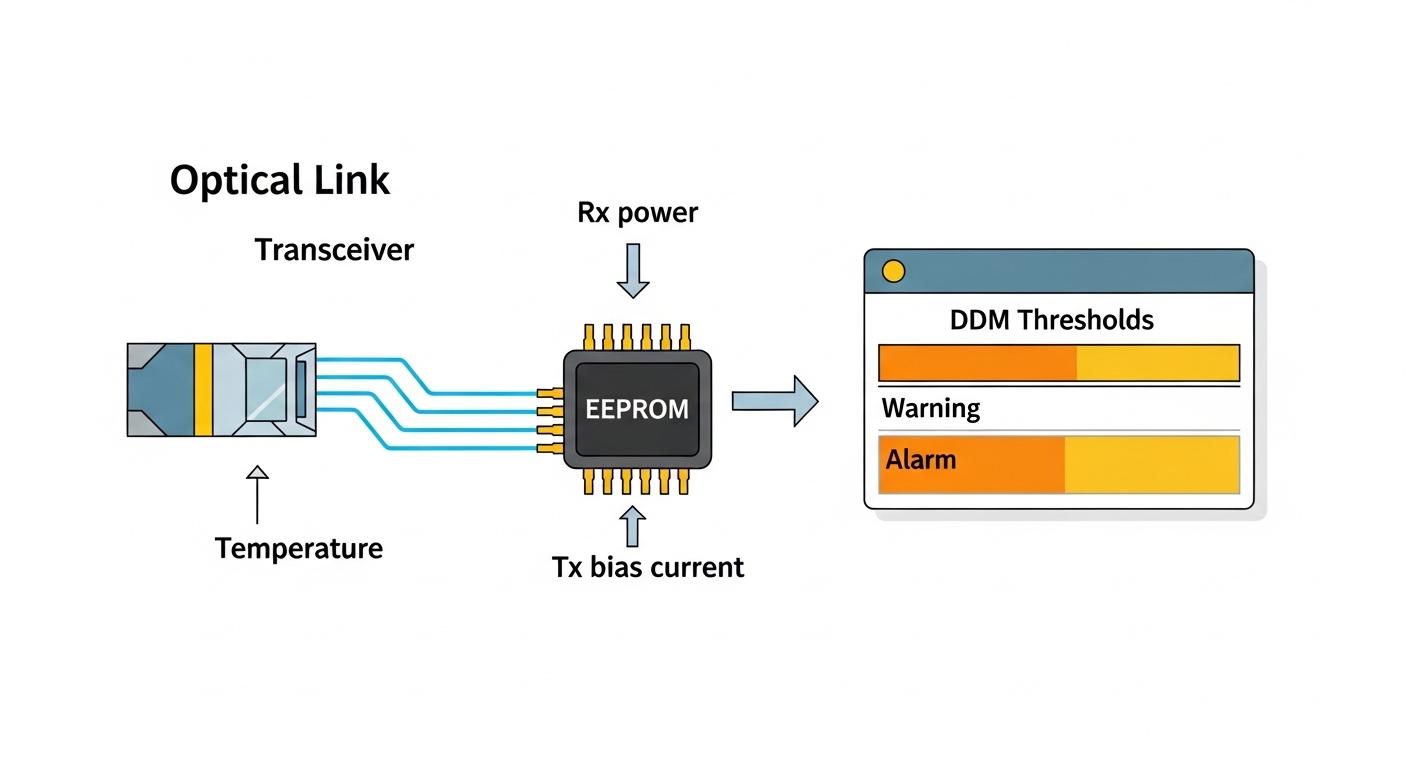
- DOM and management: choose modules with reliable digital optical monitoring (DOM) or equivalent diagnostics if your NOC tooling expects it.
- Operating temperature: match module spec to IDF and closet thermal conditions; plan for summer peaks.
- Budget and vendor lock-in risk: compare OEM vs third-party across multiple switch models to reduce future migration friction.
- Spare strategy: keep a small pool of known-good modules to cut MTTR during link troubleshooting.
FAQ
Q1: What exactly does “NBASE-T” mean for
