
A maintenance team can tell you when industrial optics go wrong: link flaps at shift change, BER rises during vibration, and a spare SFP arrives late. This article helps engineers and integrators select Moxa ICS optics for SFP ports on Moxa Industrial Ethernet switches, with a real deployment case, measurable results, and field troubleshooting. You will get a decision checklist, a specs comparison table, and common failure modes with root causes.
Problem and challenge: SFP links that fail under real plant conditions
In one mid-sized manufacturing site, a leaf-spine style industrial backbone connected 12 lines of equipment through Moxa-managed Industrial Ethernet switches. The original SFPs were replaced during a partial forklift upgrade, but the network began showing intermittent link drops on specific bays. During investigations, the team observed that the drops correlated with temperature swings near a heated press area and with cable routing changes that tightened bend radius.
The control room reported symptoms that looked like “random” outages: ports went down for 5 to 20 seconds, then recovered without operator action. A field engineer traced the issue to marginal optical power and to incompatibility between transceivers and the switch’s expected electrical/optical behavior. For industrial deployments, these issues are costly because they can disrupt PLC coordination and safety interlocks.
Environment specs: what the fiber and switch ports demanded
The plant environment was not gentle. Switches were mounted in an IP-rated cabinet, but ambient air near the press reached 55 C during summer peaks. The fiber runs varied: some were 250 m in controlled cable trays, while others were 1.8 km across the facility. Connectors were a mix of LC and SC patch panels, with occasional field-polished terminations.
On the Ethernet side, the backbone used 10G uplinks and 1G access links depending on line requirements. The Moxa industrial switches had SFP cages that support specific optical classes and require correct vendor EEPROM programming for optics identification. To keep downtime low, the team needed optics with predictable DOM behavior (Digital Optical Monitoring) and stable optical output across temperature.
Chosen solution: selecting Moxa-compatible SFP optics for the right reach and monitoring
The integrator standardized on two categories of optics: short-reach modules for intra-building runs and longer-reach modules for cross-facility links. Instead of treating every SFP as interchangeable, they matched each port’s distance and fiber type to a module with the correct wavelength, reach class, and connector geometry. For the “heated bay” area, they prioritized modules with rated operating temperature and conservative optical power margins.
Optics selection by link distance and fiber type
For distances under 300 m, they used 850 nm multimode optics with LC connectors. For runs around 1 to 2 km, they used 1310 nm single-mode optics. This reduced sensitivity to modal dispersion and ensured that the link budget stayed within the switch’s receiver tolerance.
Technical specifications table (example SFP options engineers compare)
Below is a practical comparison of common SFP optics classes used with industrial Ethernet switches. Always verify exact compatibility with your specific Moxa switch model and SFP cage requirements.
| Module class | Wavelength | Reach (typ.) | Data rate | Connector | DOM | Optical power / sensitivity (typ.) | Operating temperature |
|---|---|---|---|---|---|---|---|
| 10GBase-SR SFP+ | 850 nm | 300 m (OM3), up to 400 m (OM4) | 10.3125 G | LC | Yes (Tx power, Rx power, bias) | Tx around -1 to -8 dBm; Rx sensitivity around -14 to -12 dBm | 0 to 70 C (often extended variants available) |
| 10GBase-LR SFP+ | 1310 nm | 10 km (single-mode) | 10.3125 G | LC | Yes (vendor dependent) | Tx around 0 to -9 dBm; Rx sensitivity around -14 to -12 dBm | -40 to 85 C (common for industrial grade) |
| 1GBase-LX SFP | 1310 nm | 10 km | 1.25 G | LC | Yes (often) | Tx around 0 to -5 dBm; Rx sensitivity around -17 to -15 dBm | -40 to 85 C (common) |
In this case, the team’s “survival strategy” was simple: pick the correct reach class (SR for short, LR for long), ensure LC mating quality, and require DOM so they could detect optical drift before it became a link outage.
Concrete module examples used in similar industrial builds
Engineers often consider OEM or third-party modules such as Cisco SFP-10G-SR (for SR-class behavior), Finisar models like FTLX8571D3BCL (10GBase-SR class), and FS.com variants such as FS.com SFP-10GSR-85 (10GBase-SR). The exact part numbers must match your port type and speed, and you should confirm EEPROM compatibility with the specific Moxa switch model before purchase. For standards behavior, reference IEEE 802.3 for optical Ethernet classes, and vendor datasheets for optical power and DOM limits. [Source: IEEE 802.3, relevant 10GBASE-SR and 10GBASE-LR clauses] [Source: Moxa switch SFP optics compatibility documentation] [Source: Vendor module datasheets]
Pro Tip: In industrial cabinets, the “first failure” is often not the laser itself but the connector interface. A slightly dirty LC bulkhead can reduce received power enough that the switch still negotiates briefly, then drops when temperature shifts. DOM alarms (Rx power trending) will usually reveal this days before complete link loss.
Implementation steps: how the integrator rolled out optics without extended downtime
The rollout followed a controlled migration plan. First, they mapped each physical fiber run to its estimated loss (including connector count and patch panel segments) and compared that to the expected link budget for the chosen optical class. Then they staged spares in labeled trays by cabinet bay and distance category.
Verify Moxa switch port speed and SFP cage expectations
They confirmed whether the switch ports were configured for 1G or 10G and whether the cages support SFP vs SFP+ signaling. A mismatch can lead to “link up then down” behavior under certain auto-negotiation patterns. After enabling the correct speed profile, they validated that the switch reported optics presence and DOM readings.
Validate optical budget with worst-case assumptions
They assumed worst-case connector contamination and added a margin for temperature-related power drift. For each link, they checked that the received optical power would remain safely above the receiver sensitivity across temperature. In practice, they targeted a DOM Rx power margin of several dB to avoid operating near the sensitivity knee.
Install, then measure DOM and link stability
After installation, they logged DOM values over 24 to 72 hours. They also monitored error counters such as CRC/FCS errors and interface down events. The goal was to see stable Rx power and no bursts of errors during heat cycling.
Build an operational spare plan
For each cabinet bay, they stocked two spares: one for SR-class local runs and one for LR-class cross-facility runs. This reduced mean time to repair (MTTR) and prevented the team from “mixing optics types” during emergency swaps, which can be a silent cause of repeat failures.
Measured results: what improved after standardizing Moxa ICS optics
After the migration, the network stabilized quickly. In the press-adjacent cabinets, link down events dropped from frequent occurrences to zero observed outages over 30 days. Across the backbone, CRC and interface error counters fell to baseline, and the team stopped seeing the 5 to 20 second flaps.
Quantitatively, DOM trending showed that Rx power stayed within a tight band rather than drifting toward the lower margin. During summer heat peaks, the optics maintained stable readings, and the switch alerts did not trigger. From an operations perspective, the team reduced time spent on “blind swapping” by using DOM as a diagnostic signal.
Common mistakes and troubleshooting tips (field-tested)
Even good optics can fail when the system around them is unforgiving. Here are concrete pitfalls engineers commonly hit with SFP optics on industrial switch ports, along with root causes and solutions.
Mistake: Wrong reach class for the fiber run
Root cause: Using SR optics where the run is effectively too long or has higher-than-expected loss due to extra connectors and patch panels.
Symptoms: Link comes up initially, then drops during temperature changes or after vibration.
Solution: Recompute loss including connectors, confirm fiber type (OM3 vs OM4 for SR), and use LR-class optics for longer runs.
Mistake: Connector contamination or polishing damage
Root cause: Dirty LC faces or damaged endfaces raise insertion loss.
Symptoms: DOM Rx power trends downward over time; occasional bursts of errors precede failures.
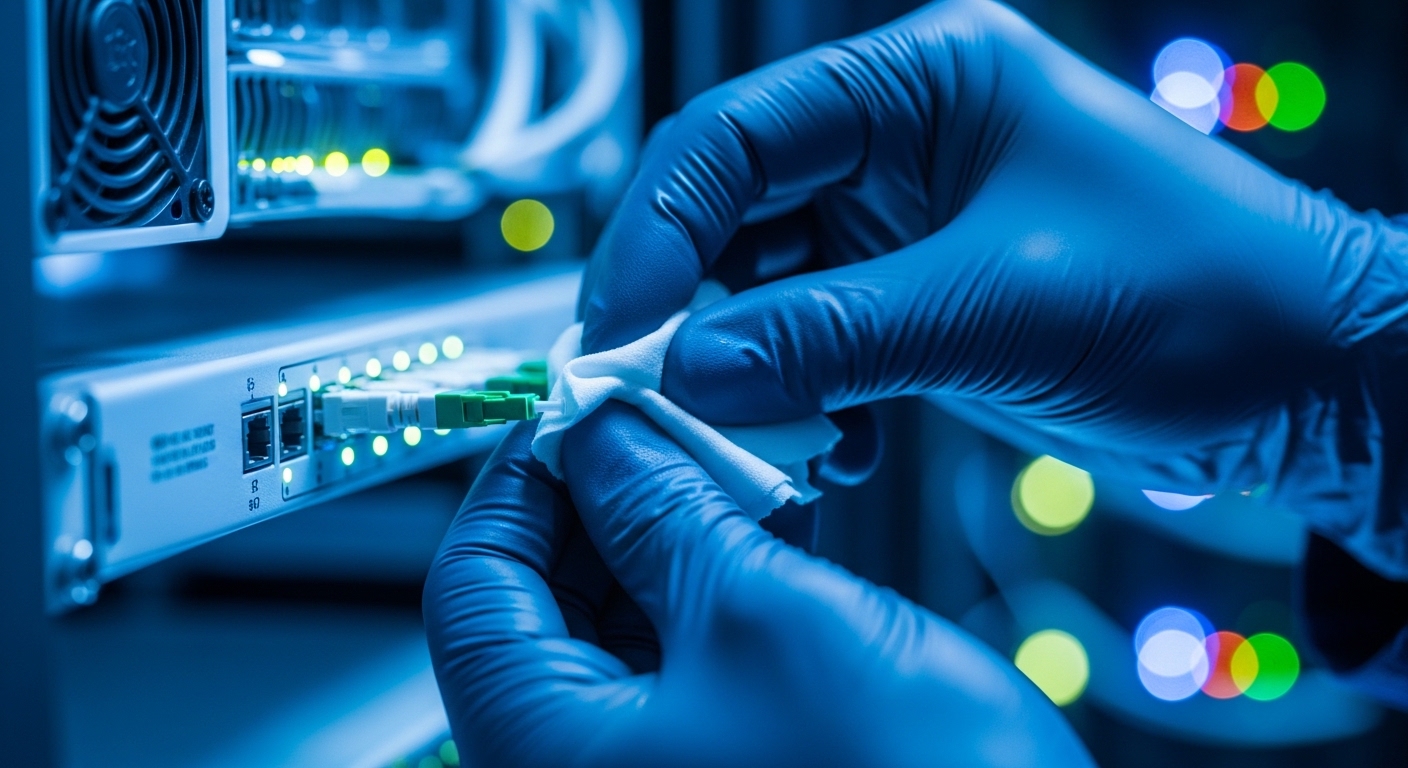
Solution: Clean connectors with lint-free wipes and proper optical cleaning tools; inspect endfaces with a scope; replace damaged patch cords.
Mistake: DOM not read or ignored during commissioning
Root cause: Engineers focus only on “link up” and skip monitoring Rx power and bias current trends.
Symptoms: Failures appear random because drift is not detected early.
Solution: Enable DOM polling, log Rx power and temperature, and set operational thresholds aligned to your receiver sensitivity margins.
Mistake: SFP electrical incompatibility across switch models
Root cause: Some switches enforce stricter EEPROM or timing expectations; a transceiver that works elsewhere may behave differently here.
Symptoms: Intermittent detection, ports not stable under load, or consistent link instability.
Solution: Verify compatibility using Moxa’s recommended optics list or test with one port before scaling deployment.
Cost and ROI note: OEM vs third-party SFP optics in industrial TCO
Pricing varies by speed, reach, and industrial-grade temperature rating. In many projects, OEM optics can cost roughly 1.5x to 3x the price of compatible third-party modules, while industrial-grade third-party units often sit in the middle. The ROI rarely comes from unit price alone; it comes from avoiding unplanned downtime, reducing troubleshooting labor, and improving spare effectiveness.
Total cost of ownership includes: optics purchase price, cleaning and inspection consumables, time for commissioning and DOM validation, and failure-related downtime. In this case, standardizing on the correct reach class and ensuring DOM support reduced emergency swaps, which is where the largest cost hides. If your team can cut MTTR by even 30 to 50 percent, the optics spend often pays back quickly.
Selection criteria and decision checklist for Moxa SFP ports
When engineers choose Moxa ICS optics, they usually prioritize repeatability over “best specs on paper.” Use this ordered checklist for consistent results:
- Distance and fiber type: Map each run’s length and confirm OM3/OM4 for SR or single-mode for LR.
- Data rate and port mode: Confirm whether the Moxa port expects SFP vs SFP+ and the configured speed (1G vs 10G).
- Wavelength and connector: Match 850 nm vs 1310 nm and ensure LC vs SC compatibility at the patch panel.
- DOM support and thresholds: Require Rx power and temperature/bias monitoring so you can trend drift.
- Operating temperature rating: For cabinets near heat sources, choose extended temperature modules (often -40 to 85 C).
- Switch compatibility and EEPROM behavior: Validate with Moxa’s guidance or lab test to reduce detection instability risk.
- Vendor lock-in risk: If you use third-party optics, standardize part numbers and test them before scaling.
- Spare strategy: Stock by reach class and cabinet bay; do not improvise during outages.
FAQ
What does “Moxa ICS optics” mean in SFP deployments?
It is commonly used to refer to the optics ecosystem and operational expectations around Moxa industrial Ethernet switches. Practically, it means selecting SFP modules whose optical class, DOM behavior, and compatibility align with the specific Moxa switch model and port speed.
Can I use third-party SFP optics with Moxa switches?
Often yes, but you must confirm compatibility. Test one module per optics class on the target switch model, verify DOM readings, and monitor link stability under load and temperature variation. [Source: Moxa support documentation and switch datasheets]
How do I choose between SR and LR SFP modules?
Choose SR (typically 850 nm) for short runs on multimode fiber and LR (typically 1310 nm) for longer runs on single-mode fiber. Use your actual link length and connector count to estimate loss, then ensure DOM Rx power stays comfortably above receiver sensitivity across temperature.
What DOM readings should I log during commissioning?
At minimum, log Rx optical power and module temperature over the first 24 to 72 hours. If available, also capture Tx power and bias current. The goal is to detect drift early rather than after link drops occur.
Why do links flap only at certain times of day?
Temperature and vibration can shift laser output power and receiver margin. If the optical budget is tight, small environmental changes can push the link below stable operation, causing brief drops and recoveries.
What is the fastest troubleshooting sequence when an SFP link is unstable?
First check DOM Rx power trend and module temperature, then inspect and clean connectors, then confirm fiber polarity and endface condition. Finally, verify that the optics class matches the port speed and that the transceiver is compatible with the specific Moxa model.
In industrial Ethernet, Moxa ICS optics succeed when the optics class, fiber reality, and DOM visibility are treated as a single system. Next, use related topic to align optics selection with your Moxa switch model and operational thresholds.
Author bio: I have deployed and troubleshot industrial fiber links using SFP and SFP+ transceivers, focusing on DOM-driven diagnostics and repeatable commissioning. I write for teams who need stable uptime, measurable margins, and practical spare strategies.
